Indie game storeFree gamesFun gamesHorror games
Game developmentAssetsComics
SalesBundles
Jobs
TagsGame Engines

Bug Reports Sticky

A topic by Dasius created Jan 18, 2017 Views: 201,377 Replies: 2,060
Viewing posts 941 to 960 of 1,078 · Next page · Previous page · First page · Last page

Alpha 0.1.0

Ok, some glitches here, 1, the mine door is closed even with the earth crystal, 2,costumers dont come and i've been waiting for 10 minutes and its 10 a.m (ingame).

http://prntscr.com/md0l24

http://prntscr.com/md0krt

if you save inside the mine you sometimes fly above the map.

http://prntscr.com/md0lek

 Geoffrey Guard appears to be stuck.

http://prntscr.com/md0lqo

(1 edit)

Hi Dasius, i have been having a problem with making shields. the pieces wont snap together when i put them on the workbench. Another problem ive been having is ill make the weapon for the customer perfectly but they wont accept it so i have to cancel the order. Also one time i was making a weapon for a customer and all of the sudden round guards start shooting out of the ground and start filling up the workshop.  pretty funny now i have roughly over 200 guards laying around my shop xD

with the shields, i have to start by putting the edge ring and then i can put the other stuff, also every thing has to be of the same material.

hi dasius, i have a problem when i try to start my game it just says the ue4-shopsim game crashed and will be close. lowlevelfatalerror 

please help me fix this 

Deleted post
(3 edits) (+1)

Hey I encountered two annoying issues. Sometimes there's double customers which is more work.  And one time I couldn't make any weapons at all I couldn't attach it to the grip so I had to restart multiple times which was frustrating. I'm running on 64 bit. Can anyone please help?

I've gotten more than five customers at the same time clipping through each other. Makes it very tough to read the requests and slows down the game a bit. I think it happens when either you don't sleep or when you are able to quickly get through requests.

(1 edit)

Okay umm... well i was moving my anvil around and accidentally put it exactly where I am standing. Anyone got a fix for it? PLS? PLS HELP DASIUS...... pls.... I cant move or anything........

NVM I just crouched and I walked under it. Gonna leave this post here so that if anyone else has this problem they know the fix

(2 edits)

Not sure if these have been mentioned, i didn't see them but my shields keep getting stuck in the workbench and the NPCs keep blocking my doorway and getting stuck when more than one or two visit at a time. I know by saving and logging out and logging back in will reset the NPCs but I've had a shield pretty stuck in my table for days now lol I've named it George and it keeps me company.


Oh also, none of my stats show up on my weapons when I check them out. 

Hello everyone, a good game so far and have enjoyed it. I finally figured out the forest shrine and ventured into the deep part of the mine beyond the door. I found the large round door and started with the crystals. I had some type of issue and I saved the game and was carrying the last crystal into the mine but found the original door now closed again. The forest shrine is still complete....what do I do? Not sure if its a bug or I'm missing something.

im running 0.1.0 and i went over to the bit where the king stands on the hill and noticed a small hole next to the cliffside and i got stuck in it im running on a amd fx-8350 with a gt 1030 2gb, 16 gb ddr3 1600mhz ram 

(1 edit)

I've been playing the game quite a lot recently and there are a few small bugs. 

1. The new furnace gets bugged occasionally either not allowing to heat up claiming there isn't enough fuel when there is and after already being heated up not allowing the pouring of ingots. In both cases the relevant button becomes grayed out. Fixed by adding even more fuel and going to main menu and reloading.

2. A phenomenon where an ore or ingot in the furnace does not get used up after being used for smelting. When it first happened I named the specific piece of ore and the shop as "The Divine Copper".  This bug may make a fun idea for a feature, divine ores that are extremely rare but everlasting. Fixed by reloading from main menu.

3. Shield parts don't want to attach to the wood. Fixed by taking the wooden shield to the anvil and hitting it. Parts then attach normally.

4. Customers don't grab the finished shields when given to them or when within reach. Fixed by taking the shield, bringing it to the anvil, hitting it and reassembling it. They want it freshly baked apparently. : p

5. Once had lots of hero guards spawn around me after making a onehand sword with a dragonhilt, was fun. Floor is very messy now though.

6. When crafting the greatsword blade the first version still causes the blade to fall off the anvil. Not a problem really just a little bit of a nuisance.

7. Sometimes a large amount of customers (clearly far more than intended) pile up with their orders clipping through each other making them difficult to read. Also causes some framerate issues when enough customers pile up. Fixed by reloading but reoccurs.

Great work however, I'm very impressed by your continued advancements.

I have the same issue with the hero guards dropping around my shop, thought it was cool and funny the first time. got tired of it the third time, ALOT to clean up lol.

i got this error message when I tried to run the game after installing/unzipping. please help, what is wrong? why won't the game run at all?

Hey so when ever i start My Little Blacksmith Shop is starts up then does the Unreal engine animation but then gets stuck on a black screen. I'm using Windows 10 and have tried both the 32 bit and 64 bit but both have the same problem.

(2 edits)

After I open the first mine door it keeps closing again when I close out the game and reopen it and the only way to open the door is to do the process of opening it all over again how would I fix this Bug?

So just installed this again haven't played for awhile wanted to see what's new.  Problem i'm having don't know if its a bug or what, but every  mining node I go to in game just gives me stones.... Any ideas? I'm running 0.1.1

The way I fixed this is saving and restarting the game.

(+3)

I start up the game, all runs well, start a new game, loads in. And it loads to this, frozen I believe, can't move, can't do anything other than close the game lol.

Developer

Hey Vampire2221,

Was there a loading screen with images before the issue happened?

(1 edit) (+3)

imma jump in here for him, considering i think more than one of us is getting the same thing, it loads in fine, title screen, loadinig screen and all but once we get in, we are frozen in place, everything outside is still moving but cant move or look around, and it would seem our height is small as well. i hope that helps

Same issue. So sad, I was really looking forward to jumping into the update :( But I can wait

Developer(+1)

Ah i see. I would seem that your characters are having trouble spawning into the world. I'll look for a solution. Thanx guys and I apologize for the trouble.

all good man and thankyou!!

Exactly as Strifeyboi described it.

Same problem here

Developer

Hey,

Just in case, ill post the fix here.
/t/431438/faq-011

on Win 10 64x and 32x, both produce the same issue

yeah i have the same problem.

i do as well, could just be a bug or a overlay within the game that goes into a head on collision with a command in the game, pretty sure he can or/ is fixing it 

Well when I start the game & load a world I seem to be stuck and cant look/move or even do anything.

Developer

Hey TimZ02,

Here is the solution. /t/431438/faq-011

Ok another bug report commin.  So I played the game for a bit and decided to leave and saved the game before I left and it took everything from my first save and brought it into the second save how IDK but I have two horses now and 8 boxes and yea everything's doubled.   I had to make another pick axe as well I know that has nothing to do with it.  Its something to do with the saves.
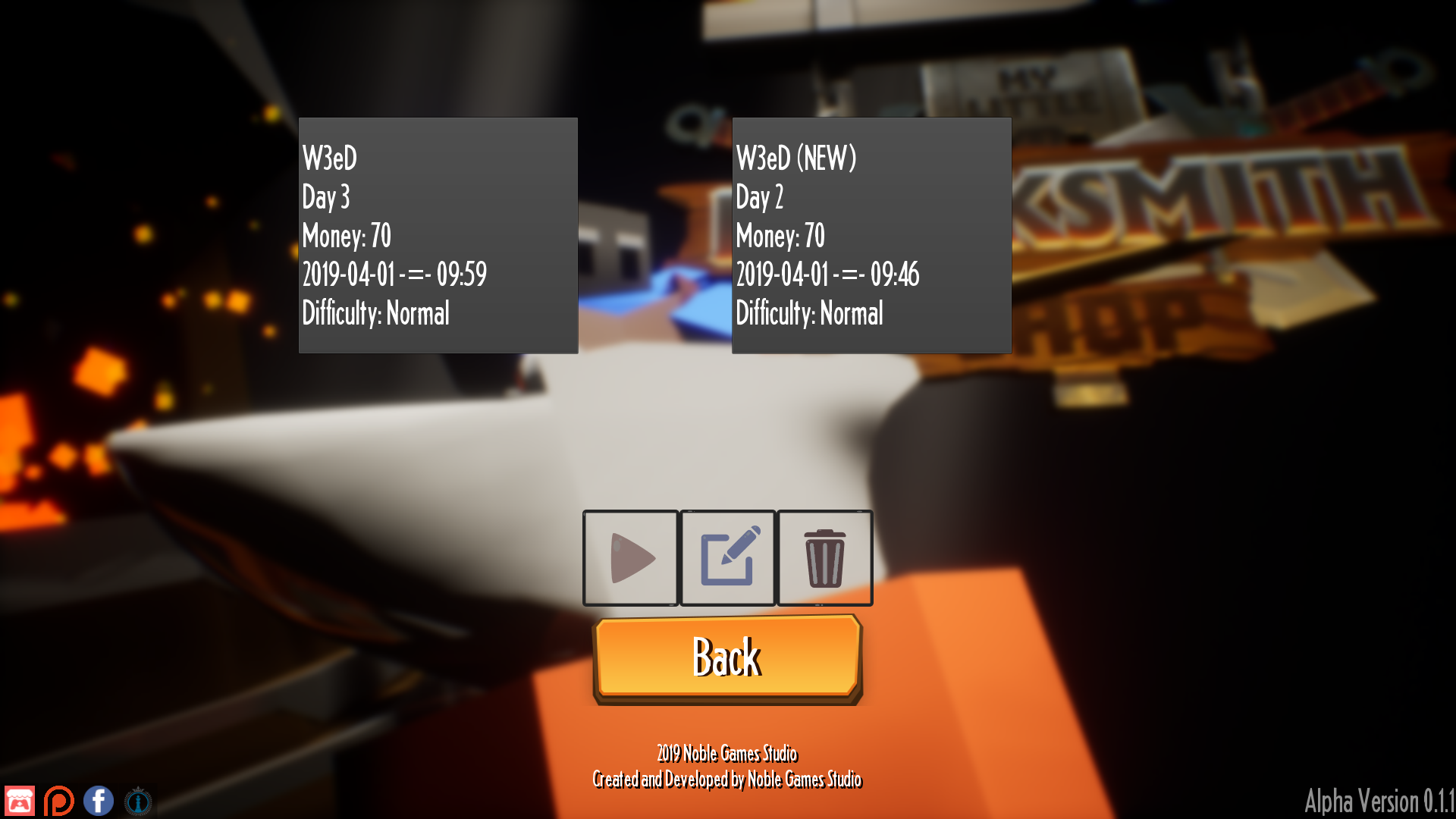
So by the looks of it the save didn't overwrite the original save it just added to it lmao

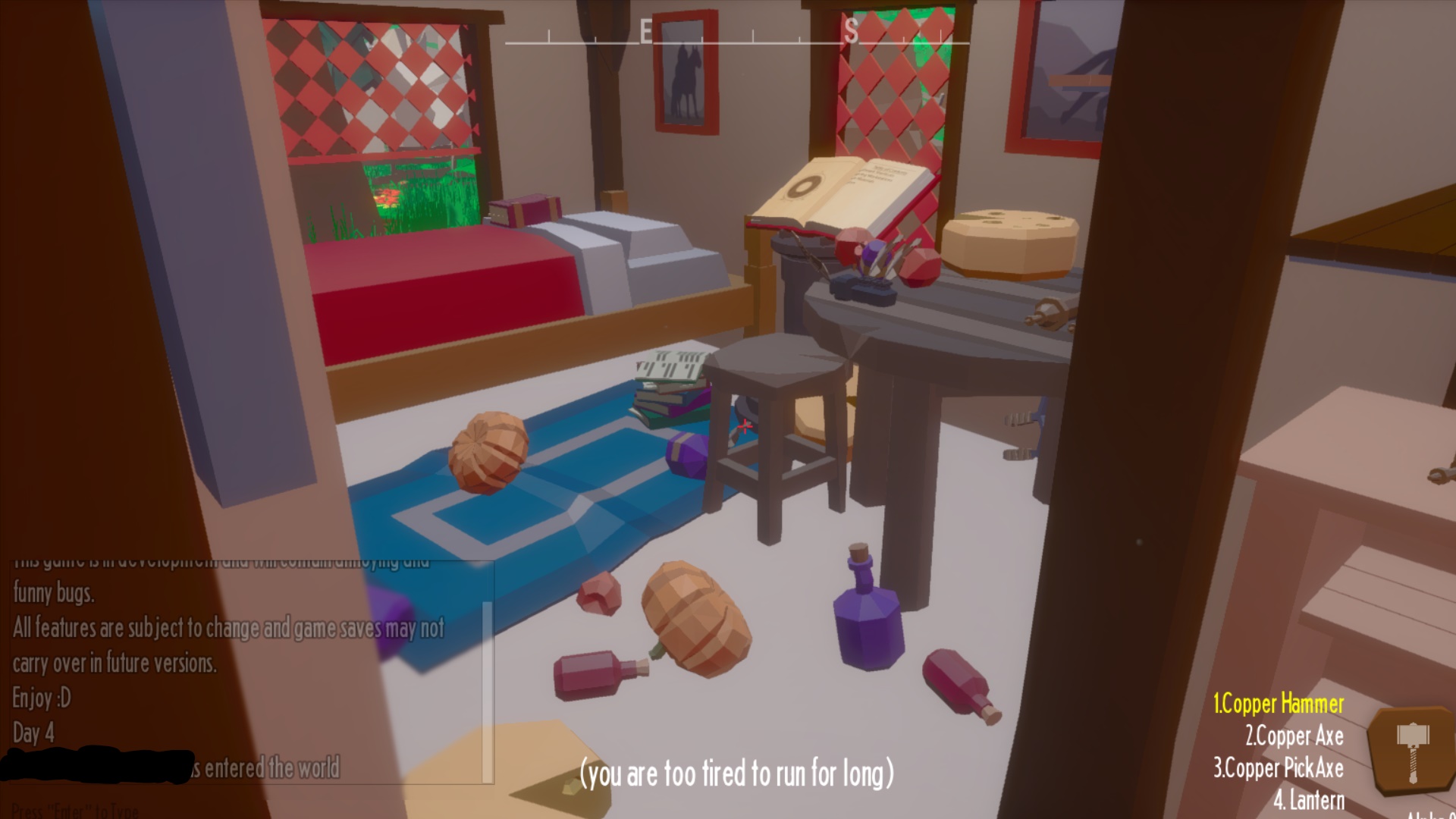
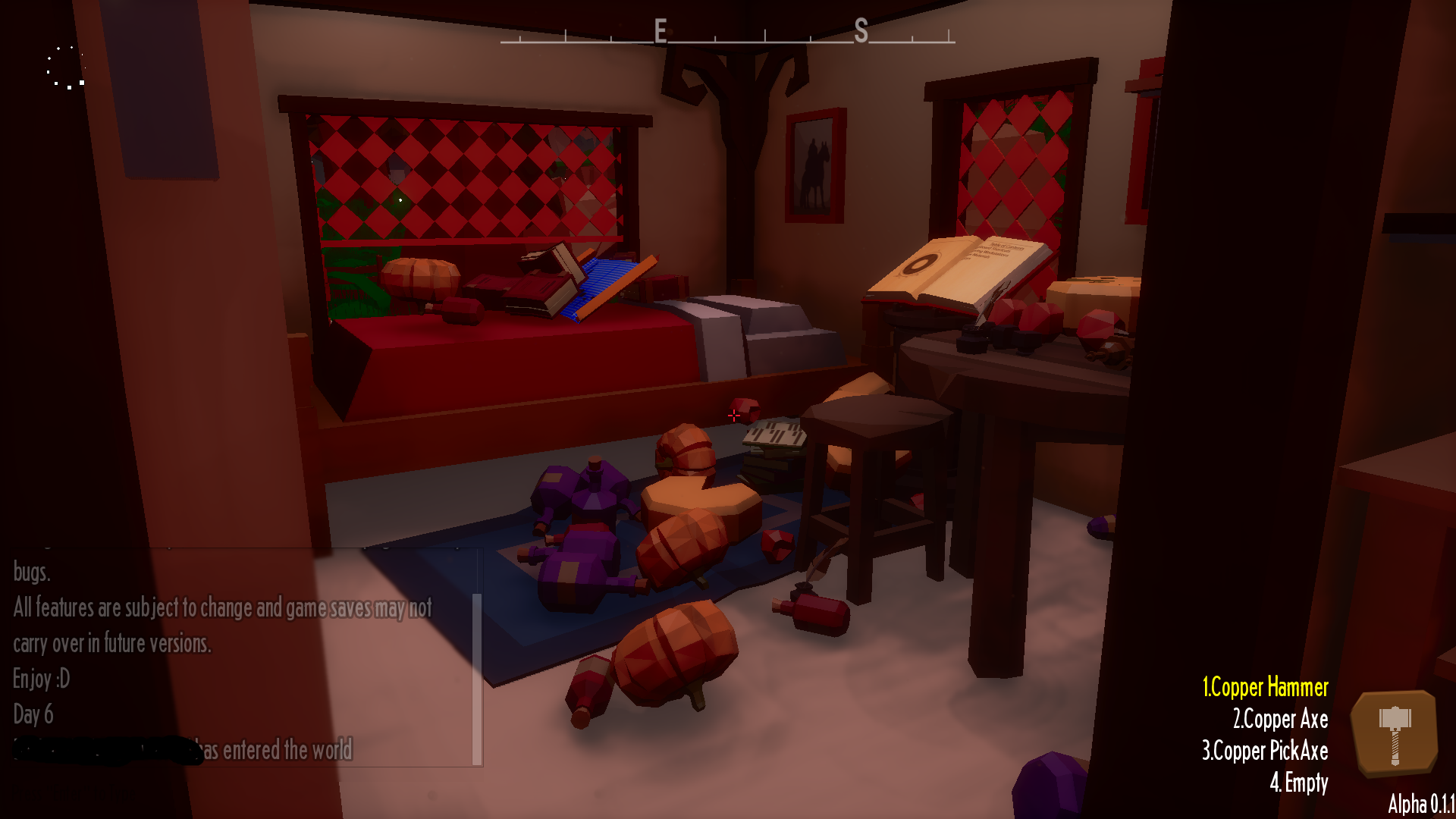
So yea took break and came back a few times and ofc I saved before I shut the game down now I get a weird "loading ring" in the top left hand side of my screen and all the bottles, books, pumpkins ect are multiplying starting to lag my game out.

Same issue, makes the game unplayable.

(1 edit) (+1)

(+1)

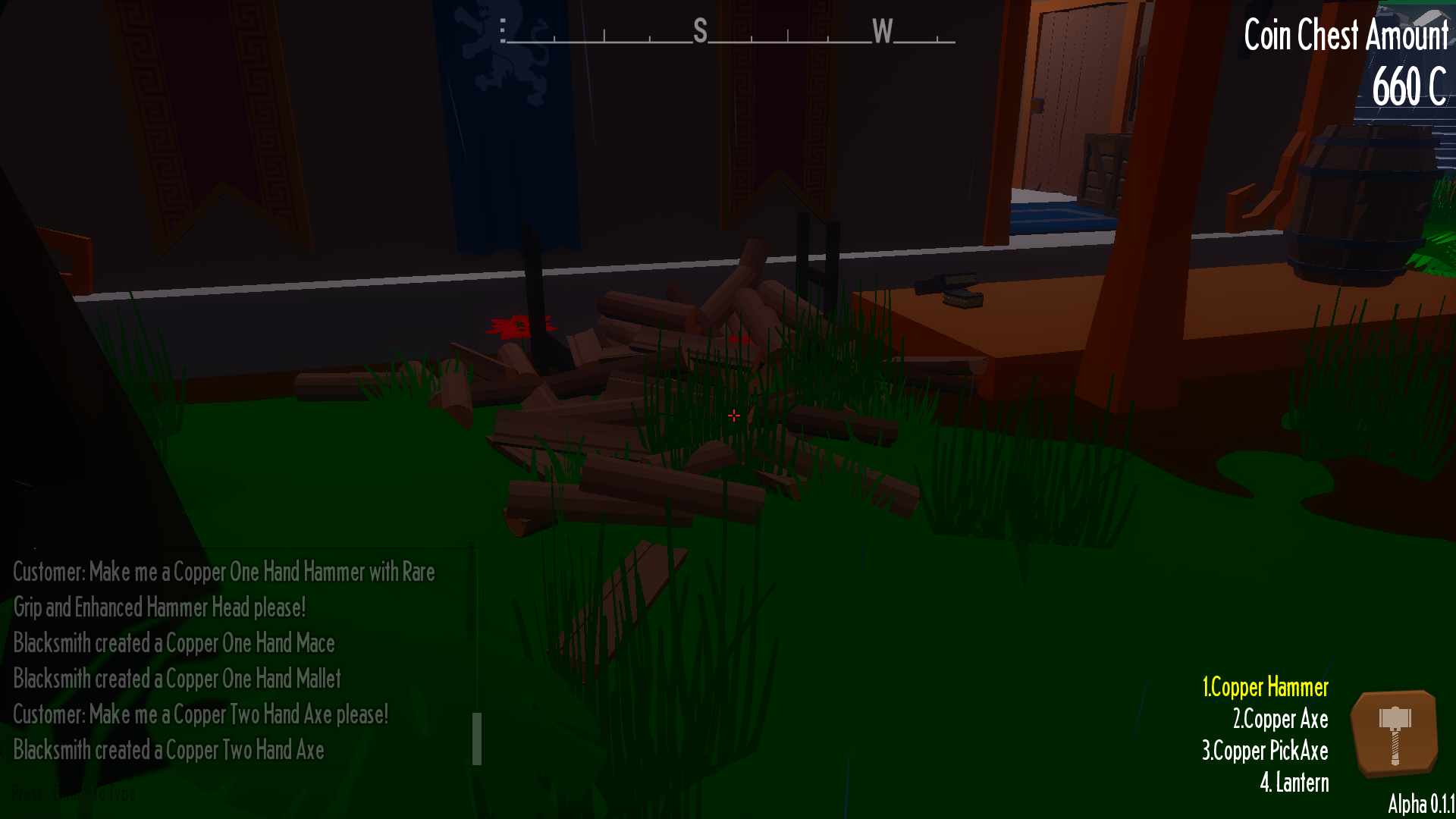
Fire wood infront of Geoff's place or w/e is duping as well hard to keep up with...…

(+1)

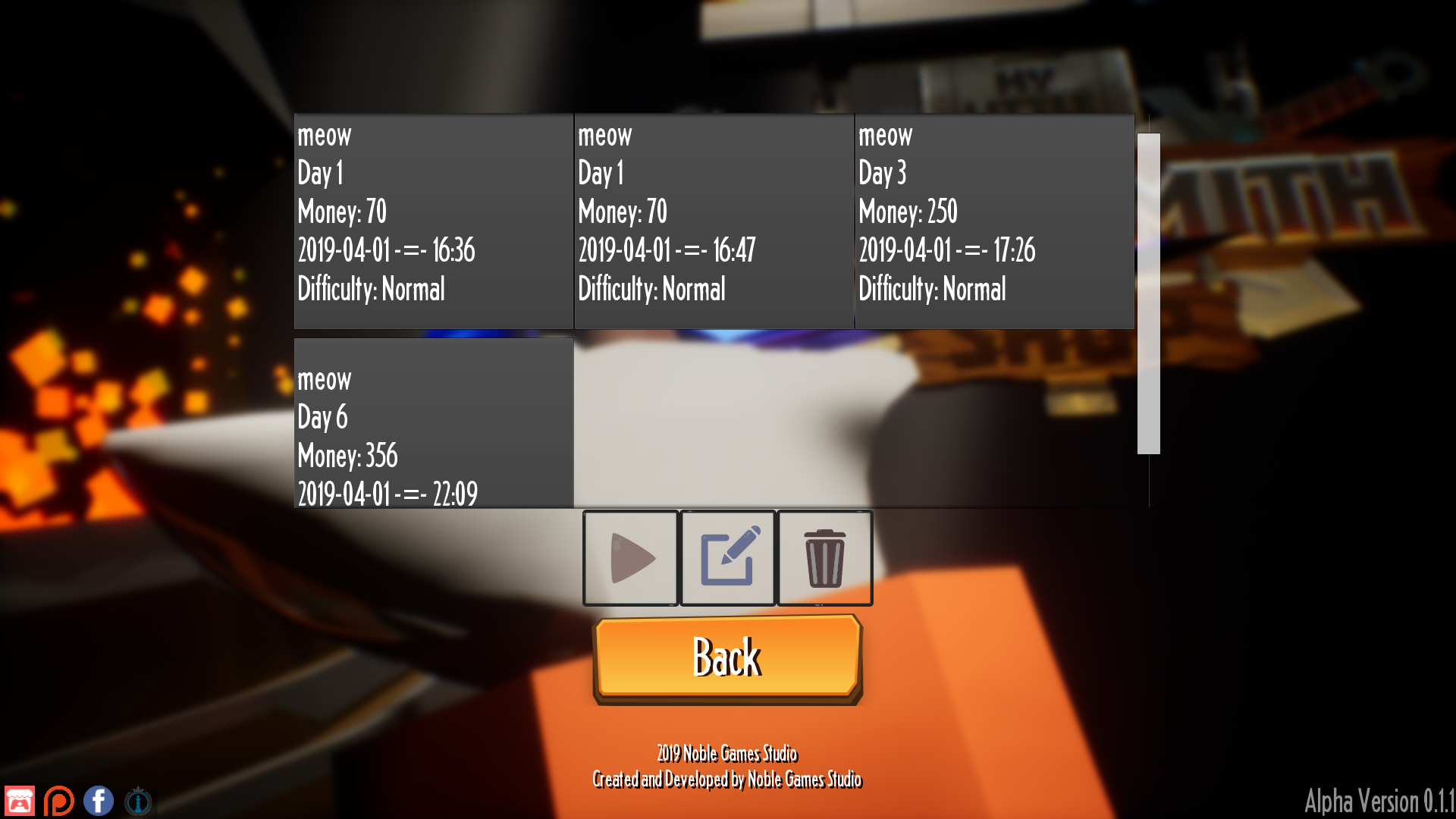
I know I touched on the save issue a tad bit but I got a bit more insight on it as I had to start a new game. So when you save it asks you if you wanna overwrite your old save and when you do even if you have the same name, it just starts to multiply now you would think I could click on my "Meow" day 1 the oldest one and delete it.  NOPE don't do it lol for some reason they are all linked somehow.  In my old game I deleted all the earlier saves of the same save and when I left the game and came back all my saves even the ones I kept were gone.

I haven't been as active on the forum recently cause I got auto-logged out but

to go to the topic at hand....
The issue is they're all the same save.
And.

You're saving wrong.

When you start, with absolutely no saves, and click save in game, you'll see a square for that current save, right?
This isn't a save.
This is "New save slot" with all the information attached to it for the current game/save
if you click "New save slot" - it will make a new save, regardless of what you name it.

The only way to truly overwrite the previous "new save", is to (well first create one and then) scroll down the list, until you find the one you actually created - If you only have 1 real save, It will be the bottom slot, while new save slot will be the top slot.
 As for changing that save-slots name afterwards.... mmm... I dunno I think that would probably act like new save slot, hard to say.

(+1)

I have no idea what could cause this, but when I load up a save file this happens and I get maybe 4-8 fps on the game. The deer disappears, the cart gets teleported into the house and spazzes out, the anvil, furnace, water bucket, counter, workbench, and a few other things dont load in. I can't make any real progress in the game since I  have to start from 0 every time I want to play. :/


I get the same error. Tons of FPS lag and my mouse speed is insanely high.

I know a bit of a workaround for this, but I do not know what causes it, if you message me on the MLBS discord, I can talk you through it or help apply it

Viewing posts 941 to 960 of 1,078 · Next page · Previous page · First page · Last page