Hi.
it doesn't want to run in safari in macOS, constantly loading.

A non-linear sci-fi adventure across generative musical playgrounds · By
I understand. I dislike them all. There is no ethical consumption under capitalism! ✊
The new patch may improve this. I removed some debugging code that was meant only for Chromium-based browsers. However, I’m unaware of any modern Webkit-based browsers, like Safari, that I can run on my Windows or Linux machine to test this myself. Please let me know if that improves things at all.
My understanding is that the Chromium project is open-source and maintained by folks who aren’t necessarily affiliated with Google, although they are the main sponsors. I tested in a few other Chromium-based browsers. Works as intended in Opera, Brave, and Microsoft Edge too.
I found that Firefox and other Gecko-based browsers do not work very well. There are plenty of audio glitches and undesired sounds. I don’t see a path forward to support Firefox at this time.
Of course, this demonstrates why the browser monoculture is bad for everyone.
You’re right! The mouse controls are very bad. Thanks for pointing that out.
I play exclusively with a keyboard or gamepad, and don’t test the mouse often. For the past hour, I tried making a few changes, and couldn’t find a good solution that didn’t make my wrist hurt. And my wrist hurts very bad now.
The difficulty is that this is a simulation game, where using the controls will turn your character like a tank at set speeds, that are determined by your level. This works very smoothly with a keyboard, where the controls are either off or on, or the gamepad, where the analog sticks are between -1 or 1. With the mouse I just can’t keep a steady hand like pressing a button or stick.
I definitely need to think on this more.
Right now where I’m landing is that the mouse position could work like a virtual analog stick (the distance from center determines the input) rather than it requiring continuous input. And then I could represent it visually with a sort of crosshair if needed. I’ll jam on that when I get back from vacation. Thanks for the inspiration. Cheers!
Also, many thanks for the feedback on the menu and tutorial. Press escape or start while in-game for the menu. I’m working on adding additional text to smooth things out. For example, after reading your feedback, I added “Upgrades Available” text next to the Synthesis button on the Game Menu screen, as well as next to the Upgrades button on the Synthesis screen, to direct folks where to go.
Hi there, thanks for playing!
Sometimes materials will be under the terrain, for you to collect later after waiting or receiving a significant upgrade. I’ve made a few changes that might help. These are now harder to hear in scan results, more muffled sounding overall, and have a transparency effect applied. The upgrade is coming soon.
Also thanks for providing me your location! Your report reminded me that the Status screen is missing some very important debugging details: the world seed and mission time. These have been added as well.
Thanks so much for your detailed feedback. A few notes:
Good question! The sand moves on its own! Think of it as the planet being covered by glaciers, but instead of ice, it’s sand! That’s the rumbling sound you hear. Visually you’d see the surface moving as one giant slow wave, and the collectibles can be seen through the surface.
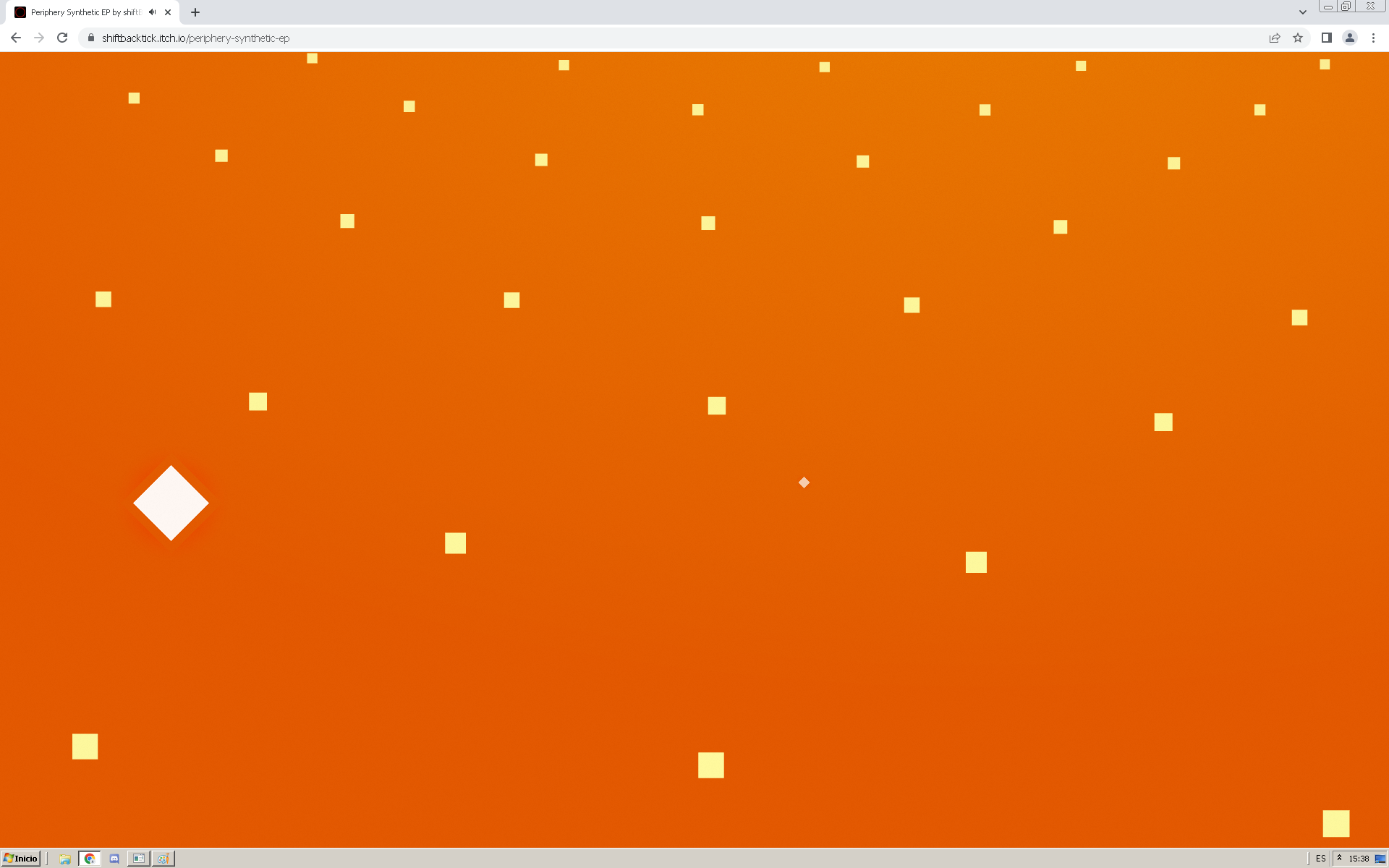
(The graphics are like a grid that covers the surface, that you can see through, but instead of grid lines, there are points at the corners of each cell. It’s very simplistic, but complemented with gradients of warm Mars-like colors: rusty reds and oranges, blending into to lighter pinks, yellows, or blues depending on the time of day.)
Anyway, you can stand over them, or come back later, to collect them. They are stationary. And with the Attractors upgrade, it has the ability to pull items out from the sand directly into your Cargo Racks.
I’ll be interested to see how that shakes out. I’m kind of hoping that they be a bit more powerful than E.X.O, sorry I’m comparing the two so much, but it’s my frame of reference. Anyway, even fully upgraded, you would have to pretty much stand still and let it come to you, which was a slow process, so it was much faster to just go the extra few feet and collect it yourself.
Fun fact! The winds sometimes reach 45 MPH, and they do pull and drag you in the air. In this next patch I’m fixing an infinite speed exploit. If you face away from the wind and bunny hop continuously, you will accelerate to very high speeds, faster than the wheels.
The winds are sometimes so strong that your movements do not affect the vector that feeds into its loudness or direction. On other planets it will definitely be much calmer.
With this planet I’m trying to play into this a lot! For example, the sand storms make it impossible to see, forcing sighted folks to use the scanner too. Likewise, the main music synth follows the sun, and is loudest when it’s brightest in the sky, so it forces you to play in certain ways (like keeping it at your back) to hear and see everything.
Anyway, the chirping sounds like some audio glitches I’ve run into myself. This is not intended. I think it happens when the sand particles in the air are moving very fast relative to you, and possibly a frame drop occurs. The reason why this happens is because the delay time of every sound source gets modulated to simulate the Doppler Effect and Interaural Time Differences. You can probably get a similar sound with a guitar pedal or effect in a sound editor.
I haven’t been able to break the game like I can break E.X.O, but then again, I haven’t really tried. Despite the limitations that got put into it, I can still hit 20KM in height and jump 10-30KM in distance, reaching speeds of voer 700MPH. I’m kind of interested to see when side B comes out, how that is addressed, without crippling the jetpack.
Hello! Thanks so much for the bug report and video. Can you tell me more about what (if anything) led to this happening? Was the game otherwise pretty smooth (45-60 FPS) before this?
I might guess that the window lost focus for 10-15 minutes. Something the game engine isn’t good at right now is handling time while the browser is minimized or in the background. I’ve seen this happen with the flashing colors when the game tries to crunch a bunch of missed time. There are some things I can do to improve that in the next build.
Thanks for the report and suggestion. I’ll investigate the access hotkeys not working. I have NVDA and Narrator here, so hopefully I can reproduce.
Could you please clarify what you mean by the speech history
? In general all the speech is handled by the browser and outside my control. However, the in-game notifications and access hotkeys do write to live regions, and those messages could be kept in memory, for you to browse with the page keys. That would include material collections, new upgrades available, location discoveries, and new perceptions. Is that what you had in mind?
Hello! Thanks for playing and reporting this. Could you please tell me more about your system? Like I’m on Windows 10, Chrome 106, NVIDIA GTX 1050, and 16 GB RAM and get decent performance. Here is a WebGL2 support checker. If this displays a rotating cube, then your device meets the minimum requirements, and should be able to play if its display drivers are up-to-date. I’d also suggest toggling the graphics in the settings menu, but that should be activated by default.