


Downloading games
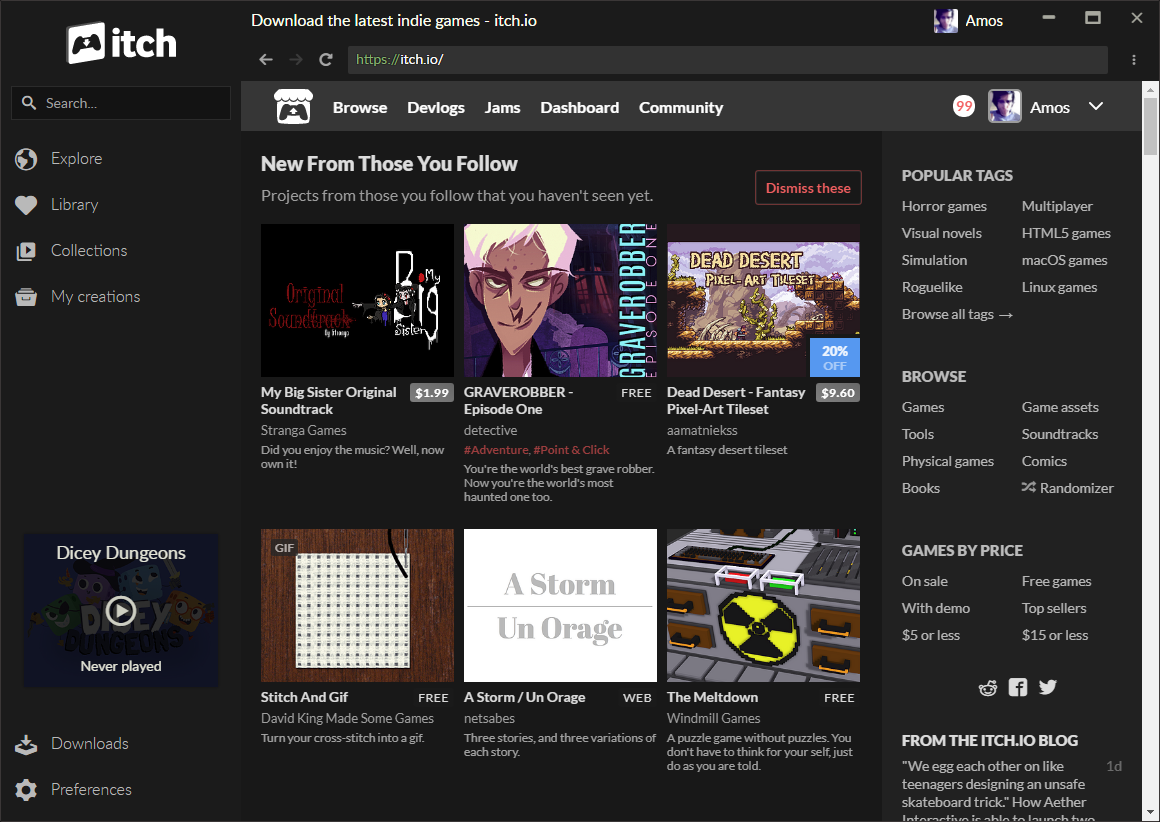
You can find games by using the in-app browser: it lets you access the entire itch.io website.
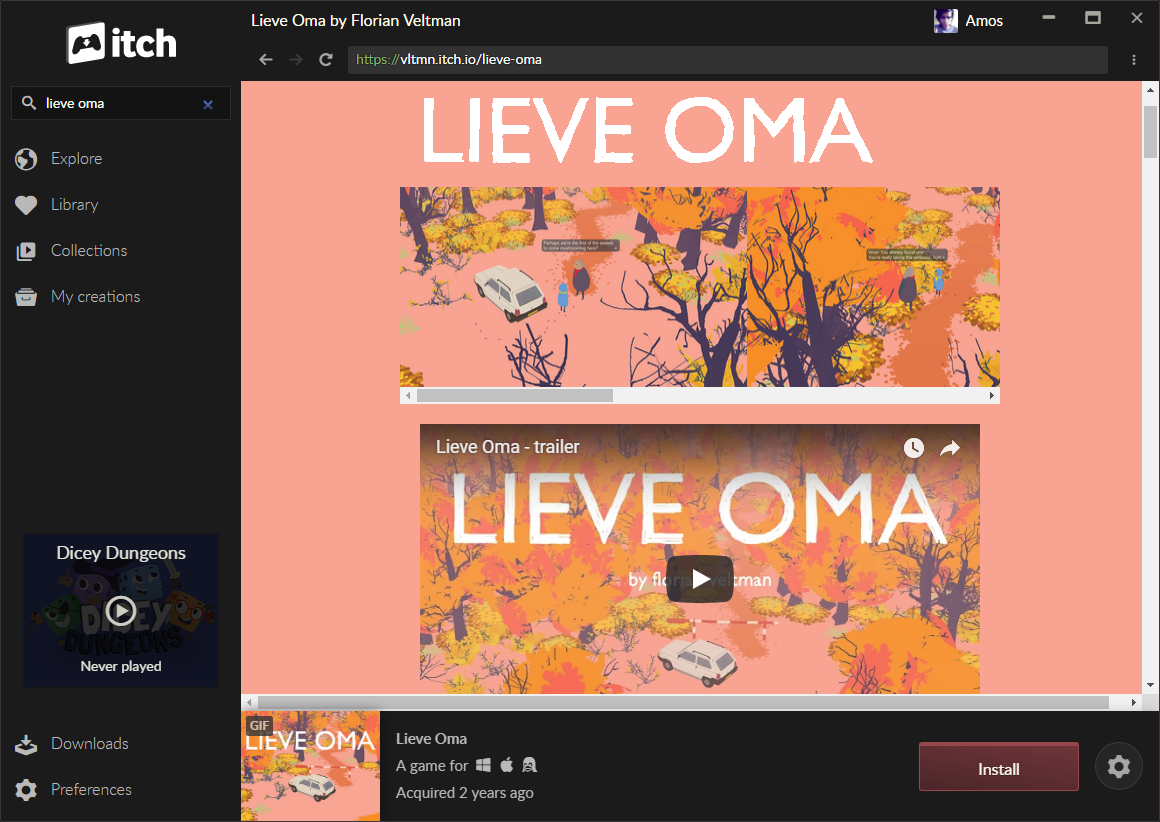
Once on a game's page, use the Install button to download it. If you don't own the game, you'll see a Purchase button instead. If you have a press account and the creator has opted into the itch.io press program, you'll see a Review button instead.
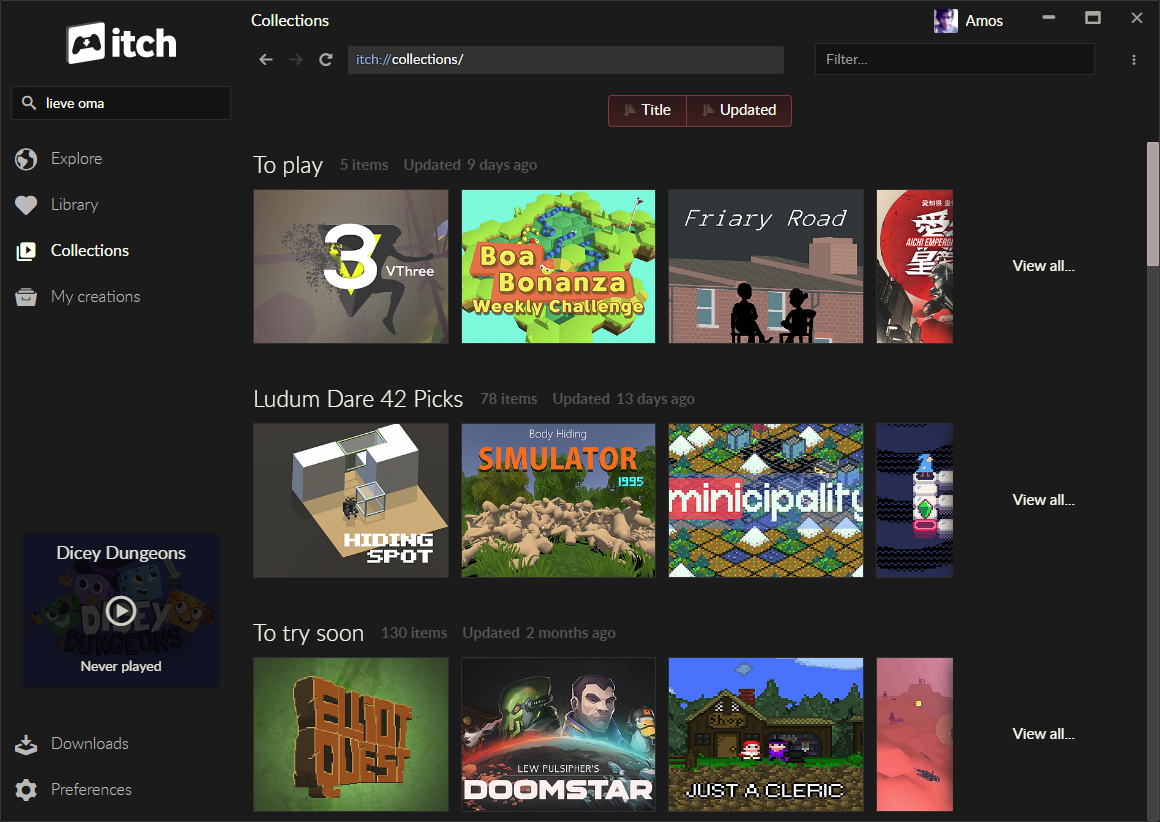
The app also lets you browse your own collections and bundles, and any of your own games you might have uploaded to itch.io.
The search bar suggests items from your own library: games you own or have installed, your collections, and your bundles. It works even when you're offline. To search the rest of itch.io, use the Search itch.io for... entry at the bottom of the results, which opens the website's search.
Installing games for other platforms
The install dialog only lists downloads that are marked as compatible with your platform. Choosing Show all downloads reveals the rest, and picking one turns the install button into Install anyway, along with a warning that the game may fail to launch. If a game has no compatible downloads at all, they're shown right away.
If Wine is installed and available in your PATH, the app can launch Windows builds through it. You can also run a game through a wrapper of your choice using launch settings.
When a game doesn't work
Sometimes, a game might fail to install or run properly on your system. The app detects this and sends us an automated report.
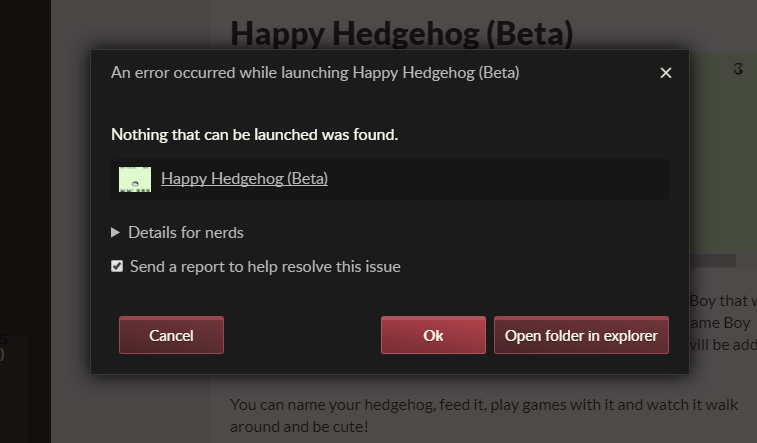
It might be an app bug, a game bug, or a problem with your system, but regardless, we take a look at all reports.
In fact, testing that games run well using the app is a great way of helping us!