
Indie game storeFree gamesFun gamesHorror games
Game developmentAssetsComics
SalesBundles
Jobs
TagsGame Engines
A jam submission

FrizzardView game page

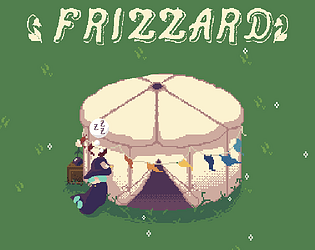
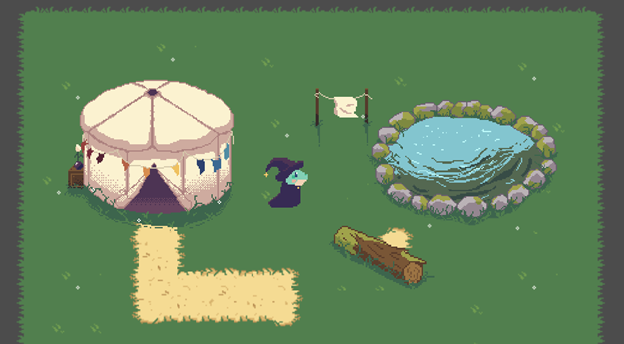
A day in the life of a little frog wizard who lives in a yurt
Submitted by Hagrajag — 27 days, 21 hours before the deadline
Add to collection

Play game

Frizzard's itch.io page

Results

CriteriaRankScore*Raw Score
Devlog consistency#15.0005.000
Overall#24.8754.875
Overall progress#34.7504.750
Devlog clarity#44.8754.875

Ranked from 8 ratings. Score is adjusted from raw score by the median number of ratings per game in the jam.

Leave a comment

Log in with itch.io to leave a comment.

Comments

Submitted(+1)

A lot of devlogs, I like it. Also I agree with your stance on AI and it's great that most game assets is done by you, I'm trying to achieve the same, but I'm terrible at art and ym game looks much worse:P. 

As per game feedback, it's looking cool, but it may use some UX / usability improvement. It would be great to have keyboard key for interaction, like space or something like that, clicking mouse is okay, but all other controls are on keyboard so it would be good for consistency. 

I ws also confused by fishing as pointed out in other comments. It would be good for game to feedback to the player if he's doing the right thing or not, or push into right direction.

Overall great art and cool vibe, looking for more actual gameplay!

Developer

Thank you! It definitely needs a lot of improvement in terms of user experience. I've been meaning to change E back to interact. I originally made it shoot fireballs, then set it to interact, then it was shooting fireballs while interacting, so I made interact just clicking. My plan for that is to make fireballs F and interact E. I also need fireballs to shoot the direction the player is facing. Thank you for the reminder!

The fishing needs a lot of work, for sure. It's high on the list of things to fix when I pick this back up, which should be relatively soon. I'm working on a second game for a different jam, which has been occupying a lot of my time. It's cool seeing just HOW MUCH I learned while working on Frizzard while applying it to something else.

The art is the easy part for me, haha. You will get there, though, just practice a little as often as you can. I really like the book Pixel Logic, which I recently started reading. An alternative would be this post, which is like an extremely condensed version of that book: https://pixeljoint.com/forum/forum_posts.asp?TID=11299

Submitted(+1)

That's good idea with changing interact to E, it seem natural.

Thanks for recommendation, I've already read this post, but to be fair is hard to me to practice, need to figure out how to organize more time for it :) I also found this Draw a box website: https://drawabox.com , which my be way to go, but also require a lot of practice

Submitted(+1)

This game is so cute. It has such a sweet and cozy vibe to it. The art is wonderful and the animations are delightful. I really enjoyed wandering around, and I loved getting to feed Nessie.

The exclamation mark during the fishing animation confused me at first. I thought it was an indication of a quick time event and so clicked again. My partner pointed out that I didn't need to do anything else once I started fishing, and that getting a fish seemed to be based on the fish jumping animation. Adding a quick time event or other interaction could be a nice addition to the fishing.

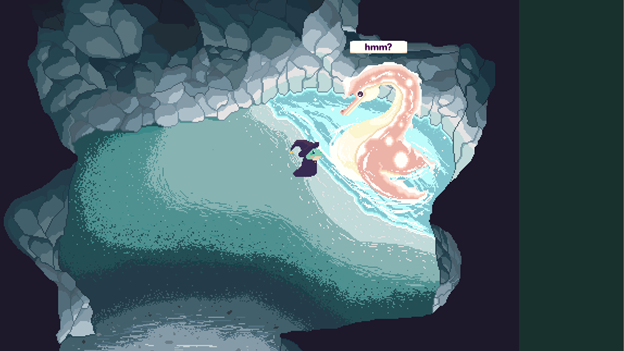
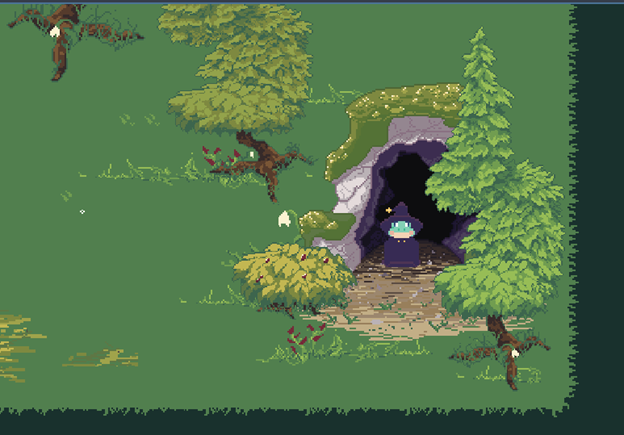
I think it might be nice if you used a different background color for the cave. The dark green color works really well in the forest, and worked well in the yurt, but it stood out to me in the cave. It made the cave feel less natural, and made it feel smaller. Using a similar color for the background that you used for the top of the rocks could help it feel less square and box-like and more cave like. The sharp lines between the rocks and the background may also be part of why it stands out to me. The transition between the forest and the background has a leafy feel and the general shape of the play area felt nice, and the yurt has curves that match the shape of it. The area you can walk in in the cave felt natural and cave like; continuing that shape instead of turning it into a square could be another way to make it feel less jarring.

Overall, you have a really good start for a game, and you did a lot of really good work. It would be fun to see where you take it if you keep working on it. (I love the idea of having a garden to interact with! Maybe you can feed Nessie more than just fish?)

Developer(+2)

Thank you so much for the detailed feedback! I totally agree on all points. 
Your partner is right, the fishing is on an (I believe) five-second timer that's tied to a state. So you need to begin the fishing animation shortly before the fish state starts, which is when the fish appears in the pond. It's not very intuitive, I plan to improve it in the future, but it's what I could figure out for the time being. 

The background is what I set Godot's empty space color to, which was before I made the cave. You're absolutely right, and it bothers me too. I'm not sure how to change it on a per-scene basis. If I can't, I can probably create a workaround by either extending the cave scene to fill the camera space, or adding a color rect or something that exists beneath everything else.

Again, I'm so happy you enjoyed it! It's inspiring to see such positive feedback on what is barely a game so far, but that I've put a lot of work into.

Submitted(+1)

Your Nessie is cute. The artwork in general is nice. This is a good start for a learning project. Looking over your devlogs, you've made great progress.

I hope the below doesn't come across too critical. These are just some things I noticed.

After clicking to play the instrument in the yurt I walked away and then was not able to interact with anything else. I had to refresh the page.

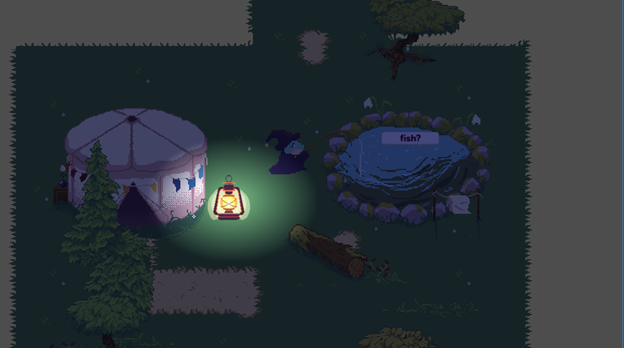
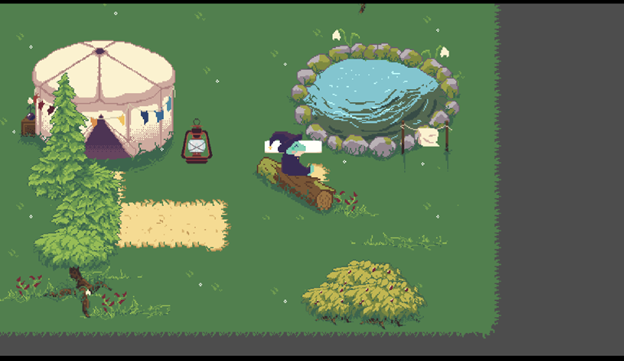
After clicking to sit on the log I tried to click again to get off, but no matter where I clicked it kept sitting back on the log. I also tried using WASD to move. After a bit the character got off the log, but I was treating it like the lights as something you toggle. I'm not sure how best to convey that it is a preset animation, rather than click to sit and click to get up. One option would be to disable/ignore the input while the animation is running so it doesn't restart with each click.

It might help if you required the player to click on the object to trigger it, instead of clicking anywhere on the screen. You can have a generously large area be clickable. I just think it would be nicer if you clicked on the object, as clicking in different areas causing me to get back on the log seemed a bit odd to me.

When the exclamation mark appears above the frog's head, I clicked again, which restarted the fishing. It made me think it was an interactive event and you had to click quickly enough when it appeared to catch a fish. After seeing the animation restarting I acknowledged it was just an animation, like with the log.

When first bringing up the Pause screen it looks like the volume slider is set to 0/the bottom. Clicking anywhere but the top lowers the volume, when it looks like it should be raising it.

For web, pressing escape exits fullscreen, so it is good to have an alternative input option, such as P, to pause.

Overall, this is looking nice. Keep up the good work.

Developer(+1)

This is all great advice, thank you! I am aware of most of these issues, but I haven't come up with solutions for them yet. 
The banjo in particular treats the song's entire length as the interaction, so you can't click anything else while it is playing. It also breaks interactions if you leave the yurt while it is playing.
Disabling selection while the animation is playing for the log is definitely something I can rig up easily. The challenge is that the area that provides the prompt is the clickable area, so in order for it to become clickable, you have to be nearby. I'll have to find a way to modify the system to fix that, but I do agree clicking on the object would be better.
I've fixed the volume slider issue on another game, not sure why I didn't here. Probably just an oversight, will correct soon.

Thank you again! This is all very useful information.

Submitted(+1)

For the Banjo, on one hand, you are supposed to be playing it, so doing an animation of it being played and the player unable to move around or leave the yurt would make sense, but then the length could be an issue with some people, like me, wanting to move around and explore while listening. Ideally you'd want to implement a way for the player to end it early, if you did change it to limit movement, or shorten the length. Instead, you may want to treat it as just being a change to the music track that is independent of any other interactions. Since it breaks when leaving the yurt, I'd also suggest setting up a signal that is emitted when you leave the yurt, and which then banjo interaction connects to. That could trigger the early end of the interaction and restore anything that was disabled while it played.

For making the interaction areas clickable, you could use buttons, perhaps texture buttons, placed over top of the interactable objects. You already have your labels popping up, so just add a button as well. They can be mostly transparent. If you go with a texture button, you could take your existing art and do an outline or greyscale of them, and overlay it to give a highlighting/glow effect to show what is interactable, and where the clickable area is.

Developer(+1)

Excellent suggestions! Thank you.

Submitted(+1)

Nice work, beautiful art.

An option for full screen would be appreciated; this can be done from the itch page.

Developer(+1)

Thank you, great suggestion!

Developer(+1)

I've added a full screen option, but I need to edit the viewport settings in godot to allow the actual game to expand to fit full screen dementions. Task for tomorrow me!

Developer(+1)

Done!