Indie game storeFree gamesFun gamesHorror games
Game developmentAssetsComics
SalesBundles
Jobs
TagsGame Engines

How many assets packs did you use?

A topic by dfasole83 created Jul 20, 2025 Views: 575 Replies: 14
Viewing posts 1 to 10
Submitted

I used 8 :)

Submitted

2

Submitted (1 edit)

will need to go back and count, used 2 primarily and some (i.e. UI) or single items from other packs. Both from Kenney and Kay.  I guess it’ll be around 8 in total indeed.

Submitted

I came in confident I'd only need one. I ended up using like 4

Submitted

21 😤

Albeit we only used a few assets from each. Sometimes even one or two.

I had a vision that was not covered by any one specific kit so I just mixed and matched.

Despite AssetForge being disallowed we had no shortage of models nor sprites. Just time 🙃

For anyone curious, here is an exhaustive list of all the pack we used in alphabetical order:

# 3D Kits

01. Blocky Characters
02. Car Kit
03. Castle Kit
04. City Kit (Industrial)
05. City Kit (Commercial)
06. City Kit (Suburban)
07. City Kit (Roads)
08. Food Kit
09. Graveyard Kit
10. Mini Characters 1
11. Prototype Kit
12. Retro Urban Kit
13. Space Station Kit
14. Survival Kit

# UI Kits
15. Cursor Pack
16. Emotes Pack
17. Game Icons
18. UI Pack

# 2D Kits
19. Medieval RTS
20. Smoke Particles
21. Splat Pack
Submitted

i feel what was missing for me was a search feature, there's a model for a need but searching doesn't look inside of the pack

Submitted

Yeah, I also spent a fair bit of time skimming through the preview screenshots to find suitable pieces.

Then I had this elaborate setup on my 2nd monitor for actually bringing the assets in.
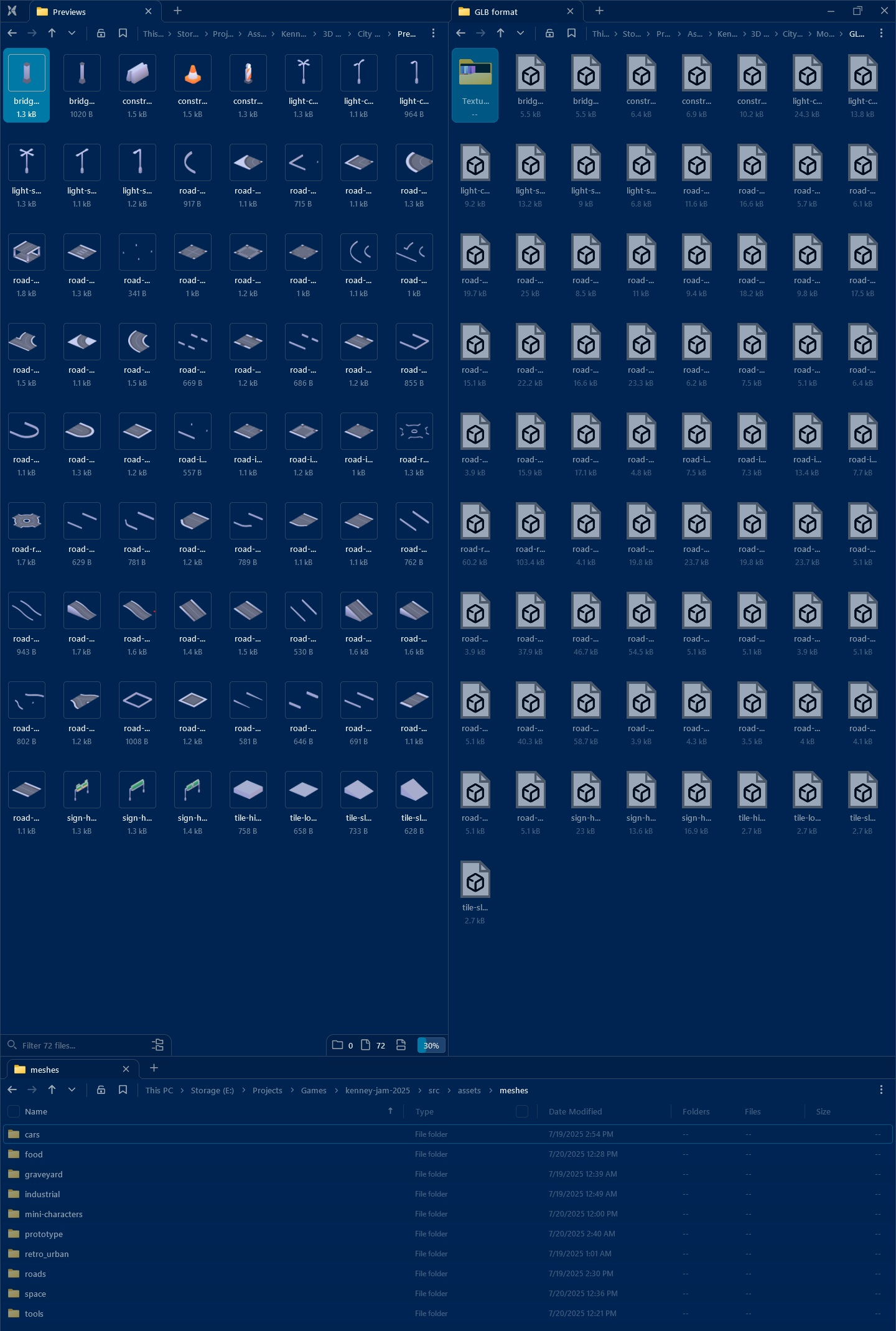
image.png

  • One panel containing the actual GLB files
  • One panel with the previews (because Windows doesn’t support thumbnails for 3D models in 2025)
  • One panel for the actual project

In hindsight, I should have just imported literally everything into the project a day before the jam. Then I could have relied on Godot’s built in thumbnails in the file browser.

I was obsessed with only bringing in the assets I actually need, but Godot would have done some tree shaking during export anyway.

48h jams have no room for such “optimizations”

Submitted

just found this https://github.com/EYHN/space-thumbnails

Submitted

Incredible 🥹 Thanks for sharing!

image.png

Submitted

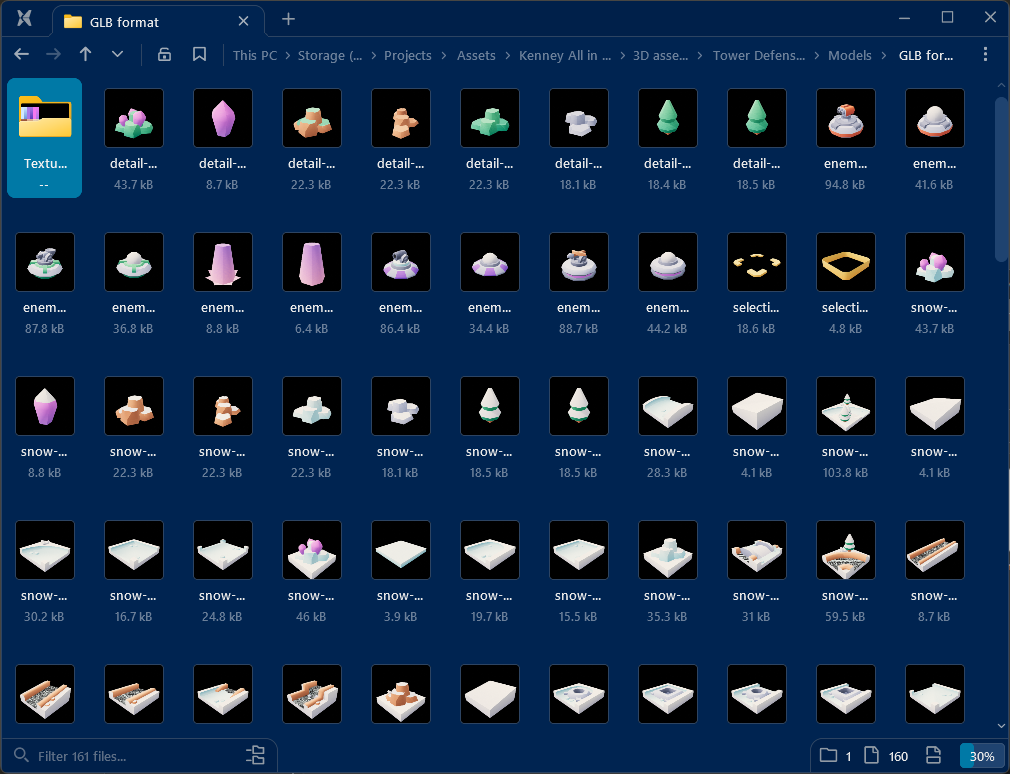
A bit late but I use a file organizer called Eagle to index every game asset I have access to and assign tags to them. It works really well for game dev assets since it can preview audio, models, and textures and lets you search across all of them. I added all the Kenney and Kay Kit packs to it and left it open during the jam in case I needed something.
Image

Submitted (1 edit)

1. :)

https://3d-druck-mlp.itch.io/fading-power

Submitted

lol, only 2 for me. (Both of the Scribble packs combined) I chose them a month before the Jam XD. Just as a extra challenge👍

Submitted

I only used 1, minus the music and font. It was the scribble platformer.

Submitted

I used 3 packs in total, 5 if you count audio packs


Sprites:

  • Kenney's Tiny Dungeon -  majority of maps and character sprites
  • Kenney's Tiny Town - recoloured the lake assets to match the sand ground sprites from Tiny Dungeon
  • Kenney's Pixel Platformer - literally just a coin tile for UI lmao

Audio:

  • Kenney's Foley Pack
  • Kenney's Retro Back
Submitted

I could barely wrap my head around one pack :P plus my title font, I used the 1-bit pack for this jam and the 2024 jam... I'm a creature of habit.. lol