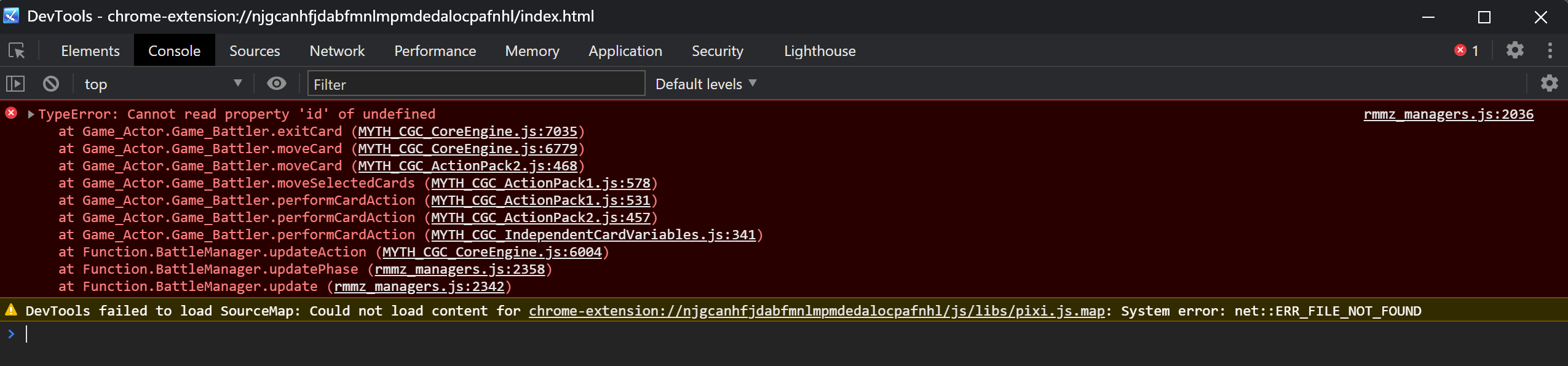
 I have another one :(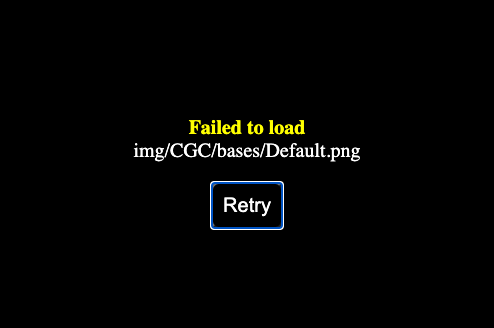

Deckbuilder Combat System for your games · By
You receive a Blank Template and Demo Project with every valid purchase of CGC Engine across all platforms. The only way you would not have these is if you acquired the plugin suite through a platform we do not support in which case you would have broken our Terms of Use.
If you purchased this on Steam as RPG Maker MZ DLC, please do the following to locate your copy of the Blank Template and Demo Projects:
1. Right-Click on RPG Maker MZ in your Steam Library and select Manage > Browse Local Files from the menu.
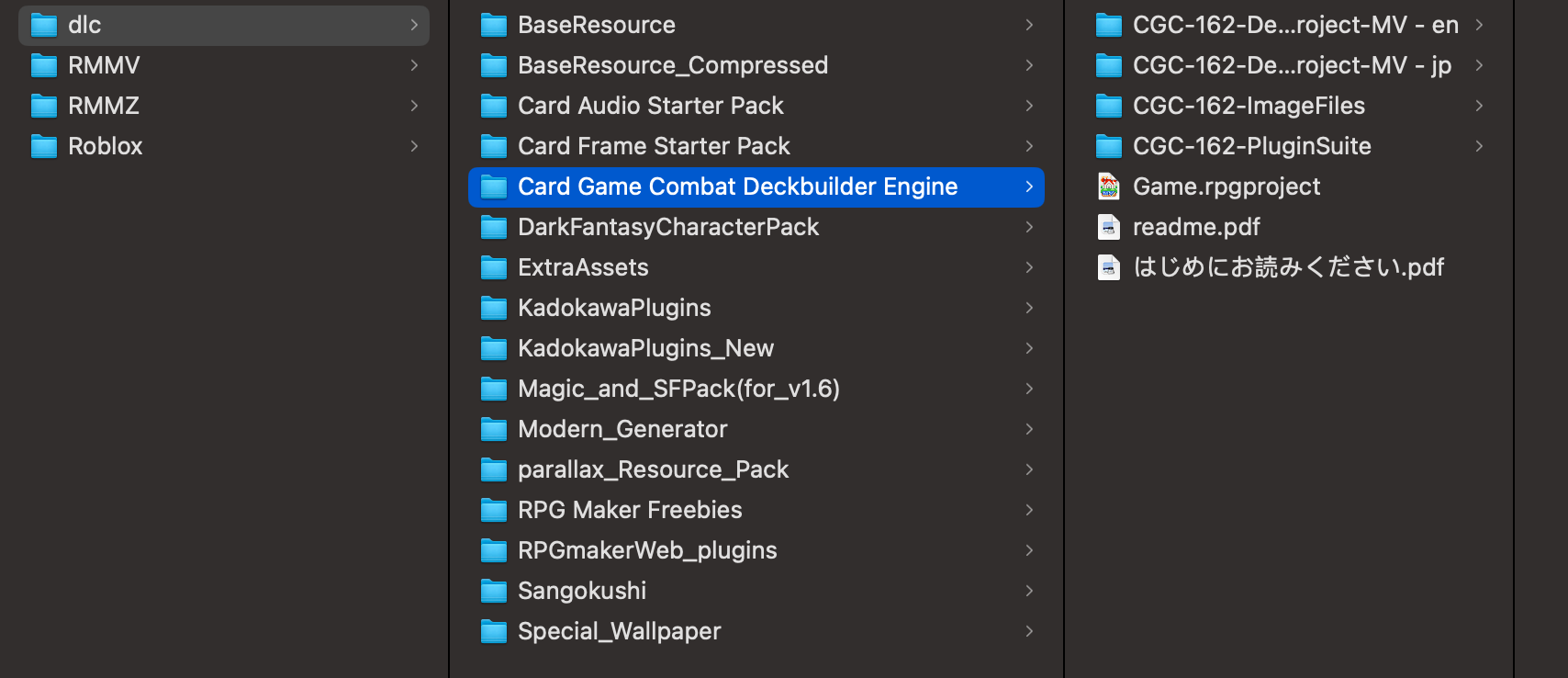
2. Once the local directory is open in Explorer/Finder, click on the folder marked dlc, then click on the folder labelled Card Game Combat Deckbuilder Engine. You should see the following:
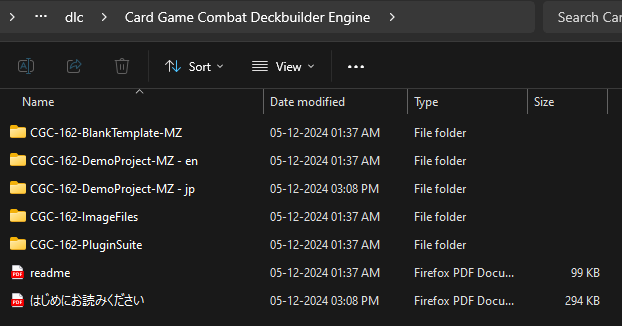
3. Please open the CGC-162-DemoProject-MZ-en folder and run the game. We have a tutorial in place for how it all works and sample Cards and Common Events you can use for your own projects. You can also view the Video Tutorials to learn about each of the features in more detail.
4. Once you have familiarized yourself with the system and want to build your own project, we recommend making a copy of CGC-162-BlankTemplate-MZ and then relabelling it as your game name. This already has all the plugin parameters set up so it should be easy to build on top of.
Let us know if you run into any issues with following these steps. We would be happy to troubleshoot as we go.
Thanks,
MythAtelier Team
Did you purchase CGC DLC for MV or MZ? On Steam, the DLCs are separated by engine. It looks like you did so for RPG Maker MV on here. When you started this thread you claimed to have purchased the DLC for MZ and we have given you configuration steps on that basis. Please accurately report what your setup is otherwise we will not be able to assist you.
Please send an email to myth.atelier@gmail.com with the Steam store receipt of your purchase and we can provide an itch key for the MZ version which contains the Blank Templates in question. We can continue troubleshooting once you have that available.
Sure, ask VisuStella to deobfuscate their plugins and then we can extend compatibility with them.
The fix for this is pretty extensive. It's detailed out here: /post/11665036
Just don't load a save in the roguelike dungeon and you should be fine. This has been fixed for the next update (v1.6.3).
Sure, we can look into the issues with both of these. Could you please provide screenshots of the following?
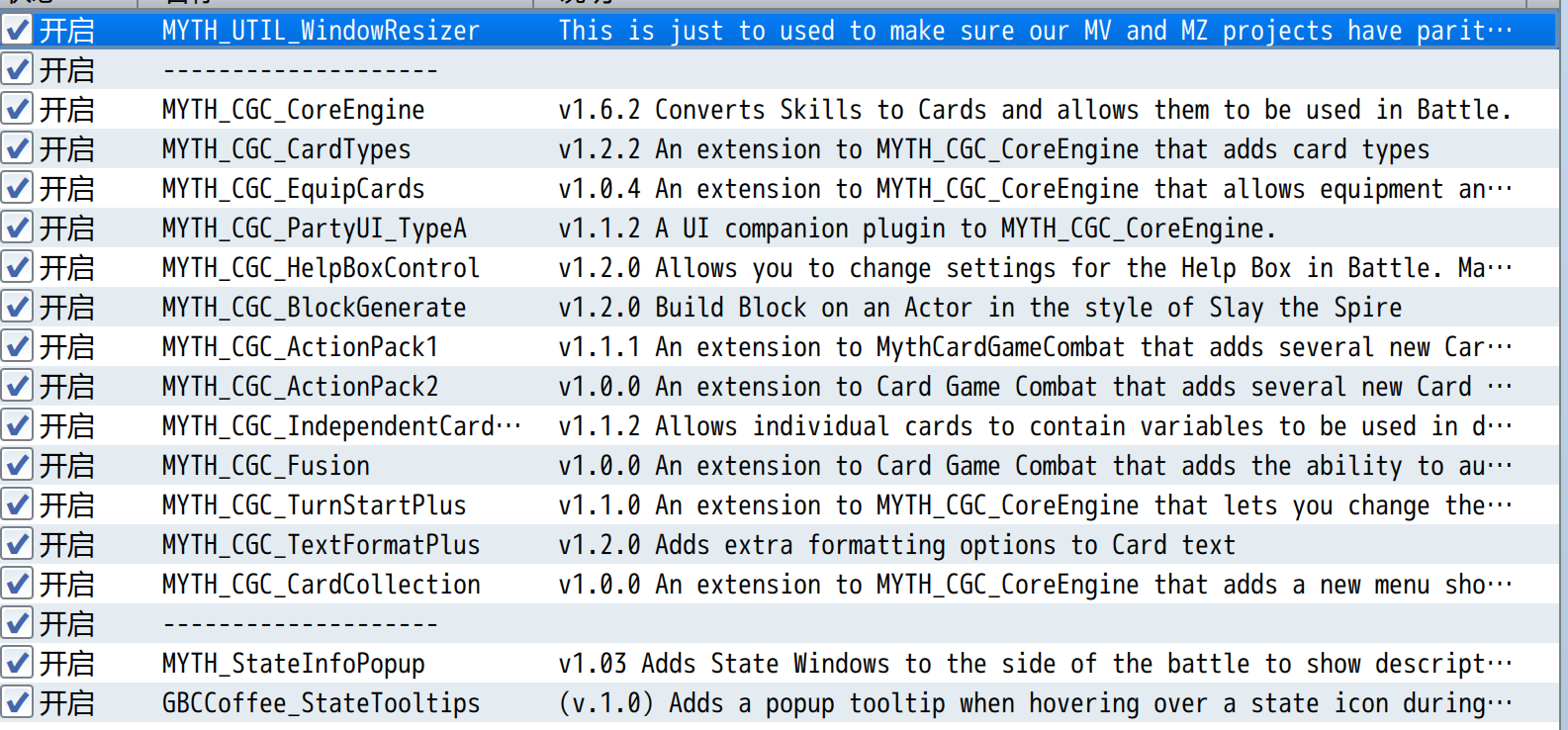
- Plugin Manager List for your Project
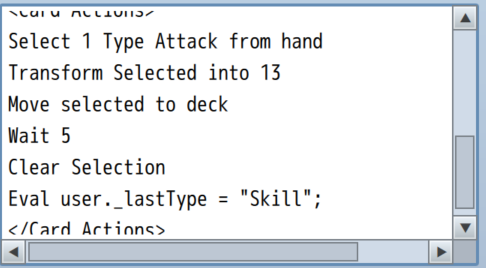
- Skill Page + Notetags of the Skills that cause the Crash
- Console Log when the crash happens (press F8 when the crash happens and click on the Console tab in the top bar)
Once you have made these available we can troubleshoot further.
Thanks,
MythAtelier Team
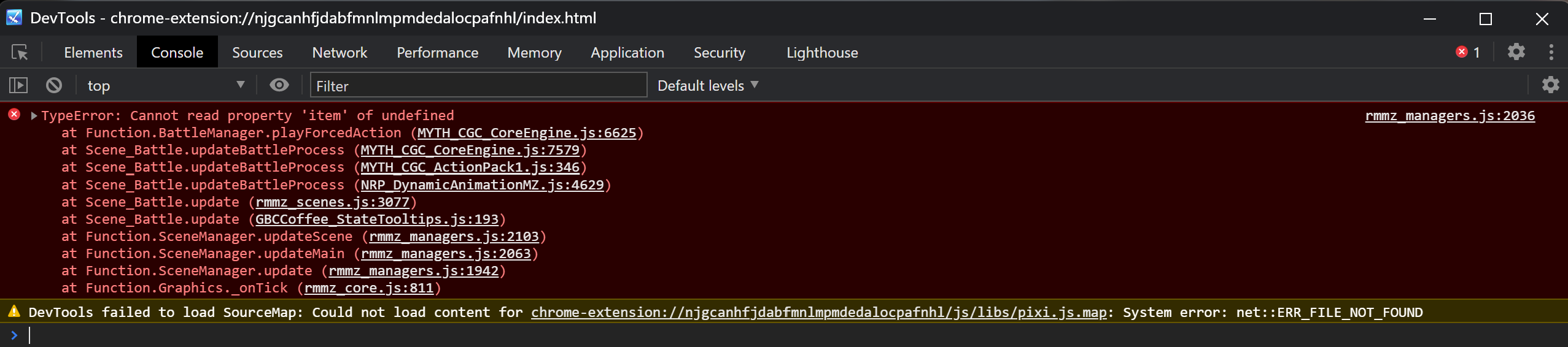
If card has action"Move 3 from deck Top to discard"and discard a card which have passive effect "Enter discard". It will happen error:
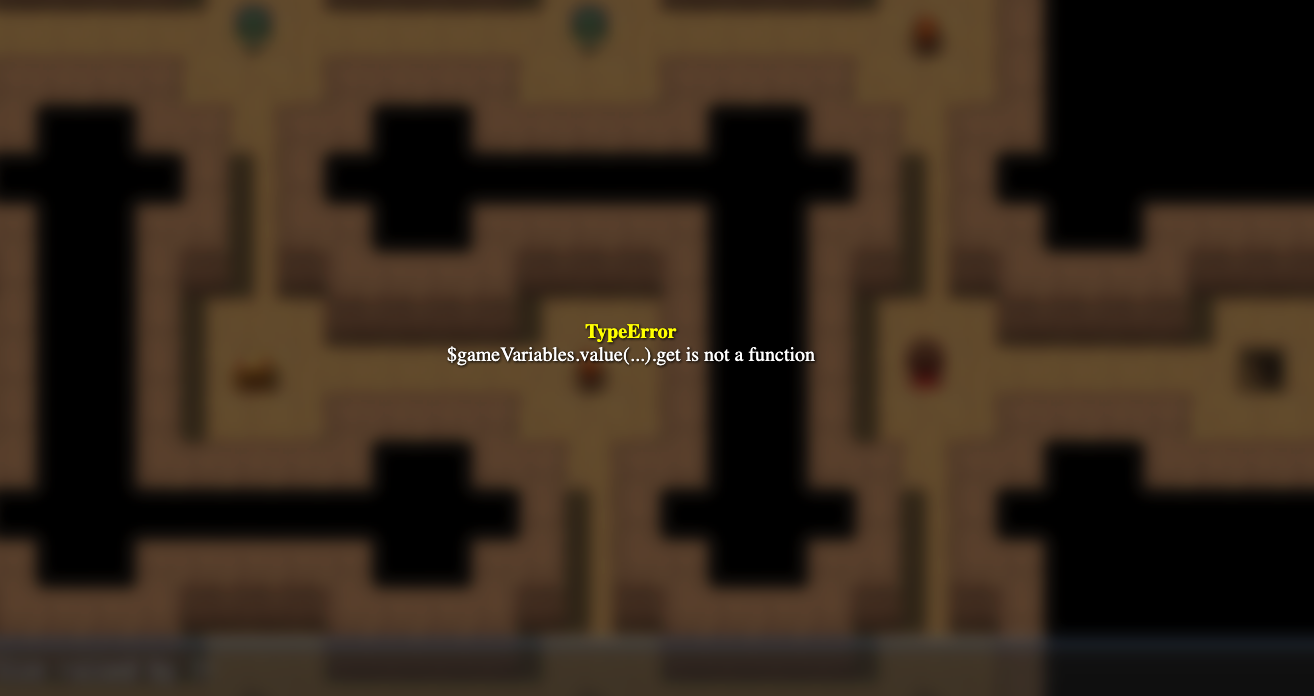
TypeError
Cannot read property 'item' of undefined
Card one action:
<Card Actions>
If user.isStateAffected(13)
Eval user.removeState(13)
If user.isStateAffected(38)
Eval $gameVariables.setValue(1, $gameVariables.value(1) + 1)
Move 3 from deck Top to discard
Eval user._firstFlag = true
Eval user._lastType = "Skill";
</Card Actions>
Card two action:
<Card Passives>
Enter discard: Skill 88
</Card Passives>
Hello, I have an error feedback: When using a card with the
<Card Actions>
Select 1 from deck
Move selected to hand
Clear selected
</Card Actions>
effect and selecting a card with the
<Card Actions>
Discard Until 3
</Card Actions>
effect, the operation
Select 1 from deck
Move selected to hand
is performed again. After selecting a card in this operation, an error occurs.
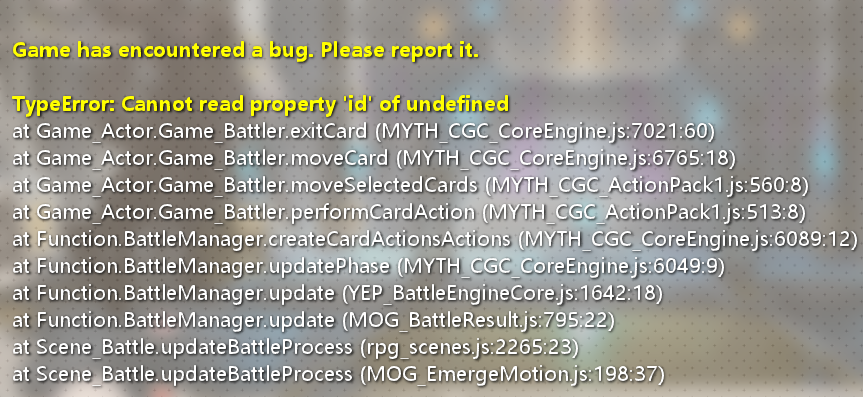
After confirmation, the error is triggered the same way when case sensitivity is applied, and there are also new additions.
Card1:
<Card Actions>
Select 1 from deck
Move selected to hand
Clear selected
</Card Actions>
Card2:
<Card Actions>
Discard Until 3
</Card Actions>
<Card Passives>
Remove this
Enter hand: Skill 273
</Card Passives>
After plugin exclusion, it was found that the error is related to YEP_BattleEngineCore.
Thanks for reporting these in. We’ll make sure to address these by the next major update which should hopefully be out later this month.
The Taunt bug is likely due to the update to Card Summons v1.0.4 which was needed to make it compatible with Card Game Combat v1.6.4 but ended up changing how forced actions resolve which causes this issue. Reverting to the previous version of Card Summons (v1.0.3) should fix the issue. Please send an email to myth.atelier@gmail.com and we can provide it for you.
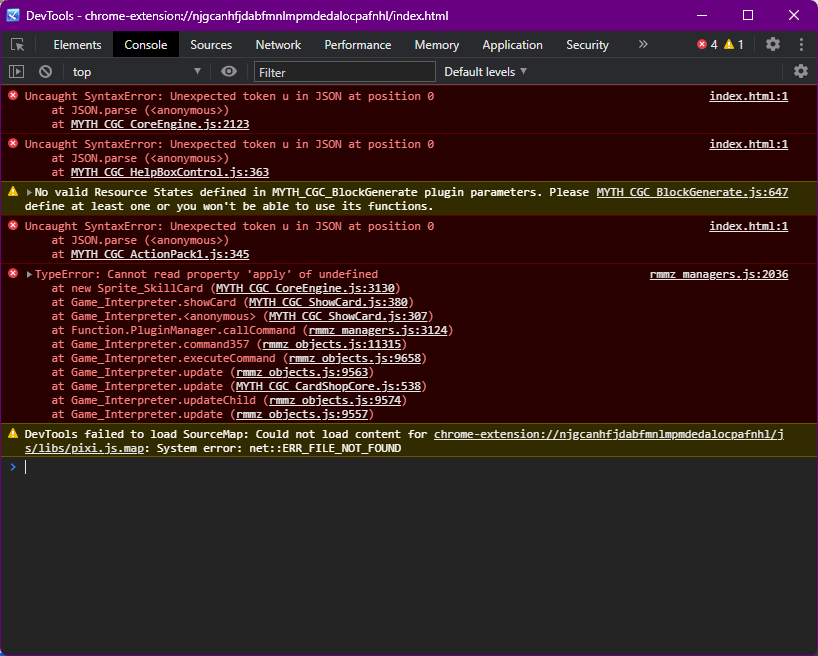
My game is throwing errors on launch when certain CGC plugins are enabled. I'm using RPG Maker MZ. I recently downloaded the latest version of the plugins and copied them to the preexisting (as in, made with an earlier version) project. I've been bashing my head against a brick wall trying to figure out what's causing the problem, My amateur investigation reveals that three plugins are throwing the errors.
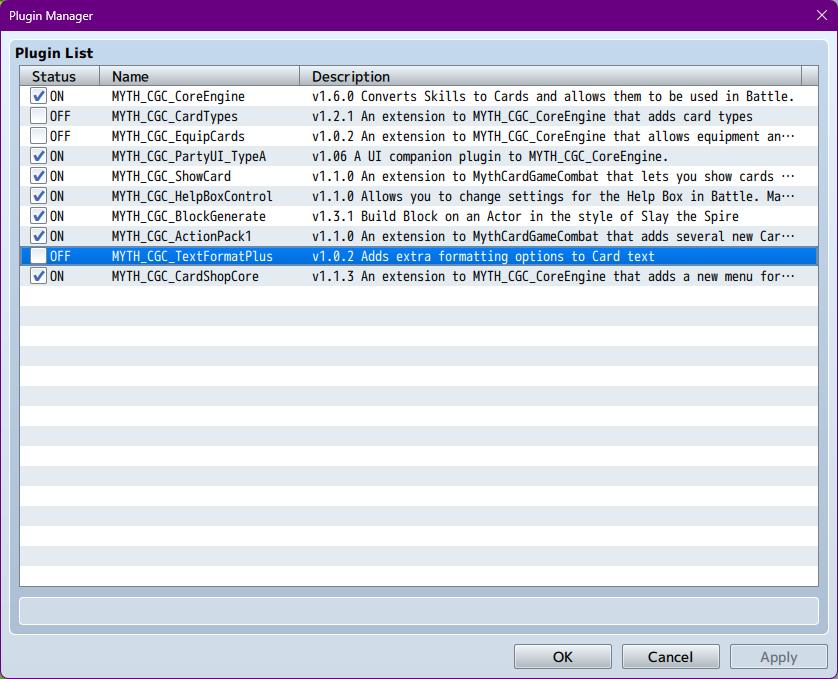
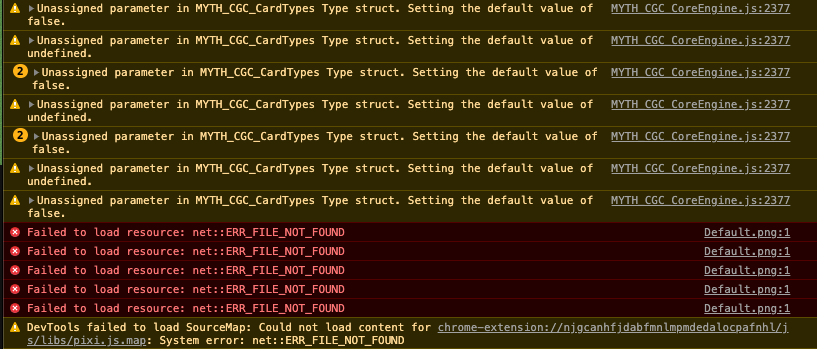
The game launches with these three plugins disabled. However, attempts to show the cards on screen produces another error describing something "undefined."
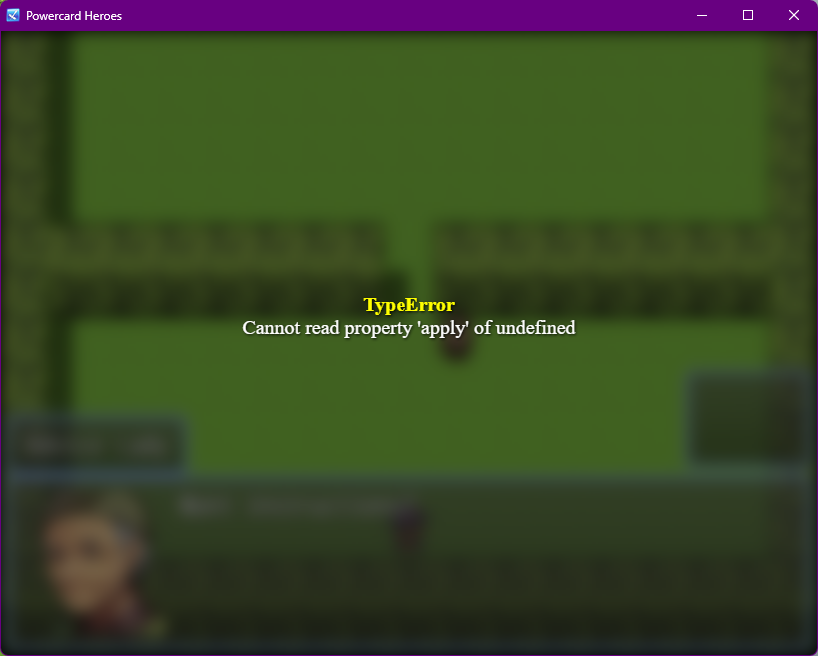
When I enable any of the three plugins out of the ones I have to disable to get the game to run, I get an error on launch:
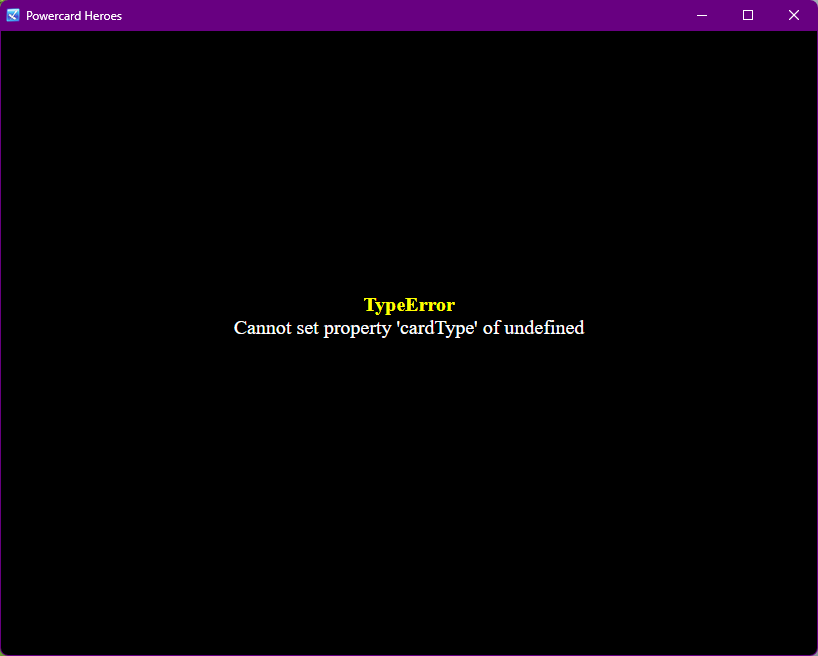
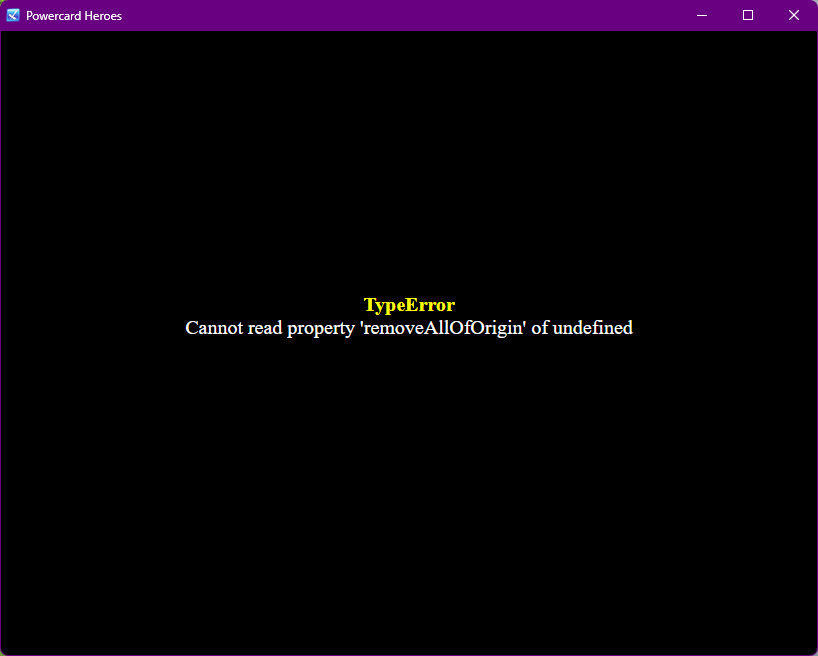
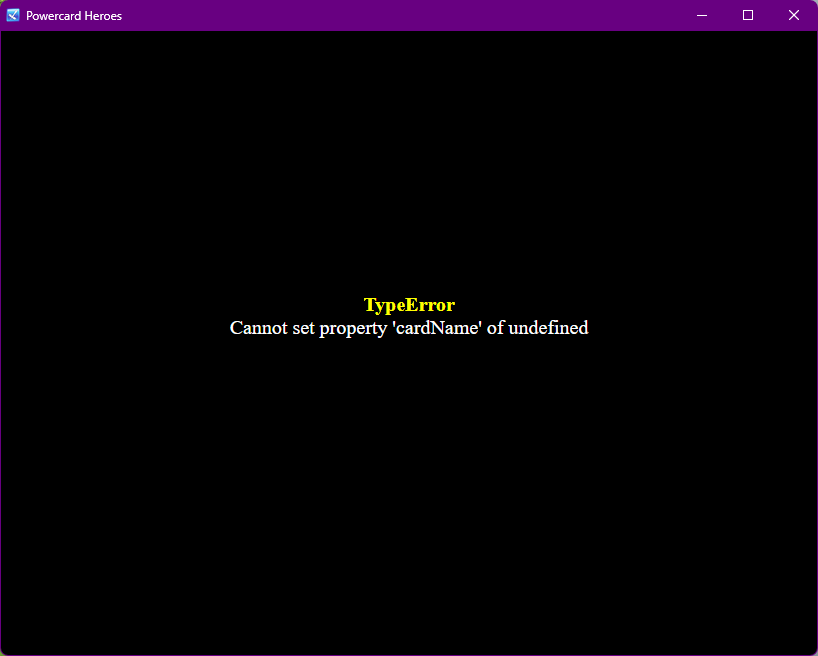
I'm certain there's some problem with how my game is presently configured but I don't know what it is. I'm also certain that it could be resolved by starting the project over with a template from the latest version, but I would rather not do that, if possible. Any help would be appreciated!
Hey hungrykitten,
Looks like there is a copy error in your plugins which is preventing them from running your game (Unexpected token u in JSON). This usually happens if there is an additional token or character in the plugin itself that disrupts the execution of the code. As one of these errors is with Core Engine and all other plugins in the suite are dependent on it, the entire thing is not compiling and spitting out these errors. We recommend sending a copy of your RPG Maker project to our email (myth.atelier@gmail.com) and we can sort it out for you as this type of error is a little annoying to troubleshoot over forum posts. For the subject line of the email, just mention that it is you (hungrykitten) and we can follow up with you there.
Thanks,
MythAtelier Team
Thank you for responding! I figured it out today. Apparently there were new plugin parameters introduced in newer versions of the plugins that I didn't set. I now have to reset some of the parameters, but it's working overall.