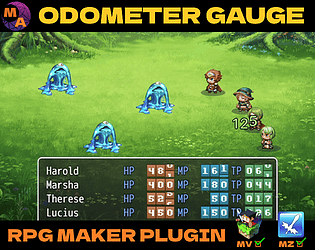


That's very unusual. Are you using any other plugins besides Odometer Gauge that may be overriding its default behavior?
MythAtelier
Creator of
Recent community posts
Yes, you can do both!
You can customize the dimensions of the Grid in the Grid Settings plugin parameter. This is used to determine what the screen positions of the Tokens will be when added to the Field. For example, if you wanted a more vertical grid you could use Width: 2 and Height: 7.
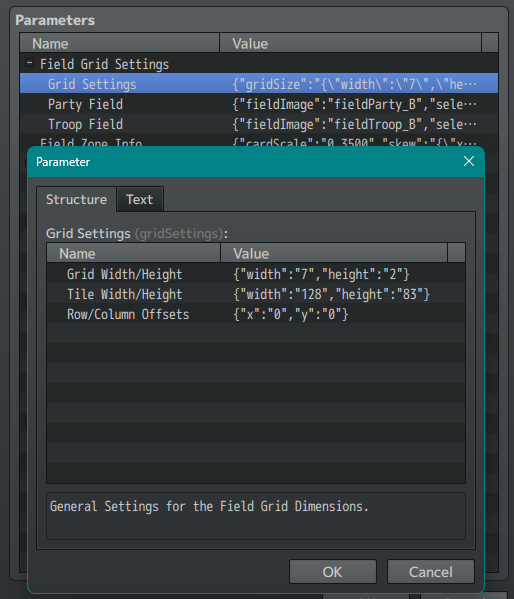
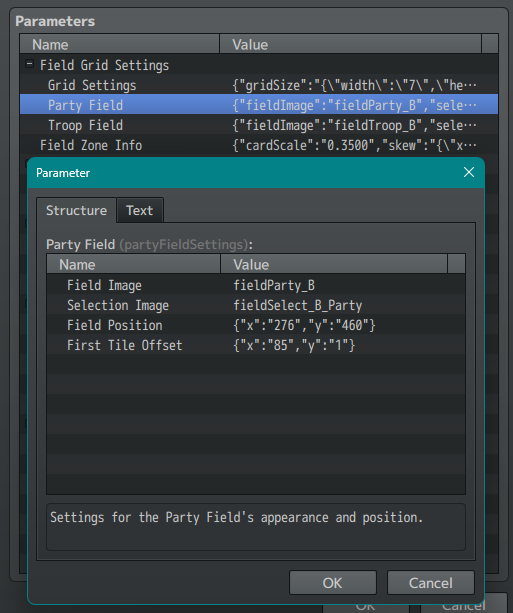
And you can change what the Grid Image is in the Party Field and Troop Field parameters. This image will be drawn under the Tokens and can be set to any point on the screen (allowing you to have buffers as needed if you are doing something fancy with the grid artwork). The images for these are pulled from the img/CGC/summons folder of your project directory.
Thanks for playing! Really appreciate you took the time to play through all 3 Zones and get to Act 2.
On the note of the Act 2 Zone 4 boss, there is definitely some synergies you need to be on the lookout for to get a strong party for the attempt. Anything you don't get via the skill level ups can be covered with item pickups. Study the boss phases and see what you need to do for each to shut down each of its moves (e.g. Healing can be prevented with the Jammed status effect). Internally, we were able to get a ~70% clear rate on it over a 100+ playthroughs with fully randomized skill selections. So it is definitely possible but a bit of a challenge which the Final Boss should probably be (SoC isn't a full RPG so we can't quite split the Plot Final Boss from the Super Boss).
We'll incorporate your feedback into the next iteration of the game whenever that happens.
Hmmm ... then we are not really seeing what is causing the softlock exactly. Let's move this up the chain. Please send a copy of your project to support@myth-atelier.com with steps for how to reproduce this bug. One of us will follow up with you on how to resolve this issue once they have had a chance to look under the hood to see what's going on.
Hello YunilIsHere,
We need some additional information to help troubleshoot this.
- Could you share the Skill Page for Skill 8 that you have tied to this button? What are the contents of its Notetags?
- When the softlock occurs, press F8 to open the console. Are there any error messages being created while this occurs?
Thanks,
MythAtelier Team
Ok, we can add support for word wrap when using YEP_MessageCore. Shouldn't be too hard to get working. Will have that update out with the Encounter Warning fix.
Encounter Warning update is coming after our next plugin release (which is soon but also eating up all our work hours). Apologies it got pushed further down the pipeline but it is coming. Feel free to make inquiries on the Encounter Warning thread you started there :)
All good! Ok, we believe the issue might be tied to the NWjs version. Please try updating to at least v0.24.0 or higher as that's usually what comes with MV nowadays. Would also recommend updating your RPG Maker version to 1.6.3 if possible.
If neither of those updates work, then send your copy of the demo project over to support@myth-atelier.com and one of us will replicate the error in a sandbox using the version info you've given us and then follow up with you on steps for how to get things working on your end :)
That's not the error. We have to use @target MZ for the engine to pick up the Plugin Commands for MZ. Every one of our plugins targets MZ even if it can work in MV. It's standard practice when supporting plugins across both engines.
The screenshot taken from the Demo Project MV above was downloaded from the store so it should have the exact same configuration as yours. Its plugin also targets MZ and the functions work as intended.
Please answer the questions we asked earlier so we can troubleshoot your issue.
Hmm ... interesting. Here's what's happening on our end so there might be a local difference.
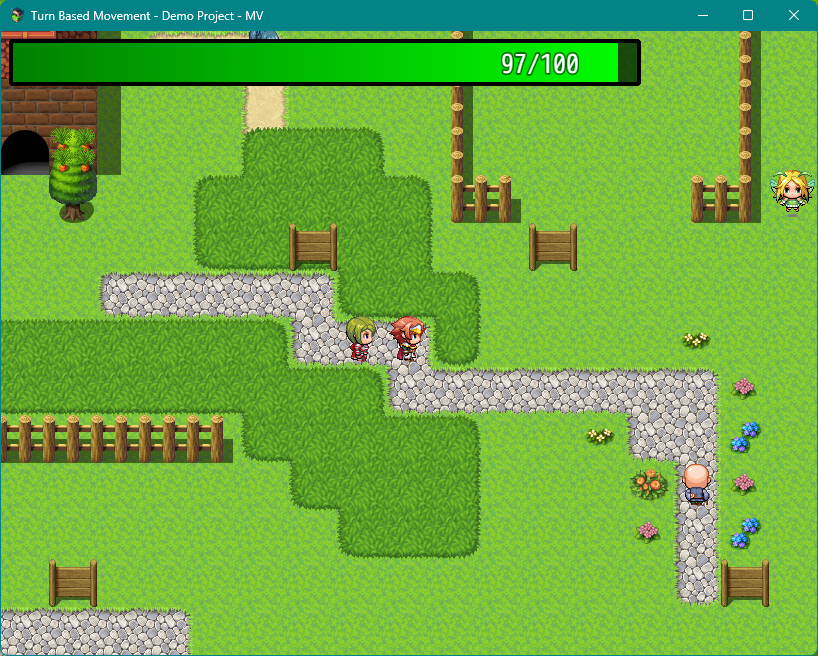
Couple possible sources of the issue:
- Are you running TBM along with any other plugins?
- What version of nwjs are you working with?
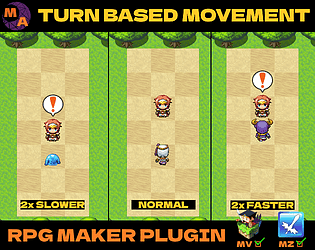
As for the NPCs, that behavior is not determined by Notetags, it is determined by their Movement Route. If they are moving independently from your movement that means you have turned off TBM via script call or plugin command.
Check the plugin parameters to see if Stamina system has been set to true. We had the Stamina system set to true by default for earlier builds however users thought that the two systems had to be activated together. We want to showcase that the addition of the Stamina system to Turn Based Movement is optional.
We can definitely make a support plugin for Cards "clashing" down the line. First we need Enemy Decks and Cards working which is a major feature slated for the CGC v1.8.0 update. So come back to us in a few months and we should have these features available for you to work with.
In the meantime, it is possible to "fake" clashing with Enemy Cards. Check out the Fishing Minigame in the Demo Project and look at how those Skills are setup. You can build on top of that to replicate some of the behavior in Library of Ruina.
We would at least need enough to replicate your issue. Usually zipping the project and sending it is the best way to preserve your environment. If you feel we can replicate the issue with just your Custom Menu plugin itself, you can send that instead. Whoever tackles your support ticket will follow up with you on the email chain.
Well, without access to your custom menu plugin, it might be a little bit hard for us to make a compatibility patch for it to allow for the behavior you are requesting. Please send a copy of your RM project to our support email (support@myth-atelier.com) so that we can see what the issue is and respond with the necessary fixes.
Thanks,
MythAtelier Team
CGC plugins are fully compatible with YEP so this is more likely a plugin ordering issue if anything. We have tested our plugins with YEP suite for years at this point so there shouldn't be any major issues with them. Once again, please send in your project to the support email (support@myth-atelier.com) so we can assist as it seems that due to some setup issues you are working in an environment that is creating more errors. We are not able to reproduce your errors on our end otherwise and it makes troubleshooting them more difficult.
You'll need to edit the Deck Editor plugin to skip the Category Types window for now. Let us know the exact behavior you are going for and we can provide a patch plugin for Deck Editor that allows that behavior. Once we have confirmed it works for you, we can roll it out for general use in the next update.
Hey SGHarlekin,
Sorry to hear you are running into so much trouble. We tried to respond to your previous thread as there were syntax errors in the Notetags you posted, however, the thread was removed before we had a chance to respond. Please send a copy of your RM project over to our support email (support@myth-atelier.com). We can follow up with you once we have a chance to look under the hood and figure out what's going on.
Thanks,
MythAtelier Team
Hello nonbiri,
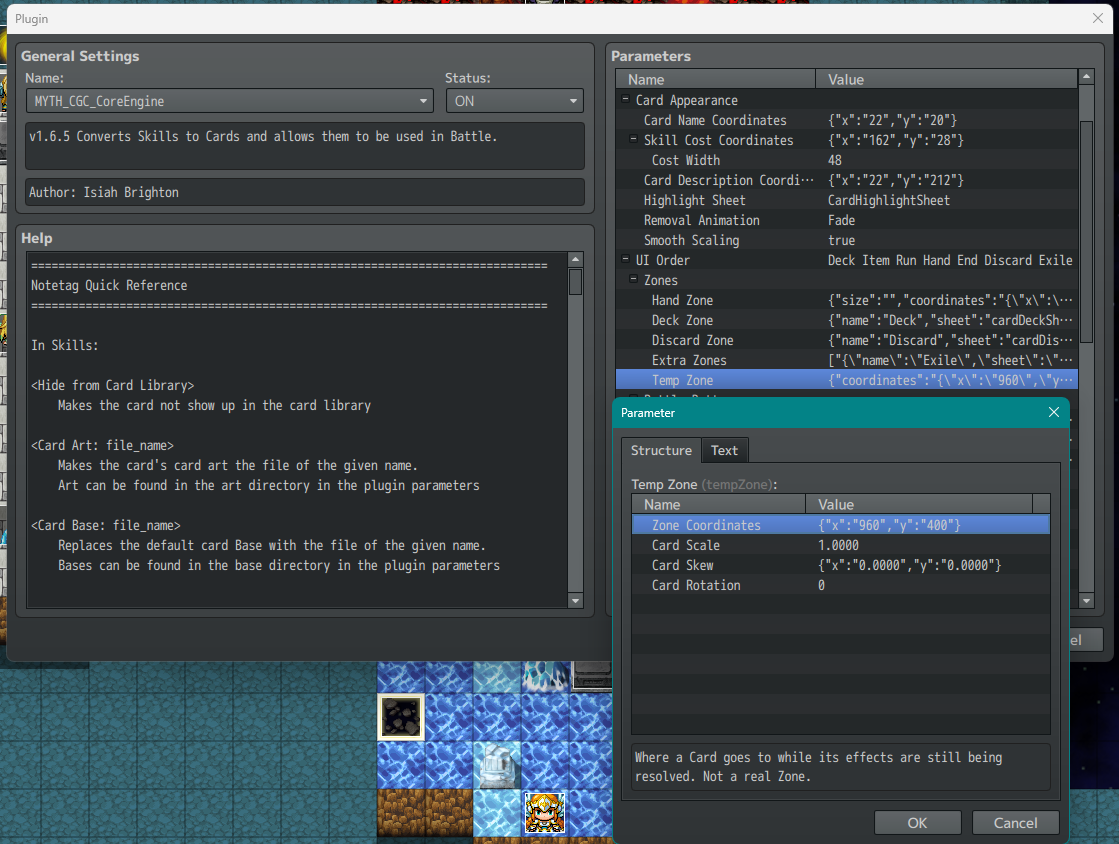
If you are running into overlap issues, you'll want to increase the distance between the Cards in the Hand. This can be done by increasing the Min Spacing Width parameter in the Hand Zone parameter in Core Engine. If that is still not enough, then also consider increasing the Max Hand Width to give the entire Card Hand enough room for the overlap to not occur.
Note: Clicking on the Highlight overlayed on top of a Card is clicking past the collision box of the Card as it is larger than the size of the Card Base. You can change the dimensions of the Highlight sprite to hug a little closer to the Card to prevent this issue from happening.
Hope that helps,
MythAtelier Team
If you updated to v1.0.5 from v1.0.4, make sure to check if the Stats to Display parameter has been properly populated. Because we have to add/change some of the variables in that struct, it may set a few of those to undefined when you update so you'll need to go in and refresh those to make sure they have the right value.
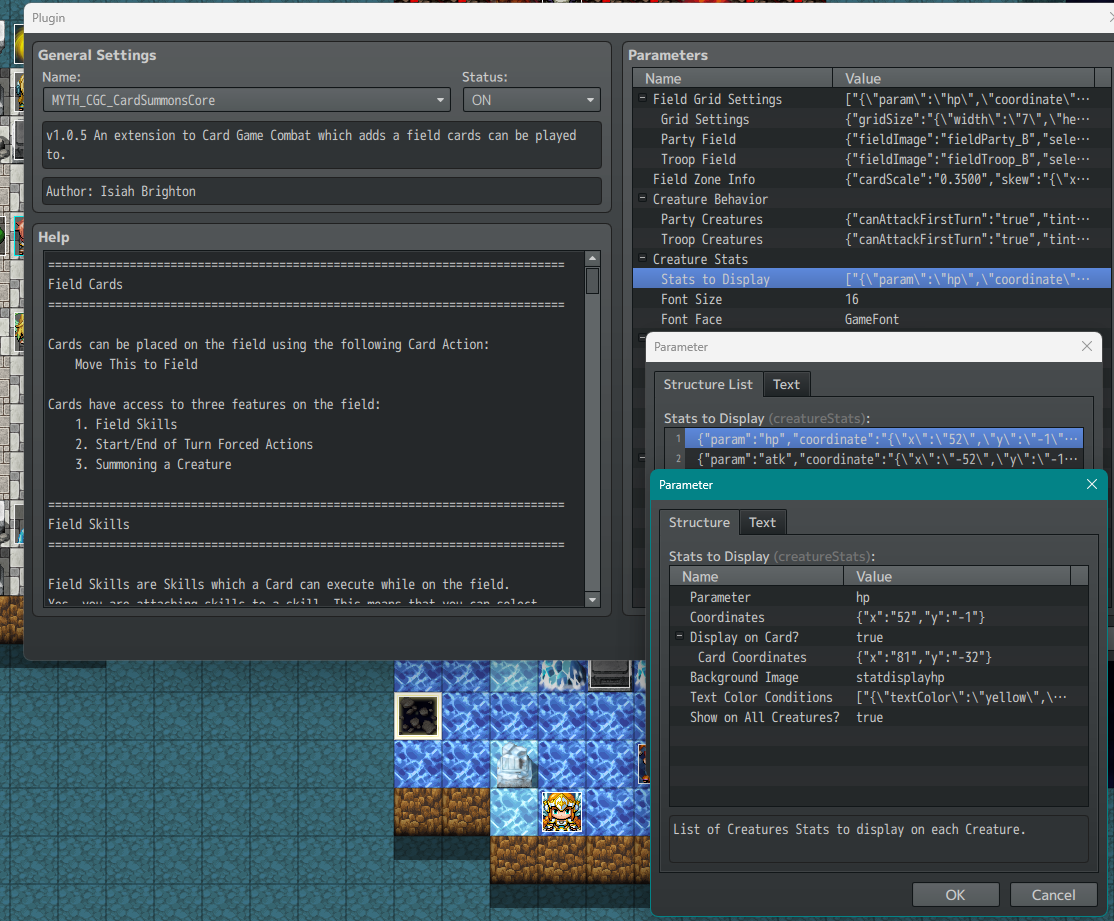
If after refreshing the values and running the game the stats do not appear, go ahead and post some screencaps of your Stats to Display parameters in this thread so we can try to replicate the issue. Or you can send a copy of your project to support@myth-atelier.com and we can follow up from there.