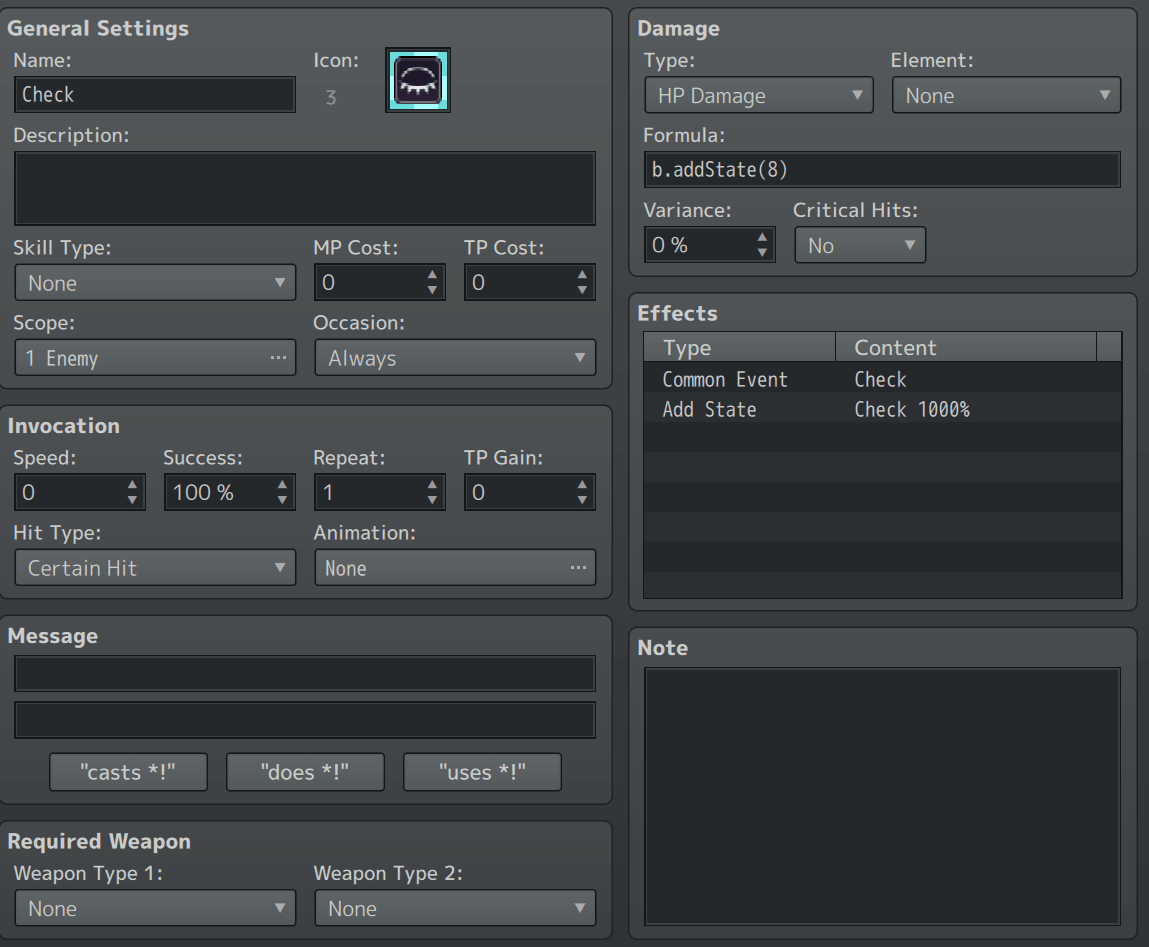
HELLO! Me again, so basically I have had an issue with a custom button I made in the battle scene. It only happens with my custom check button. Basically, it will do as intended if you use the keyboard to click it and activate it. BUT, if you use your mouse to activate it, it will softlock the game with the player unable to do anything.
The issue is gone if you use the keyboard first, any point after will allow the mouse to not cause issues when used to click on the button.
The button itself basically just makes you use a 'check' skill that applies a check state with battle events checking if it's ever applied to an enemy. The parameters for the custom button are
{"name":"Check","sheet":"CheckSheet","coordinates":"{\"x\":\"50\",\"y\":\"50\"}","skillId":"8","enabledCondition":"true","appearCondition":"true","disableDuringNonInput":"true"}
Feel free to ask for more details