Indie game storeFree gamesFun gamesHorror games
Game developmentAssetsComics
SalesBundles
Jobs
TagsGame Engines

Looking for feedback on a pixel-art editor

A topic by marcel0ll created Dec 26, 2025 Views: 233 Replies: 4
Viewing posts 1 to 5

Hello all, I am marcel0ll and I am building a pixel art editor that runs directly on the browser. The concept started basically as “Aseprite on the browser”, but I want the app to grow out of this simple premise and provide unique features.

For example, I believe I can build real-time multi-user features so that people can create art together. It could be either built into a desktop version of the app, so you could host/join, or be a premium feature for the web version.

The app already has all the basic features, but there are still rough edges that need polishing.

So what feedback am I looking for?

  1. I am looking to polish the experience of the app for pixel-artists. So what would make the app better for creating pixel art and sprites for game dev?

  2. Do you have any ideas on features that are lacking in other pixel art software that you would like to see in a new app?

  3. Any feedback is welcome!

This is the link for the app on itch:
https://marcel0ll.itch.io/novaboard

This sounds very promising, so I tried you project. However, I does not seem to do anything.

I can create / delete “boards”, whatever they are, but no way to edit actual images / sprites? I tried pressing just about any key and mouse button, nothing helps.

Thank you for trying and letting me know you had trouble.

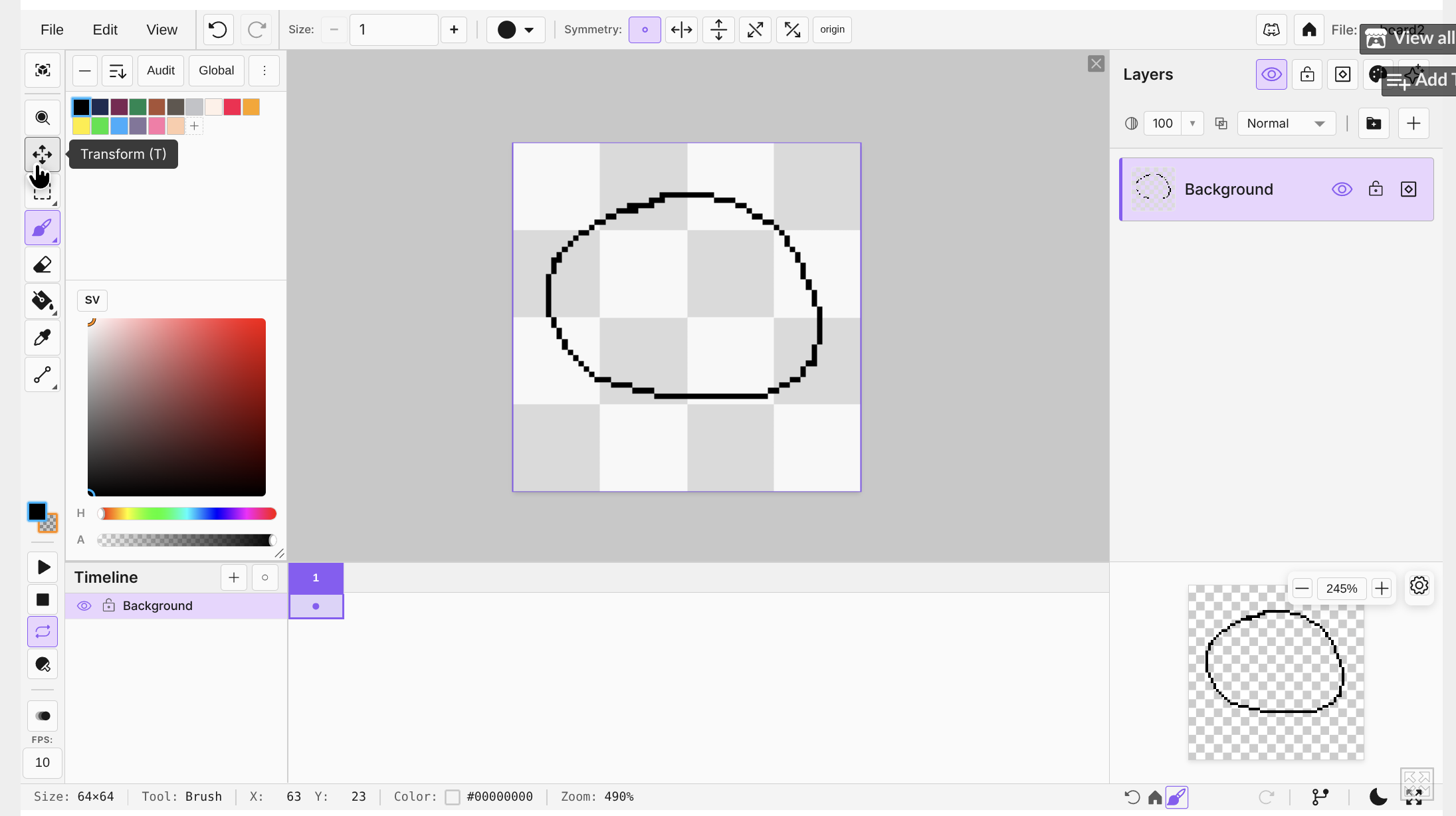
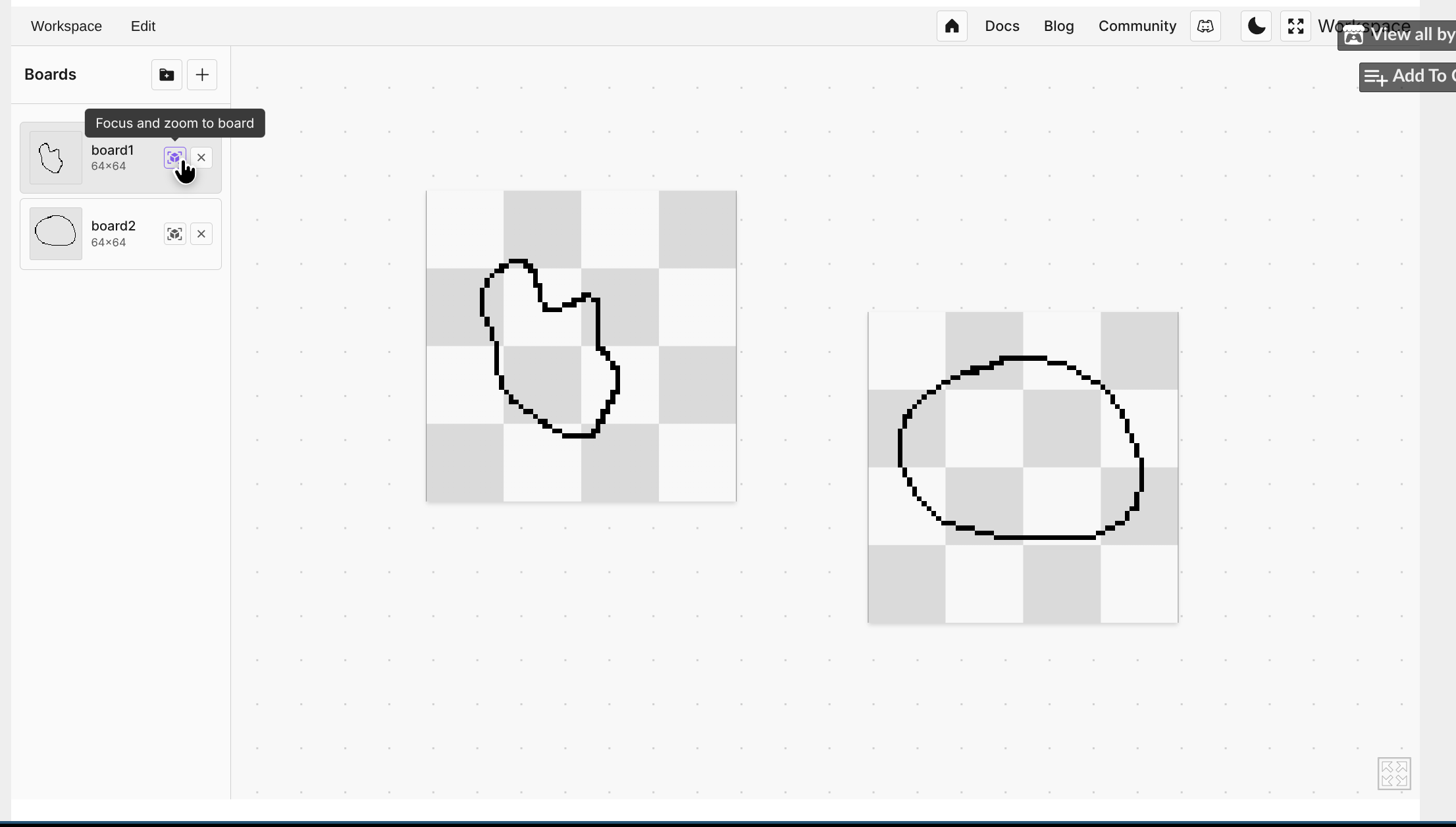
I tried to create a visual space where you could have multiple files open and quickly jump between them to edit. So a board is just a file already open in an “artboard”. Whenever you create a new one or open an image, it should automatically focus, and then the editor tools should show on the screen.

You should have seen something like the images below:

What I see is the same as the first screenshot, sans the lines on the squares. How do I get to UI on the second screenshot?

That UI should appear when clicking on any board or creating a new one