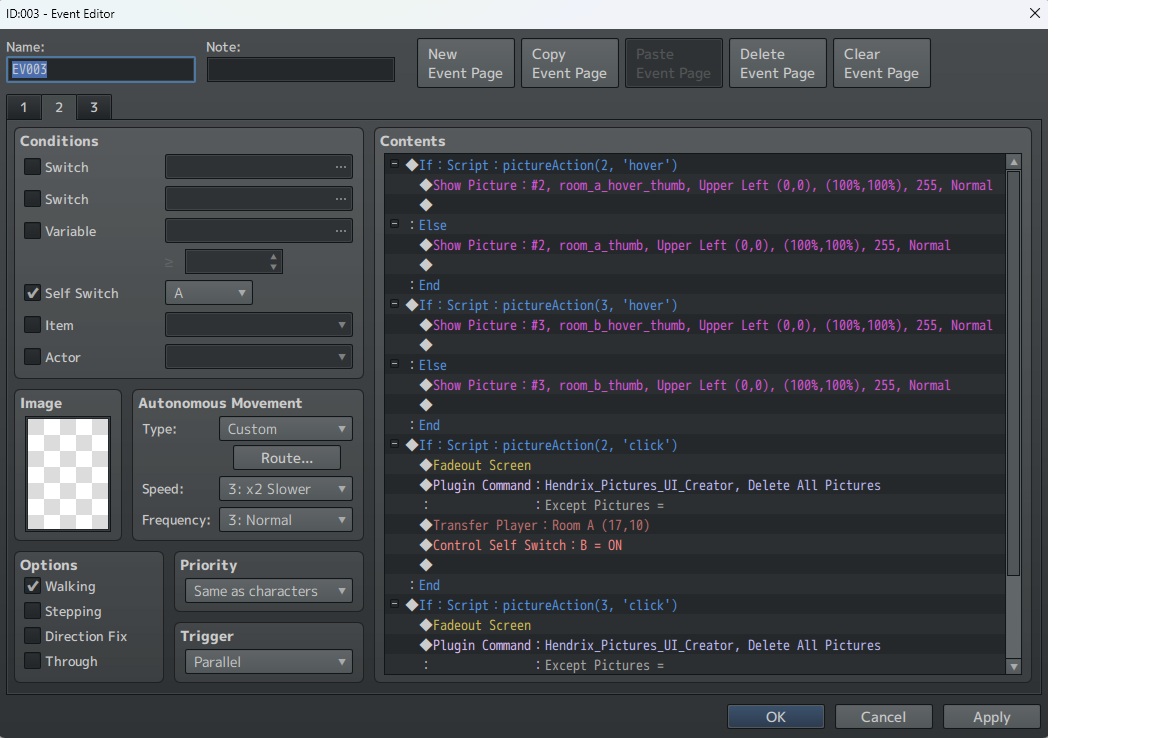
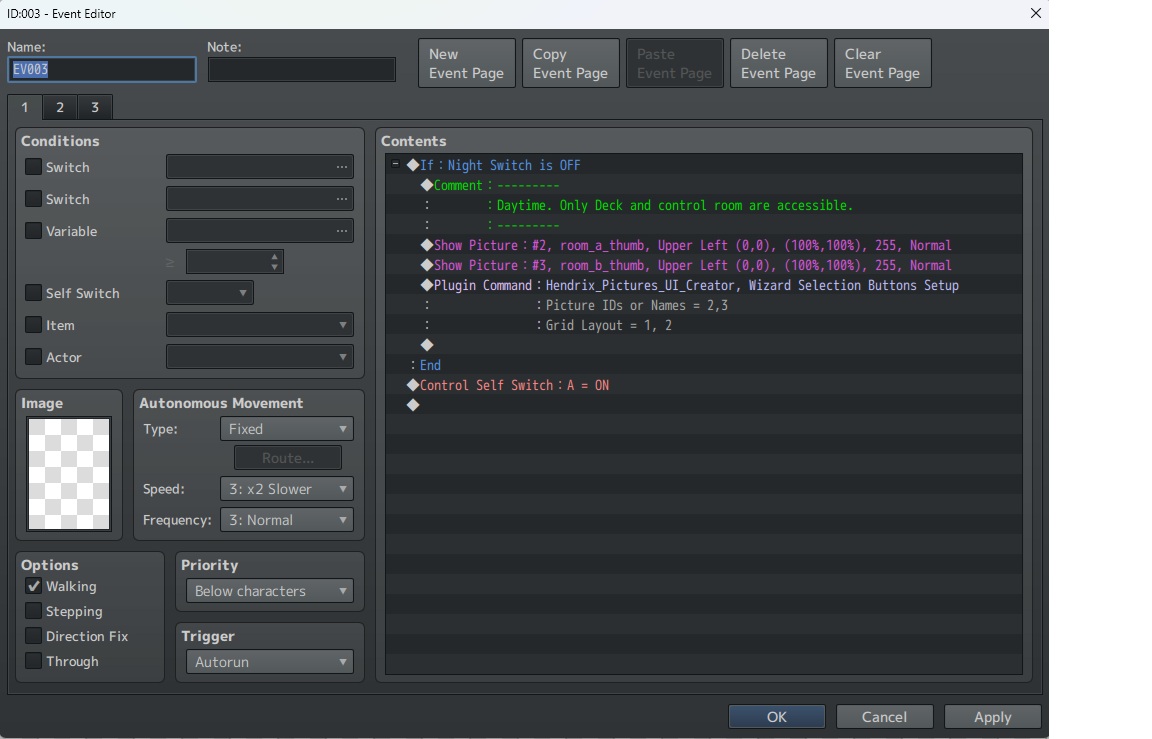
I just got the tool and it's been very useful so far but I've run into an issue with the selection wizard command. After fiddling around for a while, I ran into a problem where one of the images I'm using isn't appearing when I enter playtest mode. The second image being used does appear and seems to work fine but I can't get the other to show up.
The problem seems to be with the selection wizard command, because when I delete that and leave everything else unchanged then both images show up fine. And what's more, if I keep the selection wizard command in place and create an identical, copy-paste map then it works fine as well (it removes all the previous drag-n-drop data but both images seem to be working.
So, I'm assuming that as I was tinkering with the event something screwed up the information generated through the drag-n-drop mode but I can't find any way to roll back or reset image data without just remaking the entire map.