
Indie game storeFree gamesFun gamesHorror games
Game developmentAssetsComics
SalesBundles
Jobs
TagsGame Engines

Mythic GME Digital

Official Companion App - Solo RPG Engine & GM Emulator · By Jason Holt Digital

Freezes whenever a textbox appears (Linux)

A topic by Pynk_Tsuchinoko created Feb 16, 2026 Views: 245 Replies: 9
Viewing posts 1 to 8
(+1)

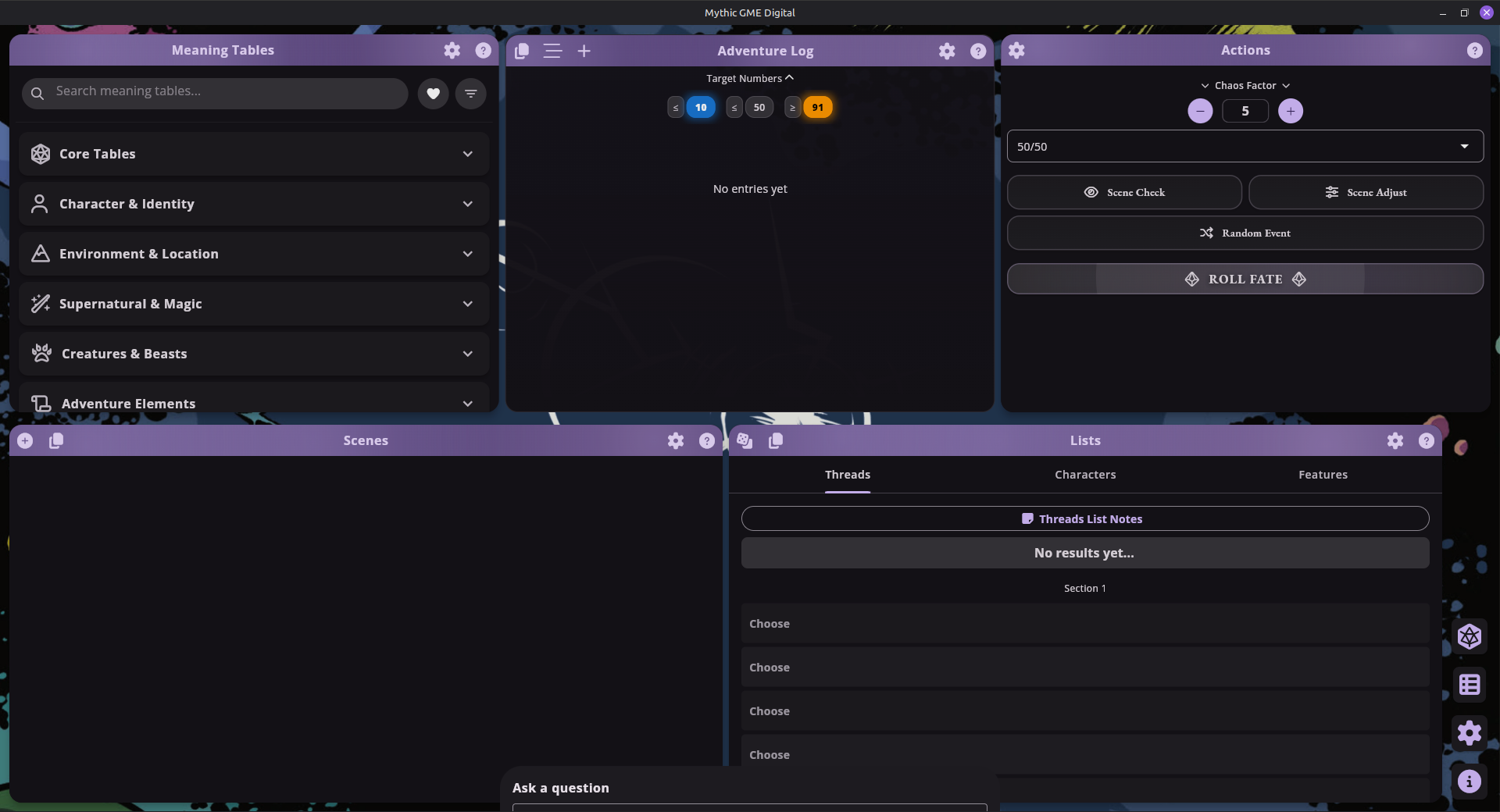
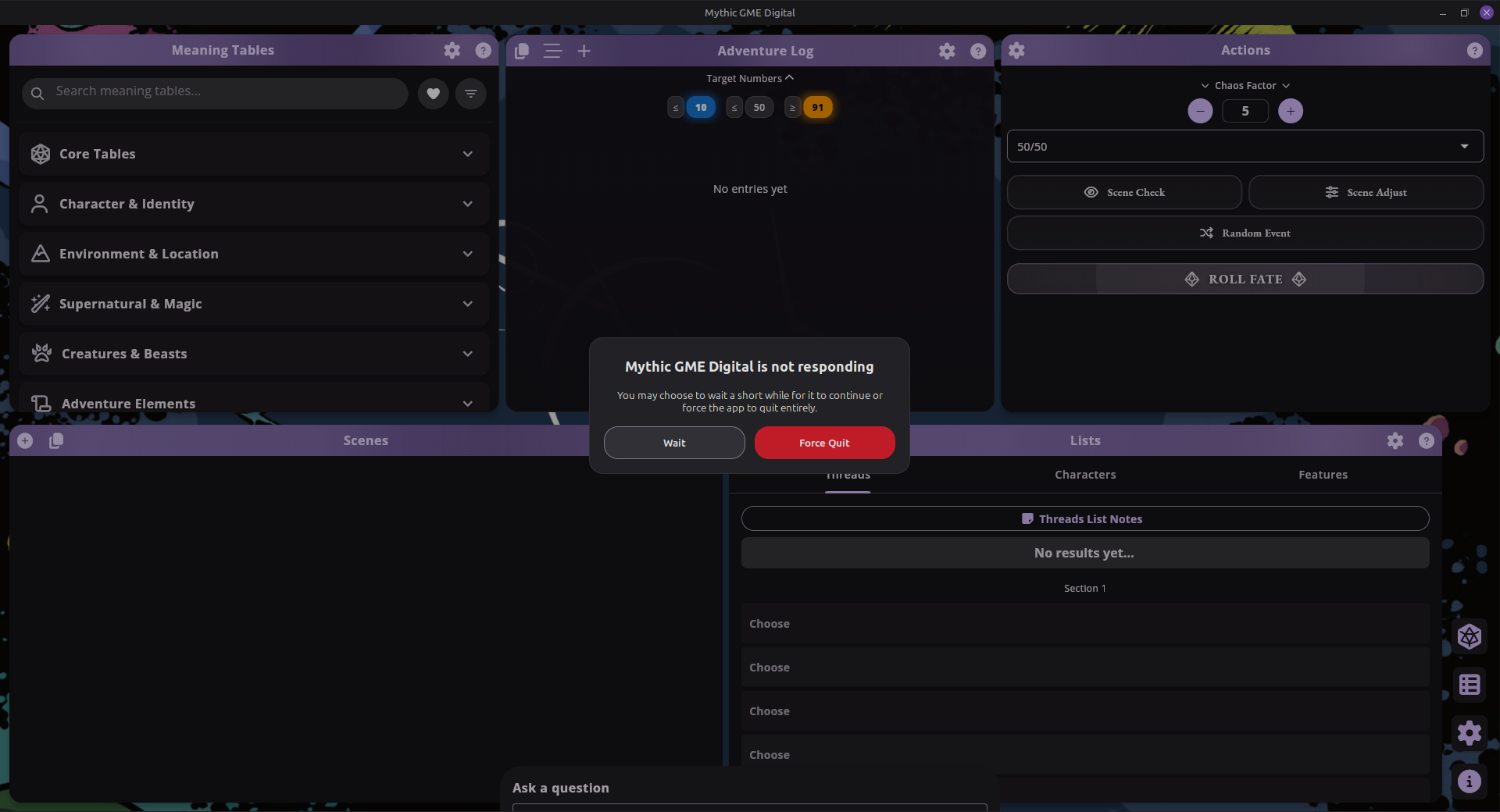
Whenever I attempt to add text either by editing a prompt, being prompted to add a message when asking a fate question or adding and editing scenes, the software freezes and locks up.

I'm using Linux Mint ver 22.2.

(+1)

(+1)

Developer

Hey Pynk, I think I just resolved this bug. Can you download todays update? Let me know if the issue is still there?

(+1)

Hey Jason! a quick test shows that specific issue has been resolved for the most part. When being prompted to add/edit a message during fate roll, my program still locks up for roughly 25 to 30 seconds, however, waiting will eventually cause the text box to appear and I can edit it without issue.

Creating and editing scenes is still a little iffy. Every time I click the name or summary text box to edit it, I need to wait about 25-30 seconds before I can actually type anything. That said, it does work and I haven't had any crash's in the short 1 hour test I did of the Linux and Flatpak downloads (I'm still some what new to Linux so I'm not sure if there's a difference, besides the fact that one you just extract and the other you install via terminal.)

Its possible these issues could be specific to my rig but if there is any other information I can provide that could help, please let me know. For now it works well enough that I can enjoy it, even if it requires waiting between text boxes. Thanks again for the prompt update, this is a great tool so far.

Developer

Ok that’s good to hear. That’s strange that it’s still freezing. Can you tell me more about your build? I just pushed another update. I don’t know if it will help–i’m not seeing your freezing in my error reporting software (I see other devices). It could be your rig–you could see if your setup has issues with the Skia rendering engine. I’ll try to dig into this more and get to the bottom of it.
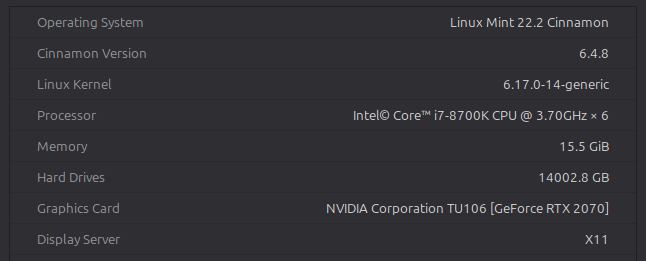
Its definitely not state of the art tech. I've also heard NVIDIA kinda sucks on Linux so maybe that factors into it. hope this helps.

Developer (2 edits)

Ok researching this a bit. It seems like its a Flutter engine problem. Can you try this or check this?

“…the problem is sometimes solved by disabling the virtual keyboard in the Linux Mint accessibility settings…”

Two sources so far (and still researching): https://github.com/flutter/flutter/issues/153560 https://github.com/flutter/flutter/issues/153560#issuecomment-2503660633

When you run the app from terminal, is there any logging output? Which NVIDIA drivers are you using?

(1 edit) (+1)

Disabling the virtual keyboard fixed every issue I've been having, amazing!
I don't need it and don't even remember turning it on to be honest. thanks again for your patience and research with this issue.

the output wasn't something I paid much attention to since I needed a friend to help me with it. I can grab it if it helps.

My drivers are obtained via Linux mints built in driver manager. I use the recommended drivers (nvidia-driver-590-open)

Developer

Awesome. This is great to hear. Thanks for the details!