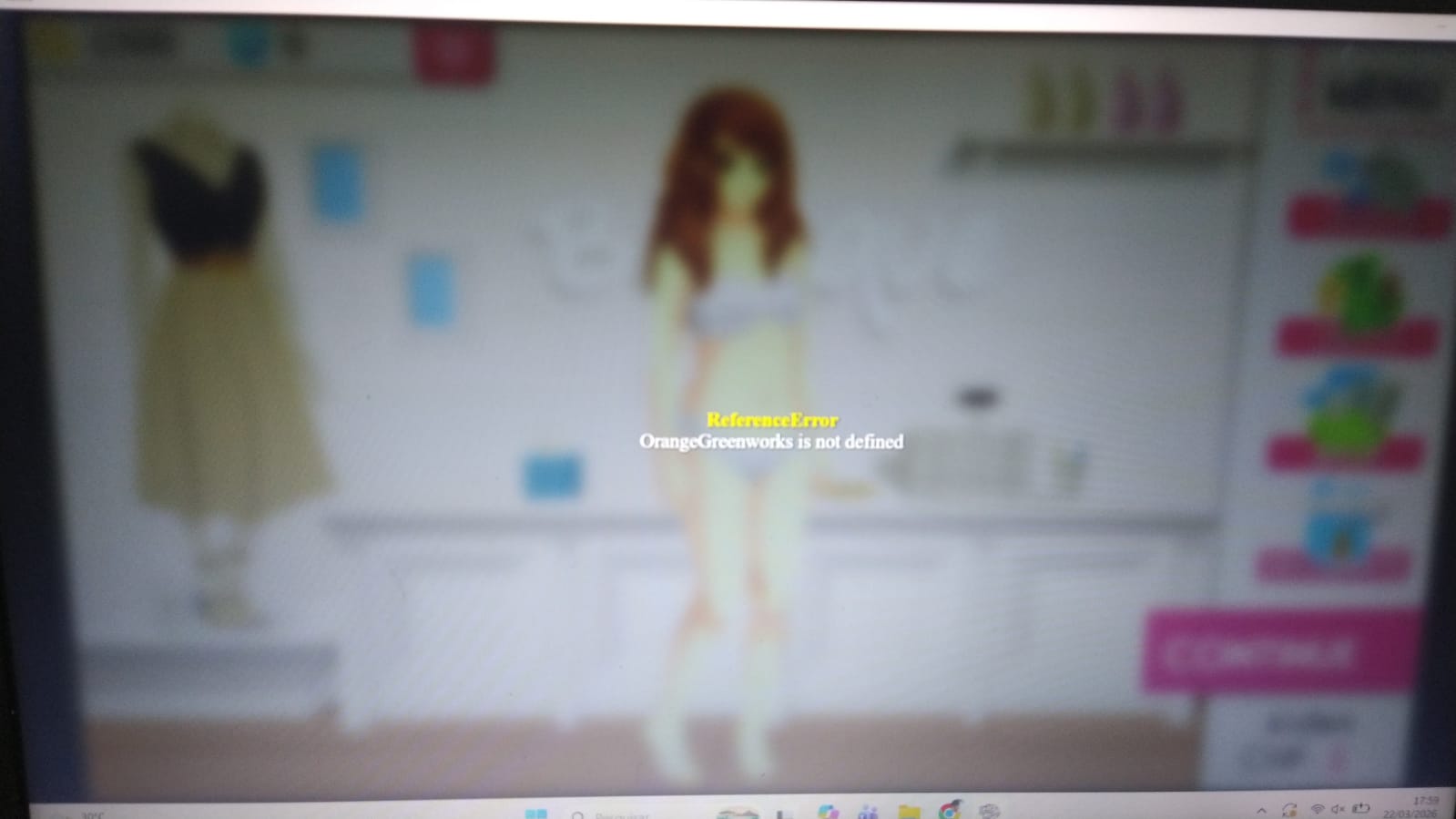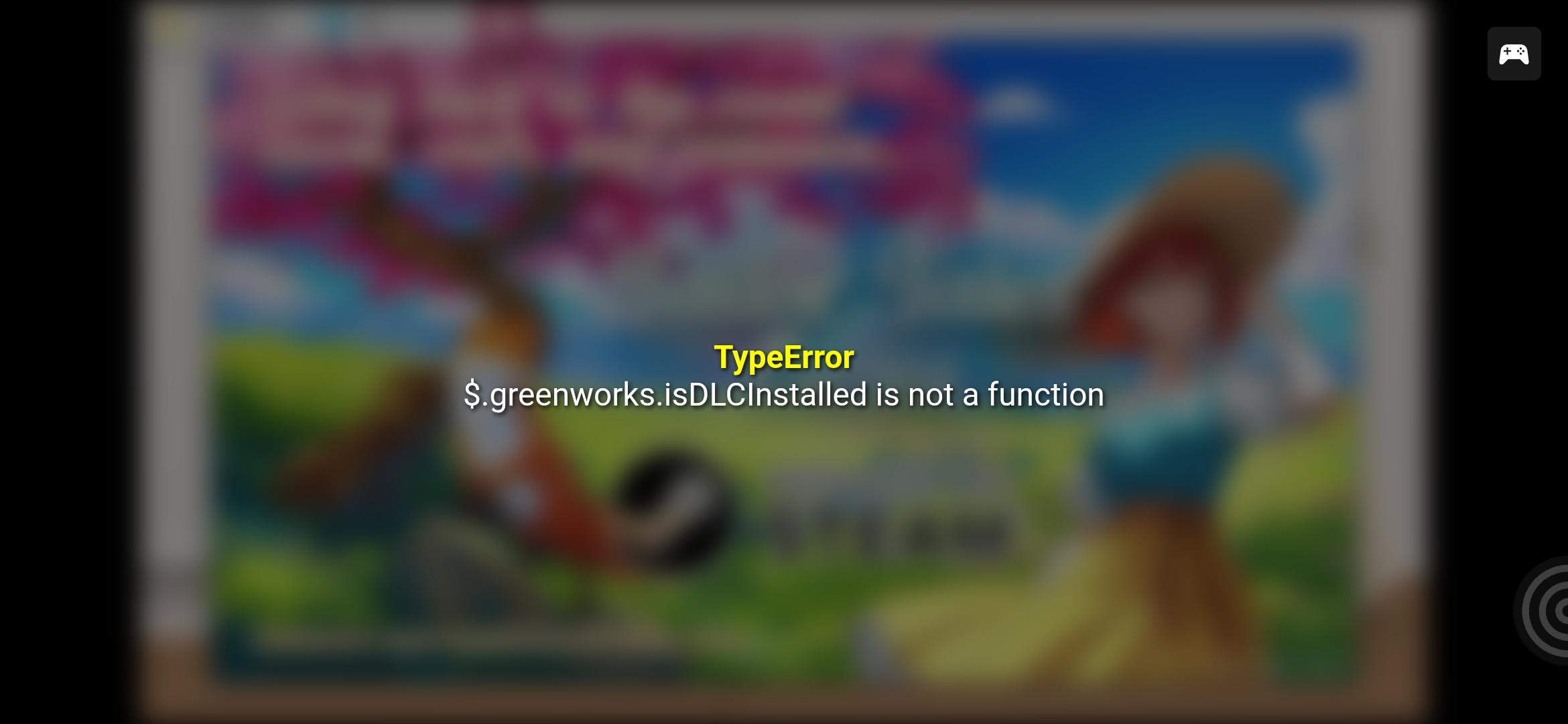
Hey, so, Aidan route doesnt work and gives an error every time I get to chapter two
I know why this error occurs (it thinks you're playing the Steam version), but I don't know why you're getting this error. I tried a clean new game on the Itch version right now, and it does not show up for me (because it correctly identifies I'm playing on Itch, not Steam). I double checked; the error that causes this is turned off for the Itch version.
Please start a new game on the Itch version, do not try to transfer save files from one platform to another. If that does not work, reinstall the game and start a new game.
Can you join the Discord to get further help? I'd very much like to find out what's wrong then if you're playing the Steam version and bought the DLC, but it's not unlocking for you. Link to the Discord here, just say you need help in the tech channel.
Hm this requires some more personal testing, can you join the Discord and post in the tech support channel there? Mostly, I am in need of your save file so I can see why it wouldn't show up for you.
You can find your save file here:
1. Oen your game, undress your character so she's not wearing any clothes (hair doesn't matter). Save the game.
2. Open your Itch App and find Tailor Tales. Click the cogwheel, then click manage. Then click 'open folder in explorer' and browse to this location: Tailor Tales > www > save.
3. There is a file in there called file1.rpgsave and that is your main file.
4. Drag & drop the save file into the tech support channel.
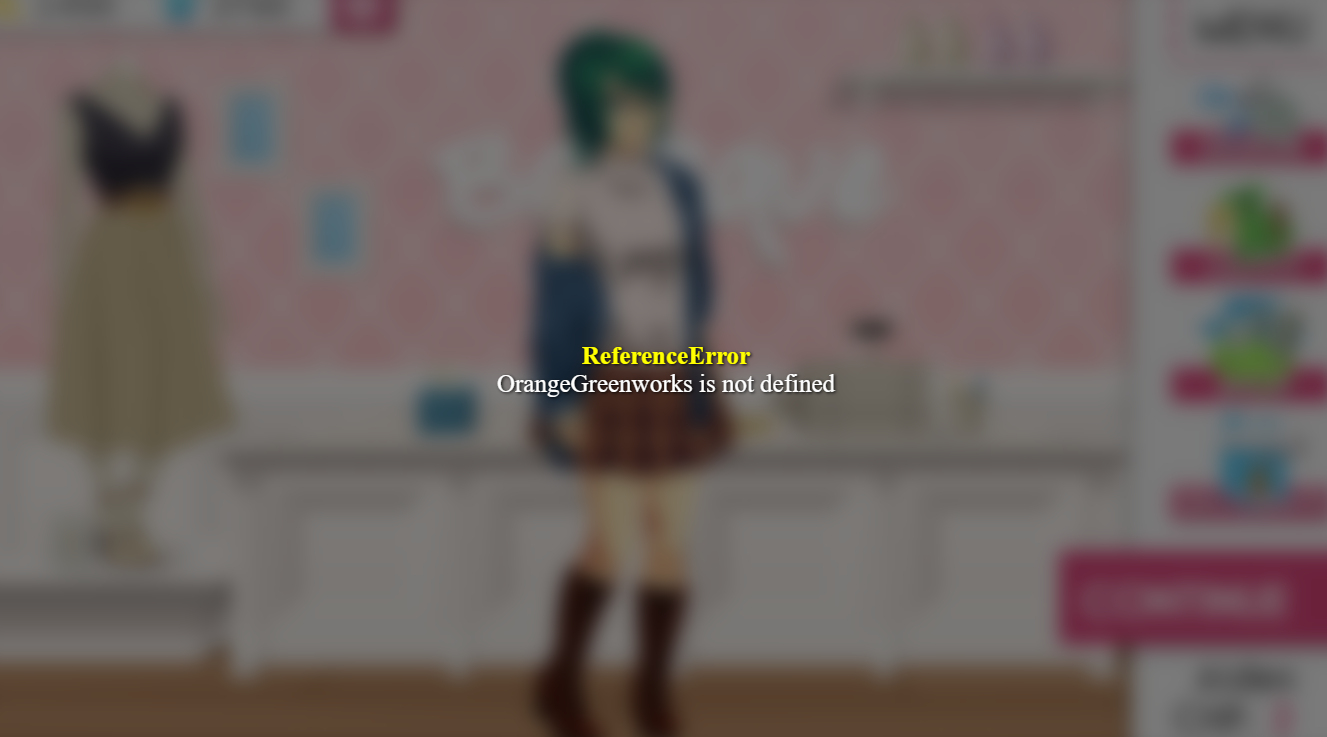 Hii, I keep getting an error while trying to load Chapter 2 for Aidan's route. It says ''OrangeGreenworks is not defined''.
I originally downloaded the game on the itchio web and after the bug occurred, I installed the itchio app and reinstalled the game there. It ended up creating a whole new game though. I also attempted to move some old save files to the newly installed one, but it was unsuccesful.
NAME: ReferenceError
MESSAGE: OrangeGreenworks is not defined
ReferenceError: OrangeGreenworks is not defined
at eval (eval at Game_Interpreter.command111 (chrome-extension://odlameecjipmbmbejkplpemijjgpljce/www/js/rpg_objects.js:9307:24), <anonymous>:1:1)
at Game_Interpreter.command111 (chrome-extension://odlameecjipmbmbejkplpemijjgpljce/www/js/rpg_objects.js:9307:24)
at Game_Interpreter.command111 (chrome-extension://odlameecjipmbmbejkplpemijjgpljce/www/js/plugins/CommonEventSwitch-Hudell.js:17:40)
at Game_Interpreter.executeCommand (chrome-extension://odlameecjipmbmbejkplpemijjgpljce/www/js/rpg_objects.js:8930:34)
at Game_Interpreter.update (chrome-extension://odlameecjipmbmbejkplpemijjgpljce/www/js/rpg_objects.js:8838:19)
at Game_Map.updateInterpreter (chrome-extension://odlameecjipmbmbejkplpemijjgpljce/www/js/rpg_objects.js:6115:27)
at Game_Map.update (chrome-extension://odlameecjipmbmbejkplpemijjgpljce/www/js/rpg_objects.js:6022:14)
at Scene_Map.updateMain (chrome-extension://odlameecjipmbmbejkplpemijjgpljce/www/js/rpg_scenes.js:608:14)
at Scene_Map.updateMainMultiply (chrome-extension://odlameecjipmbmbejkplpemijjgpljce/www/js/rpg_scenes.js:600:10)
at Scene_Map.update (chrome-extension://odlameecjipmbmbejkplpemijjgpljce/www/js/rpg_scenes.js:589:10)
No sorry. The save files have a flag set when you start the game, to know which platform you're playing on. Steam, itch, Patreon even. They don't work if you transfer them over, because each version of the game works differently (Steam has achievements, that's why you got that OrangeGreenworks error; it's trying to show a Steam achievement, which it cannot do). There's also some content in one version, and not in the other. It's better to start a new game because of that.
As for your progress; I recommend going the Patreon route. Yes, you get a new game version, and yes, you start a new game again. However, you get cheatcodes that lets you unlock routes without having to play through them again. You'd want the Plus tier version.
If you want to stick with this version, then no, you can't save your progress at this point because each save file is already tainted. You can hold down the left mouse button to speed through the chapters, or press W on your keyboard for an even faster fast-forward, just to get you back to where you left off.