

sry for late reply… again. I read what you writen but i formated my laptop again for another issue and did everything you said on the previus messages and got a diff result this time the first time i opened the game after i formated even after i reinstalled it didnt gave me the same result it gave me the title screen in fullscreen for like 3 sc then exited fullscreen then it got stuck in not responding state for 1 minute after that i forced it to close this didnt happen more than once since i formated anyways
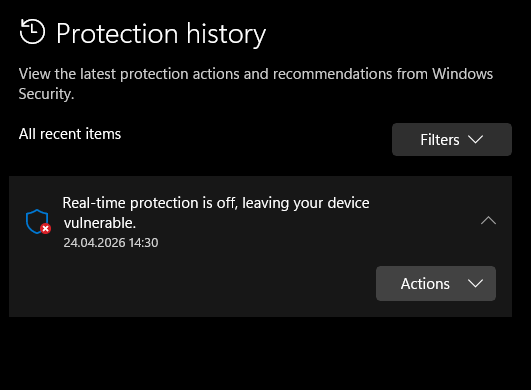
- i checked my defender history there was only real time protection being off
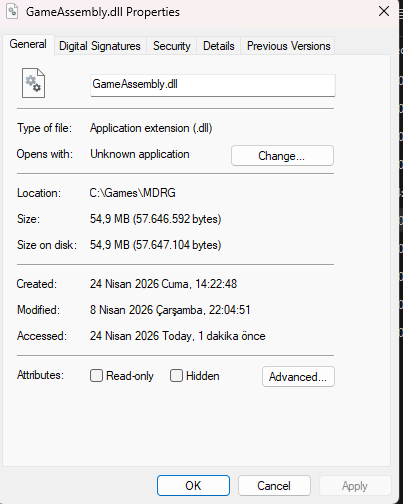
- i checked its not missing or 0kb i dont know how to check its corrupted tho
- i used winrar extractor from the beginging
- i checked if the size is correct every single time i downloaded
- i tried using 7-Zip to extract the files it gave me the same result
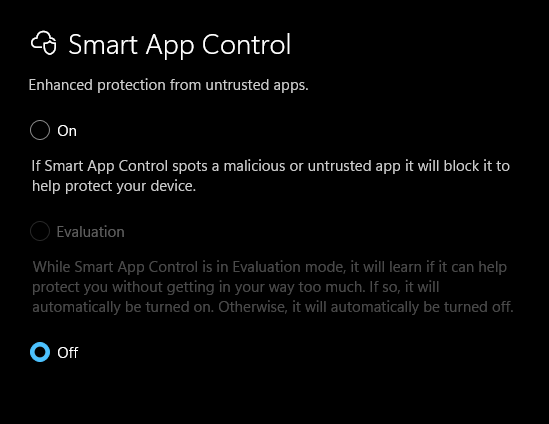
its probly not important but the reason i formated my laptop is bc of google play games not instaling or opening the games. it worked when i downloaded it after a format but if i reboot my pc it stops working again and no matter how many times i reinstall it doesnt work.this might be happening bc my laptop has smth broken or smth bc this is not the first app to cause problems when it should work smoothly
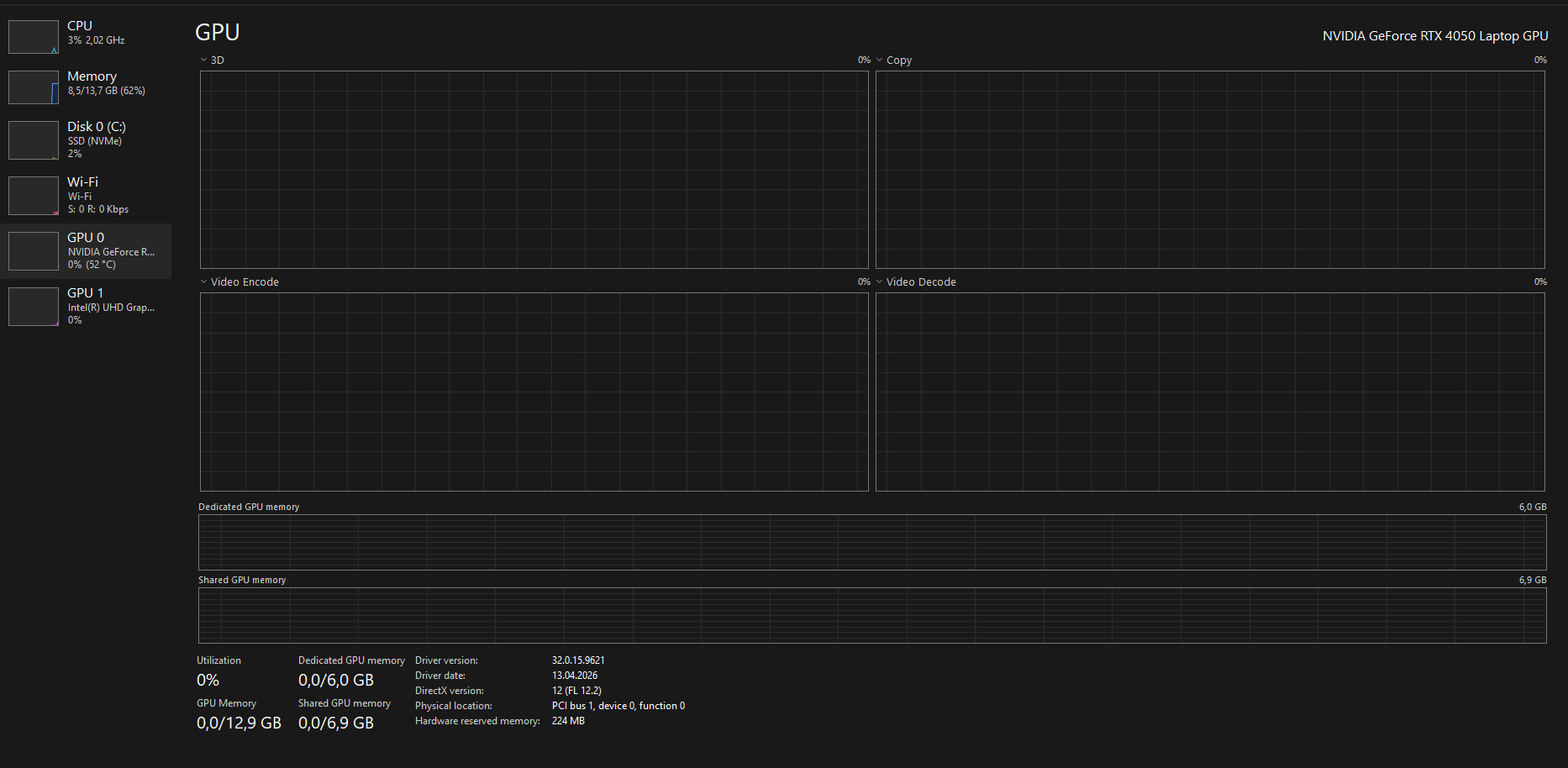
 product number: 9J254EA#AB8