

This might be a dumb question (I'm new to this), but the dirt path tiles don't seem to have "edges". They have corner tiles, but how did you manage the straight line paths in your example town above (the first image)?
Willibab: your tile sets are AMAZING. I purchased the whole bundle and really appreciate all your effort. I'm going to try to create a small online JRPG with them.
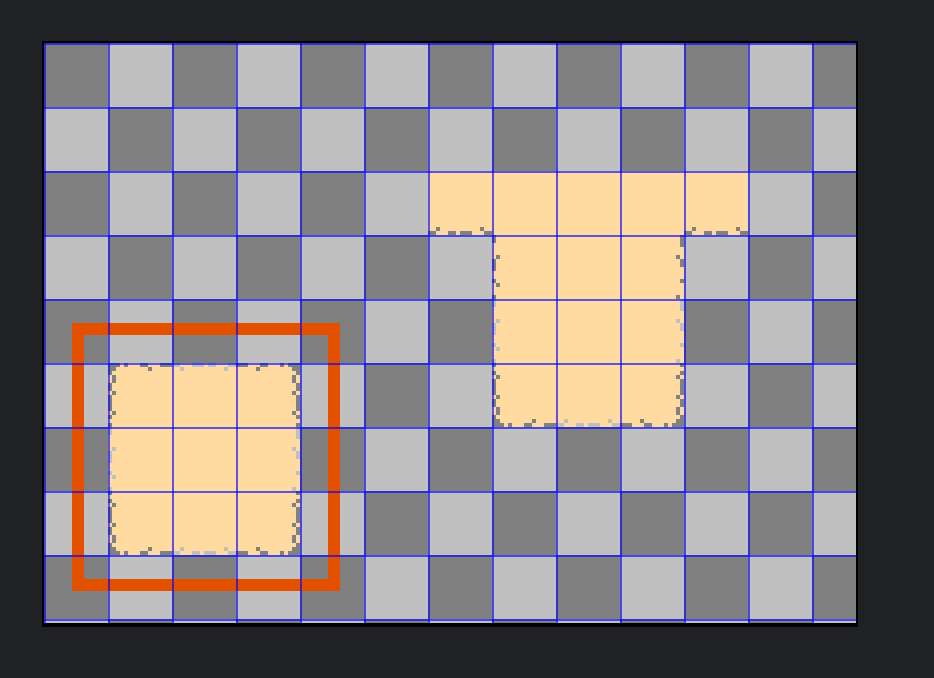
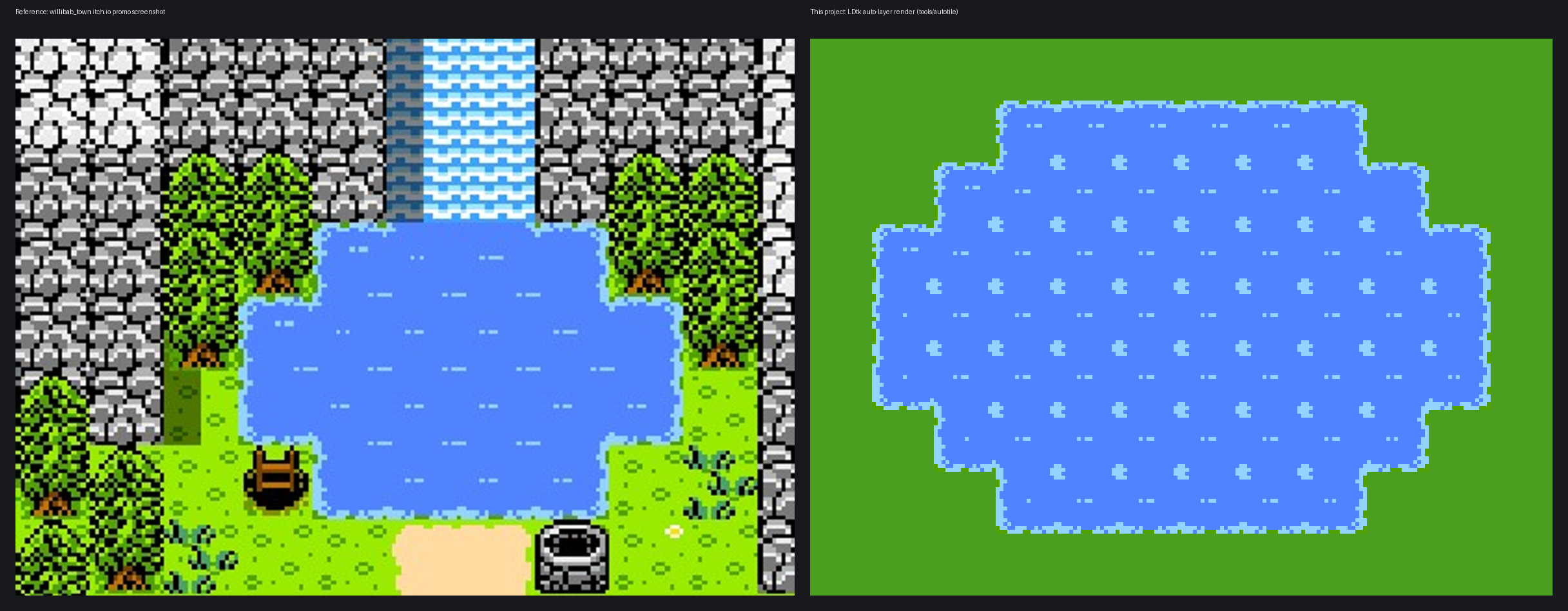
I believe the water tiles also have this gap and attached a photo where a center piece without any borders is missing. Left side is your awesome sample photos, right side is what I've been able to auto tile from what's available.
It's possible I'm missing something and holding it wrong as well.
Thank you again for all the hard work.
91 days ago(+1)
It depends what engine you are using these in.
If you are using the RPG Maker engines then try this:
Try holding the 'Shift' key as you are placing the tiles.
This is a mapping technique called 'Shift Mapping'.
It basically alters how the autotiles are handled.