Indie game storeFree gamesFun gamesHorror games
Game developmentAssetsComics
SalesBundles
Jobs
TagsGame Engines

Tailor Tales

Romance hot guys and create your own clothes. 路 By Celianna

4.0.3 Technical support & Bug reports Sticky

A topic by Celianna created Jul 15, 2021 Views: 4,886 Replies: 75
Viewing posts 21 to 25 of 25Previous pageFirst page

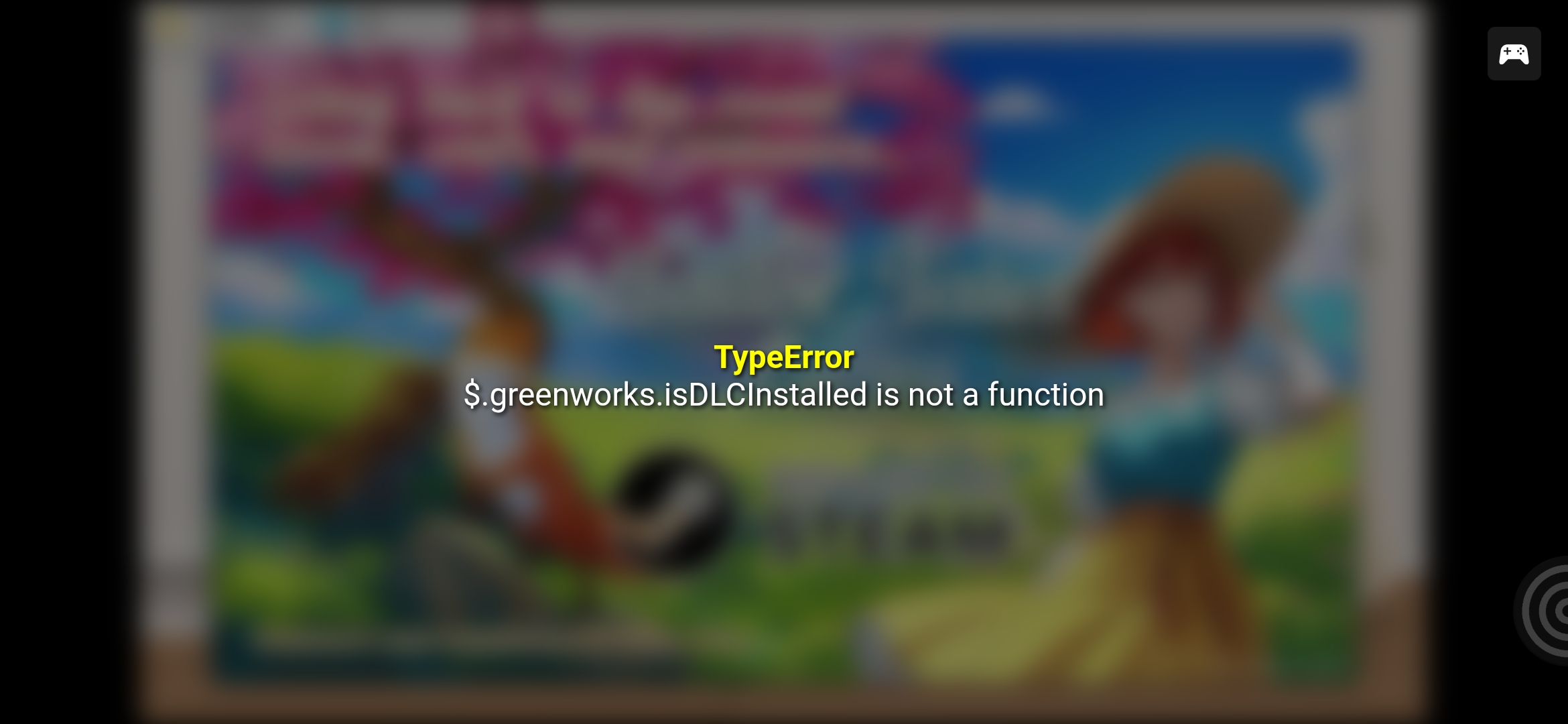
Hey, so, Aidan route doesnt work and gives an error every time I get to chapter two

Developer

What's the error you're getting? Screenshot if possible?

Its happening on chapter one too now
Developer

Did you transfer your Steam save to the Itch one? Or did you start a new game on the Itch version?

I started a new game on the itch version

Developer

I know why this error occurs (it thinks you're playing the Steam version), but I don't know why you're getting this error. I tried a clean new game on the Itch version right now, and it does not show up for me (because it correctly identifies I'm playing on Itch, not Steam). I double checked; the error that causes this is turned off for the Itch version.

Please start a new game on the Itch version, do not try to transfer save files from one platform to another. If that does not work, reinstall the game and start a new game.

Hi, I purchased all the DLCs on Steam, but when I click on 'Sidestory', it says I haven't bought them. What should I do?I tried reinstalling the game, but it didn't help. I apologize if there are any wording issues, as I'm using a translator. Anyway, the game is amazing! I really love it<3

Developer

If you bought DLC on Steam, you must play the Steam version, not the Itch version. The Itch and Steam version are two completely different games and save files. The Itch version doesn't recognize any DLC.

Yes, I'm playing the Steam version, and all the DLCs were purchased on Steam. This issue is happening with the 10th CG and the sidestory. I also checked the Steam discussion forums and found a similar post from a few days ago.

Developer

Can you join the Discord to get further help? I'd very much like to find out what's wrong then if you're playing the Steam version and bought the DLC, but it's not unlocking for you. Link to the Discord here, just say you need help in the tech channel.

Great! Sorry I just saw this because of the time difference. I've joined, thank you so much!

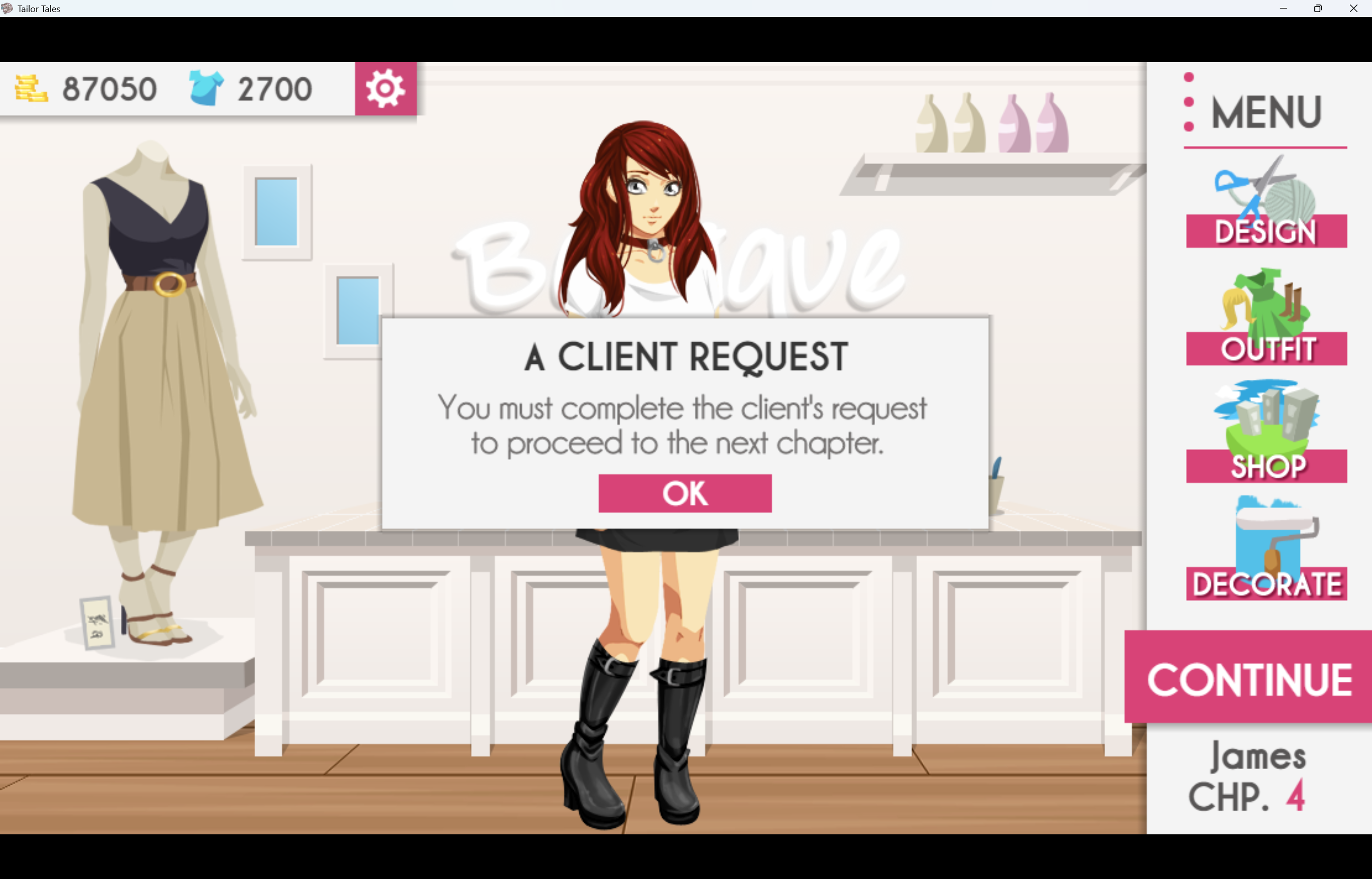
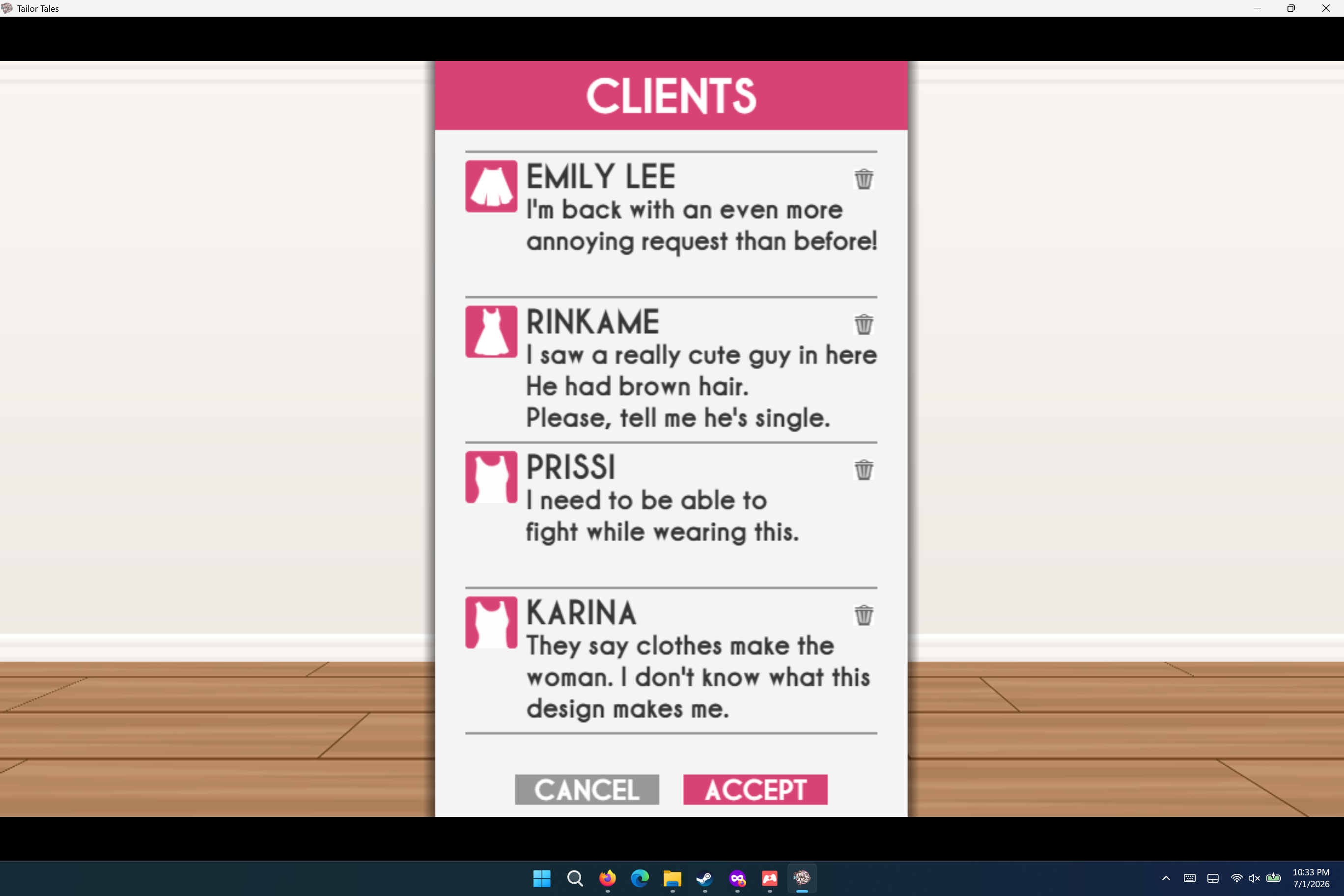
Help! My game has a bug; it won't let me advance to James' chapter 4. It says I have to complete a client's order, but when I go to the clients section, they don't appear. I'm playing the Itchio version.

Developer

The important client you need should be at the top of the list, with an exclamation mark. That's the one you need to finish.

Hi Celianna, I also can't advance to James Chapter 4. There is no client with an exclamation point that appears, even if I reject some.

This is the itch version by the way. I started a new save file and it is still blocked and doesn't display a significant client.

Developer

Hm this requires some more personal testing, can you join the Discord and post in the tech support channel there? Mostly, I am in need of your save file so I can see why it wouldn't show up for you.

You can find your save file here:

1. Oen your game, undress your character so she's not wearing any clothes (hair doesn't matter). Save the game.

2. Open your Itch App and find Tailor Tales. Click the cogwheel, then click manage. Then click 'open folder in explorer' and browse to this location: Tailor Tales > www > save.

3. There is a file in there called file1.rpgsave and that is your main file.

4. Drag & drop the save file into the tech support channel.
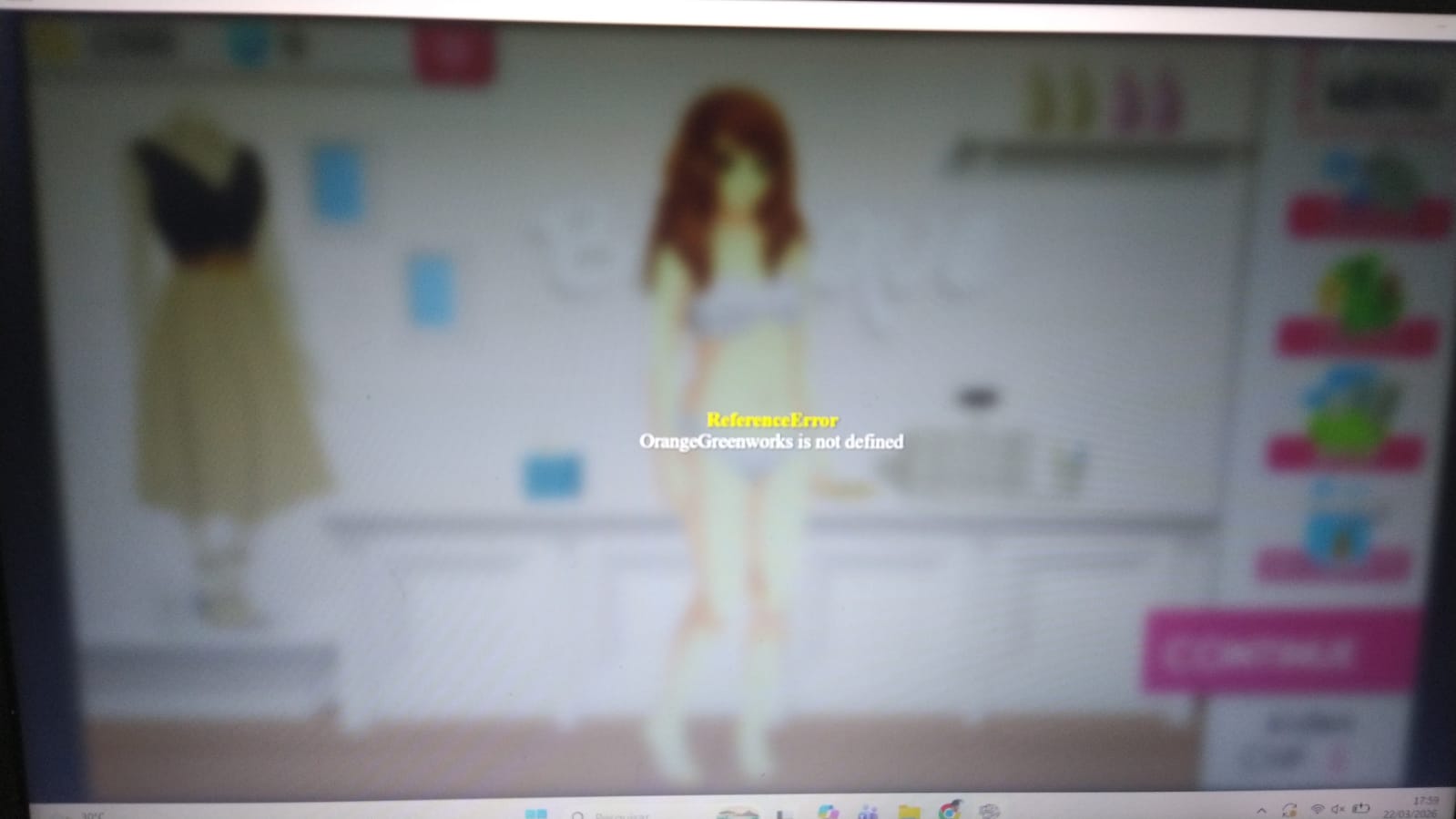
Hello! This is my first time downloading the game on this device but I'm getting the "Orangegreenworks is not defined" error on a black screen as soon as I open the file. I saw the post about someone having a similar issue but I've never downloaded the game through steam. Is there something I can do?

Developer

I updated the game to fix an issue a previous user had, but it turns out they weren't even playing this version, so I introduced a bug for regular users 馃槄 My mistake. I've updated the game, it should now start as usual. Please update the game through the Itch app, or re-download it.

Thank you so much!

Estou com esse problema. Eu crio a personagem e escolho uma rota, ai aparece um anuncio, clico para sair e aparece isso.
Developer

Hi, where are you playing this from, Itch or Steam, or perhaps Patreon?

The error appears to be running a function that I recently added, but it almost looks like you're running an older version of the game.

Do Itch 馃槶

Developer

Hmm I can't seem to find the issue, I have updated the game to version 7.1.1 which works on my end. Please make sure to redownload the game, and that you're running version 7.1.1, and start a new game as well.

Viewing posts 21 to 25 of 25Previous pageFirst page