

On Sale: GamesAssetsToolsTabletopComics
Indie game storeFree gamesFun gamesHorror games
Game developmentAssetsComics
SalesBundles
Jobs
TagsGame Engines

Cover image will not upload, screenshots fail to show preview

A topic by Anniemay Parker created 92 days ago Views: 421 Replies: 8
Viewing posts 1 to 9
(+2)

Hi! I'm working on getting my game page ready but the cover image is stuck with a rotating circle. It's 98kb and is sized at the recommended 630x500. It's also a PNG file. Additionally, I've had trouble uploading screenshots of my game as some seem to load while others don't. I'm happy to resize but would like some tips on where to start. Thanks in advance :3


I would post screenshots but I'm getting the error of "body: expected text between 1 and 20480 characters"
Hello! The same thing is happening to me! I'm trying to replace the current cover image, but nothing happens.

(2 edits)

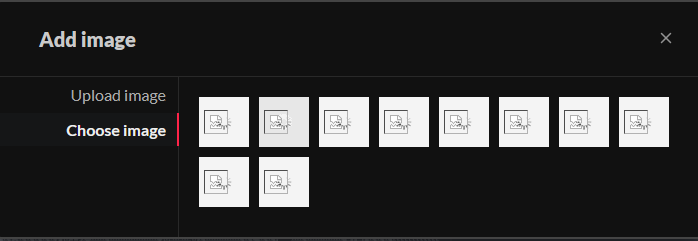
Same thing for me with uploading screenshots, and even choosing images to add to the game page from those already uploaded (not sure if uploading one here will work, but I’ll try [edit: doesn’t seem to - edit2: after a while it looks like the screenshot here at least showed up!])

Same. I've sent an email to   support@itch.io about it. I'll let you know if I  get an answer.

I'm running into the same issue.  I was able to upload a new project, including the comic itself, but I can't get the preview image to fully upload -it's stuck on the rotating circle.  Chipping in to add to visibility. 

Same issue here as well. I hope it's resolved soon

On the day I planned on launching my demo :( 

but of course .... 

Hey all! I'm sorry we're all having the same issues :c

What ended up happening was I left it for a day, came back and they uploaded like normal! Unsure if it was a traffic issue but I hope time makes it work for you all, too! 

Yeah, it's working now. Thanks!

This topic has been auto-archived and can no longer be posted in because there haven't been any posts in a while.