

Please try launching the game using your dedicated graphics card.
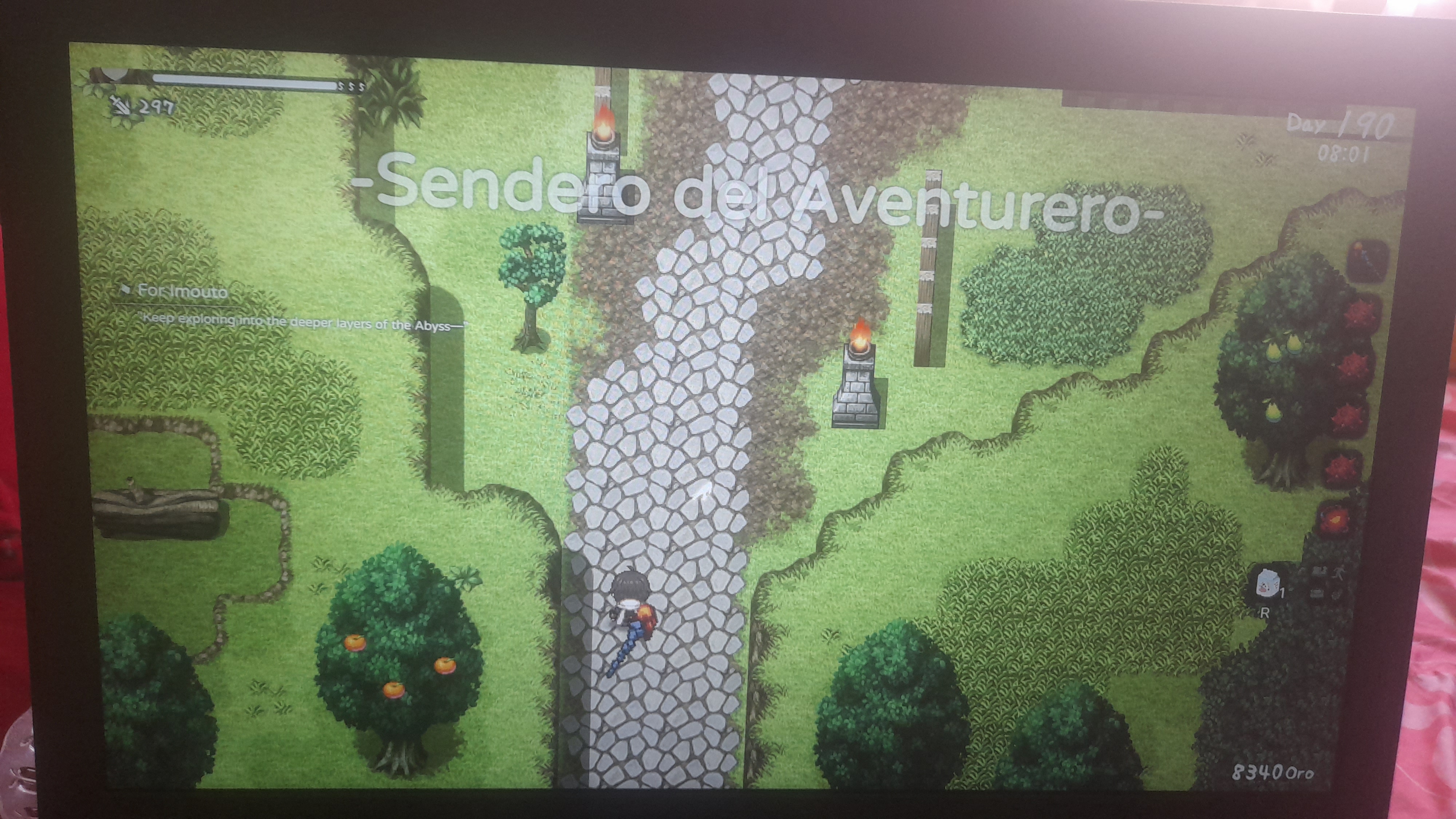
Hello developer... I just tried that... but it didn't seem to work. I think it's because of the game engine... because in previous versions the FPS was high without any drops... but after the new update the FPS dropped considerably, only when leaving the house... but when I'm with my sister the FPS stays steady and I see a huge improvement in smoothness... is there a new solution for this?
Thank you so much for your help! Your suggestion worked perfectly. I changed the game to use my dedicated NVIDIA GPU instead of the integrated graphics, and now the FPS is much smoother. I really appreciate your quick response and all the work you've put into this game. Thank you, and keep up the great work! ❤️