Indie game storeFree gamesFun gamesHorror games
Game developmentAssetsComics
SalesBundles
Jobs
TagsGame Engines

Hey, buddy. I purchased your Kadajah's RE Inventory System - Attache Case + Merchant.

I'm having a few issues and don't know how to set it up because I don't speak English. Haha.

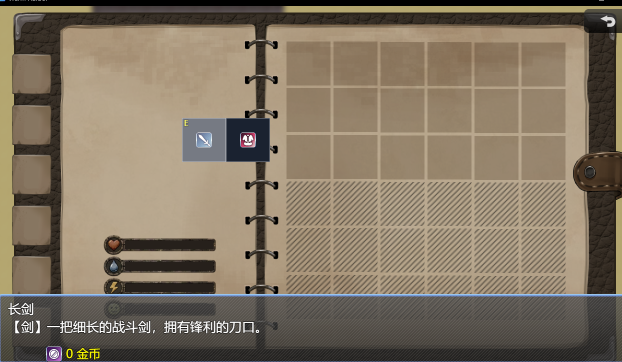
1. As shown in the image, how can I hide or remove the coordinates from the item description bar at the bottom of the game interface (since I don't need it)?

2. As shown in the image, the background color of my items is black. How can I change it to transparent?

3. The items are currently centered. How can I position them at the coordinates I want, such as on the right side as shown in the image?

4. Currently, each item is right next to the other. I’d like to leave a gap between them, just like in the image (this isn’t a big deal—if it can’t be done, I can live without it).

I look forward to your reply. Thanks.
Hey bro, how's it going? I’ve updated the plugin with a few features that will help you get the result you're looking for.

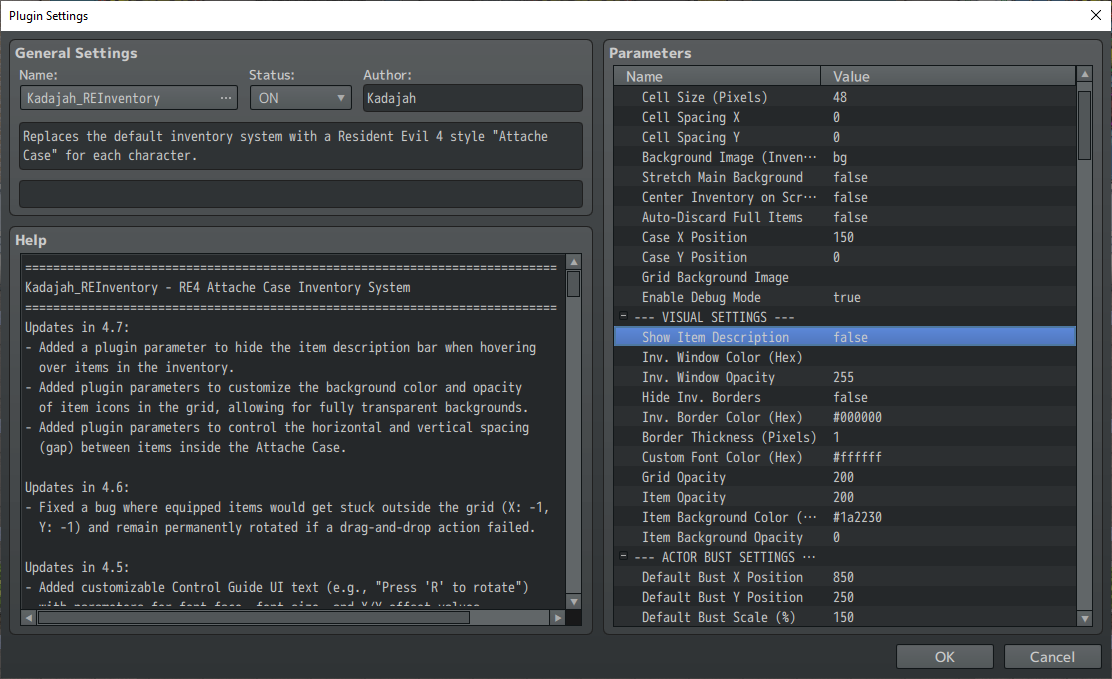
1. I added a parameter to the plugin options that lets you hide the item description bar.

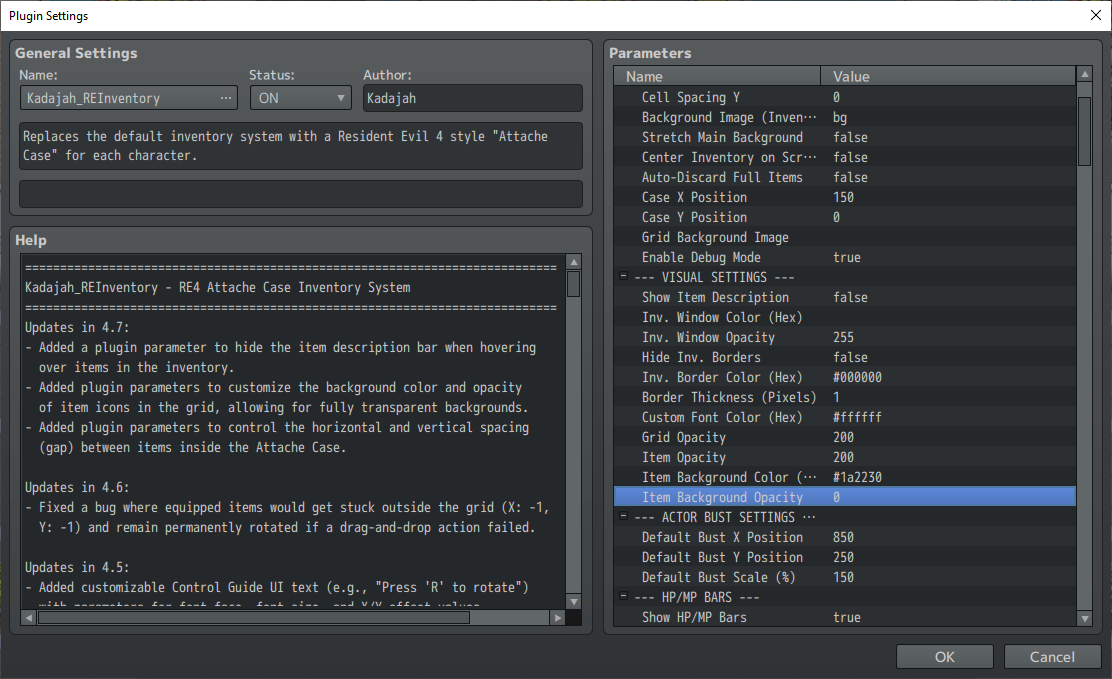
2. I also added options to change the icon background color, or even make them transparent using opacity control (just set the opacity to 0).

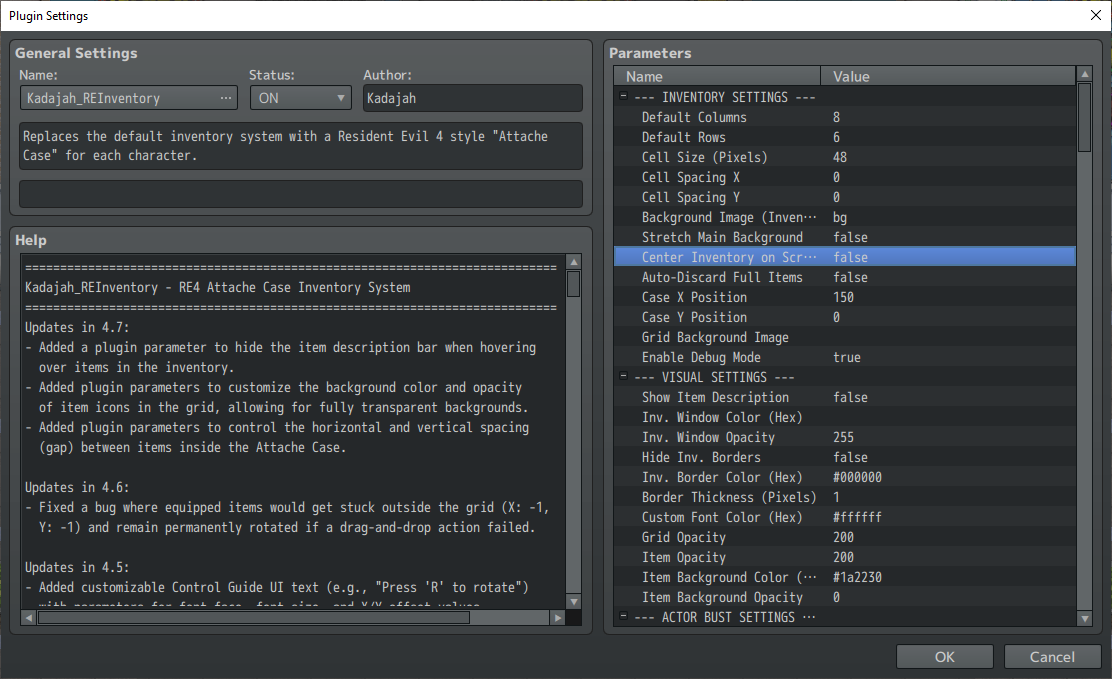
3. Simply disable the option to center the inventory on the screen and adjust the Case's X and Y positions using the controls located below the centering toggle.

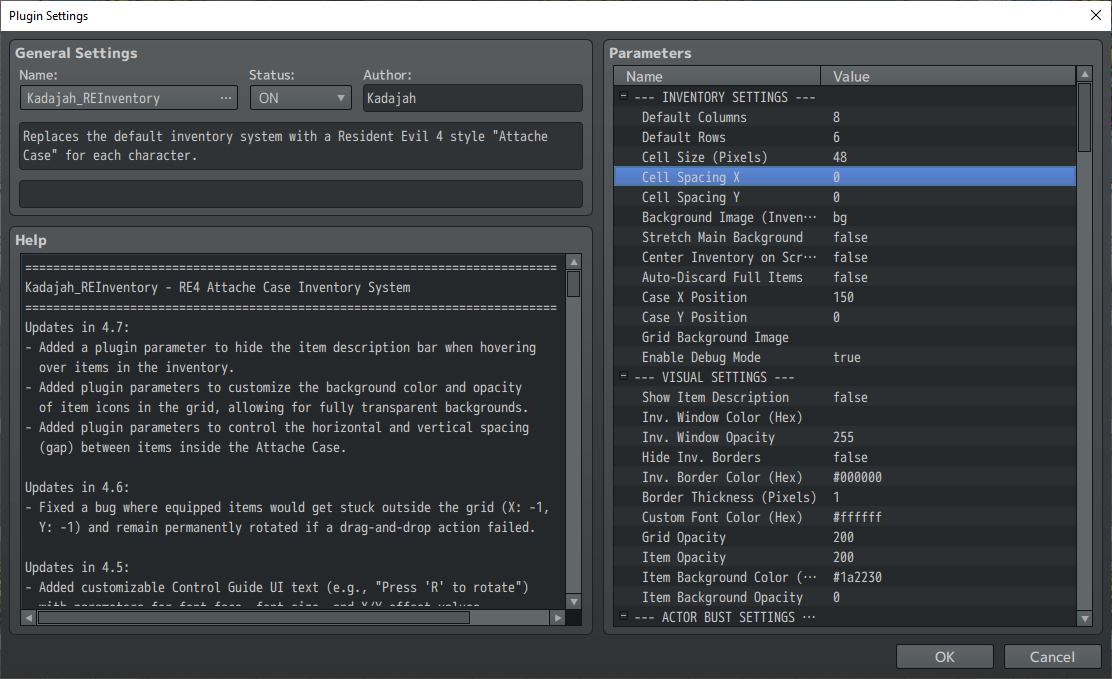
4. Just adjust the X and Y cell spacing to create a gap between the inventory slots.

Please download the updated JS file, replace the old one in your project, and adjust these parameters accordingly!
Let me know if you have any questions.