Indie game storeFree gamesFun gamesHorror games
Game developmentAssetsComics
SalesBundles
Jobs
TagsGame Engines

Mode 7 Perspective Scaling

A topic by Eden Reese Potts created 56 days ago Views: 209 Replies: 3
Viewing posts 1 to 3
(+2)

Hello! I am attempting to do some ~graphics programming.~

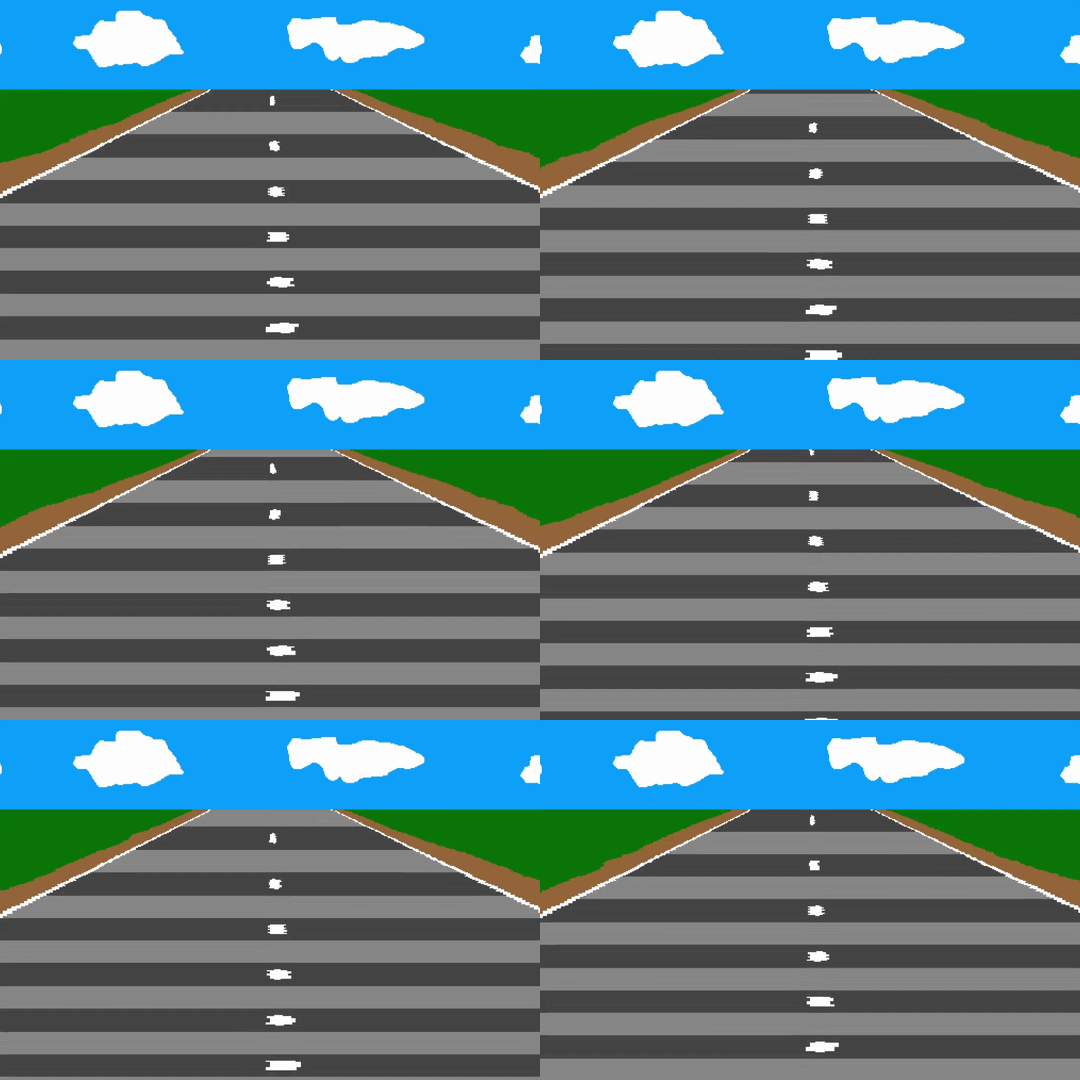
What I am trying to do is a SNES Mode 7 perspective effect: take an image from a canvas and scale it to a trapezoid shape for pseudo-3D.
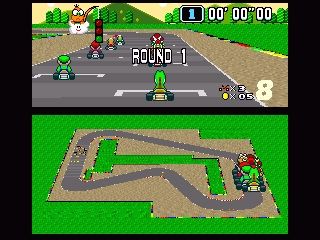
    

This type of thing.

What I am doing is: first scale down the image by a scale factor vs.

img:src.copy[]
img.scale[1,vs]

And then go line-by-line and scale the image horizontally by a scale factor that starts at 1 at the top and goes to hs at the bottom.

each y in range imgy
  temp:img.copy[(0,y) (imgx,1)]
  temp.scale[((y/imgy)*(hs-1))+1,1]
  img.paste[temp.copy[(
   (temp.size[0]-imgx)/2
   ,0) (imgx,1)] (0,y) 1]  
 end

I tried scrolling a canvas with Zazz and scaling that image onto another canvas in real time.

And this seems to work!
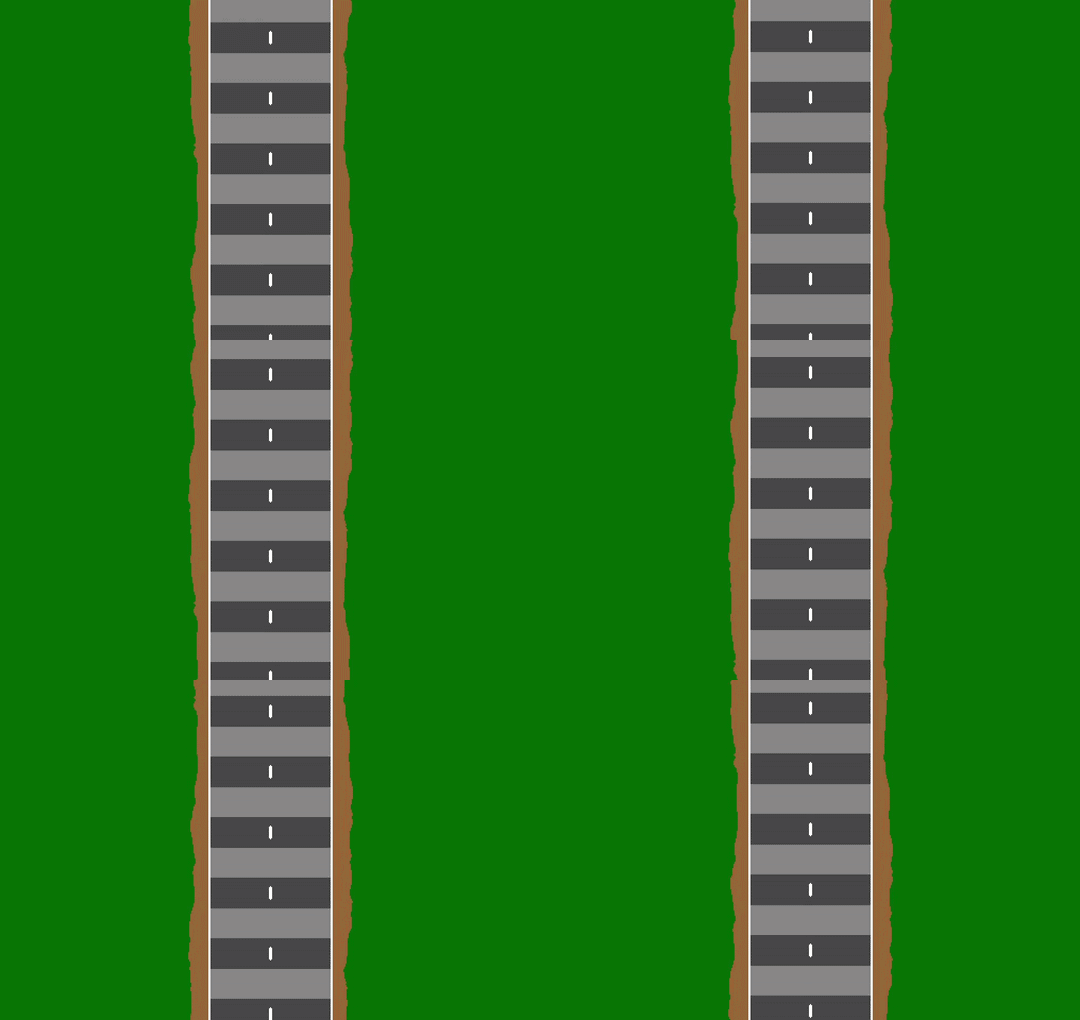

...But it doesn't run so well in web Decker.
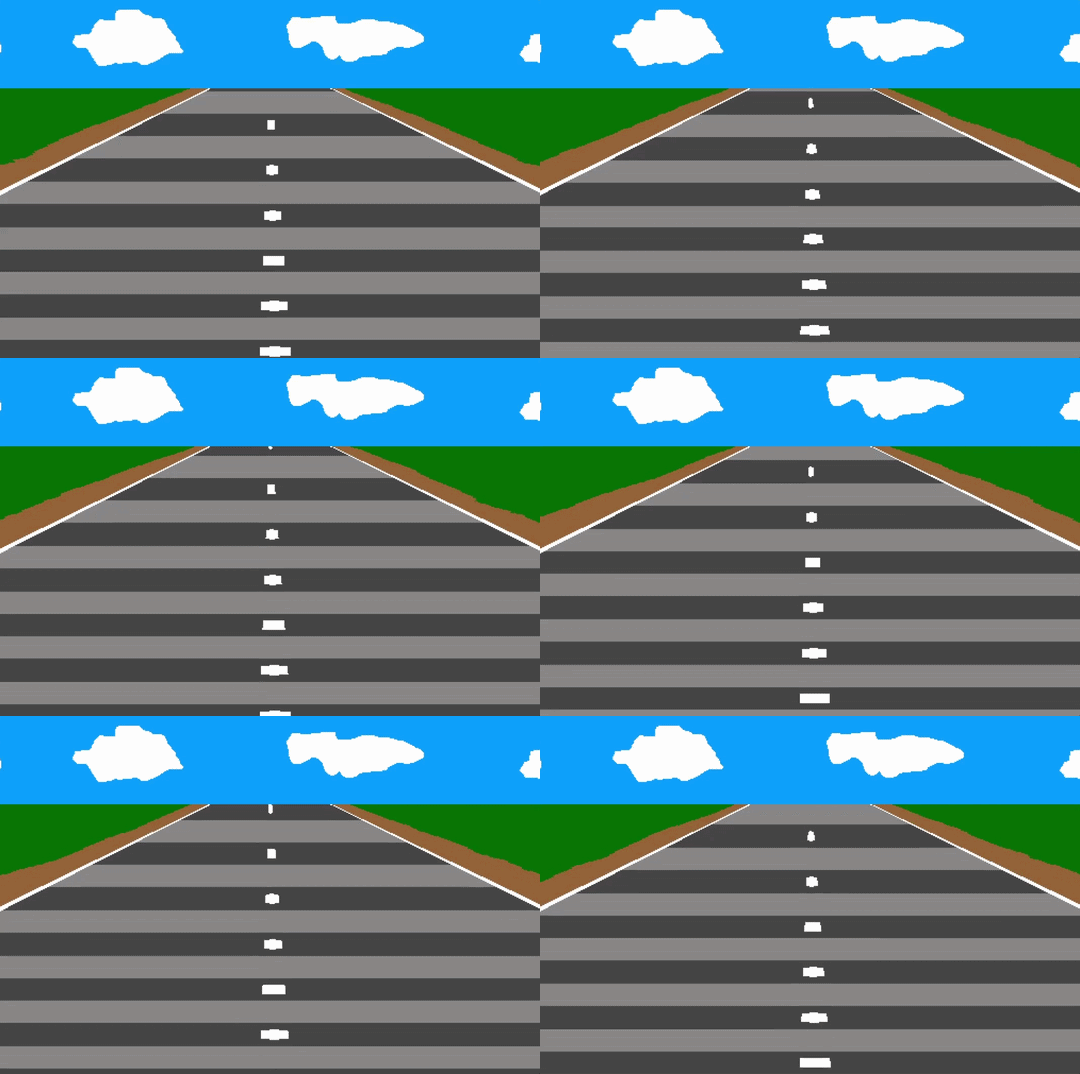
(Hopefully you can tell from the gif.)

It seems like there's probably a more efficient way of doing this, maybe with matrix math, but I can't figure it out.

Thank you.
Developer(+2)

This is a neat experiment!

The zazz.scroll[] function is mostly a convenience wrapper around image.translate[], so you could slightly reduce the overhead of each call by doing that more directly, I guess:

lup.nw:-1,-1  lup.n : 0,-1  lup.ne: 1,-1
lup.w :-1, 0                lup.e : 1, 0
lup.sw:-1, 1  lup.s : 0, 1  lup.se: 1, 1
on scroll target offset do
 if "card"~typeof target target:target.image end
 if "string"~typeof offset offset:lup[offset] end
 target.paste[target.copy[].translate[offset 1]]
end

Probably doesn't make much of a difference if you're only shifting the canvas once per frame. Alternatively, you could make the source image twice as tall as you need and cut a sliding window out of it with a y coordinate modulo the original height, avoiding the need to translate anything.

The canvas.paste[] (or image.paste[]) function can be called like "canvas.paste[image (x,y,width,height)]" to scale the source image as it's pasted, avoiding the need to do a separate scale operation first.

It's also possible to paste graphics directly onto a card background (card.image) instead of a canvas; this is a bit more efficient than having canvases which cover the entire card, if you can get away with it.

(+2)

I was able to get it running much better by only copying the part of the source image I need, then scaling that to fit the destination, instead of scaling it first and then cropping.

each y in range imgy
  slicex:imgx/(((y/imgy)*(hs-1))+1)
  temp:img.copy[(0,y) (imgx,1)]
  img.paste[temp.copy[((imgx-slicex)/2,0) (slicex,1)] (0,y,imgx,1) 1]
 end

The moral of the story is: don't render 600,000 extra pixels for no reason and then throw them in the trash.

Now a module! Try it out!