


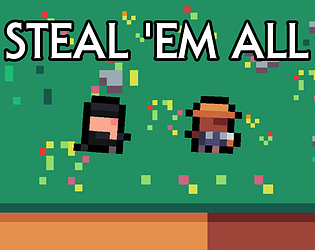
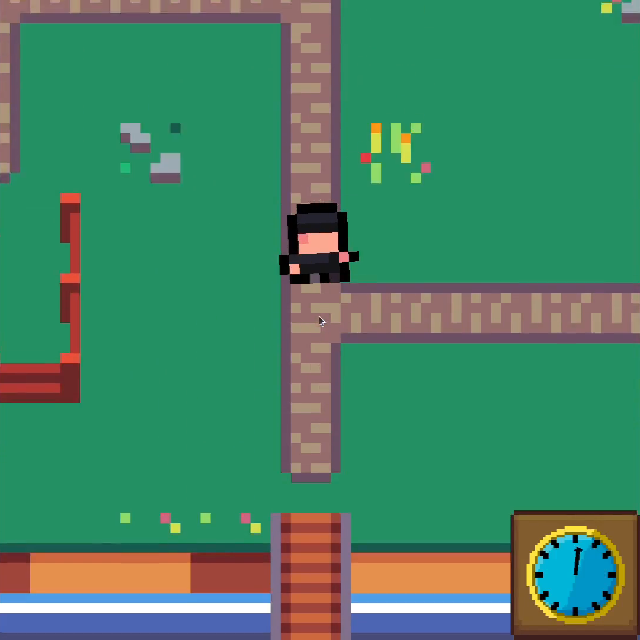
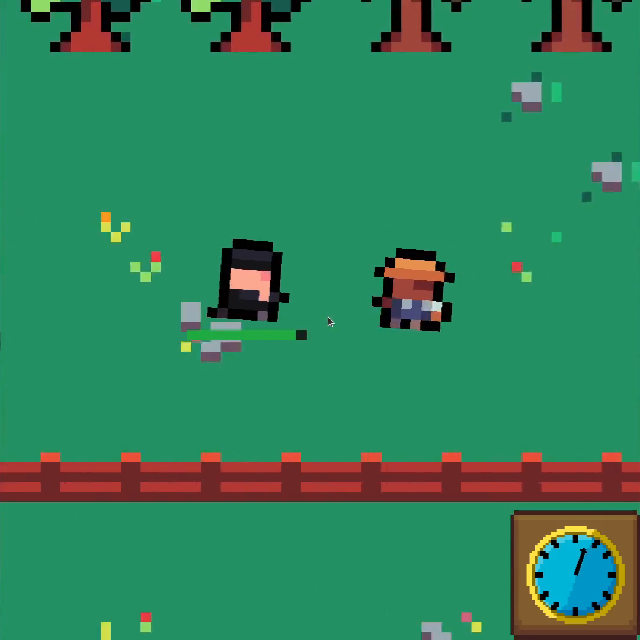
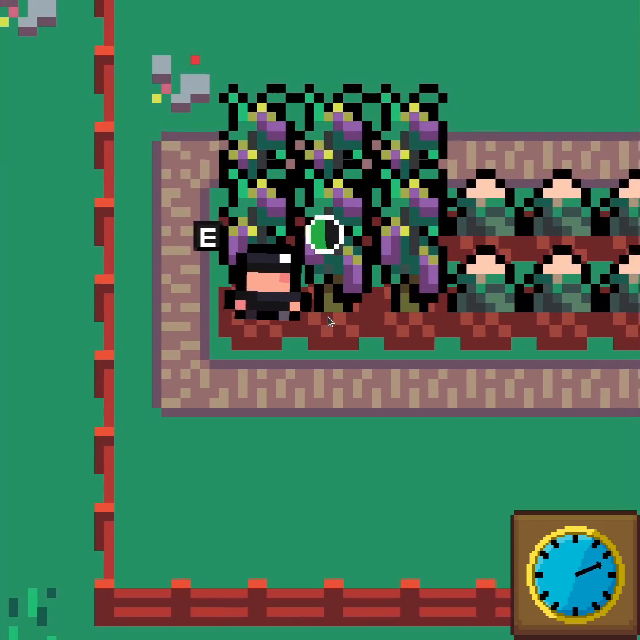
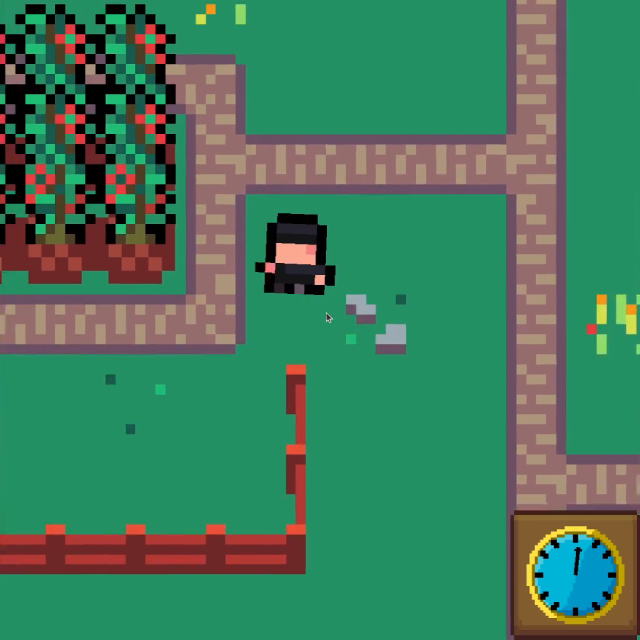
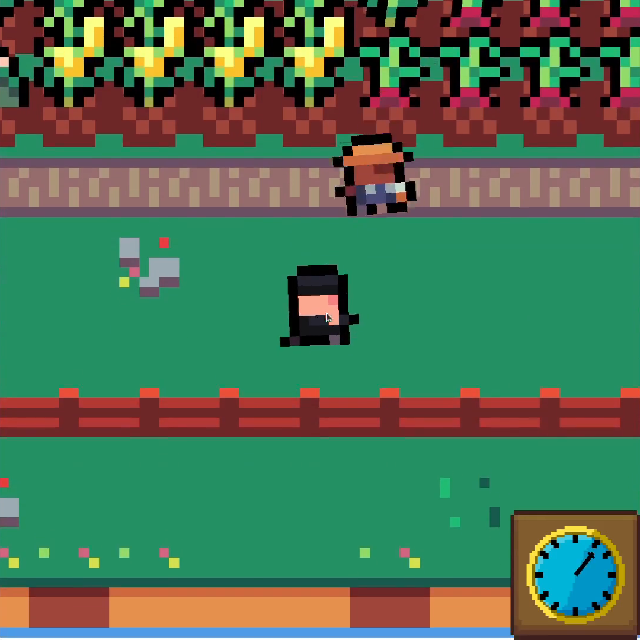
gg! I am glad you submitted it, the conversation that came out of this helped me too! Next year we’ll both have real 64x64!
Play game
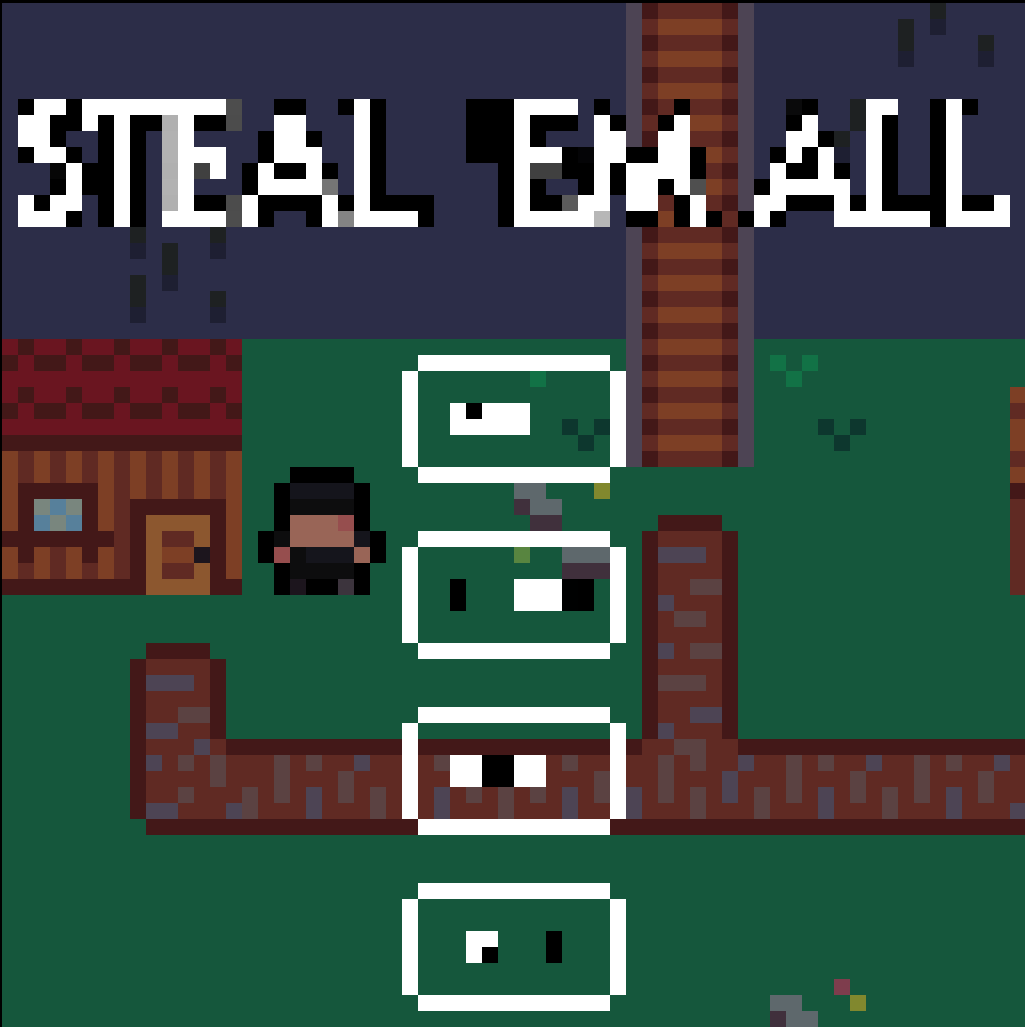
STEAL 'EM ALL's itch.io pageResults
| Criteria | Rank | Score* | Raw Score |
| Audio | #81 | 2.722 | 2.833 |
| Gameplay | #87 | 2.482 | 2.583 |
| Graphics | #90 | 2.642 | 2.750 |
| Overall | #103 | 2.322 | 2.417 |
| Authenticity (or, Creativity in use of resolution) | #115 | 1.441 | 1.500 |
Ranked from 12 ratings. Score is adjusted from raw score by the median number of ratings per game in the jam.
Themes
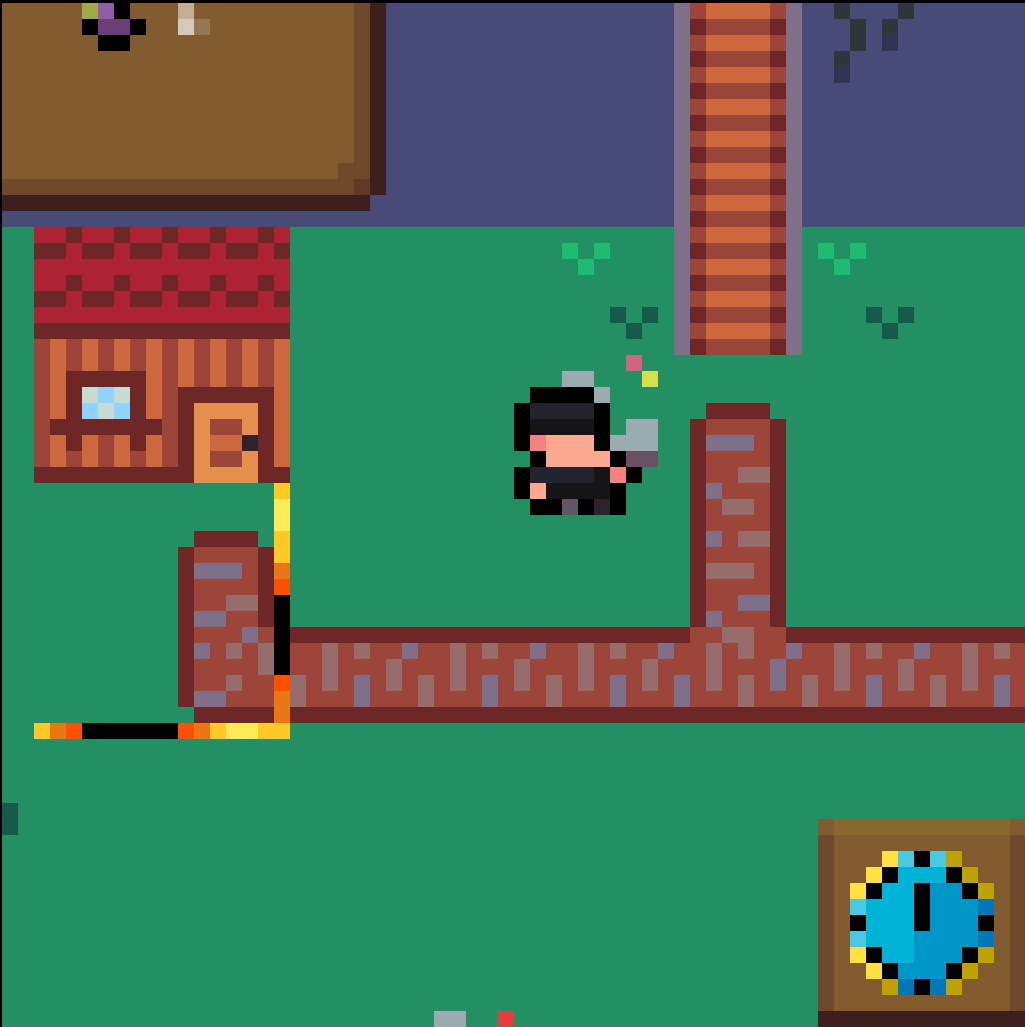
Fugitive: You have to escape from the farmer without getting caught
Tooling
Godot Engine - LibreSprite (a free and open source version of asesprite) - Bosca Ceoil Blue - jsfxr
Comments
16 days ago(+1)
Thank you so much, i really appreciate your comment. I was thinking of adding something to indicate the farmer’s location too, but I didn’t have time to do it. Maybe I’ll add it later. I tried your game too, and I really liked it. I really appreciated the game’s audio and gameplay, they’re really well done. Maybe I found some maps harder to play than others, but maybe I’m just stupid idk. Great job
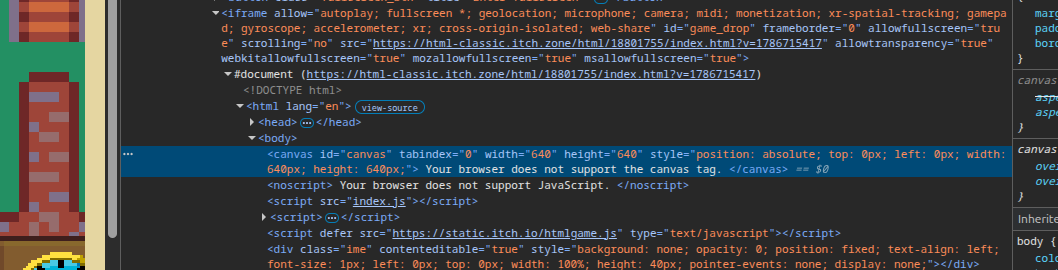
I created the game in 64x64 pixels. If I used a 64x64 resolution as the canvas on the website, it would be too small and unplayable. In fact, as stated in the jam rules, I scaled the size up to 640x640 to make the game easier to play. But the game is created in resolution 64x64.
In fact, if you check the games that won in previous editions, they all have canvases larger than 64x64 pixel.
But if this causes a problem and I have to change it, if you can explain how to do it so I can play at normal size, that's no problem for me.
The width and height attributes to <canvas> control the size of its backing framebuffer. So they’re not the same thing as CSS width and height. Set the “Viewport dimensions” in Itch’s controls to something large, 640x640 is good there, and the <canvas> inside will be large, but its framebuffer can still be small – the browser will scale up for you.
I don’t know how to control the canvas size in Godot, but someone in the Discord could help for sure; lots of people using Godot here.
I don't know, I made the project at a resolution of 64x64, and there isn't an export setting in Godot to change the <canvas>. Then I checked the games published in previous editions, and they have the <canvas> modified. I'll look into it a bit more, but I don't think, and I hope, that it will affect for the jam.
Leave a comment
Log in with itch.io to leave a comment.