

same goes for the camera model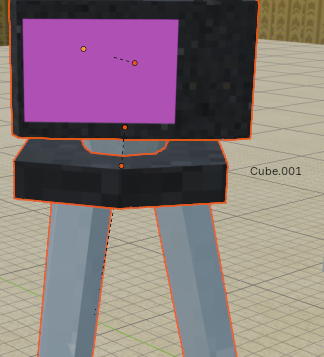
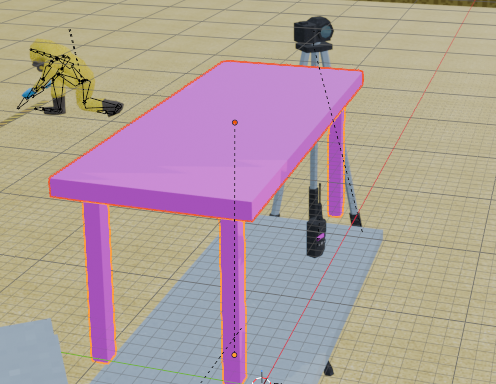 and the wooden table. if i were you i would check ALL the models and their textures
All textures for these items are included in the files. If you are running into issues where the texture is not applying correctly, you can manually add the texture by going into the "texture" folder and adding the correct texture.
The Radio needs you to apply the HHRadioScreen.png
The Camera needs you to apply the CameraScreenTex.png
The Wooden table needs you to apply the MeetingTable.png
all these textures are in the texture folder.
I will look into why they aren't auto being applied and see if i can fix with the next updated file as it is working fine on my compuiter.