I'm still updating the tutorial screens, thank you for your patience.
The newspaper is optional. I was planning to include a scan of an actual newspaper from 1981 but didn't find the time to include it in the submission.
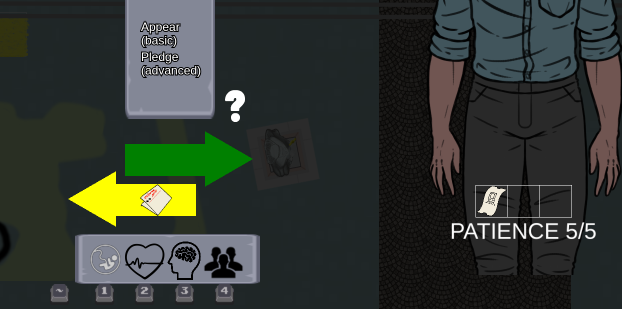
When you begin the meeting you should see the options "Appear (basic)" and "Pledge (advanced)". When you click on Pledge a special trade menu appears - click on the newspaper on the right side (where the NPC is). Finally, you need to click on the yellow arrow rectangle - the arrow head is not interactive, only the rectangle. I'll work on making the whole arrow interactive. (fixed, the whole arrow is interactive)