
Indie game storeFree gamesFun gamesHorror games
Game developmentAssetsComics
SalesBundles
Jobs
TagsGame Engines
(+1)

Thanks for giving it a shot! I'll try to add some proper options in the next build, but for now, with the game focused, you should be able to move the game from one screen to the other by:

Shift+Windows Key+Arrow Key into the direction of your other monitor.

Hope that helps!
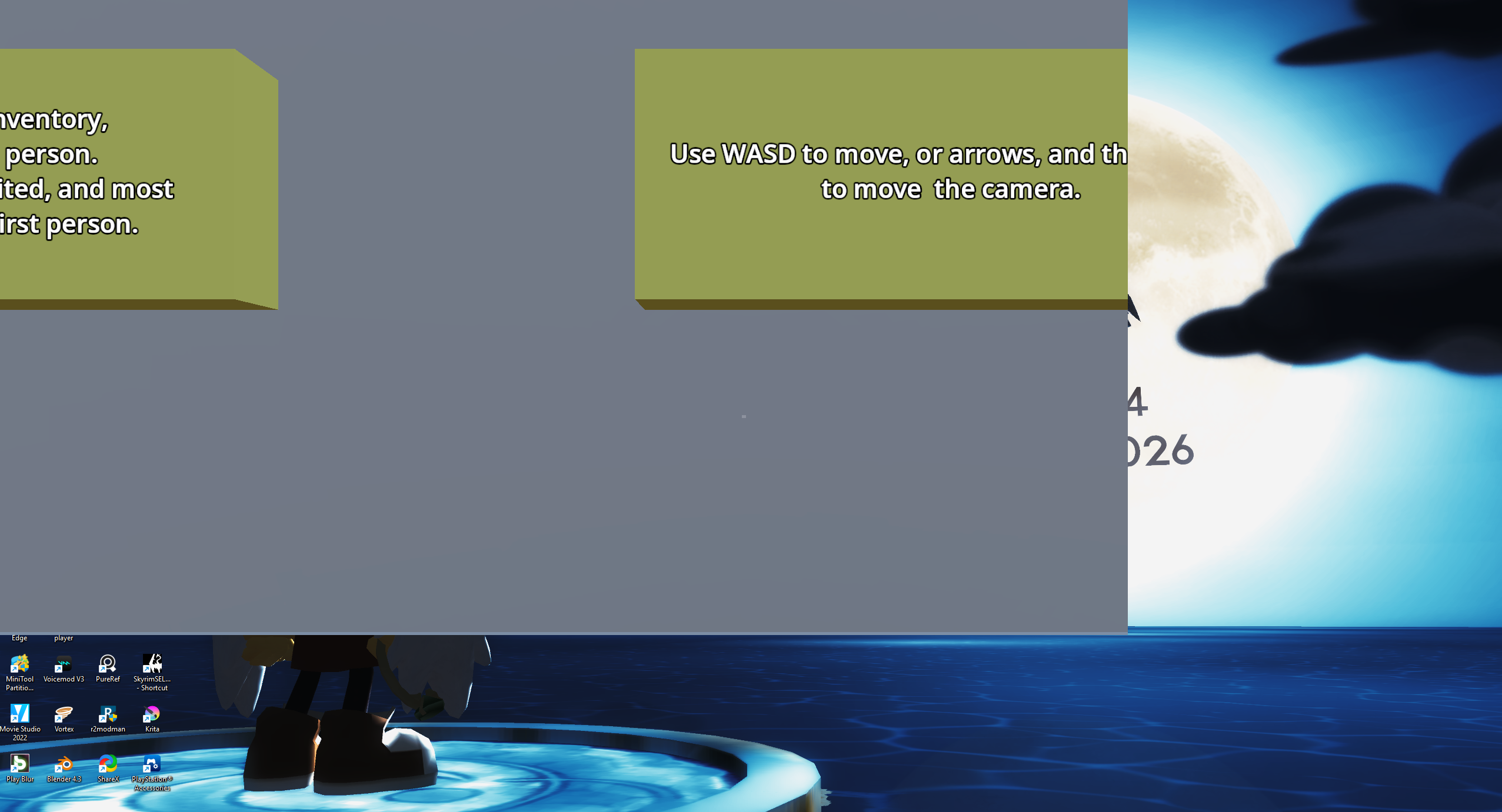
Tried that before the post and then realized my  snap   windows setting was off, so that's  sorted. New problem is that the resolution is now messed up. Pretty much just has the top left corner of the window but everything else is cut off.