

For this game and desk kanojo would it possible to add a option/toggle to turn on and off the camera overlay? image below for what I mean. I ask of this cause taking a pic with the in game feature really lowers its quality. Thanks 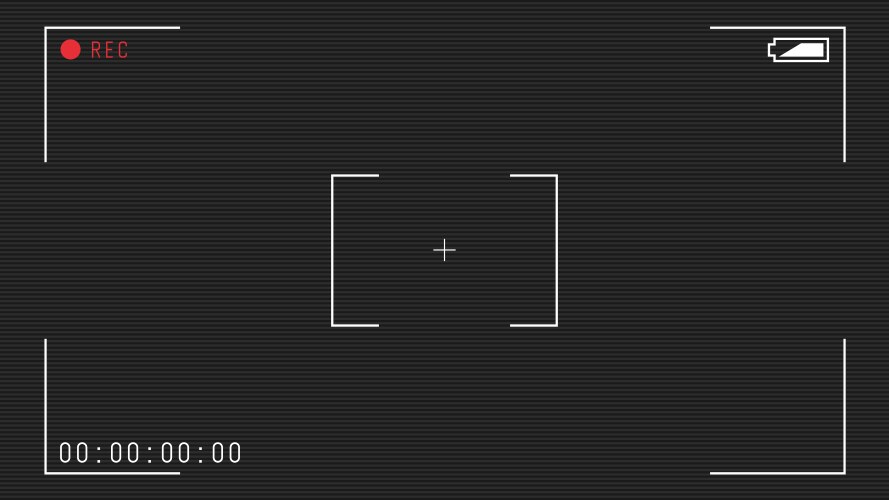
Viewing post in Desktop Garage Kit🔞(NSFW edition) comments
Thanks for the suggestion!
In Desktop Garage Kit, Photo Mode already has this: press P, then L to hide/show the camera overlay.
The overlay also doesn’t go into the saved photos. After you left-click to take a shot, press M for the album and use the button that opens the photos folder — everything in there is overlay-free. Give that a try for better quality.
The same goes for Desk Kanojo: after taking a photo, you can open the album and use the button there to jump to the photos folder. Those saved files are overlay-free as well.
Sorry we didn’t explain this more clearly in-game — that’s on us. Could you try grabbing the picture from that folder instead of capturing what’s on screen? The quality should be much better.
We’ve also noted the request for a clearer overlay toggle in Desk Kanojo, and we’ll look into adding it. Thanks again for the feedback — it genuinely helps.
warm regards