

Is the file set as an executable? I run Fedora on my laptop. Usually, I have to right-click the file, open properties, and click a checkbox to make the game executable. Alternatively, you can try playing the Windows version with Wine
79 days ago (+1)
Update....
I figured it out. Rename these two files....
Megaman-Maverick-1.0.1
Megaman-Maverick-1.0.1.json
to....
Megaman-Maverick
Megaman-Maverick.json
and it works. the .1 is considered a file extension. which is for linux man pages.
------------------
Original Post....
I tested this on cachyos.
In the thunar file manager(xfce), it still just runs the executable if I left click it.
But in files(gnome) it opens it in the text editor. If I right click there is a run as a program option. That opens the game like normal.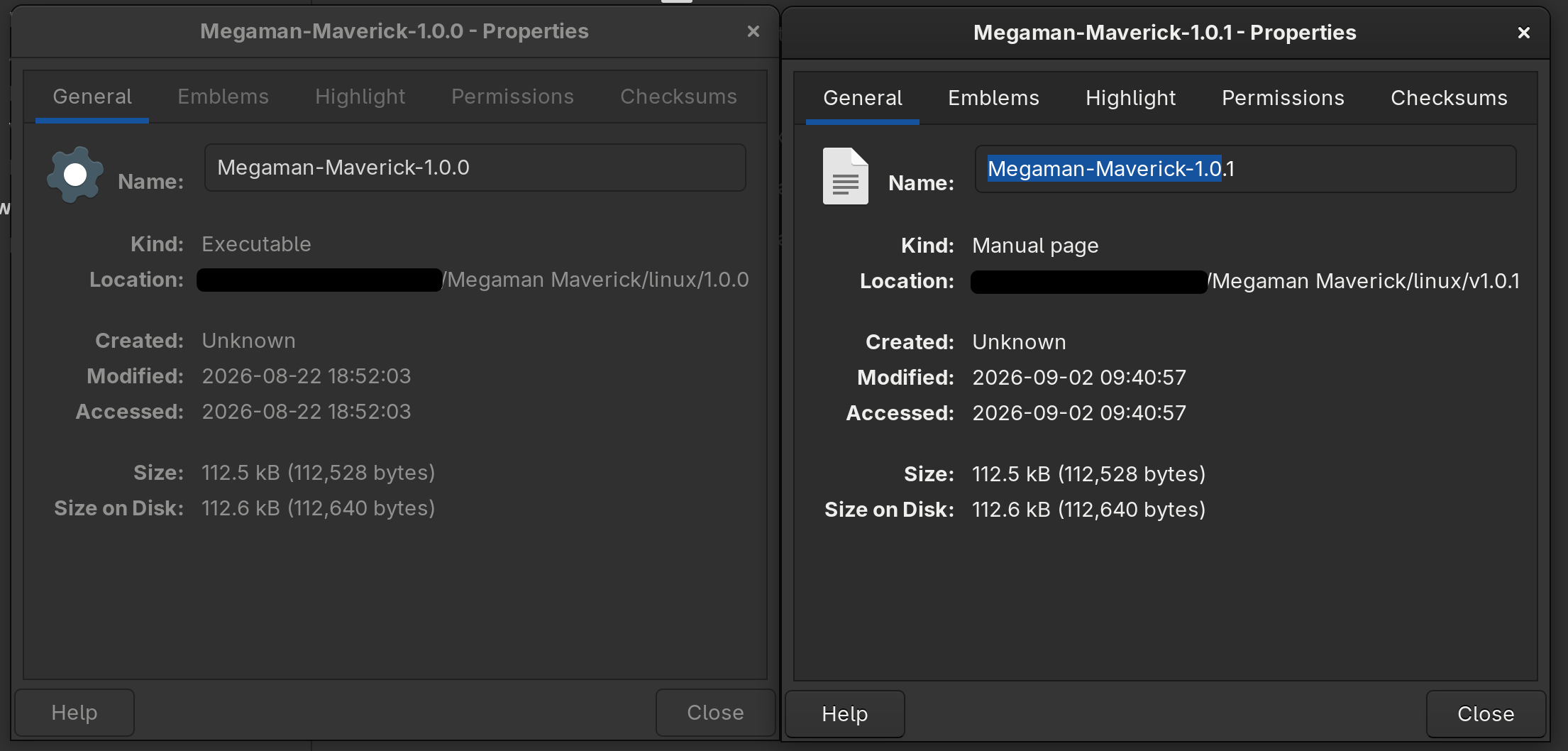
Thanks. Bazzite is giving me a file manager called "Dolphin" by default, where double clicking tries to open it as a manual page and there's no "run as a program" option in the right click menu.
Renaming them as you said worked. When I was doing my own renaming, I also renamed "Megaman-Maverick-1.0.1.jar" to have the same naming I was trying on the other two files, that seems to be what broke it. If I leave that file alone and only rename the other two, it does work.
I've already finished the game on version 1.0.0 since my previous reply, though 😅