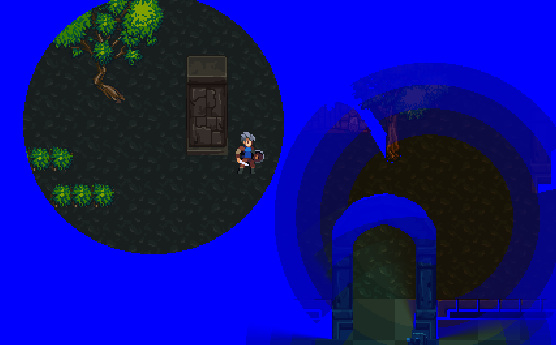
Hi, it's me again asking about the same thing as before. This is more of a feature request, though.
I would really like a built-in way to just punch out shapes/lights from the ambient color.
I'd like to make a room that's entirely blue with a plain circle punched out of it, for example.
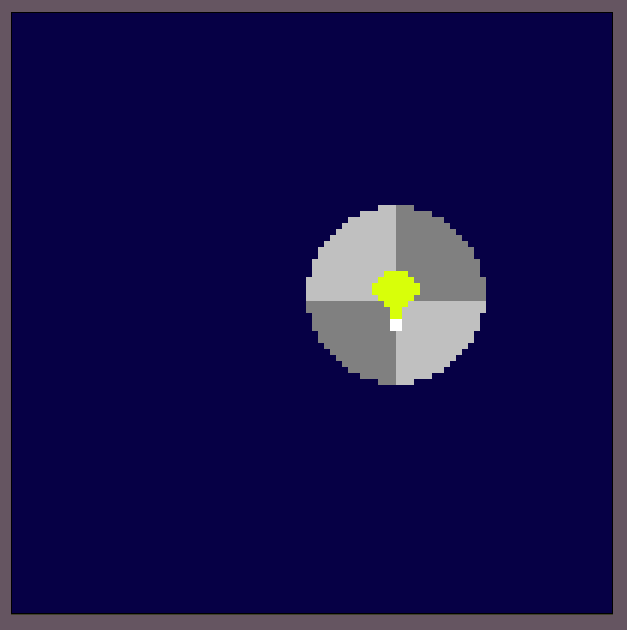
I don't want the light to appear colored at all. I just want it to be a punch-out from the ambient darkness.
My last comments found a method for cutting out a hole in the ambient color, that is just hitting the ambient color with a light that's a perfect inverse of it. This only works if the ambient color is multiplicative, though. To make the ambient color fully opaque like the example above, I have to call .SetAmbientColorOverlayEnable(true);.
As far as I can tell, there isn't a way to cleanly cut a hole through fully-opaque lighting like this; every light in this environment has a blue tint to it, because the lights can basically only add color to the ambient lighting.
I feel like there are a lot of use cases for covering an area in complete darkness with lights acting as cut-outs like this, so I would really appreciate if there was an easy way to handle it.