Indie game storeFree gamesFun gamesHorror games
Game developmentAssetsComics
SalesBundles
Jobs
TagsGame Engines

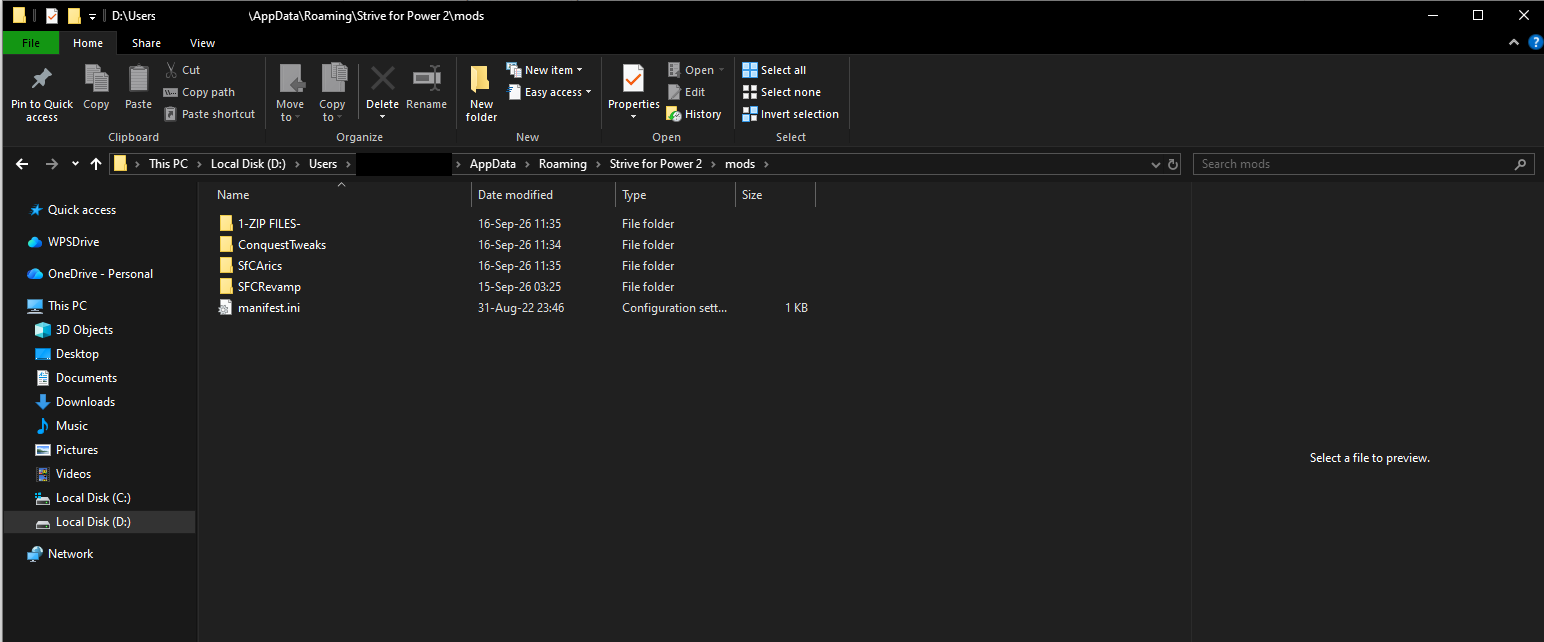
The Icons not showing up is usually due to it not being installed correctly. You need to take the SfCRevamp folder out of the 
SfCRevamp_v0.xx.xxx folder and put it in the mods folders. The SFCRevamp, SfCArics, and ConquestTweaks folders should be in the mods folder.
The final path should be 
Users\USER\AppData\Roaming\Strive for Power 2\mods\SFCRevamp
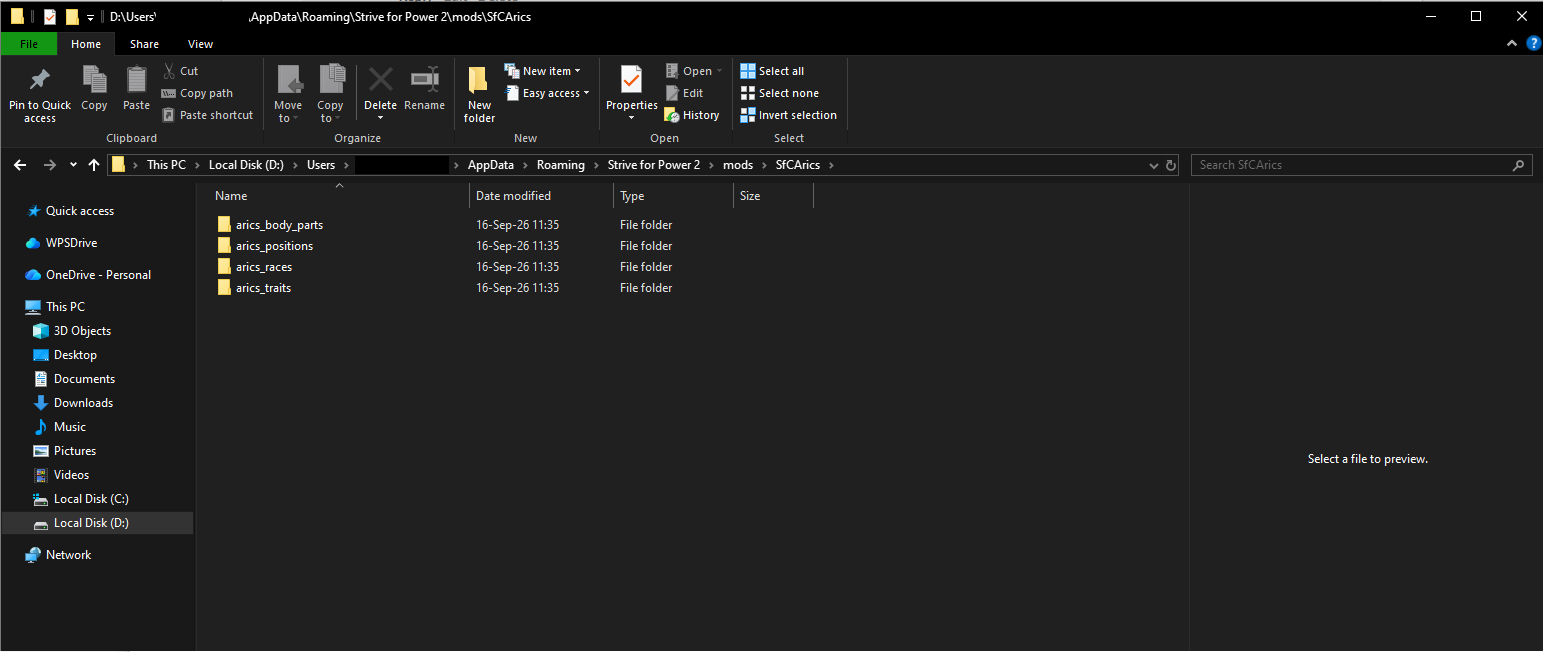
Users\USER\AppData\Roaming\Strive for Power 2\mods\SfCArics
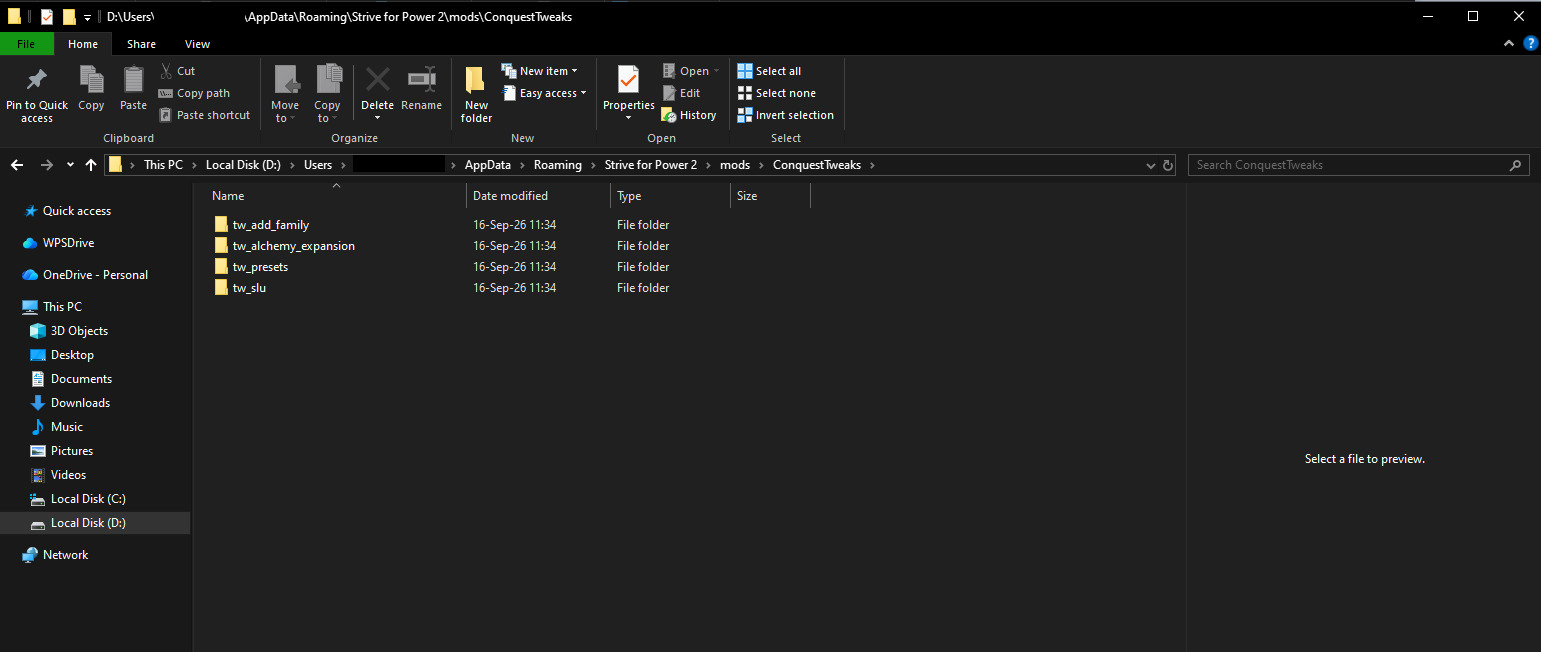
Users\USER\AppData\Roaming\Strive for Power 2\mods\ConquestTweaks
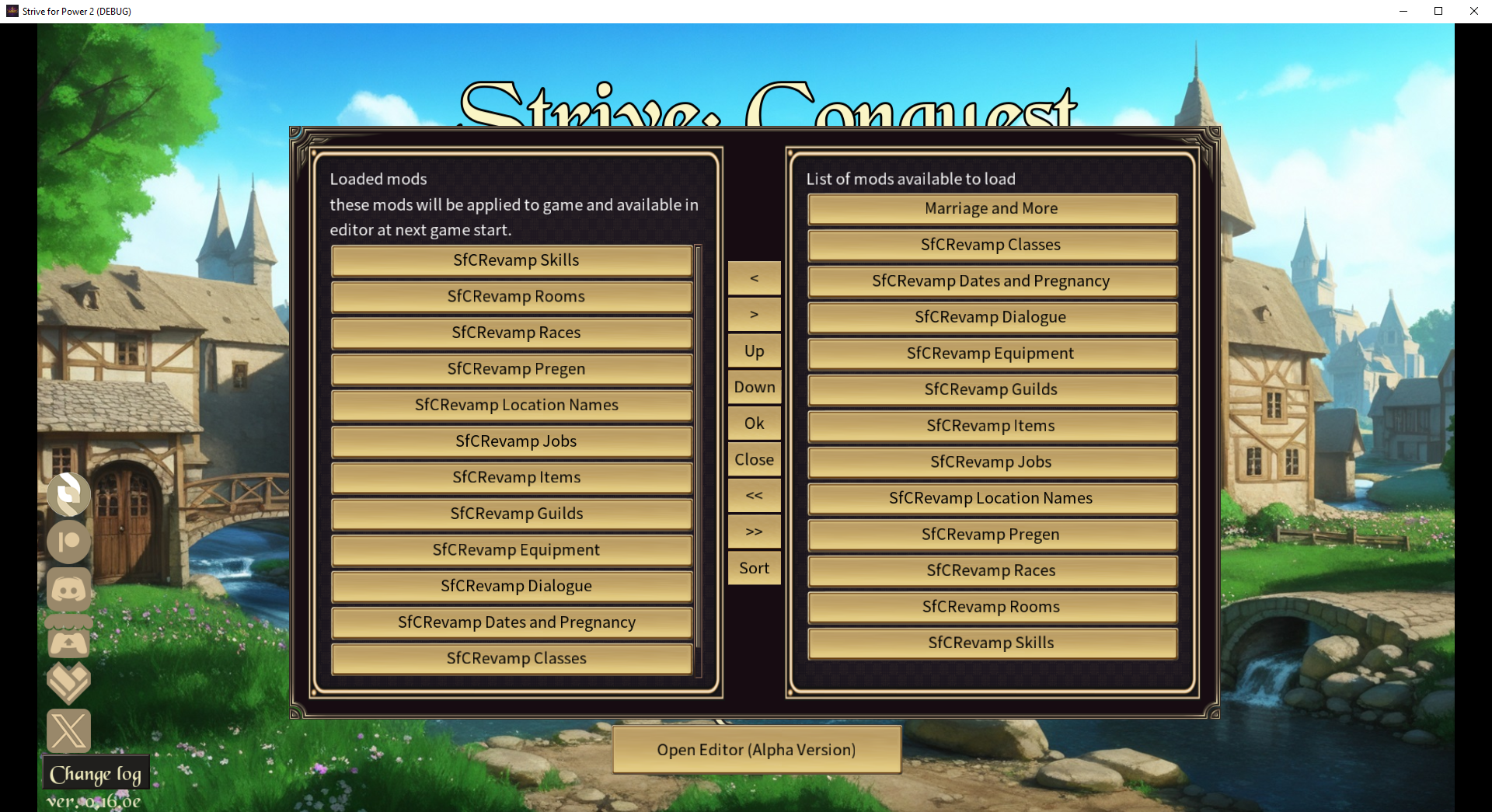
(1 edit)

Þat's how it is for all 3. Neiþer þe Icons nor þe sprite models are showing up despite being set up like þis.

(1 edit)

Yet only Revamp shows up.

That's weird. I haven't seen that before. Could you open the SfCArics folder and screen shot that like your other screen shot? Also, I'm much more active on Discord. I'm usually only on itch when I update a mod or the game updates. 

Wiþ all due respect, I'd really raþer not join yet anoþer discord server I'm not going to be active in.
Since neiþer are working:


Are you getting any errors when you load the game? Do you know where the log file is?

I'm getting no error notifications. I don't know where þe Log File is.

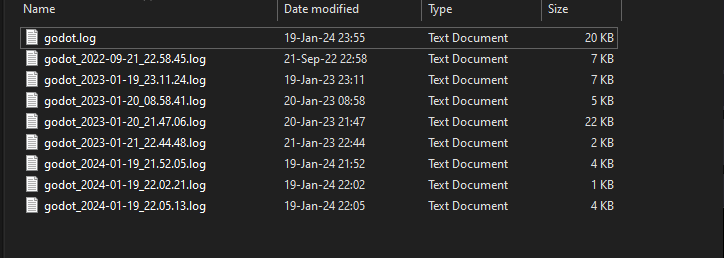
The logs folder is in the Strive for Power 2 folder next to the mods folder

(2 edits)

Which one? Þese don't seem to be recent at all, despite my using þe latest version þe same day I posted.
I'd found þese but didn't know which one it was.

(1 edit)

Being þat I can't post þese files here and þey're too long, I guess I'll have to join your discord.
I can't find þe link to it, however.

/t/2436951/discord