

Trying this out again, some issues I forgot to mention last time that still seem to be present:
- Moving or zooming the map on windows is pretty much always far too blurry.
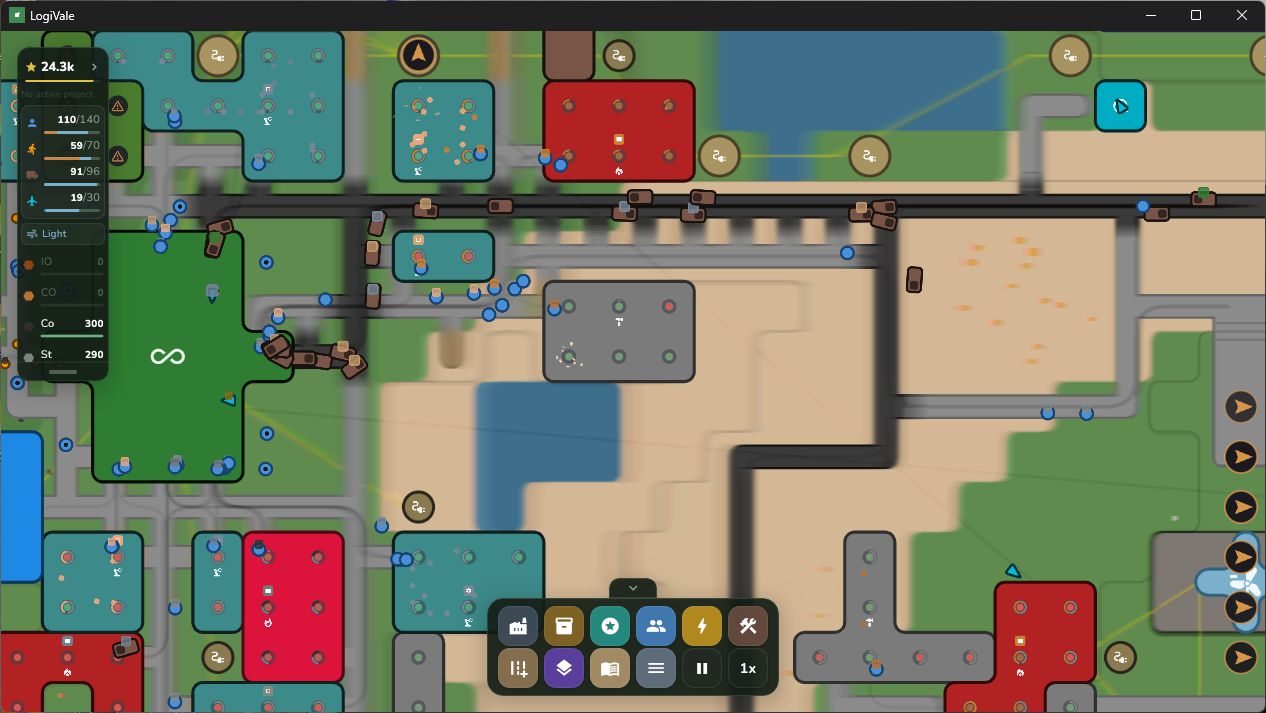 It’s possible to eventually get this clean and after a while the game is engrossing enough to see past it but it’s very much a pain in the neck.
 - Is it possible to move the .hive and .lock files the game generates in the /Documents folder to the given installation directory, or at least /Documents/LogiVale etc? I mislike the clutter.
- Speaking of, these .hive and .lock files are skipped by the uninstaller. It also seems to skip files touched by newer versions? Unclear. (The first time I ran the uninstaller to test the .lock/.hive issue not everything was removed, but reinstalling and trying again everything was cleaner.)