

Pattern 2
The another way is to use a module keystore. It’s good for “truly global” values. The previous example I showed is good for data that are spread across cards and we also know the card structure to get to the individual datum.
The following example really is an alternative to the grid method explained above by Missooni and Internet Janitor. I wouldn’t necessarily adopt the following if their pattern suits your needs.
If we have a module like this:
ks.get: on _ k do
  data[k]
end
ks.set: on _ k v do
  data[k]:v
  v
end
then we can do things like (assuming the module is named ks):
ks.set["this" "my_value"]
ks.set["that" ks.get["this"]]
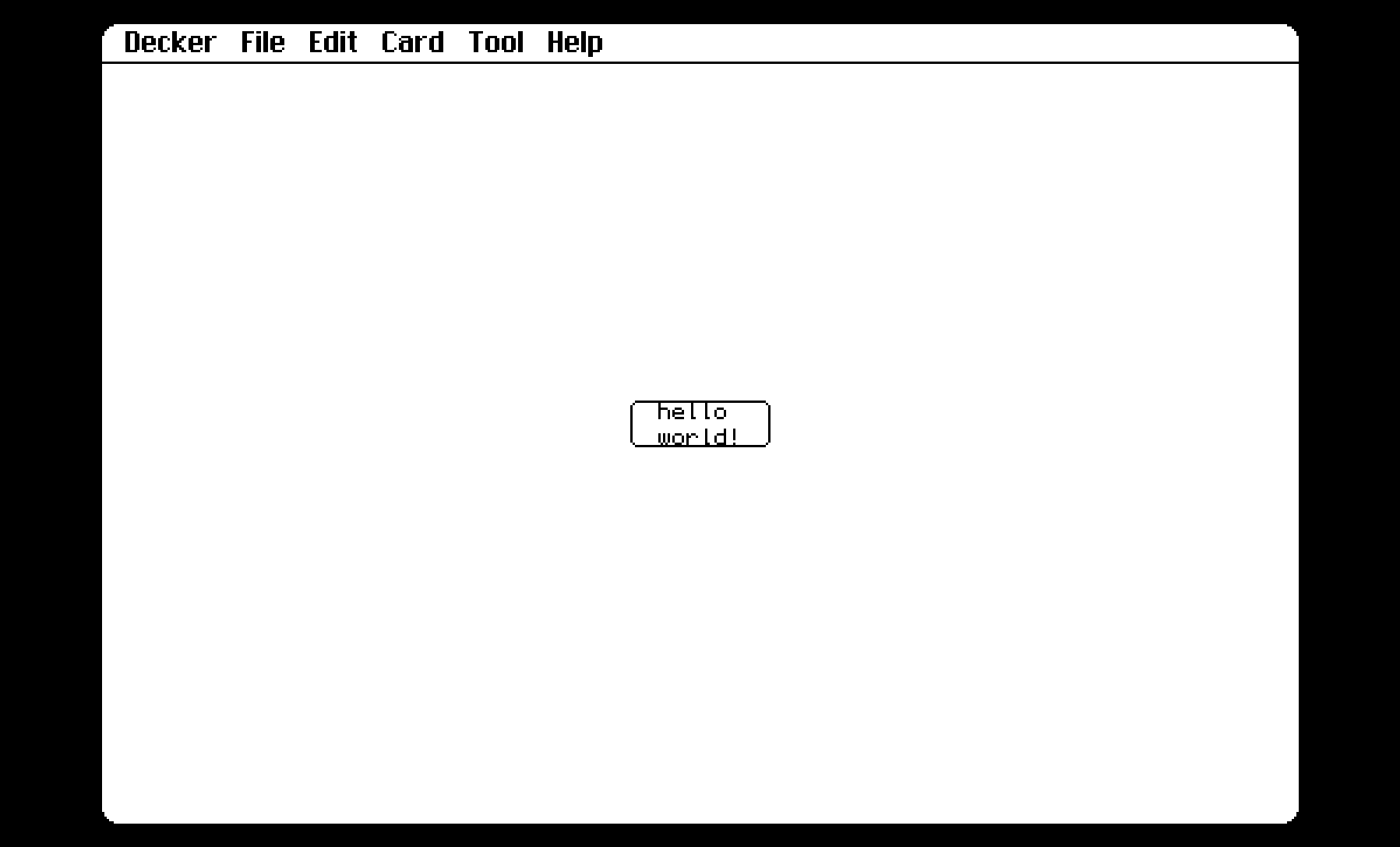
Here’s a series of screenshots of setting a variable and then naming a button on another card with that variable’s value:
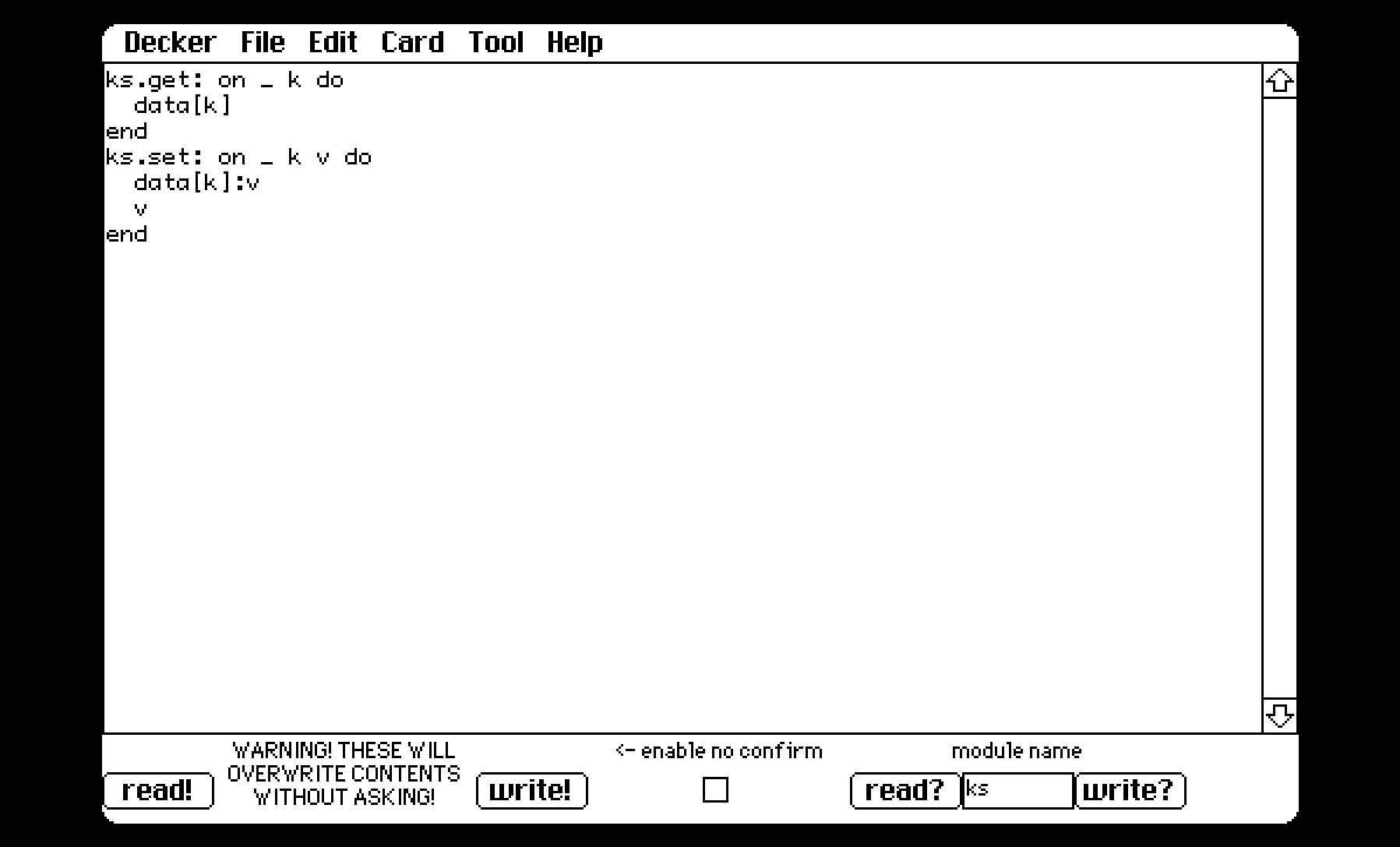
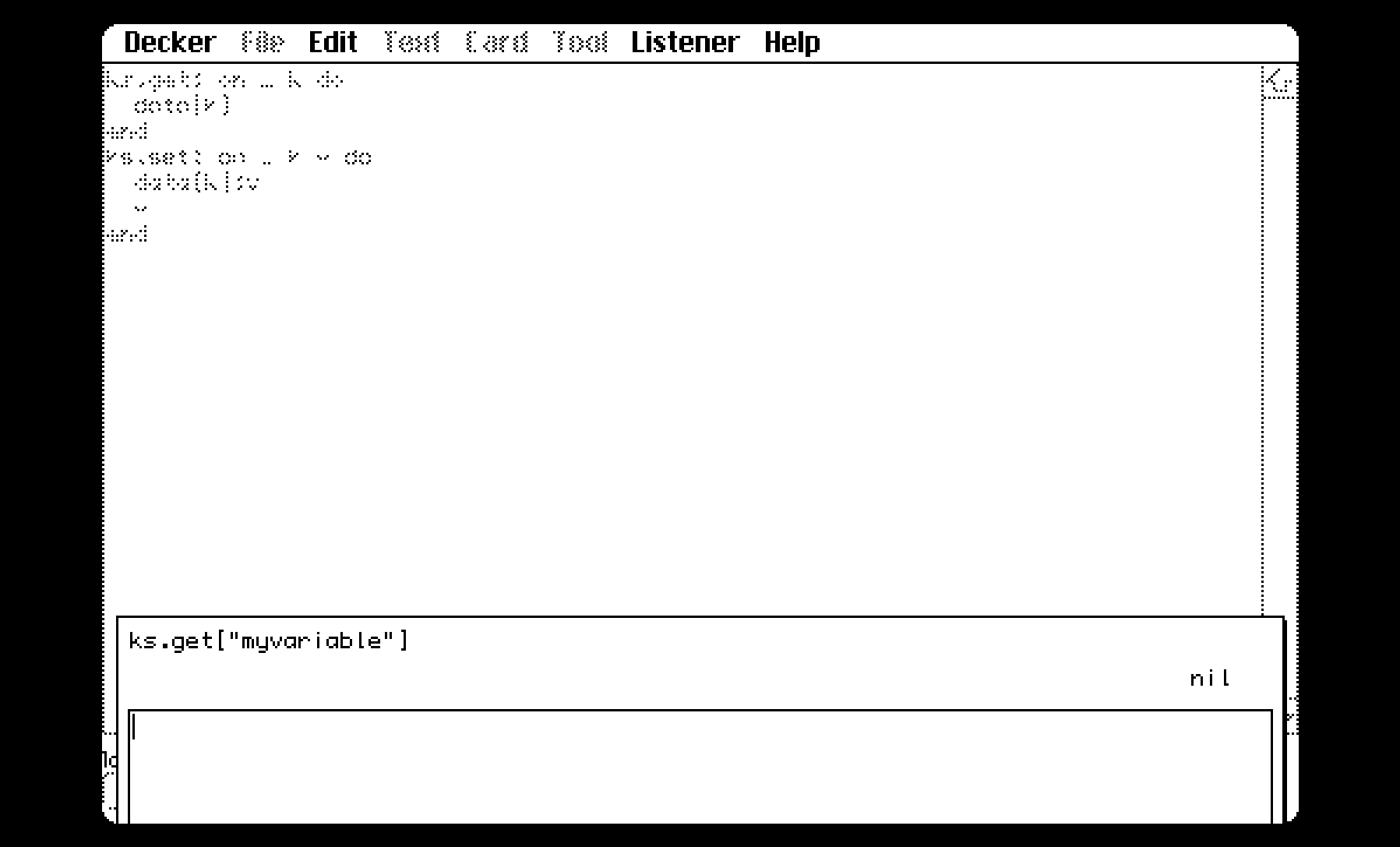
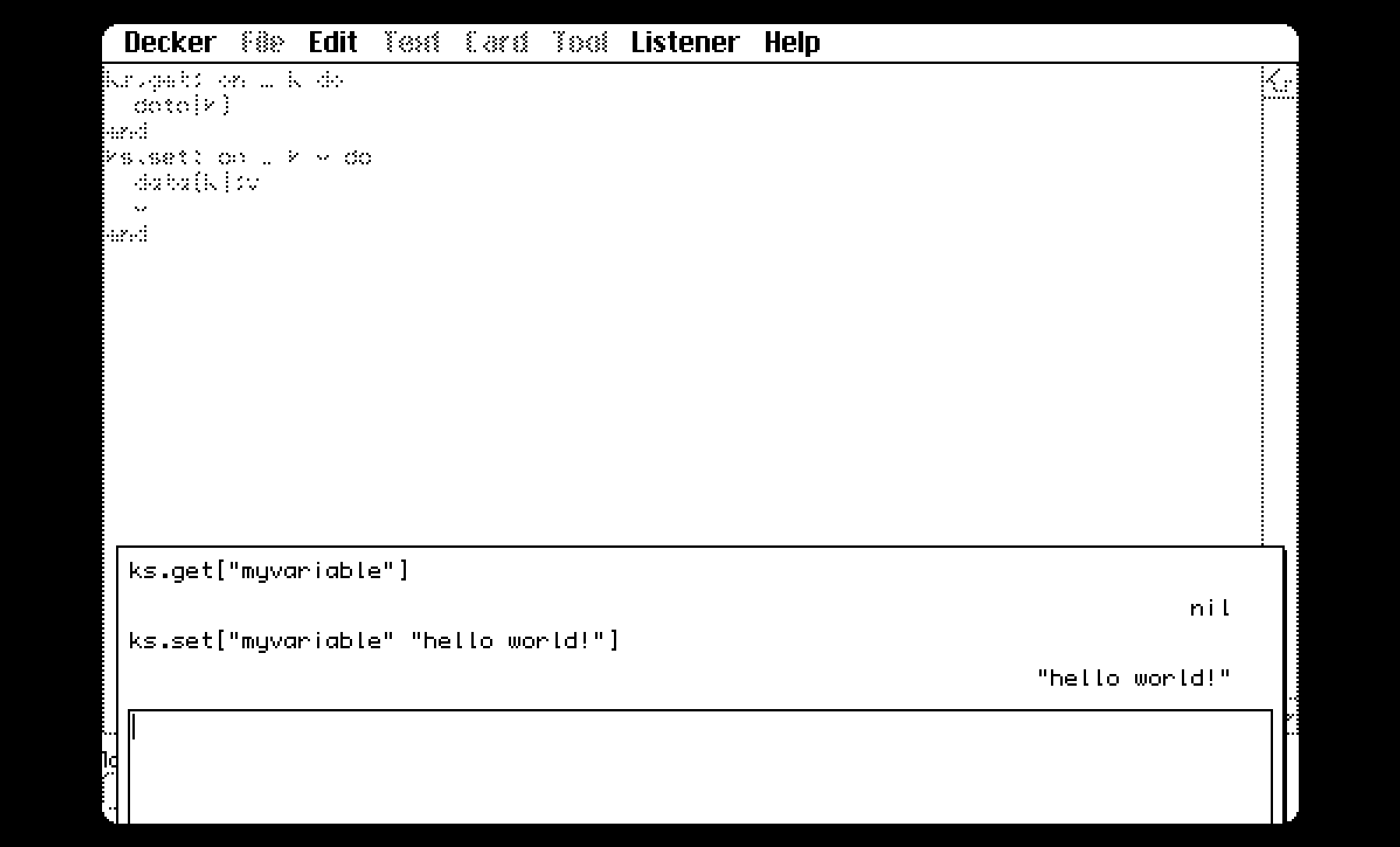
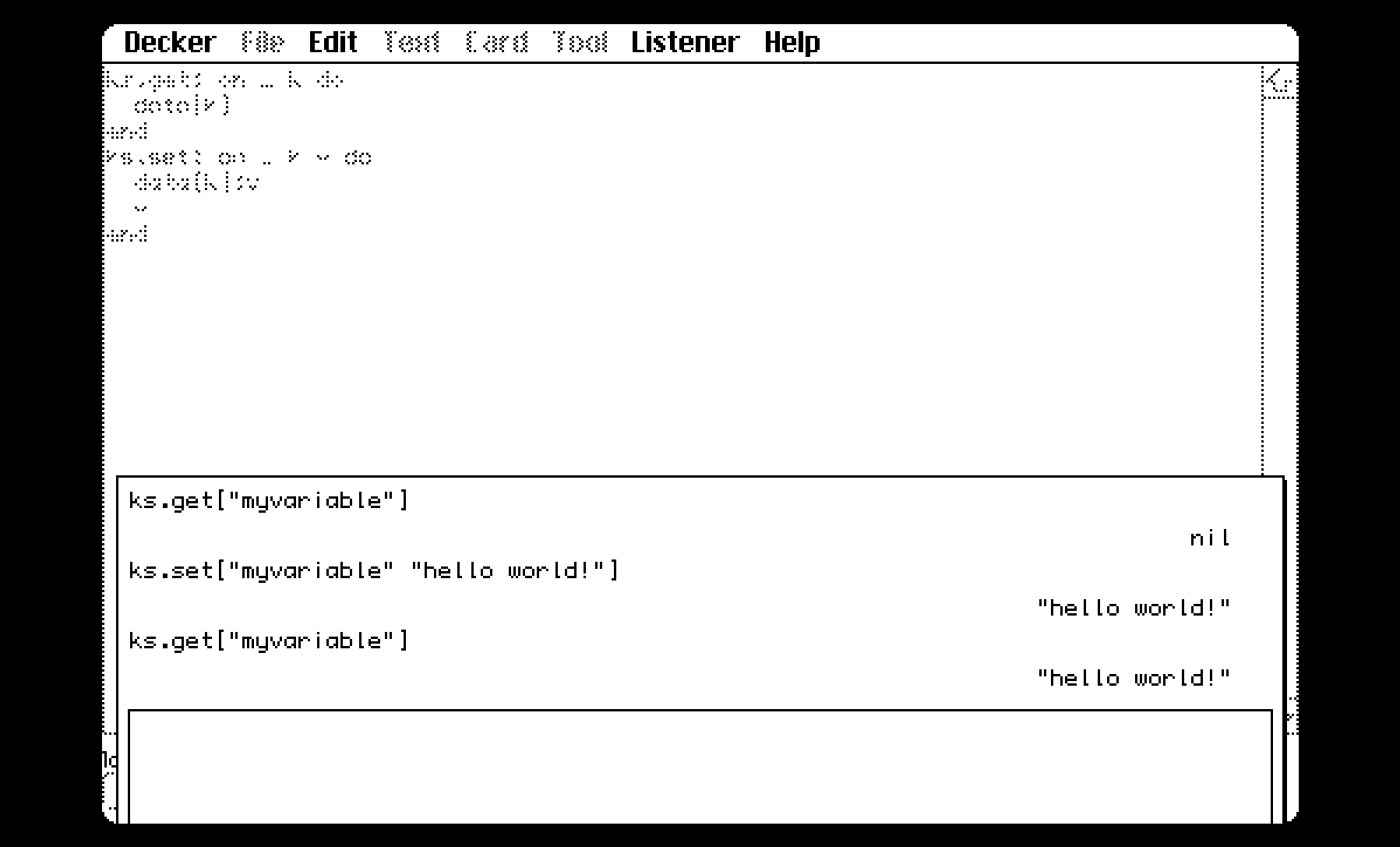
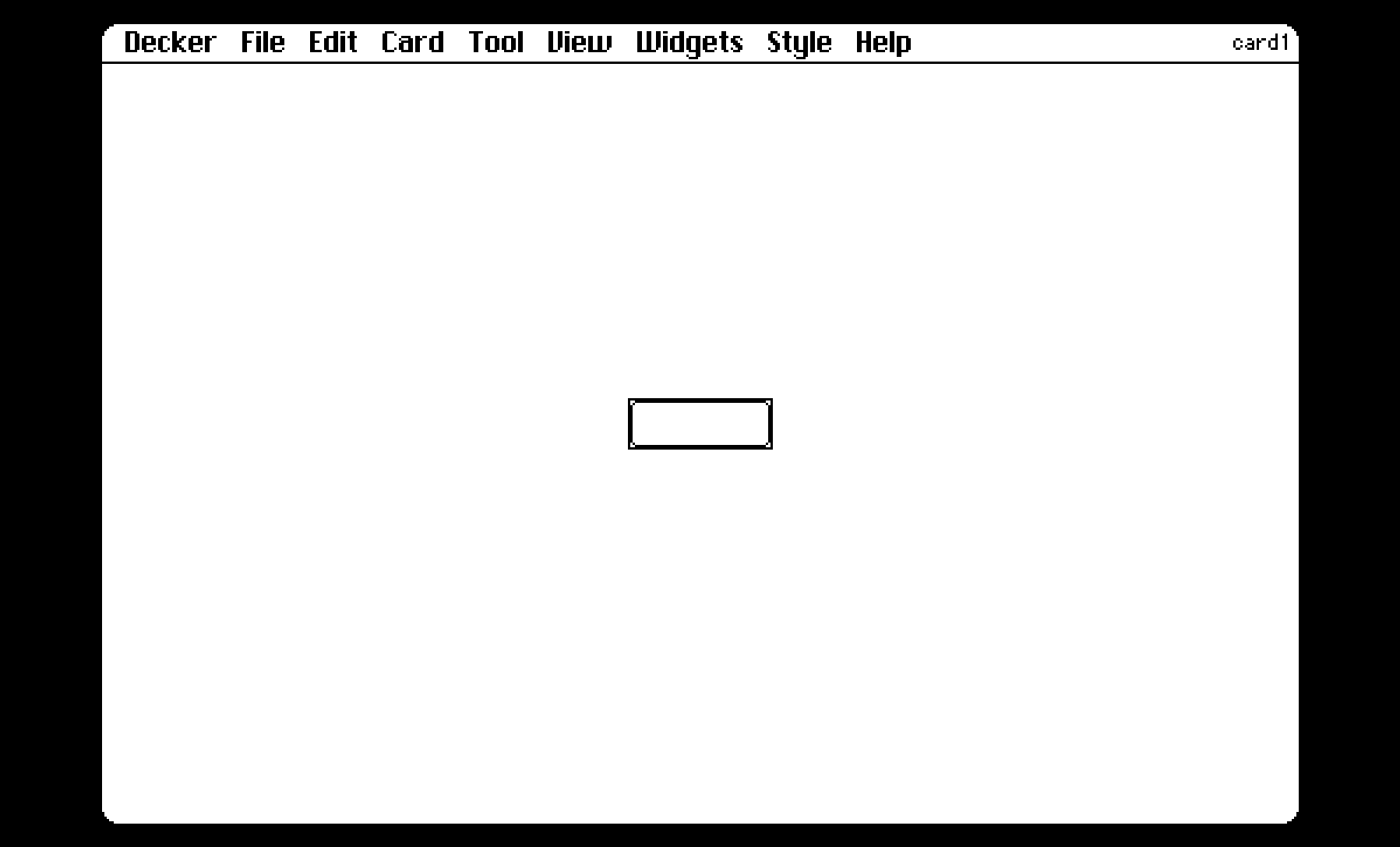
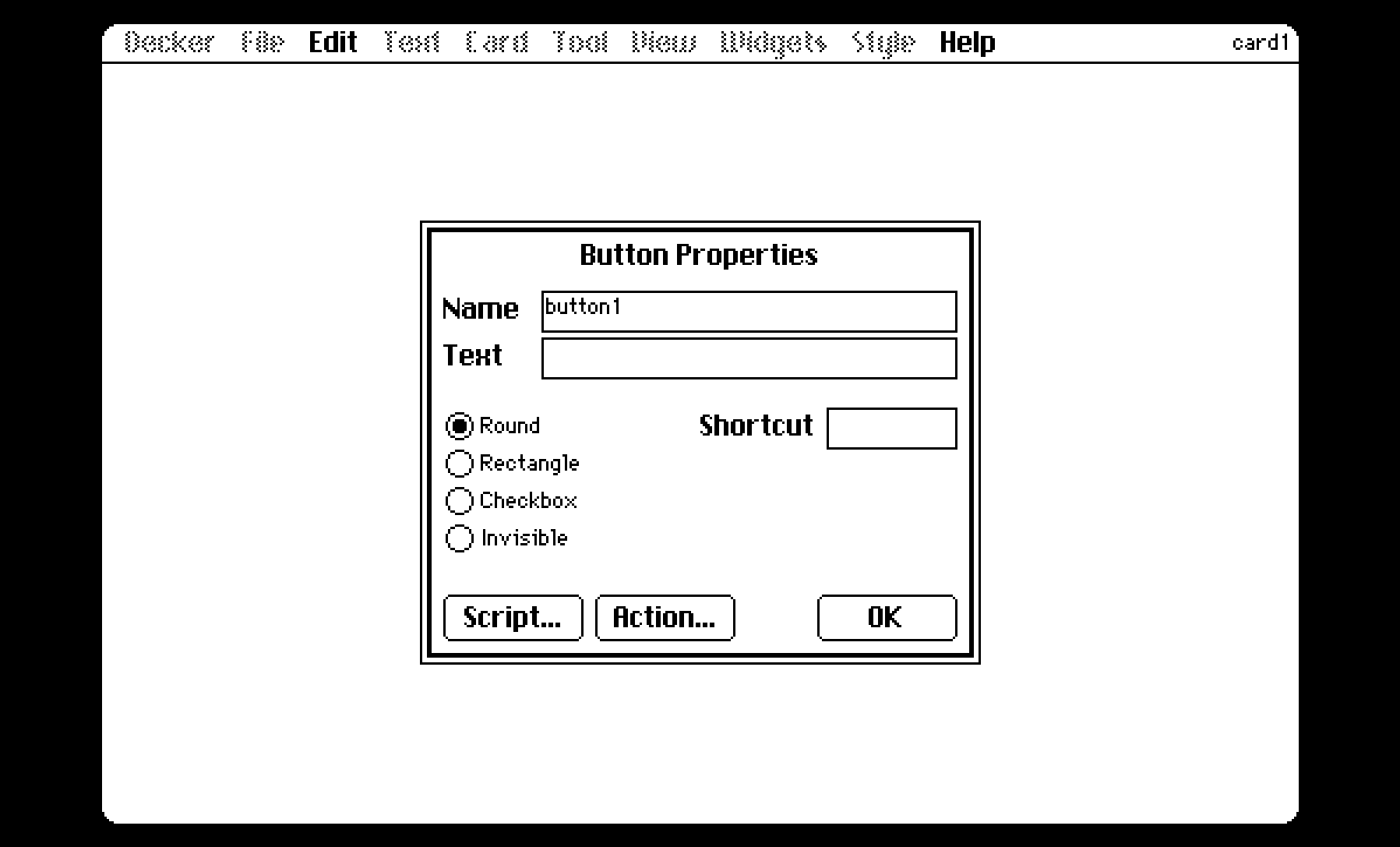
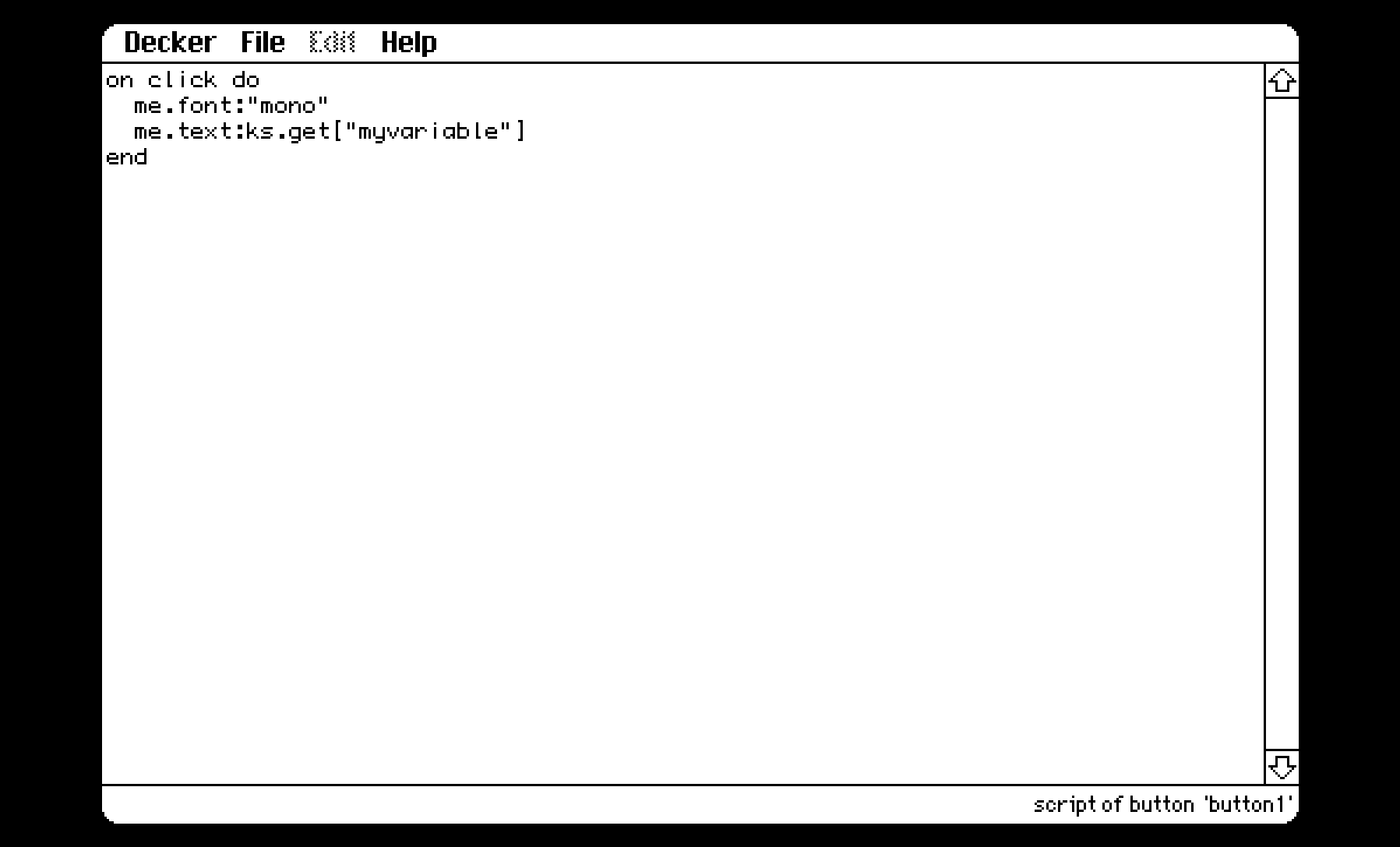
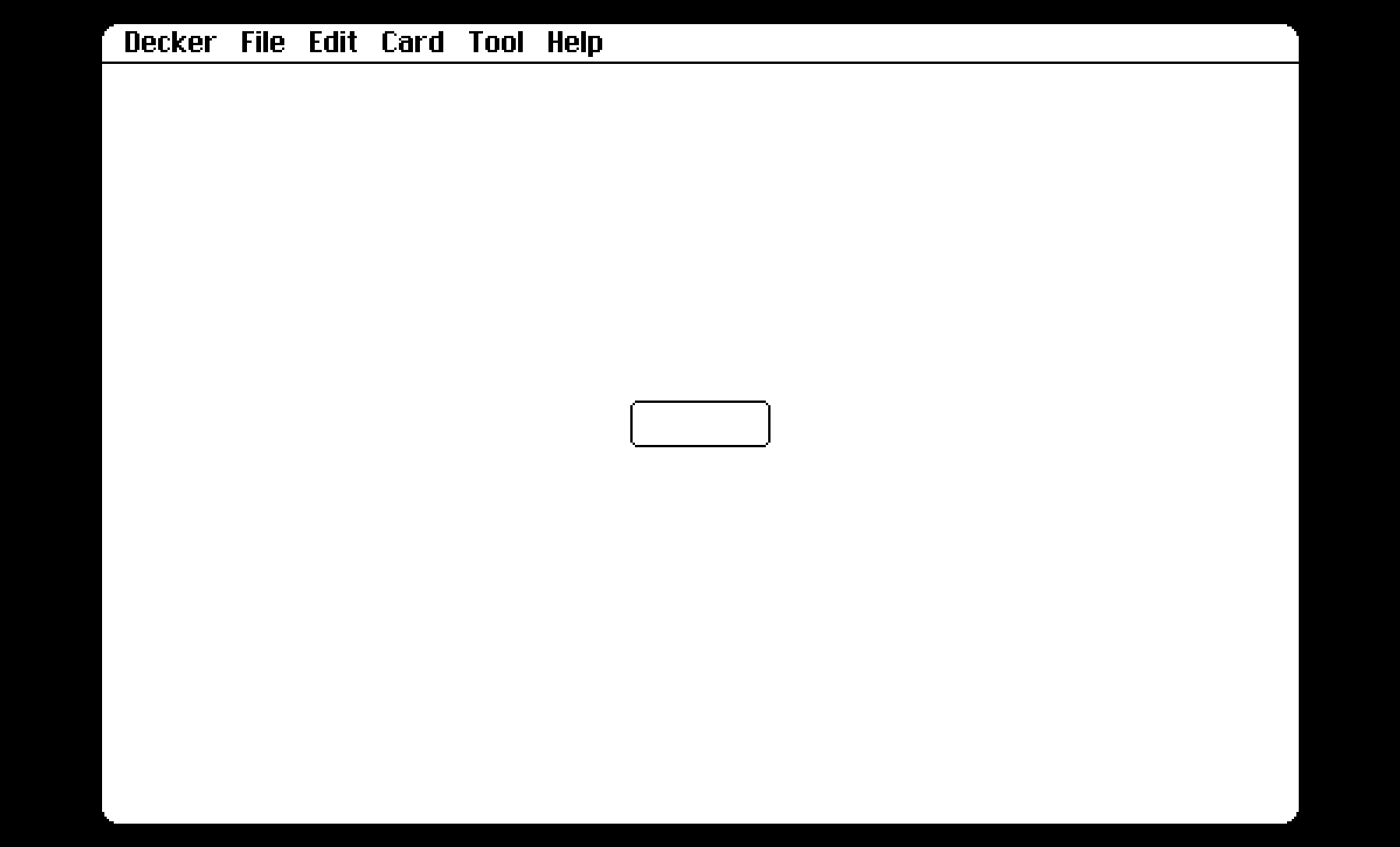
Here’s a deck with the module, which can be copied via the File->Resources menu item or we can paste directly into a .deck file (copy everything from (and including) the {module:ks} line to the end into a another deck):
{deck}
version:1
card:0
size:[512,342]
name:"ks"
author:"woodring"

{card:card1}

{module:ks}
{script}
ks.get: on _ k do
  data[k]
end
ks.set: on _ k v do
  data[k]:v
  v
end
{end}