On Sale: GamesAssetsToolsTabletopComics
Indie game storeFree gamesFun gamesHorror games
Game developmentAssetsComics
SalesBundles
Jobs
TagsGame Engines

Pixel Art Studio

Blender add-on for pixel perfect pixel art drawing and texture painting in 3D and 2D · By Alfred Baudisch (Pardall)

[SOLVED] Pixels in Unity not matching pixels in Blender

A topic by City Wizard Games created 28 days ago Views: 87 Replies: 3
Viewing posts 1 to 4
(1 edit)

Blender version: 4.0

Pixel Art Studio version: 1.2.3

Restarted Blender after installing: Yes

Editor: 3D Viewport

Crash: No

What I'm trying to do

Export my model/texture from Blender with same settings into Unity

What happens

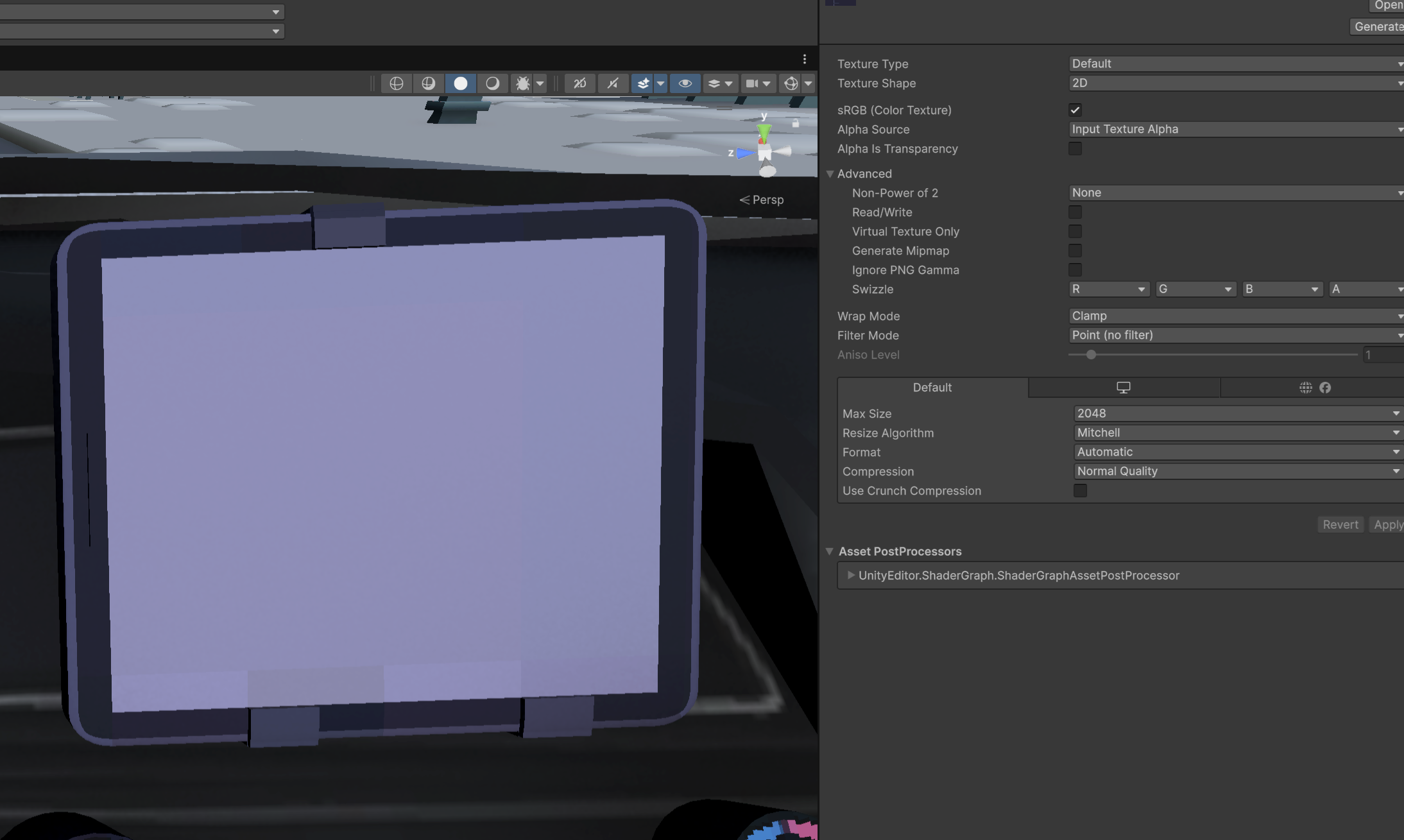
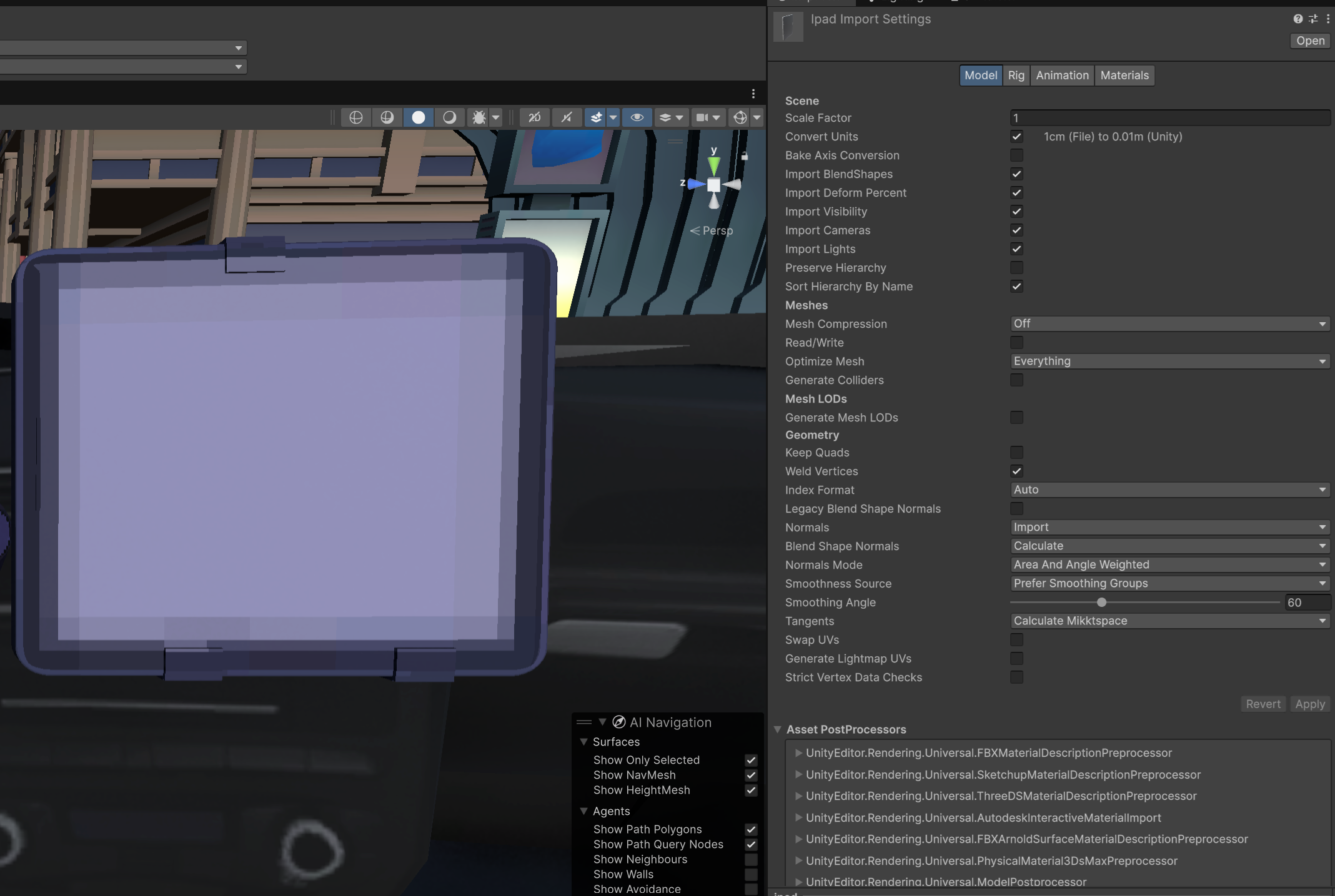
The pixels in unity are not matching up (seems like it's blending between pixels).
Developer (1 edit)

Hello, this is not an issue with Pixel Art Studio, but I'll help regardless :)

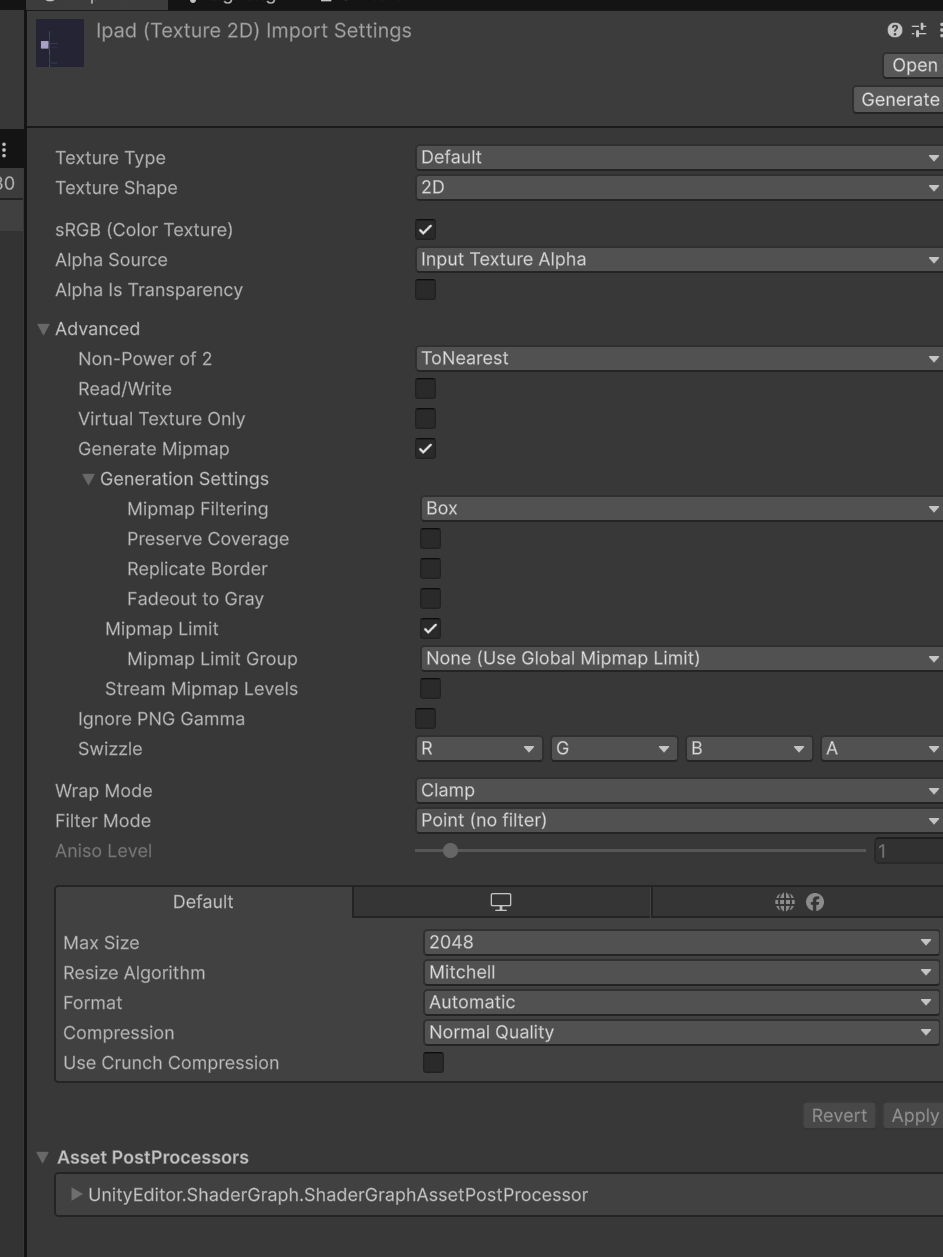
Uncheck "Generate Mipmap".

Also, the next version 1.3 will bring an auto Unity importer, so keep an eye on it: /t/6968649/solved-v13-workflow-from-blender-to-godot-import-pixel... - launching soon.

That didn't seem to affect it, but changing "Non-Power of 2" to "None" does mostly work. There's still a bit of artifact there towards bottom of screen (I'm guessing because the GPU does something funky when the texture is not PO2). I'll try again once 1.3 is out with that importer, thanks. 

Developer(+1)

The Unity 1-click integration is out. 

Solved with 1.3.0: https://alfredbaudisch.itch.io/pixel-art-studio/devlog/1665195/v130-1-click-uv-t...