


⚠ Unofficial mod. Not made or supported by Venus Dev, so please don't report problems with it to them. Contains adult content.
Disclaimer! The new Photos feature that had been added by Dev's in 0.3.0 is the dev's own feature (camera roll) and works differently. This mod doesn't touch it, and the two work side by side.
What this mods does?
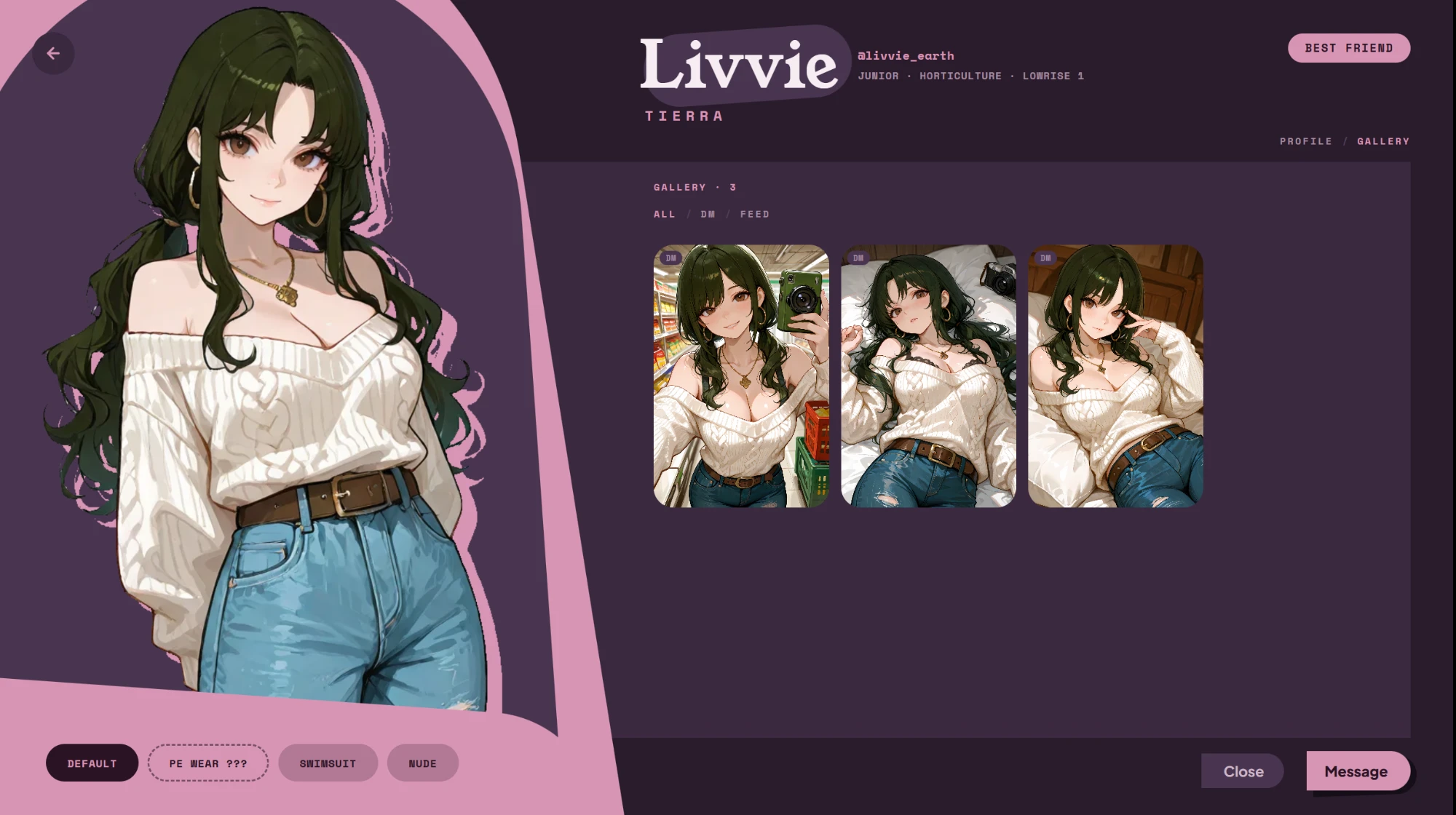
Characters can now send you photos. They text you selfies in DMs and post photos to their feed. The photos are drawn by the game's own local ComfyUI, with the same models the game already uses, so they look like the rest of the game. No cloud, no extra API key.
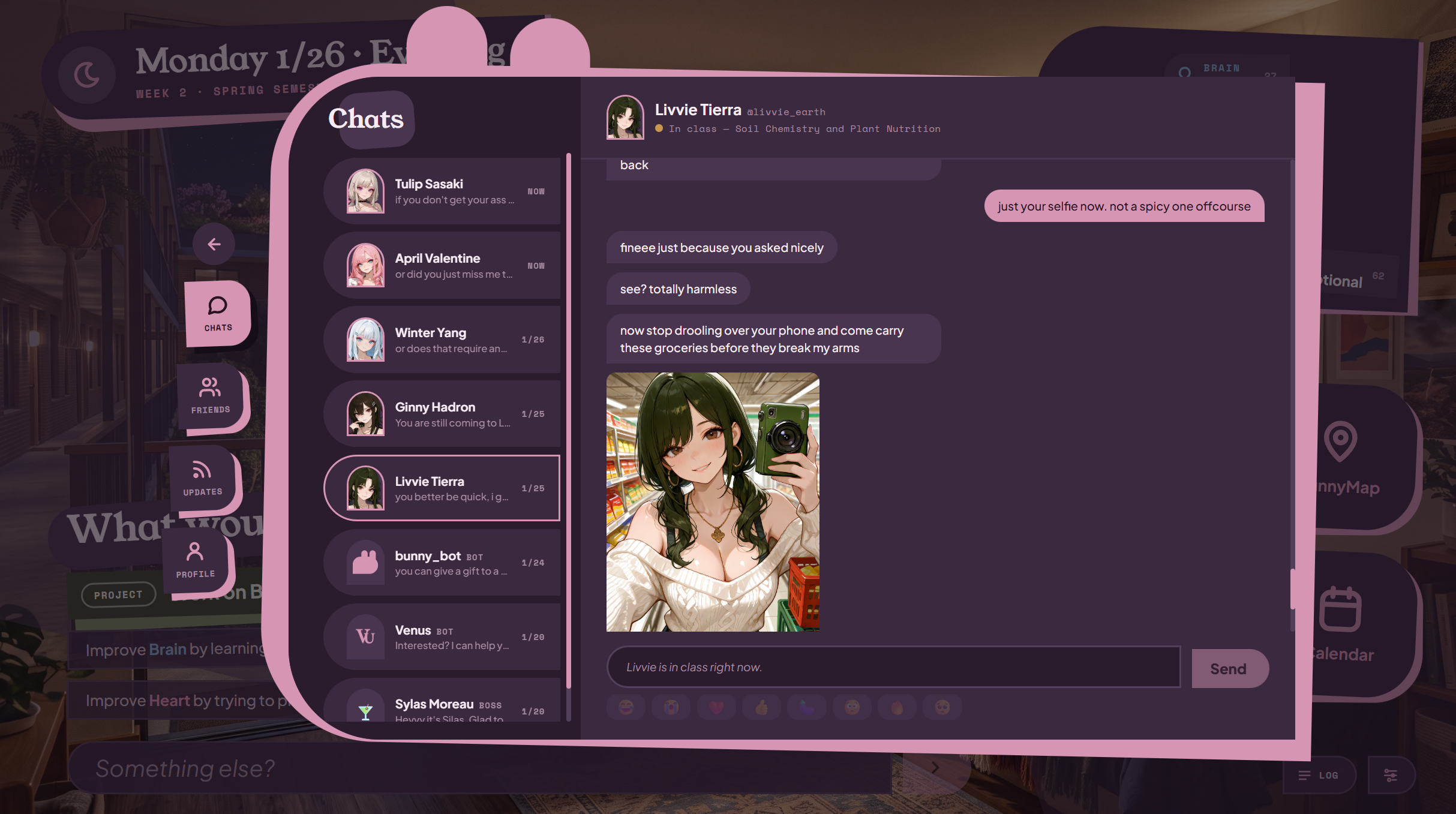
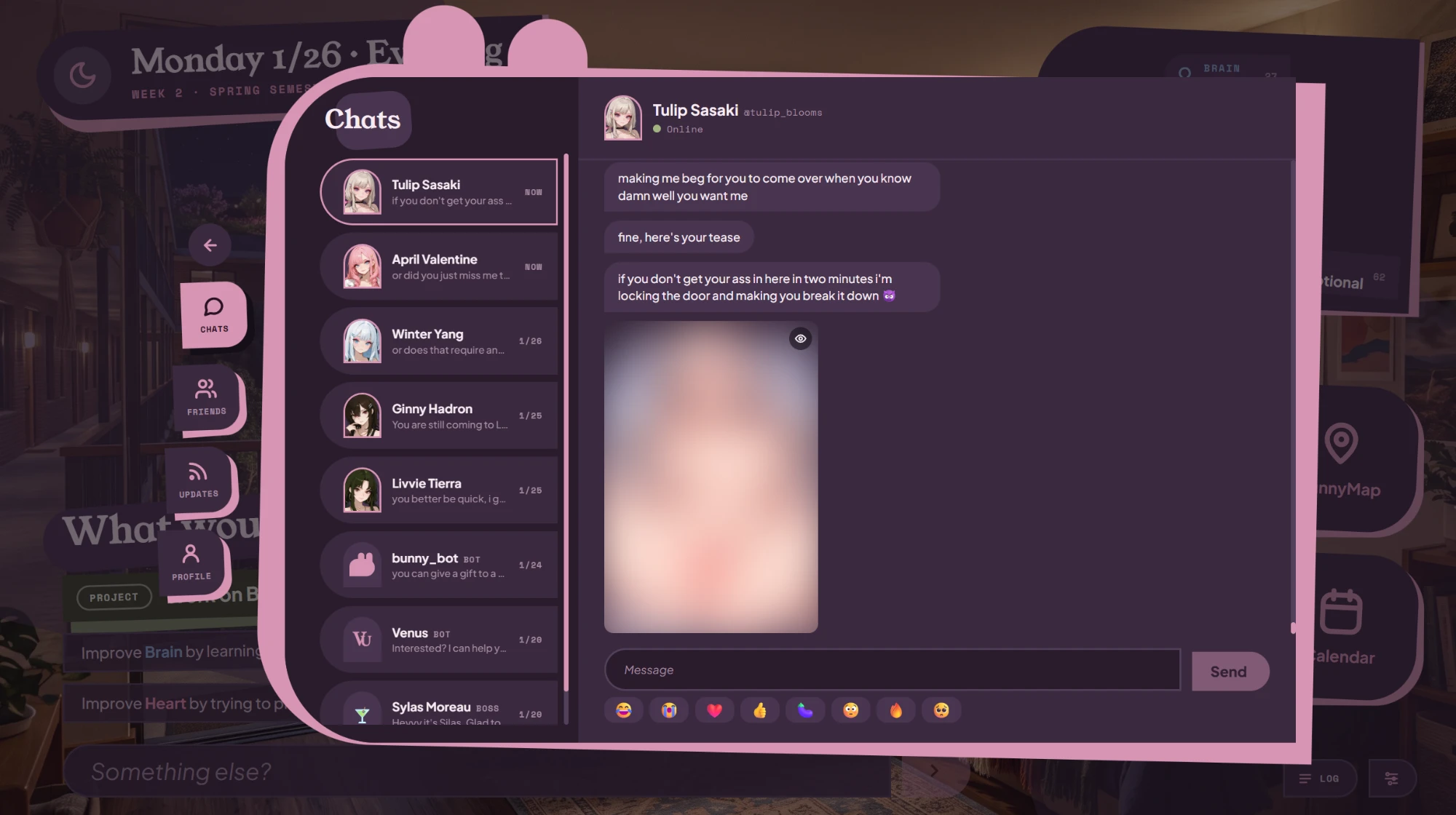
What she sends depends on your relationship and your content settings. A new contact sends ordinary pictures. Spicier ones need a real reason between the two of you, and she can still say no. Explicit photos arrive blurred until you tap them, and you can cover them again.
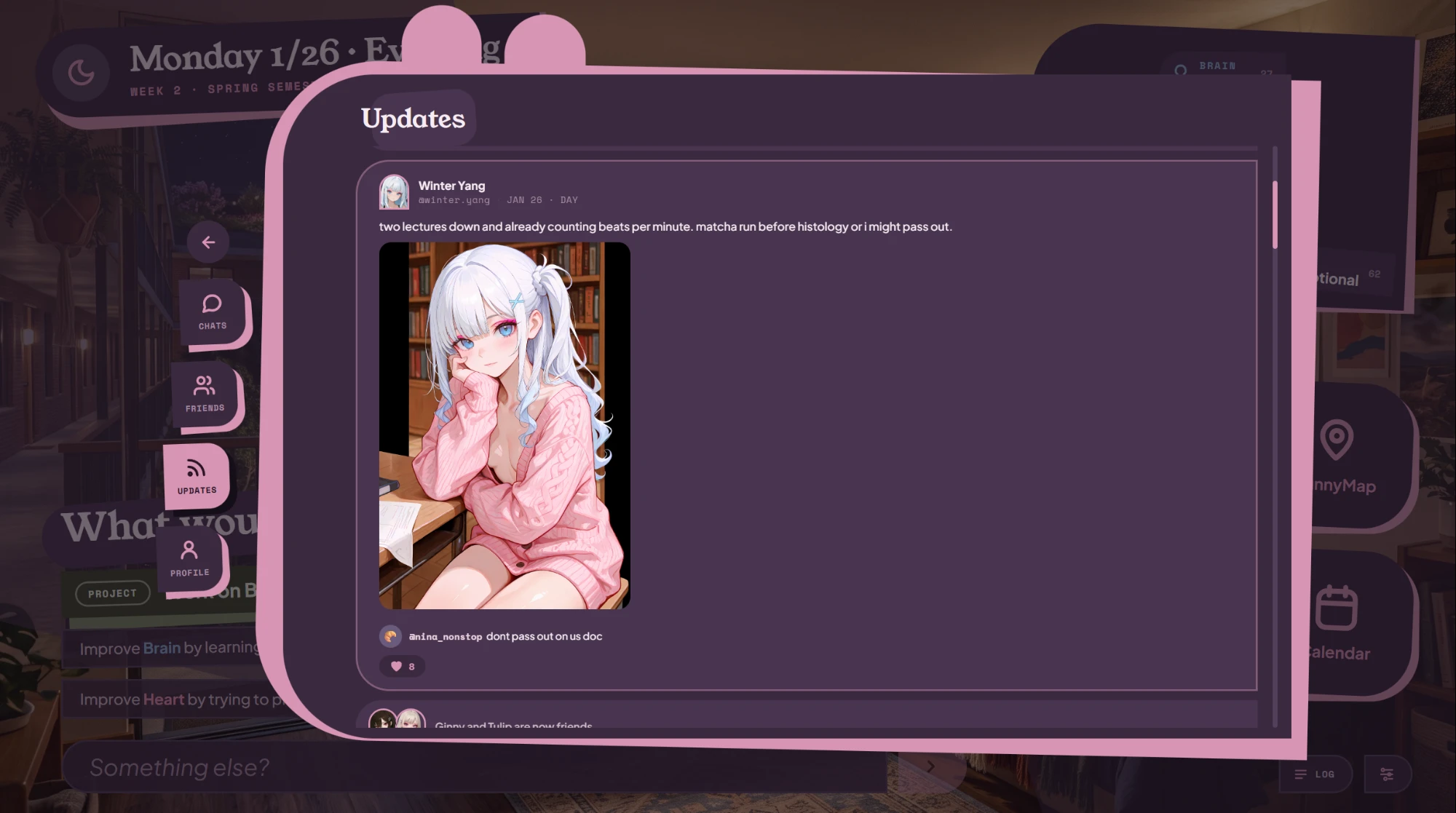
Feed posts can carry photos too. They are drawn in the background, so you don't wait for them.
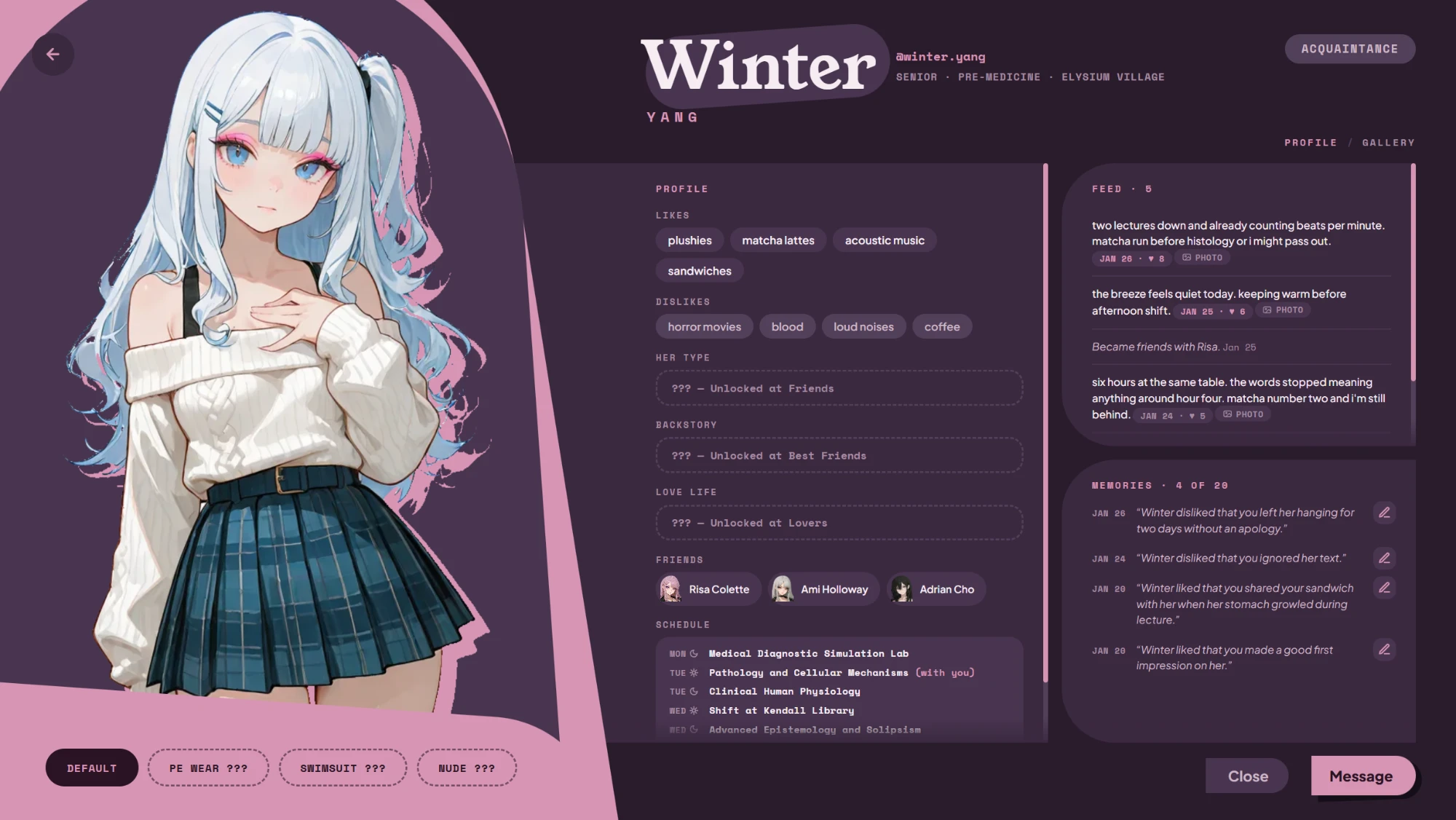
Each contact's page gets a Gallery tab with every photo of her, from DMs and her feed. Posts with a photo get a Photo button on her profile.
Settings:
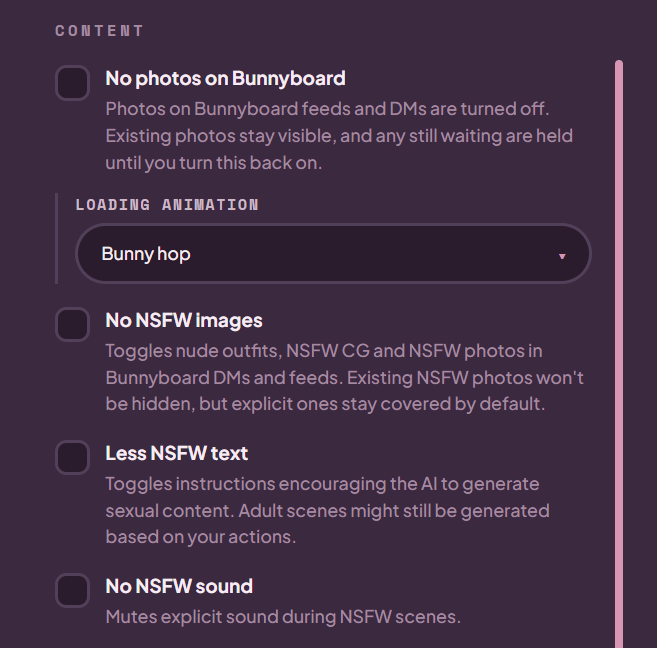
- "No photos on Bunnyboard" turns the whole thing off. Existing photos stay.
- Pick the loading animation shown while a photo is drawn.
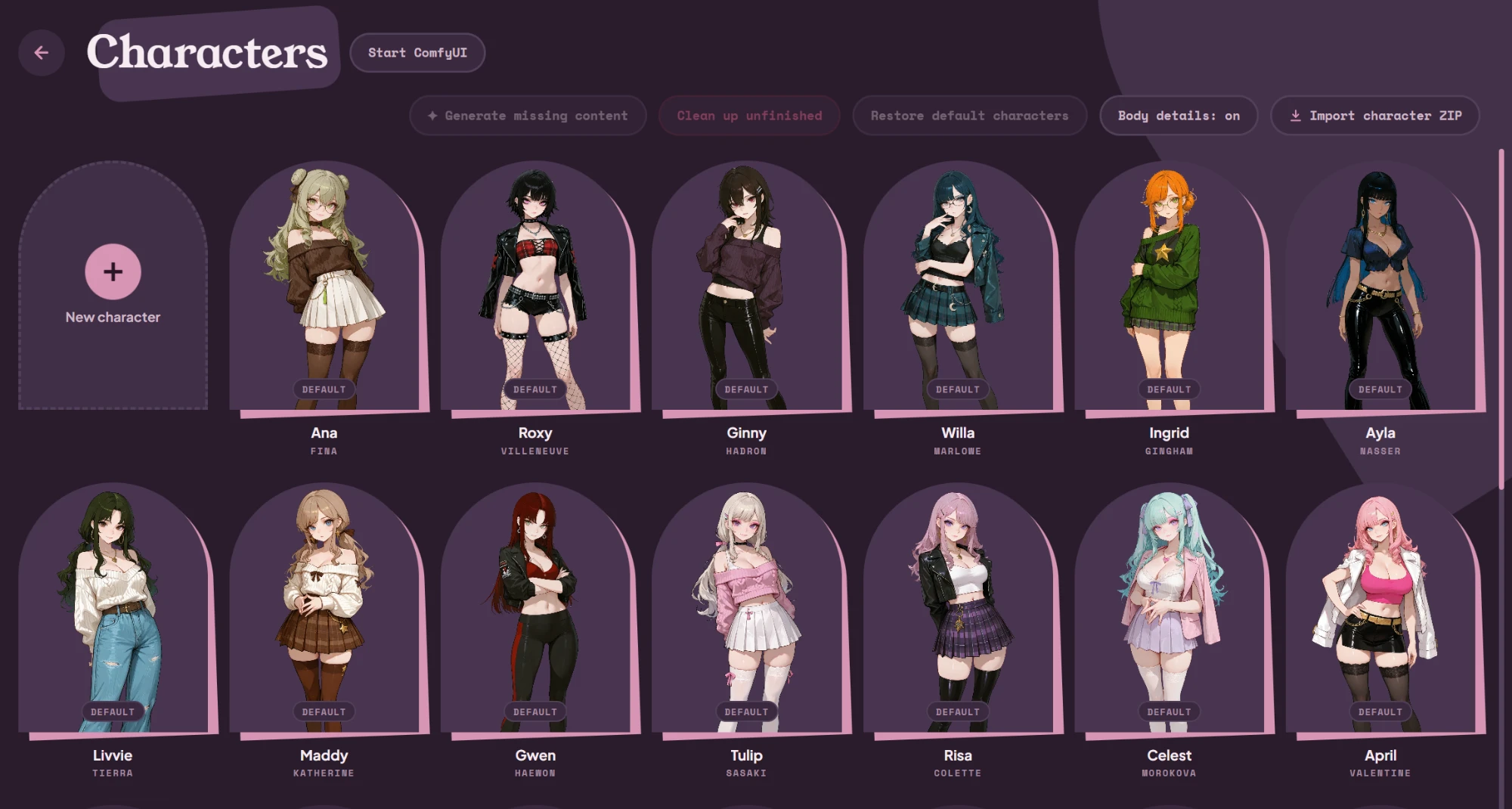
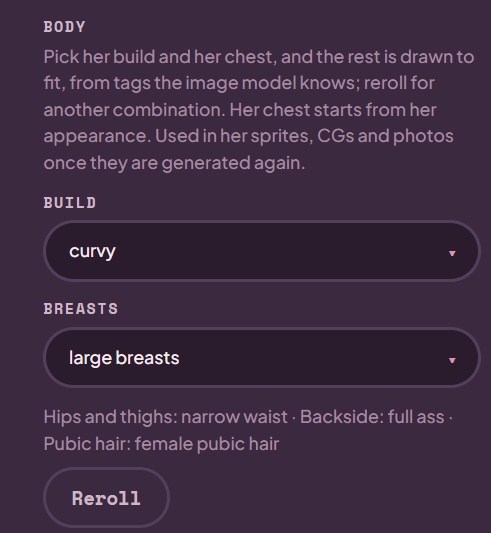
- Optional body details (build, chest, hips, backside) per character, so she looks the same in sprites, CGs and photos. Off by default, switched on in Character Manage.
DOWNLOAD
Click here to download the patch. Venus-Photo-Feature-1.1.3-no-exe.zip or you can visit my repo at https://github.com/naudh1r/venus-university/releases/tag/v1.1.3
INSTALL
1. Back up your saves first: copy the "data" folder next to Venus University.exe somewhere safe.
2. Close the game and back up your saves (see the warning above).
3. Unzip the download anywhere.
4. Double-click Install.cmd. When it asks for the game, drag your Venus University folder into its window (or paste the folder's path) and press Enter.
5. If you unzipped it inside the game folder, it finds the game by itself.
6. In the game's Settings, untick Ask to update on launch. An official update removes the mod.
7. The install script checks that your game is the official 0.3.0 before it changes anything, and keeps a backup of the original game code. It contains no game assets.
8.If the game already updated over an older version of this mod, just run Install.cmd. It clears what the old one left behind.
UNINSTALL
Close the game, double-click Uninstall.cmd, and give it your game folder the same way. The game goes back to the official version. Your saves are not touched.
REQUIREMENTS
- Venus University 0.3.0, the official Windows build.
- The game's local ComfyUI with the models it installs. The first photo of a session takes a bit longer while ComfyUI starts. You can start it early from Character Manage.
- Not compatible with other mods that change the game's code (including Maestro's). The setup refuses a game that already has one.
An official game update removes the mod. I'll make a new version for each game update.
CREDITS
- Venus Dev, for Venus University. The photos are drawn with the game's own ComfyUI setup and models, the same ones used for the sprites and CGs. Thanks for being open to mods and for letting me share this. If you enjoy the game, support the official release: https://ko-fi.com/venusdev
- Maestro, whose community mod inspired how this one installs: a setup that patches your existing game and can be cleanly uninstalled.