Indie game storeFree gamesFun gamesHorror games
Game developmentAssetsComics
SalesBundles
Jobs
TagsGame Engines

You must be 18+ to view this content

Starmaker Story may contain content you must be 18+ to view.

The creator of this page has specified that it contains mature themes and content. Please enter your birthdate to verify you are 18 or older:

or Return to itch.io

Images 4 Images Sake

A topic by ckyman created Feb 19, 2026 Views: 129,256 Replies: 420
Viewing posts 161 to 175 of 175 · Previous page · First page
(+2)

Deleted post

Yeah this was more of a test than anything, I want to a do a dance scene with Anna and Char but it will take some work so maybe one for next weekend and will I will sneak in some "from the back" views.. 

Deleted post
(+1)

Deleted 12 days ago
(+2)

Deleted 9 days ago
(+3)

Beaut 💛

(+2)

Deleted post

It is spooky season 

(+1)

Bro, can you put together a set of Phoenix images?

(1 edit)

Perv has asked for futa content, but has not been very descriptive in what they want to see


(+1)

Plus I wanna see Dr.Muramasa's take on Phoenix! Dance monkey!  😅

(+3)

 I actually drew Phoenix some months ago.

Normally I would send you an old gen but this one is rather really recent.
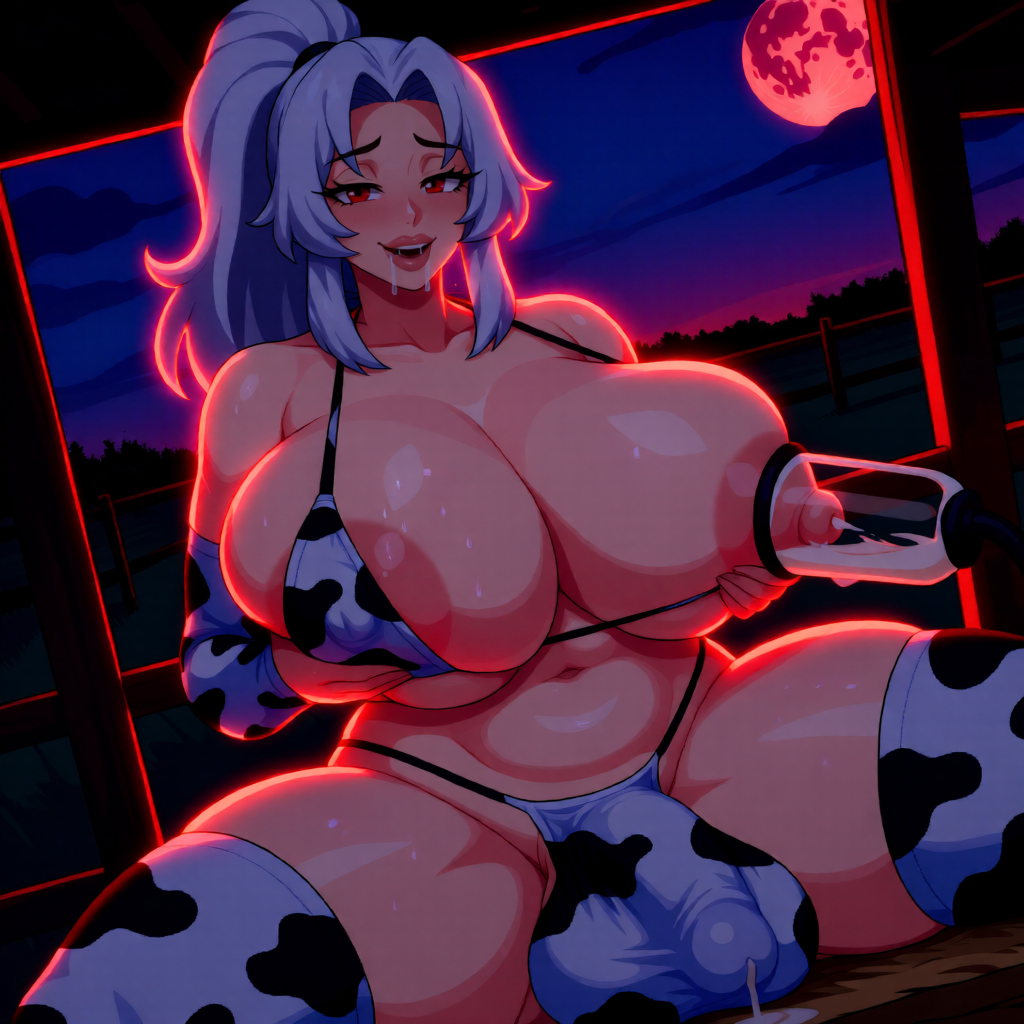
As always, B A utiful ! 👏

Deleted post
(+2)

Just burnt ages into a short animation for Frankie that turned out to be shit, so will go back to it later. For the time being here is the ref
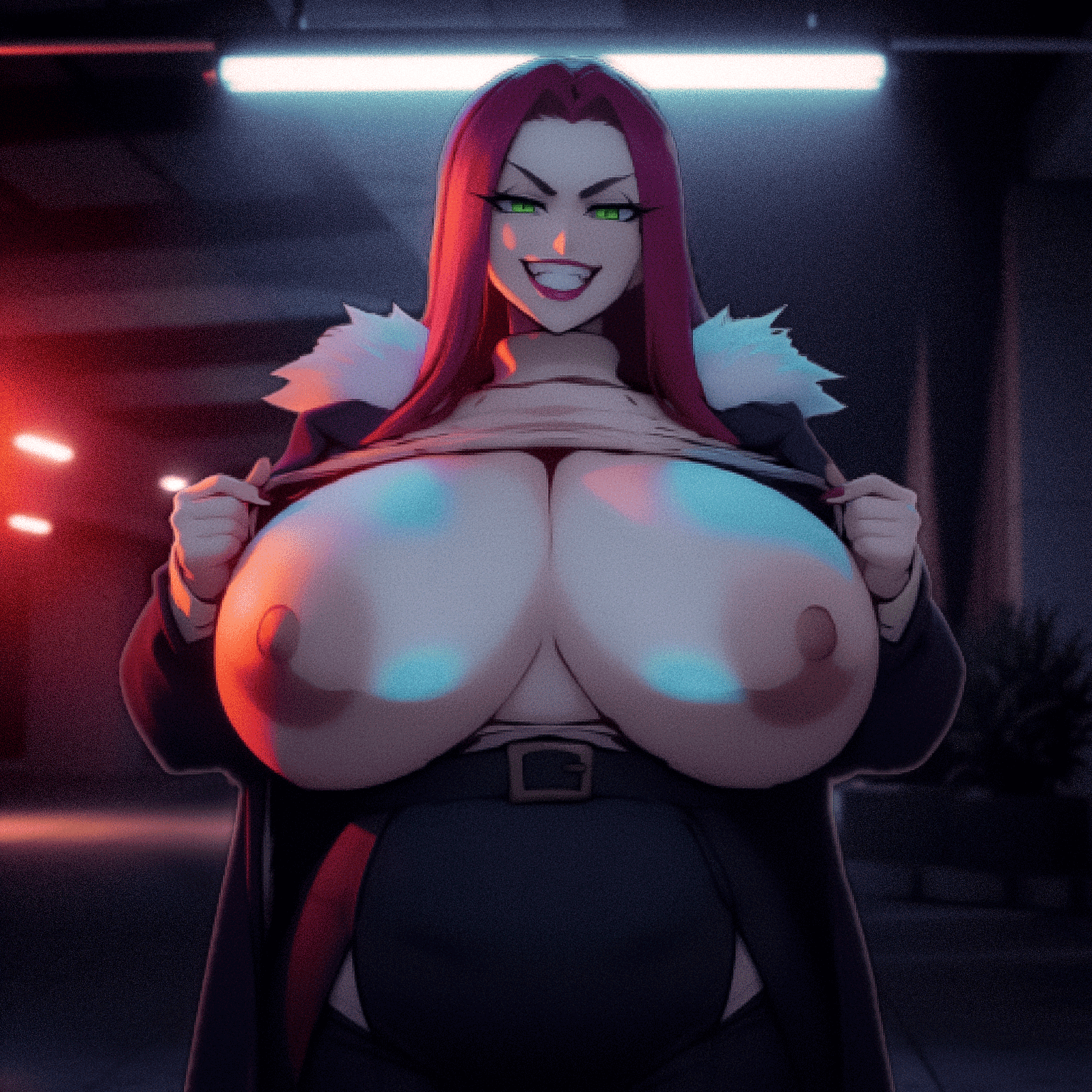

(+2)

One day Anna will get the Sam treatment 😢


(+1)

Interested to know if we are going the relight style for fan images or sticking with the OG CG style? 
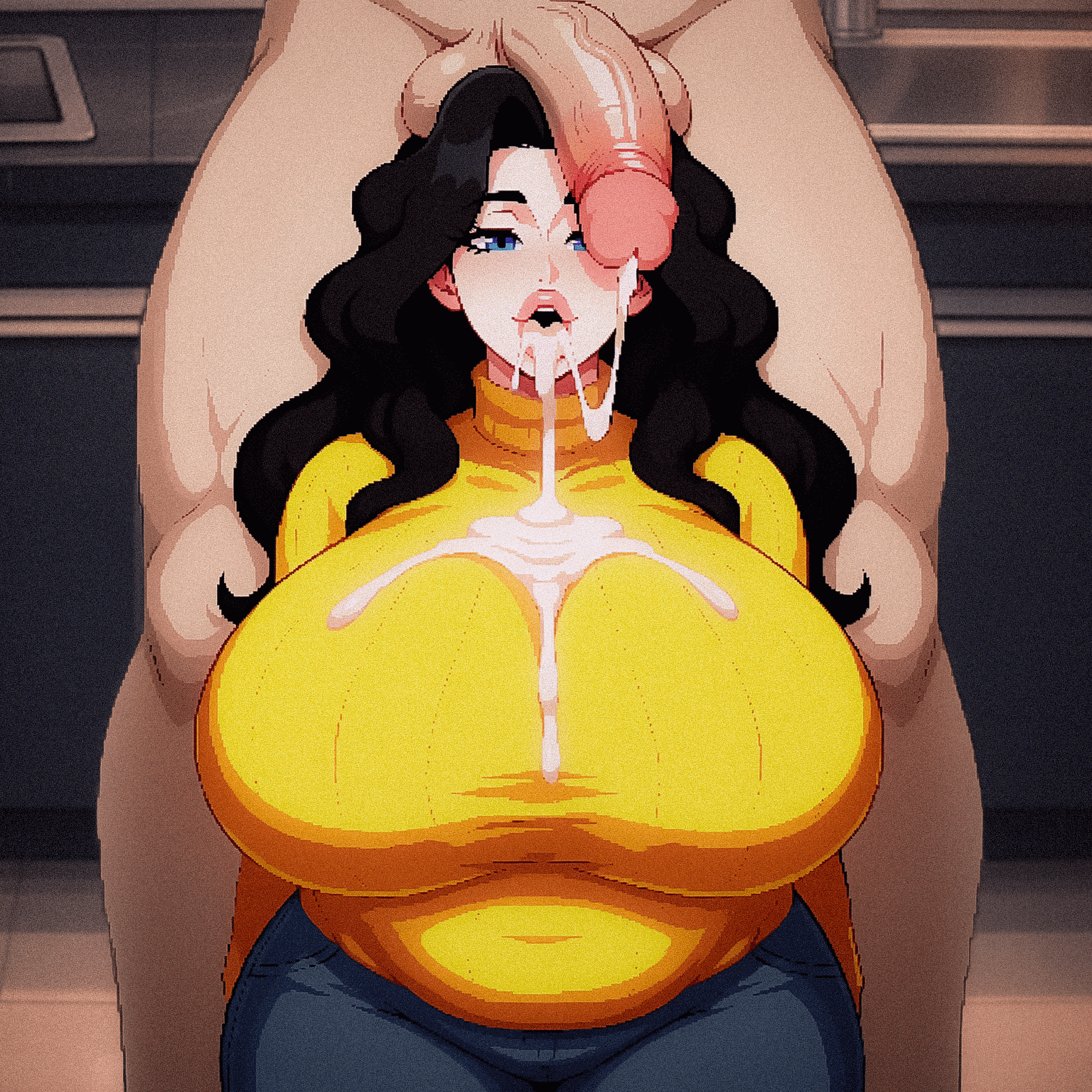
I like the original "OG" style for now—at least until 1.9 comes out and I get used to the new designs
(1 edit)

Hi! I'm new to AI image generation, and I actually used your comment as a tutorial to get started with it. I'm running into a problem, though, and I can't figure out what I'm doing wrong.

While the image is generating, it looks like it's going to turn out really well, but it starts off extremely blurry. As the steps go on, it gradually becomes clearer, but never fully sharp. Then, by the end, the final image just looks bad.

I'm not sure what I'm doing wrong or what I should change to fix it.
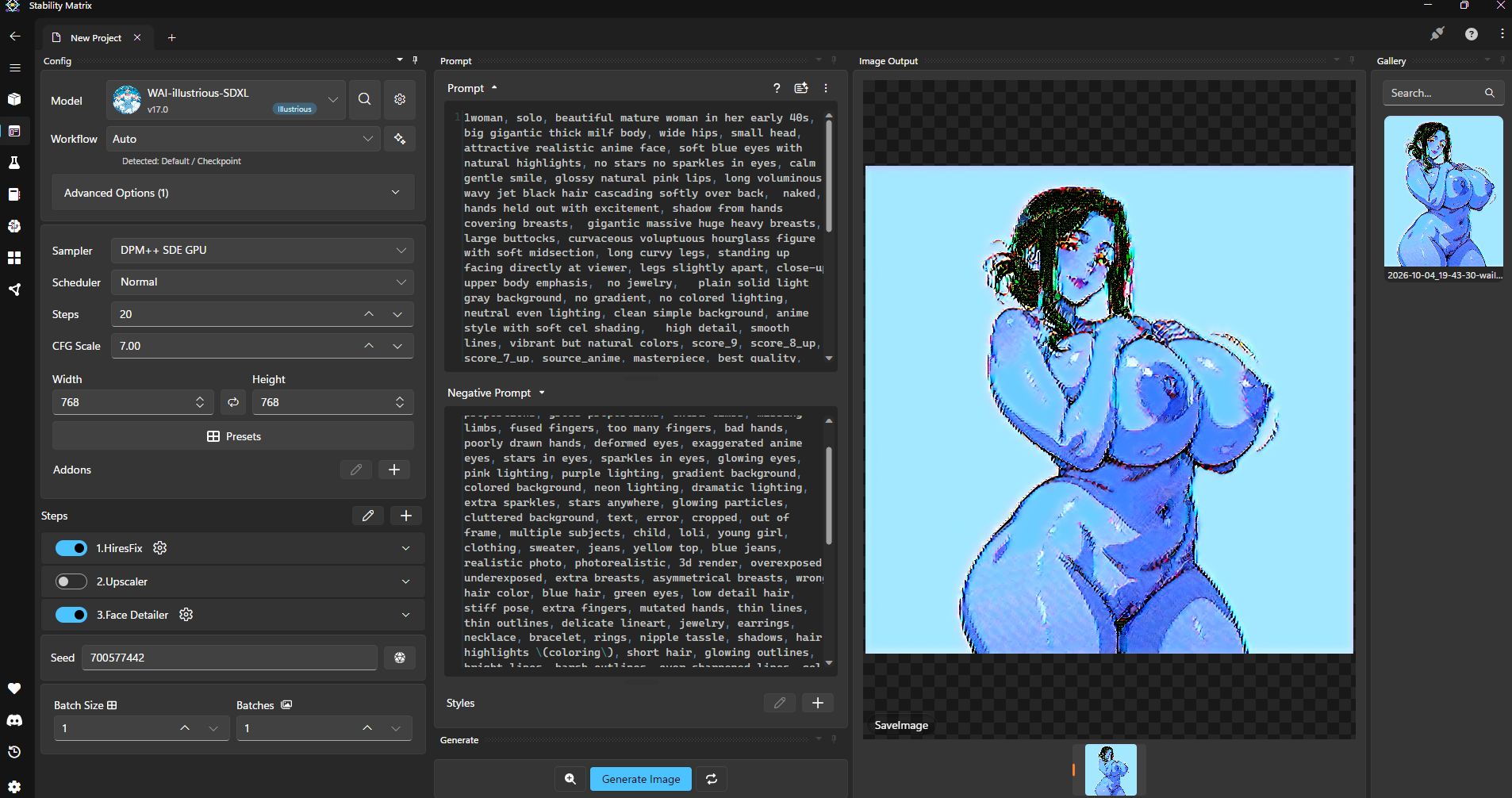

I experimented a bit more by generating images without the “hires fix” and doing some manual adjustments. I think there might be an issue with the upscaling process. I wonder what could be causing it?

This and foremost start super simple, use 
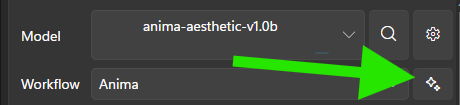
 

and start from there and build up. 

Then in the same way, start building up your configuration and prompts until you get the desired results. 

The main thing, is you are missing most of the latest flow and config for the Starmaker outputs, see the guide below for which models and LoRas you will need, and then super simple prompts and negatives to get a baseline: 

Quick getting started workflow: 

1. Download & Install Stability Matrix

  • Search for “Stability Matrix” (by LykosAI) and download the version for your OS.
  • Extract and run it. Choose a data directory when prompted (keep the path short).

2. Install ComfyUI

  • Inside Stability Matrix, go to the Packages tab.
  • Click Add Package → select ComfyUI → install.
  • Launch it when ready. (Use the built-in Inference tab in Stability Matrix for simpler generation.)

3. Download the Anima Model

  • Search Hugging Face for “circlestone-labs/Anima”.
  • Download the needed files (usually from the split_files folder):
    • Main model (anima-base-v1.0.safetensors or similar) → place in Stability Matrix’s Models/DiffusionModels (or the equivalent ComfyUI diffusion_models folder)
    • Text encoder (qwen_3_06b_base.safetensors) → Models/TextEncoders
    • VAE (qwen_image_vae.safetensors) → Models/VAE
  • Stability Matrix’s model browser can often handle the downloads directly.

4. Download Starmaker Story Style LoRA(s)

  • Go to CivitAI.
  • Important: Enable 18+ / NSFW content in your account settings so restricted models appear.
  • Search for “Starmaker Story” (or “Starmaker Story Style”). Look for the one by tang1qt and similar style LoRAs.
  • Download the .safetensors LoRA file(s).
  • Drop them into Stability Matrix’s Models/Lora (or LyCORIS) folder. Stability Matrix usually auto-detects them for ComfyUI / Inference when starting the service.

5. Generate

  • Go to the Stability Matrix’s Inference tab.
  • Load the Anima model + the Starmaker Story LoRA.
  • Example prompts and recommended settings (CFG, steps, weight, trigger words) are listed on the individual LoRA pages on CivitAI,  copy those.
  • Common starting point for style LoRAs: weight around 0.7–1.0, add the trigger word if the page lists one, and use tags/natural language that match the game’s pixel / anime look.

Simple Prompt

SMSAnna, Starmaker Story Style, mature woman, thick milf,
 long wavy jet-black hair, soft side-swept fringe, crown volume, inward waves covering the ears,
 large bright blue eyes, dark winged liner, soft rounded face, full cheeks, soft jawline, small smile, lips slightly parted,
 pale fair skin, 
 extremely  low-sitting heavy round breasts, very wide, breasts resting on the upper belly, deep cleavage, large brown-pink areolas, nipples, heavy underboob,
 soft chubby belly protruding under the breasts, visible navel, thick soft waist, not a narrow waist,
 naked, big hard nipples, areola, thick pussy, 
 natural pose,
 close to viewer, 
 standing, facing viewer, plain white background,

Simple Negatives

blue-black hair, straight hair, brown hair, short hair, bangs covering eyes, wide grin, toothy smile, red eyes,
small breasts, flat chest, skinny body, masculine, futa, penis,
kitchen, 1boy, pixel art, photorealistic, 3d render, bad anatomy, extra fingers, blurry, watermark, text
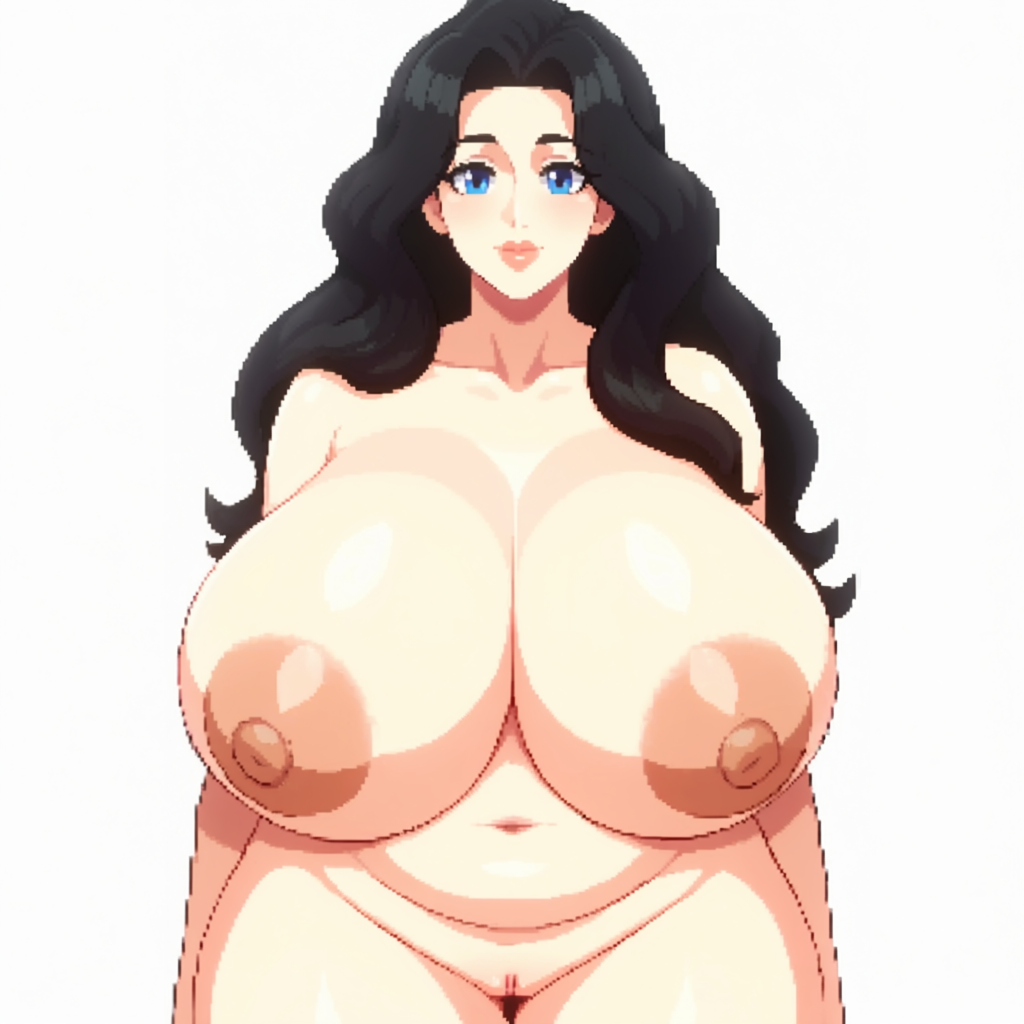
 

Turn off  HiRes Fix, you can use it once you are happy with your output once you have the base output by selecting the icon next to Gen 


(+1)

(+1)

(+4)

"Mommy, can you sit on my face?"

That is one big mamma 👀

(+2)

(+1)

(+2)

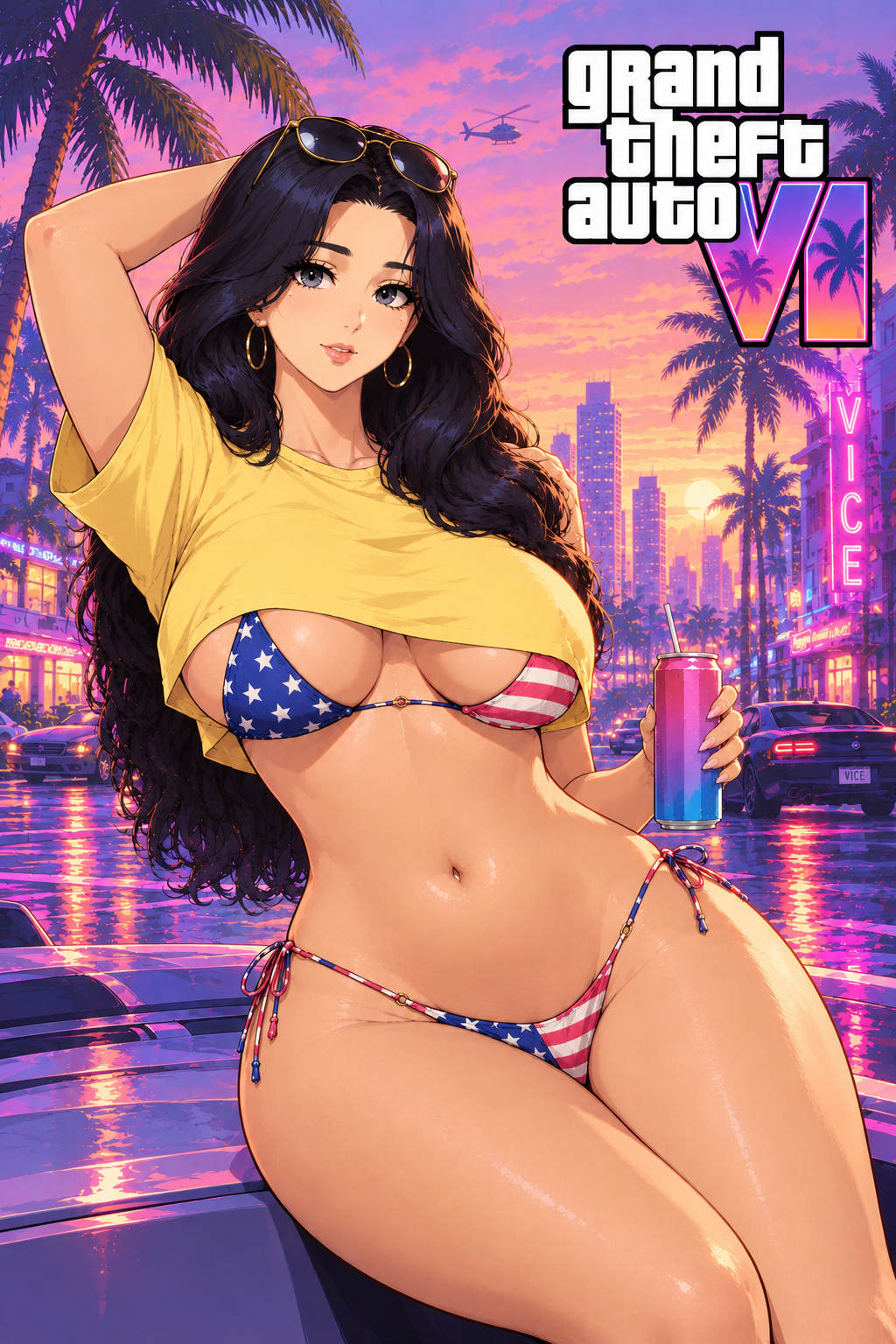
If Anna was in Vice City

Viewing posts 161 to 175 of 175 · Previous page · First page