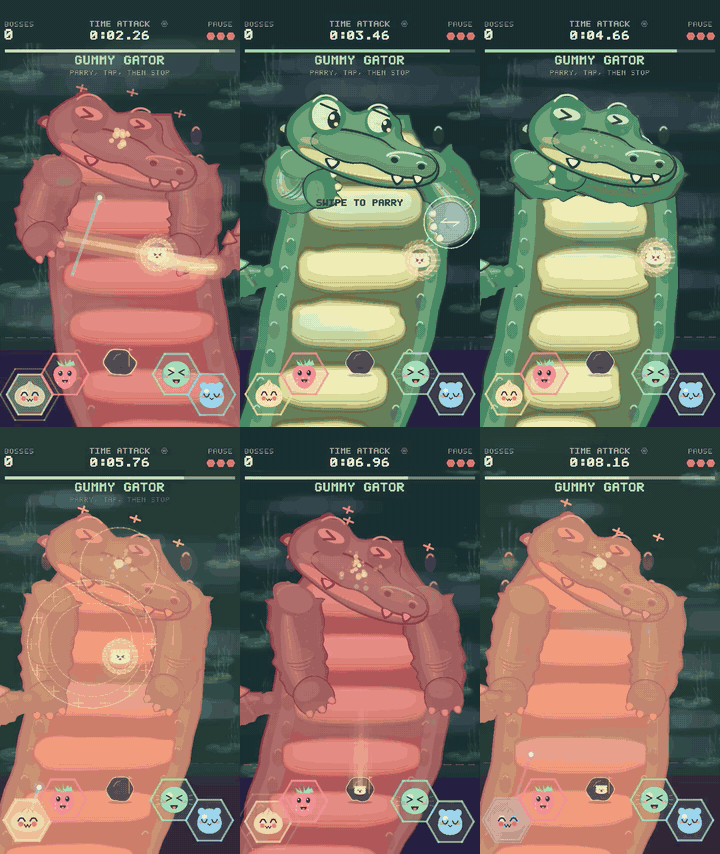
I'm working on DDDumpling, a free offline arcade game with no ads. You match character prompts, collect little dumplings, and fight bosses using taps and gestures. I was inspired to develop this game to give my kid and their friends a fun brainrot free (and payment and ad free!) game that leaned into the current squishy and collectable obsession.
I wanted to combine multiple input mechanics so players have to divide their attention between matching prompt keys and tapping, dragging or swiping on the playfield. I'm trying to make that multitasking feel fun and challenging, with enough visual cues to understand what needs attention next. As I've developed the game, I'm seeing that the target audience is probable 8+. There's a kid's mode too but I still need to tune behaviors to actually make it playable by ~5-6.
I've been tuning the boss fights and would like feedback on whether that works. The full 52-second trailer shows all four. It's actual simulator gameplay with automated inputs; the white circles show the touches. The clip is silent.
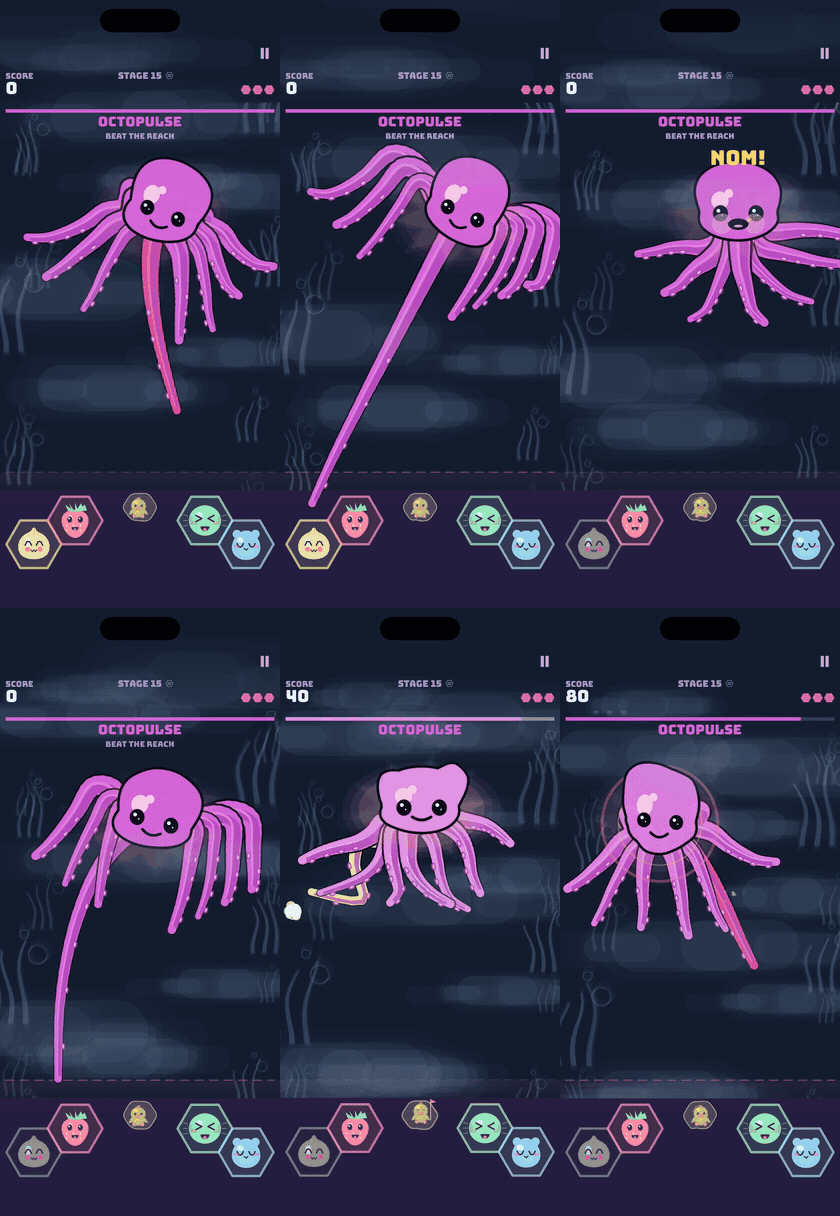
Animated preview of Octopulse stealing a key. Full 52-second trailer, 60 fps, listed as "Boss gameplay trailer" in the downloads.
Slime needs a drag after you clear its prompts. Dark Divide needs a two-finger stretch. Octopulse can steal a key if you're too slow, and you can drag an exposed arm to hurt it. Fly Agaric uses a timed back-and-forth drag.
I'd particularly like to know:
- Does switching between the prompt keys and screen gestures look like a satisfying challenge, or too much to keep track of?
- Without the explanation above, would you know when to tap, drag, swipe or pinch? Are the cues clear enough to help you divide your attention?
- Does Octopulse's key theft make sense, or does it look like a control has stopped working?
- If you try the game, which fight feels satisfying, and where does it become confusing or unfair?
Game and downloads. The Android build is on itch.io, with an iOS link on the page. The full-resolution 60 fps clip is also available there as "Boss gameplay trailer".
Boss Time Attack lets you replay bosses you've befriended, so you don't have to repeat an Adventure run to practise a fight. Even feedback on one boss would help me tune the next update.
Thanks so much!