Hi! Thanks for reaching out! :)
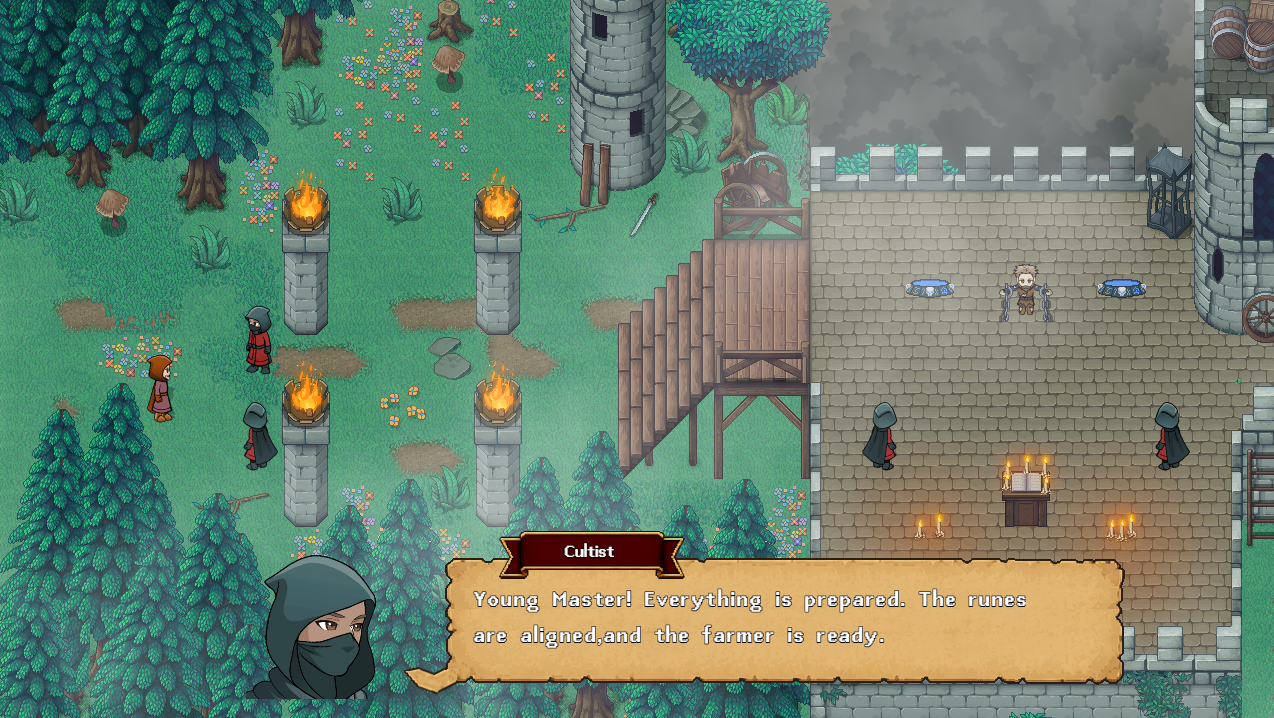
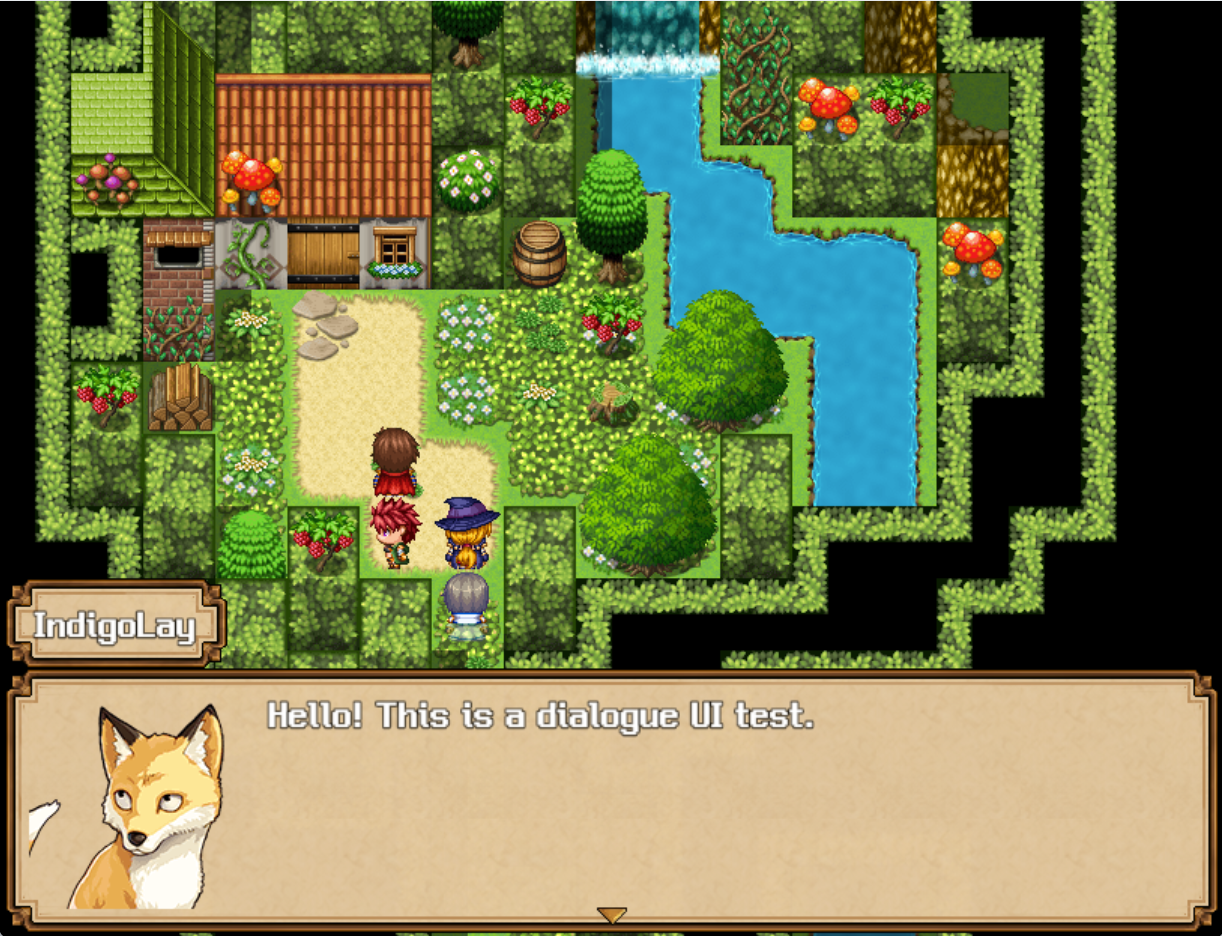
I've adapted the Dialogue UI to fit RPG Maker MZ's windowskin format, preserving as much of the original design as possible within its limitations.
I've added a Window.png file to the Windowskin folder in the updated pack.
You can try it by copying the file into your project's img/system folder, replacing the existing Window.png. Just make sure to back up the original first!
You can also adjust the Window Opacity (0–255) and customize the assets to better suit your project's style.
I hope this helps! Feel free to let me know how it works for you! :)