


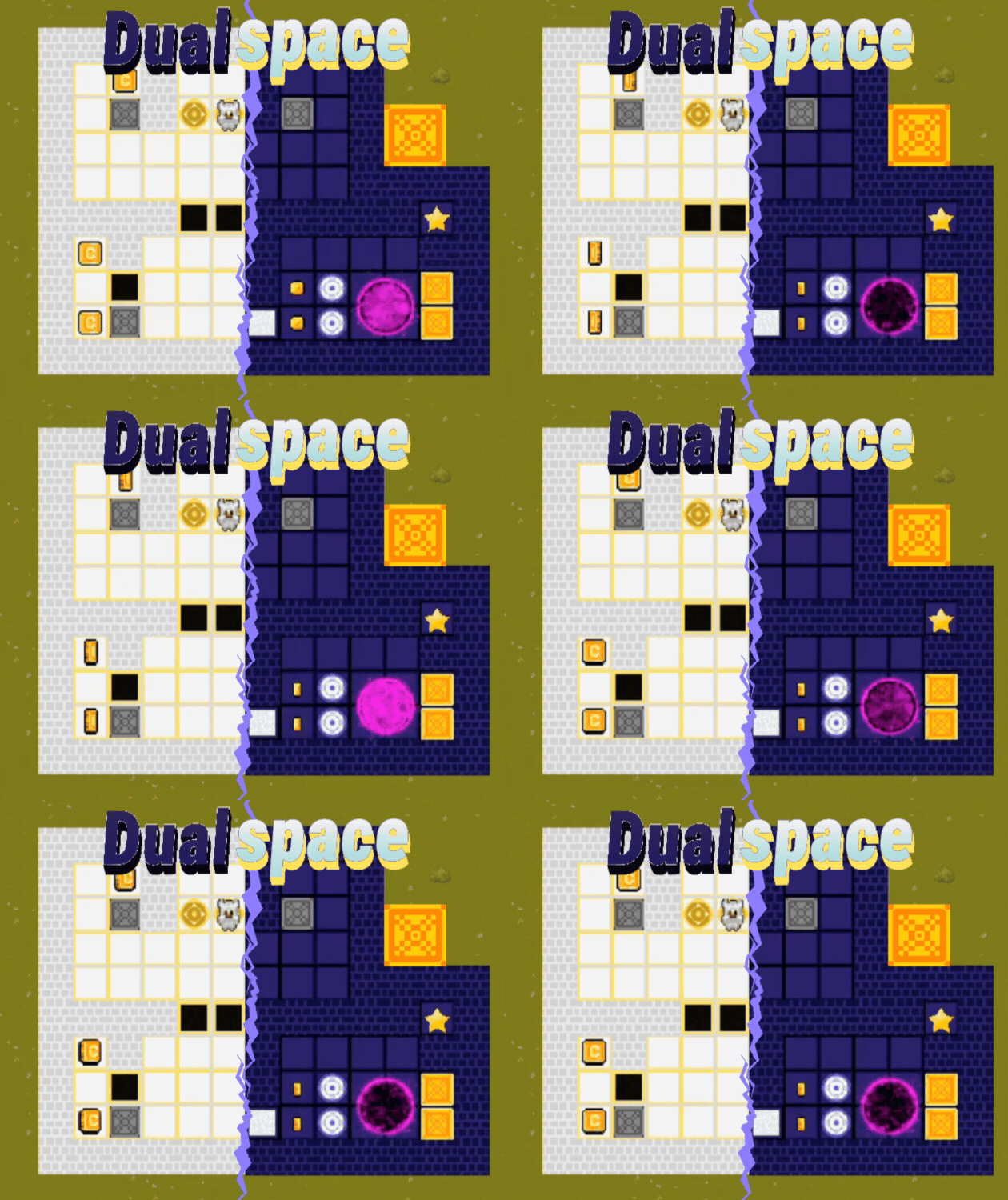
Play game
Dualspace's itch.io pageRate this game
In order to rate this submission you must be logged into itch.io and have submitted your own entry. Anyone with an account can leave a comment.
Improvement Summary
There is an extensive free demo.
Mostly adding the map system. The map includes all levels, secret areas, optional challenges and more.
Also added 3 levels to the start of each wing for onboarding.
Leave a comment
Log in with itch.io to leave a comment.
Comments
First, thank you for starting this jam out with giving good feedback. Building community with other devs can go a long way to making the indie game dev experience so much better.
I am starting with my usual reset and refresh the page.
Just starting the game, a lot has changed with the look. I like the new background looking like grass and you are inside a stone structure. It would be nice it when shifting the grassy area also shifted to be darker, or even changed to a different look.
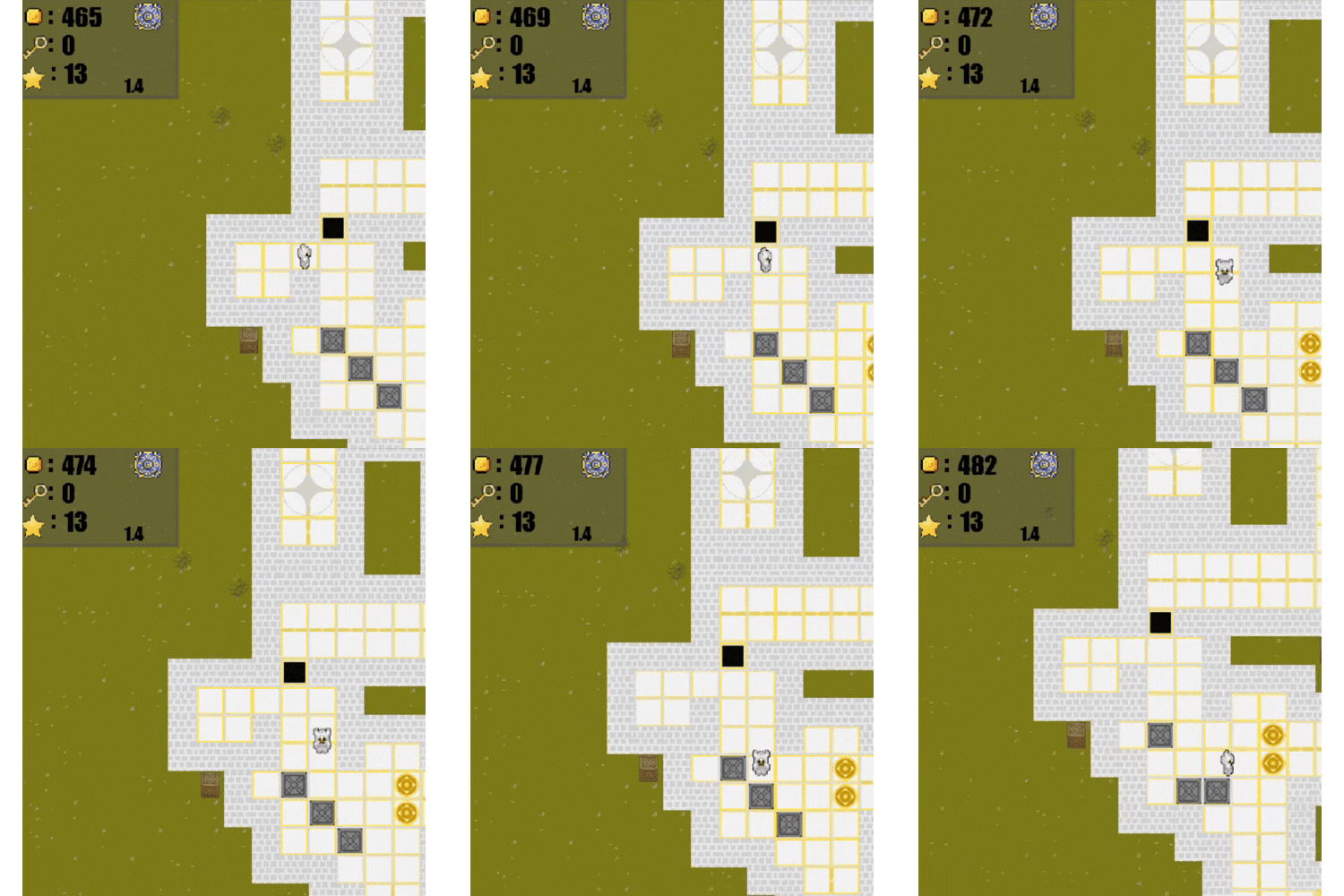
The tile grid, however, is unpleasant. When standing still it looks like a grid of white lines with squares that are 2 tiles by 2 tiles. When moving the lines flicker and can be 2 x 1 or even 1 tile. After stopping it takes a bit for the flickering lines to settle down. I know there will be people who cannot play due to the flickering lines. I'm guessing this is due to the way your tile map is displayed, with the edges not lining up well in the graphics handling. Maybe there is an option you can set that will fix the edge alignment.
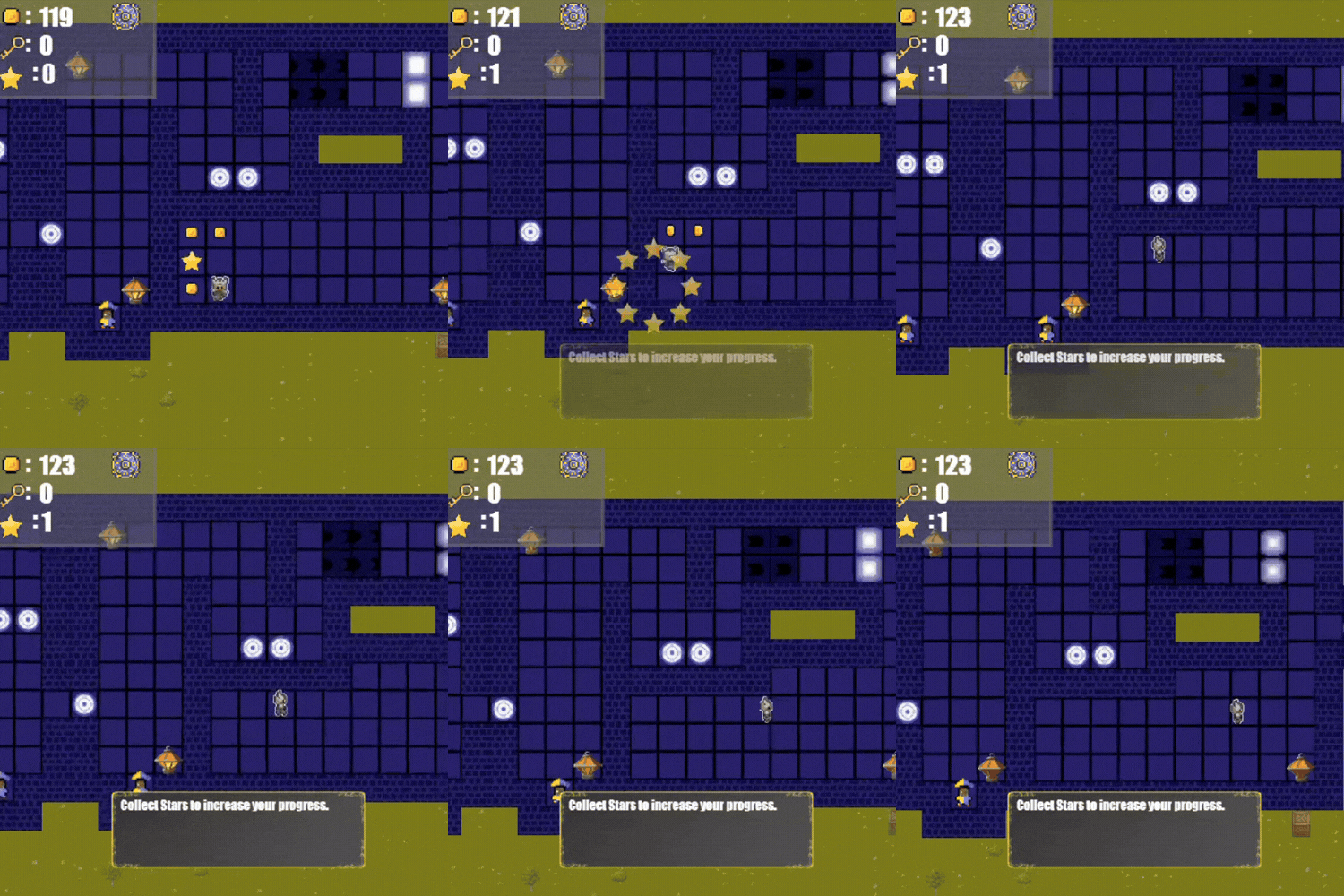
So, I was just starting to explore the opening area and was at the bottom left of the room I was in and felt the need to move down onto the wall to check, and sure enough, I walked right through it onto the grass. I went around the left side of the room and up to see if I was blocked by crates. I walked over the first and kept exploring up. When I reached the next one, everything shifted and I could not see my character. I moved around a bit, eventually pressing up until I ran into fire and found I was now at the bottom left of the screen with the traps that activate a short time after shifting. I shifted and walked over them, and then collected the items I found, only to get a popup that I had completed level 1. As I left I found that I had not even needed to shift, as I could just walk around the outside to a clear path. As I went down was able to see that the area the camera focused on was just above where I had started. I explored some other areas, and the camera shifting as you enter them did make some harder to explore when the camera moved far from where you were and I had to navigate by memory to get into view without hitting an obstacle. I was able to walk through most walls, with only an occasional spot stopping me.
I did another reset and refresh. When I restarted I went left into the wall right away and was able to walk on it and into the grass area.
I continued on to finish the tutorial. Overall it does a decent job of explaining things.
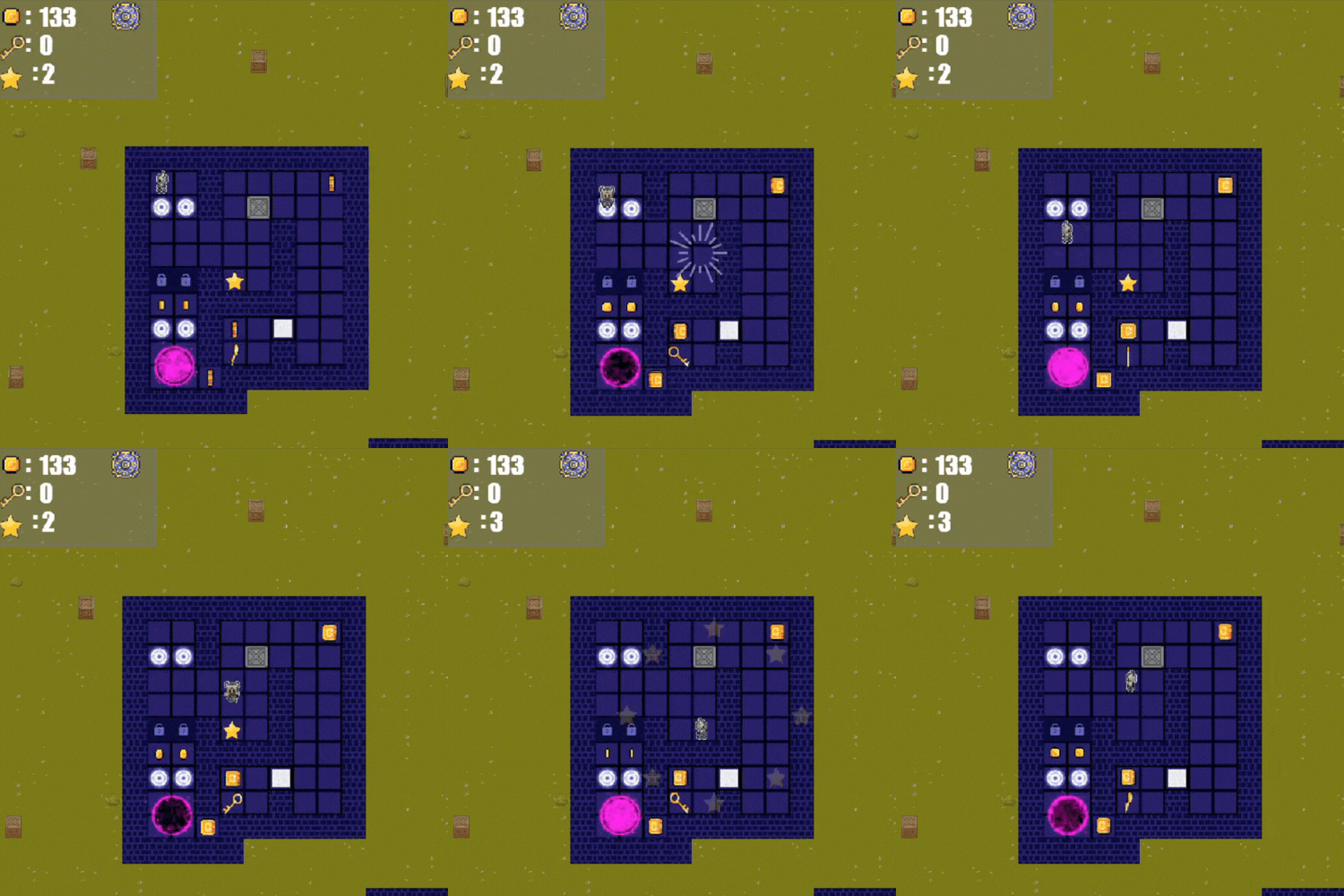
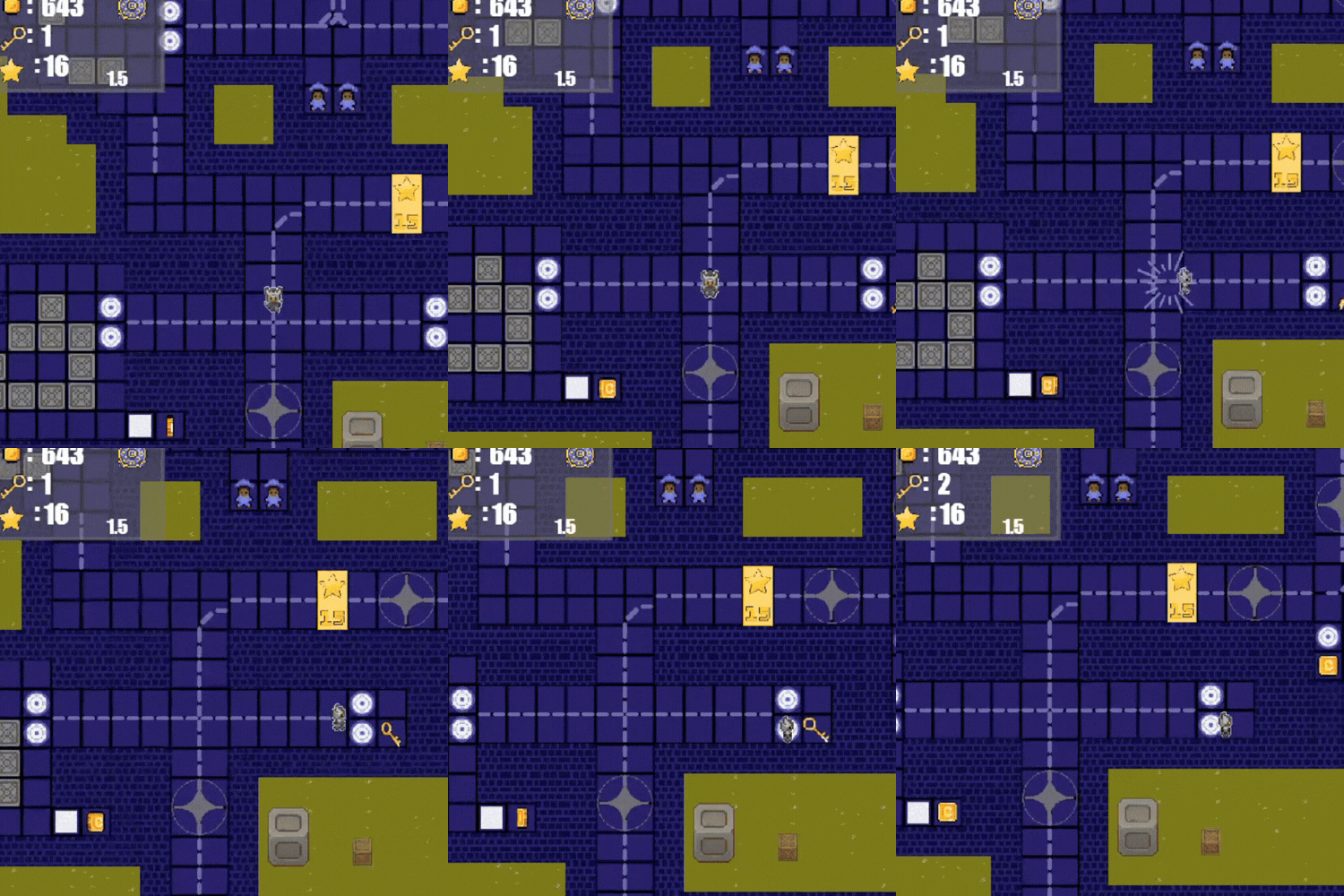
The new map with only being able to move along a set path is interesting. I do think there should be a popup message when you move from the tutorial to the next spot that tells you to press Space to enter the next area.
It looks like I can redo the area multiple times to farm coins.
I explored around a bit. Going up gets back to the free roam central area. It did feel a bit odd transitioning from the on rails movement to free roam.
I like the new art in the area.
The issue with walls remained and I was able to get off the rails at some points, with a lot of jumping when I then crossed the paths.
You've made some interesting choices in this update. I'm not entirely sure what I think of them yet. The biggest issue for me remains the bugs. It is hard to enjoy the game when I keep running into bugs so soon after starting. The movement is not great, but bearable, though combined with the flashiness from the tile grid, it is a bit headache inducing. I would start with fixing the wall bug, and then see if you can improve the display settings.
It also looks like the game is constantly outputting an array to the console with the character's current coordinates. This constant output can introduce some lag, so I would not do so in your public builds, or at least cut down how often it is being output. Ideally only do it when the character moves.
Thank you for the feedback. I have fixed the wall and camera bugs. I need to take more time into playtesting, and mistakenly uploaded the dev features.
On the other hand, I can't reproduce the tile bugs. I am aware you play on Linux, it may be a Linux problem.
I just checked and the walls seem to be working for me now. I also got an alert about resetting when I did so this time, so thank you for that. I understand accidentally uploading the wrong build. I setup some scripts to help warn me if debug is still enabled on the export versions after I had uploaded a debug build. We also always have at least 1 person do a quick play of the start after an upload, just to check for anything obvious. We'll see if someone can do another play of this version later this week.
The grid issue could be Linux or driver based. Here is what I see. This first is when stationary.
This one is after it settles a bit after moving. You can only faintly see the extra vertical lines, as it settled while I pressed to take the screenshot, but the extra horizontals ones are still clear.
the new animations are nice but i have to say it feels like you traveled back in development, like the game got "worse" there are no modes or in the demo anymore (which for playtesting is a terrible descision) and most stuff that made the game "unique" is locked behind a paywall although there is a new shop which is good, the game feels also smoother than the last time i played it.