



Play Fire, Death and Earth
Fire, Death and Earth's itch.io pageRate this Fire, Death and Earth
In order to rate this submission you must be logged into itch.io and have submitted your own entry. Anyone with an account can leave a comment.
Design Statement
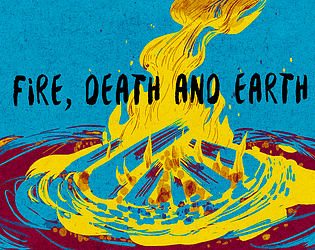
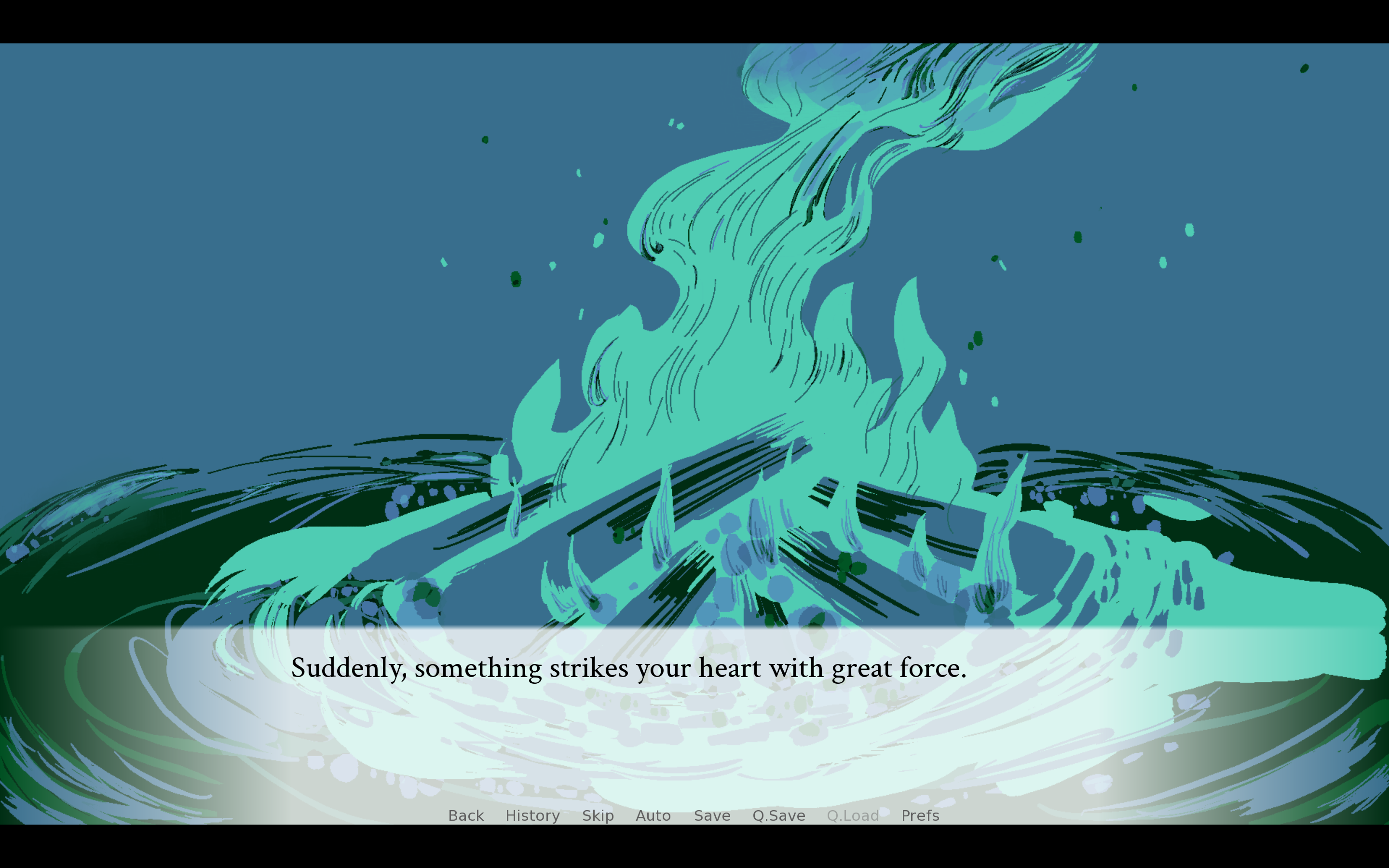
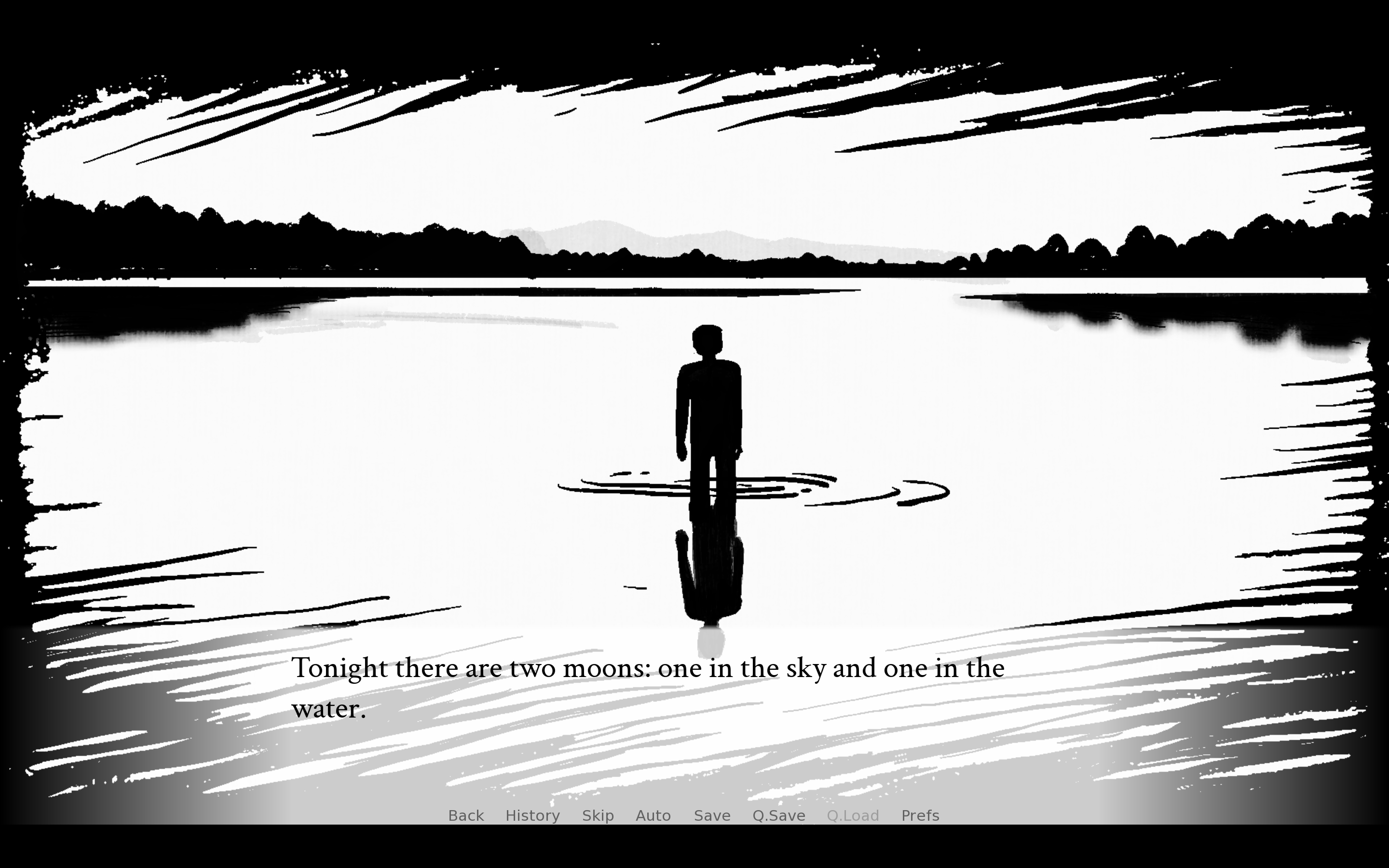
The music resembles a dream beneath moonlight: tranquil, yet carrying a faint sense of weight and wistfulness. Inspired by this, I designed a visual novel in which a solitary traveler rides a horse across a moonlit land in search of the past. The journey begins with a question, as cold blue light blankets the open plains. The quiet opening evokes curiosity and solitude, while a somewhat muffled background sound gradually overtakes everything. The search for memory becomes a struggle, and the world is scorched by chaotic flames. At the climax, the scene ends abruptly: dawn arrives, and the dream is over.
Game Instructions (launch steps, controls, and gameplay overview)
Playing Tips:
Read at your own pace. Nothing advances until you click, tap, or press the advance key.
Use History if you accidentally advance past a line.
Use Auto for hands-free reading and skip when revisiting dialogue.
Save before important decisions so you can explore another path without replaying the whole story.
Keep the full game folder intact. Ren'Py games depend on their accompanying data and library files.
First-Time Setup:
Open Preferences from the main menu and set the options that affect how you read and hear the game:
Text speed
Auto-forward delay
Master, music, sound, and voice volume
Fullscreen or windowed display
You can return to Preferences at any time during the story.
Keyboard :
Enter Advances dialogue and activates the interface.
Space Advances dialogue without selecting choices.
Arrow Keys Navigate the interface.
Escape Accesses the game menu.
Ctrl Skips dialogue while held down.
Tab Toggles dialogue skipping.
Page Up Rolls back to earlier dialogue.
Page Down Rolls forward to later dialogue.
H Hides the user interface.
S Takes a screenshot.
V Toggles assistive self-voicing.
Shift+A Opens the accessibility menu.
Mouse:
Left Click Advances dialogue and activates the interface.
Middle Click Hides the user interface.
Right Click Accesses the game menu.
Mouse Wheel Up Rolls back to earlier dialogue.
Mouse Wheel Down Rolls forward to later dialogue.
Gamepad:
Right Trigger Advances dialogue and activates the interface.
A/Bottom Button
Left Trigger Rolls back to earlier dialogue.
Left Shoulder
Right Shoulder Rolls forward to later dialogue.
D-Pad, Sticks Navigate the interface.
Start, Guide, B/ Accesses the game menu.
Right Button
Y/Top Button Hides the user interface.
Gameplay walkthrough video
https://www.xiaohongshu.com/discovery/item/6aed724d000000002b026209?source=webshare&xhsshare=pc_web&xsec_token=GBGY-Zr1ibxBIpGXLcsgl2GEHci59j14HSSGu0n-IR_gs=&xsec_source=pc_share
Did your project use any AI tools or assets? If yes, please specify.
AI was used to generate the Ren’Py code.
Leave a comment
Log in with itch.io to leave a comment.
Comments
Normally not my type of game but the game is beautiful. The art is gorgeous. The music fit well but definitely need to be in a story game kind of mood.
Good story! The narrative instantly pulls you in and keeps you invested.
One small formatting nitpick: there's an extra space after every apostrophe in the text (like in 'It' s' or 'hasn' t'), which gets a bit distracting while reading. Fixing that kerning/text formatting issue would make the reading experience even smoother.
Great work overall!