The original games require a mouse and a bit of experience to control the paddle. The finger version is easier. And since it is almost impossible to play correctly on an emulator, that is why I made this version.
I have done some troubleshooting and I have narrowed down when the issue occurs.
After setting a score, if I open the app switcher and force quit the app from the main menu of the game, the score does not get saved. However if after setting a score I just switch to the iOS home screen first, THEN open the app switcher and force quit the app, the score does get saved.
So it seems like the scores get saved to the memory when the app is “minimized”. I tested each scenario a few times and this seems consistent.
At least I have a way to make it save now :)
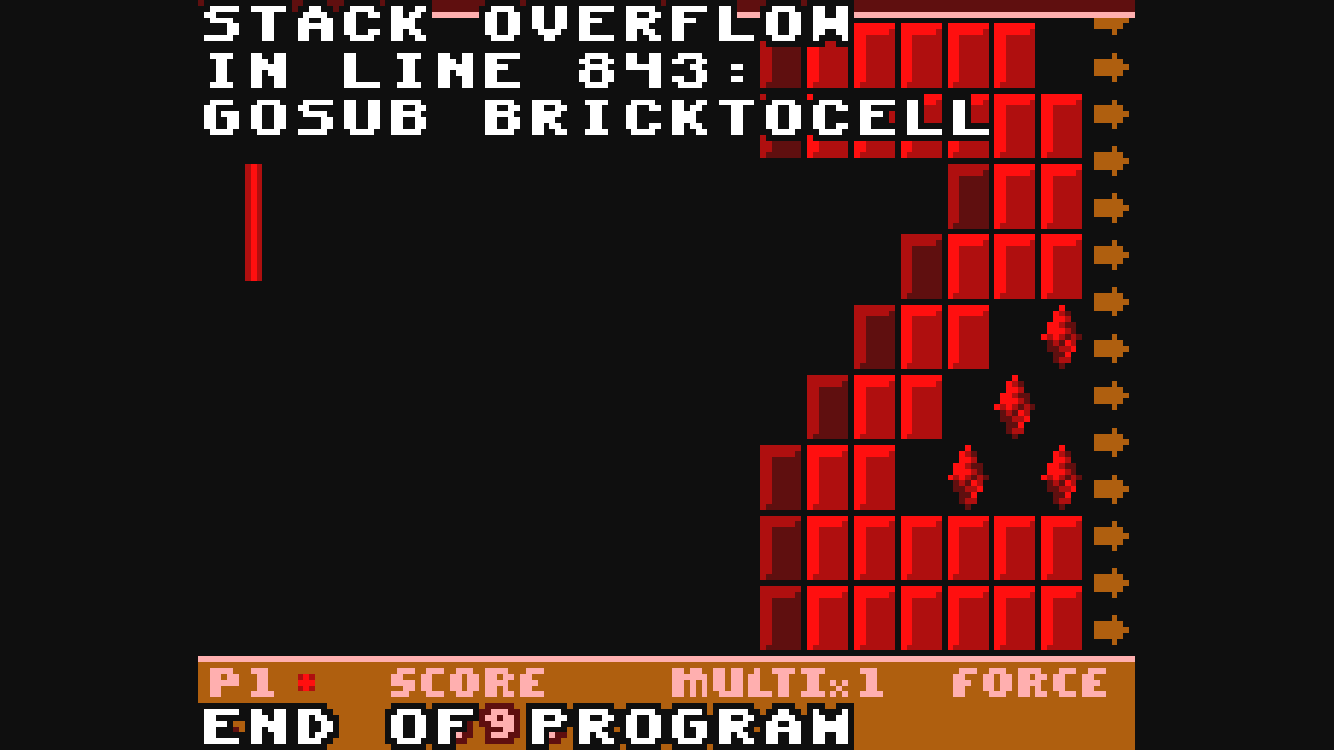
I got in the habit of force quitting the app whenever I finished playing because after 4 or 5 consecutive rounds the game would crash with an error message (I’ll report back the error message next time I see it). So when I started doing that is when my scores stopped getting saved.