

Hi! I did a bit more testing and wanted to share a few observations.
In fullscreen mode, even at maximum zoom, the board takes up less than 30% of the screen. I wish I could zoom in further.
screenshot
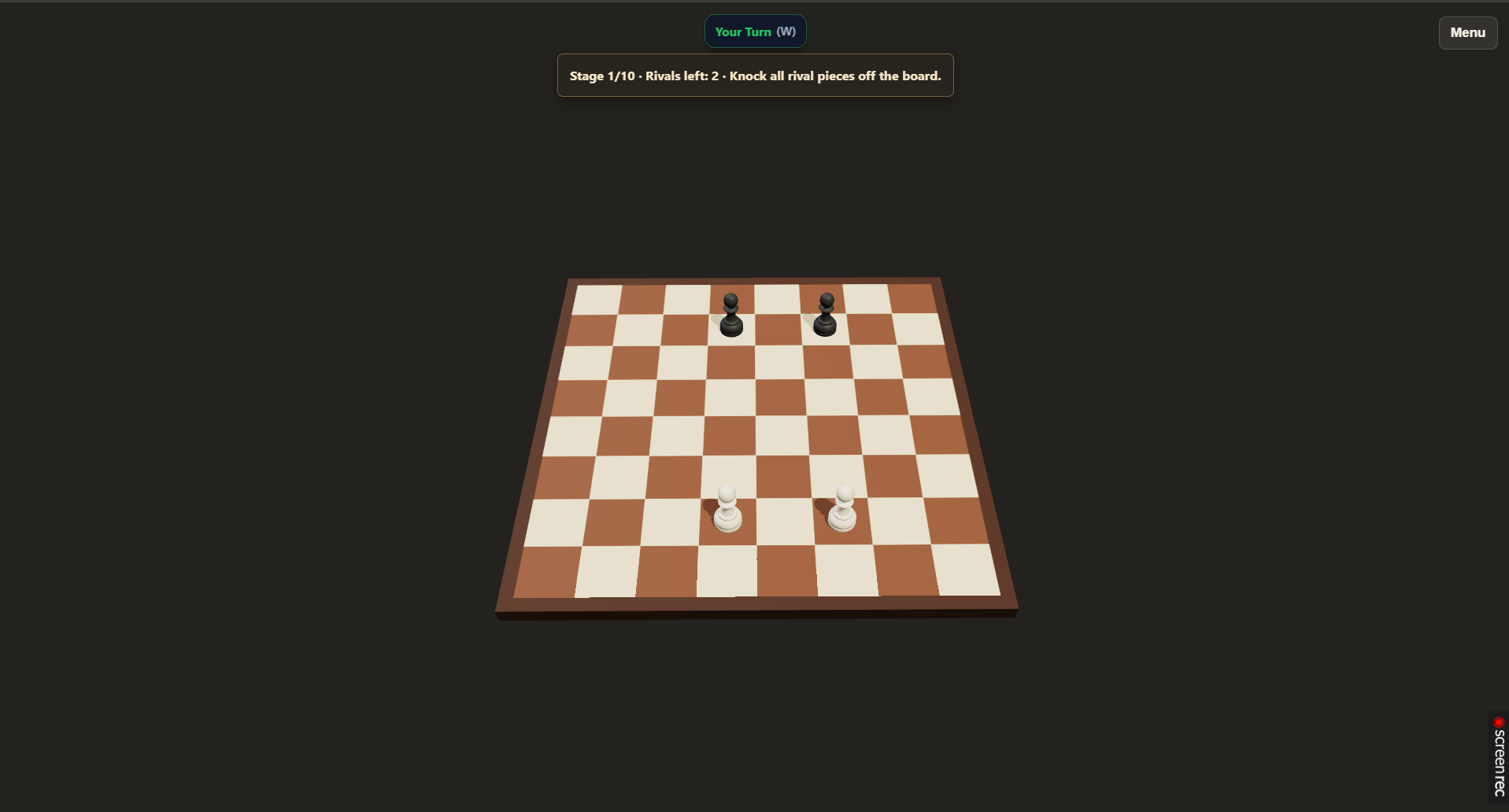
As for the shooting mechanics, the power percentage indicator on the left makes it easier to understand how different power levels actually feel.
And I think I've finally figured out what's been making aiming so difficult for me. Just to clarify, I'm testing the web version on a laptop, using a mouse.
The entire range of shot power, from "the piece barely moves" to "the piece flies into outer space," is covered by just 80 pixels of mouse movement.
And when aiming at around 30% power, changing the direction of the shot by 45 degrees requires moving the cursor by only about 12 pixels.
This makes aiming feel unnecessarily demanding in terms of precision, at least for me. Every single pixel has a noticeable impact on either the shot power or its direction, so even small mouse movements can significantly change the result.
I think I've finally managed to put into words, at least for myself, why the controls have felt so difficult to me.