
On Sale: GamesAssetsToolsTabletopComics
Indie game storeFree gamesFun gamesHorror games
Game developmentAssetsComics
SalesBundles
Jobs
TagsGame Engines
(+1)

Sorry I took so long to check back. I've tested both the browser and desktop versions and this is what I found.

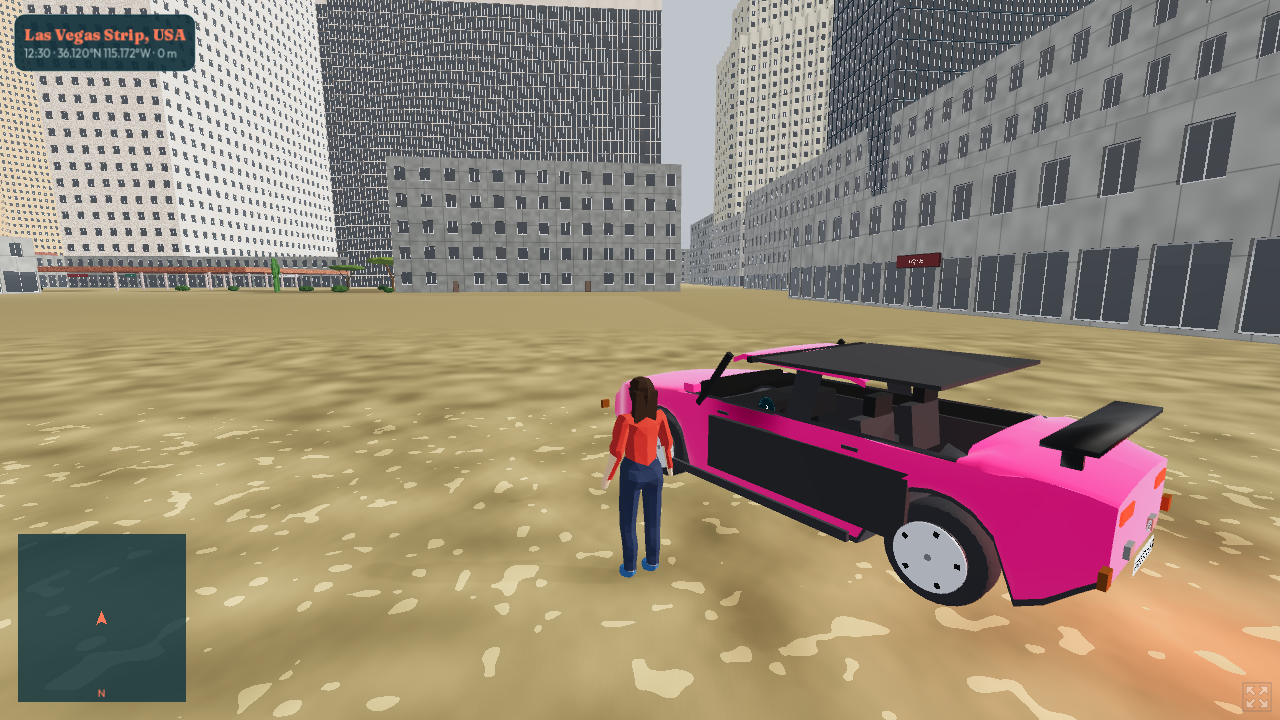
Buildings and foliage appear to load in the browser version properly now, but roads still fail to load. The map in general still appears blank even after waiting for data to be fetched. Additionally, there's a glitch where if you get out of your car while in cockpit view, the cockpit model will still be rendered. This happens on both web and desktop versions.
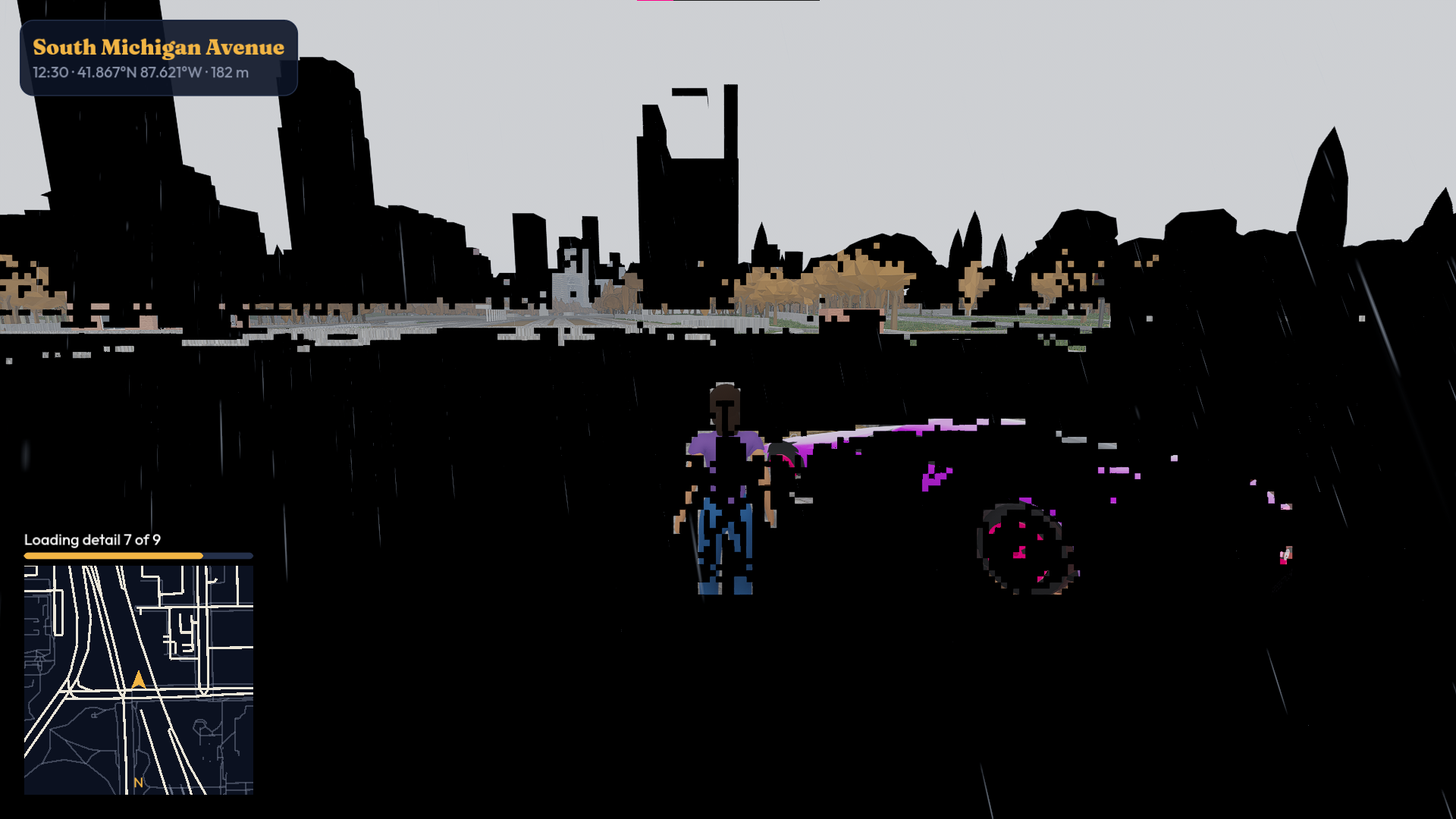
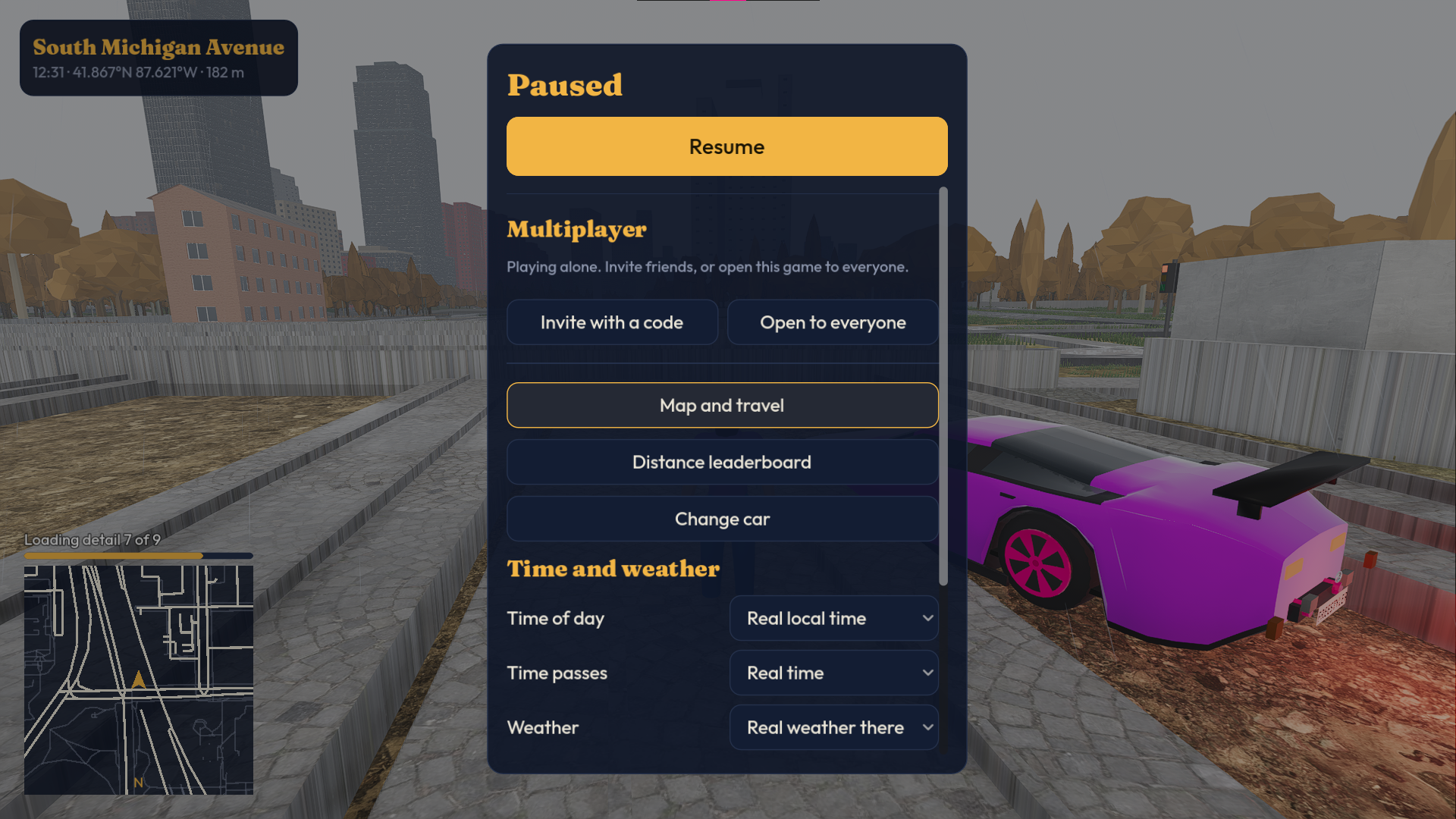
As for the desktop version, one more major bug is the rendering with the Ultra preset. In certain scenes, it causes a lot of black blocks to appear, but not in every scene, such as when paused. Everything appears normal on High and below.


Thank you for the feedback i am currently developing a new version and will try to fix this.

(+1)

No problem. And a couple more things to add.

I'm sure you're already aware of the issue with bridge generation. Specifically, overpasses tend to be laid on the same level as underpasses and stacked interchanges. You can see in my last screenshot an overpass laying flat over a group of rail tracks, making it physically impossible to follow their path without driving around them. This also has the side effect of making the new race courses impossibly to properly drive as many of them contain overpasses you cannot drive under.

Lastly, a feature request: I would like to see the location name in the upper left update as you drive around instead of always listing your starting location. Seems silly to see "Chicago" in the corner while speeding through Kenosha.

Thank you for the feedback and i will take these good suggestions to the new version upcoming.