


nice game!
Play game
Smash Cut's itch.io pageTeam Name
Mifsopo
Game Name
Smash Cut
Gameplay instructions
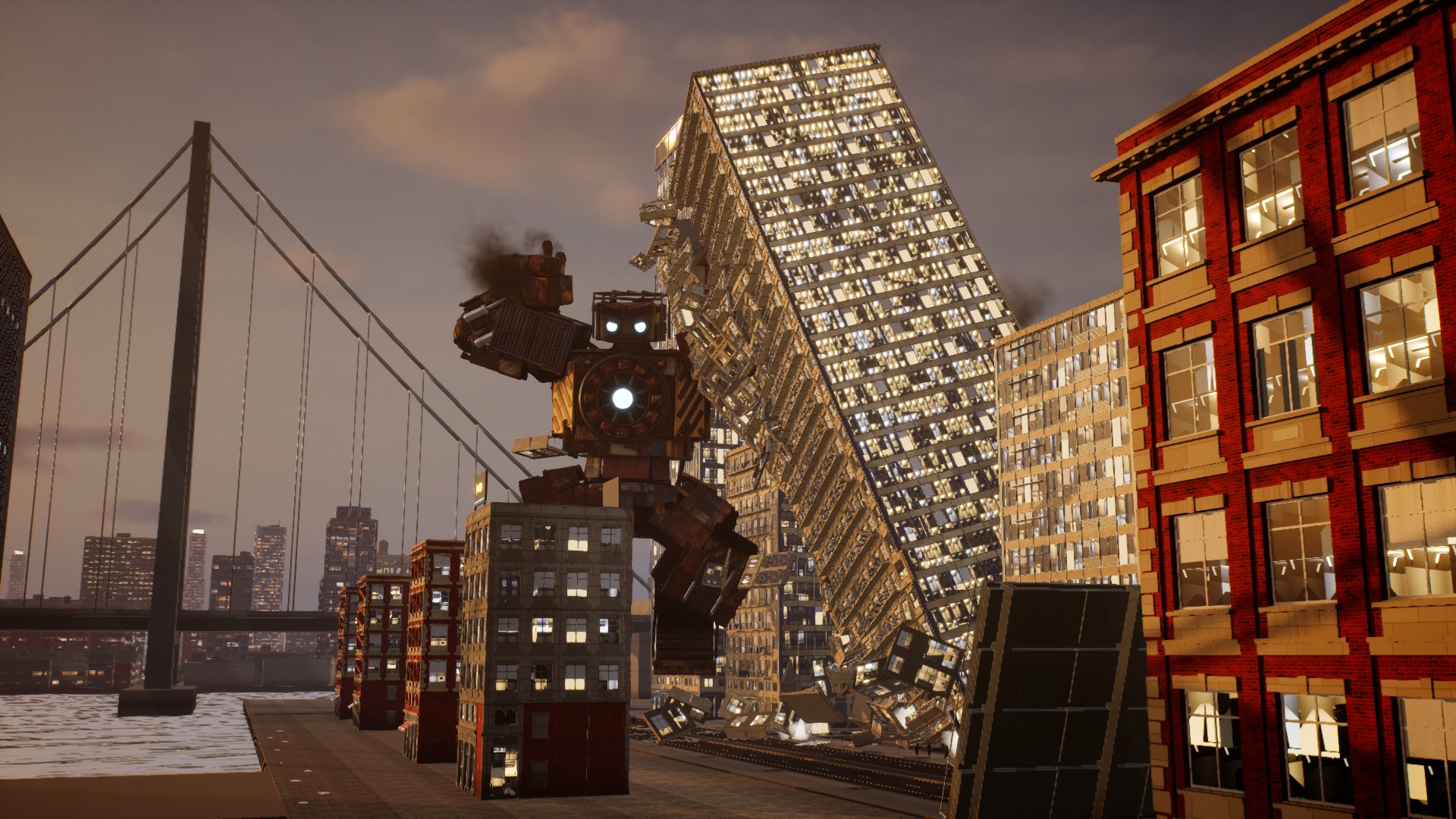
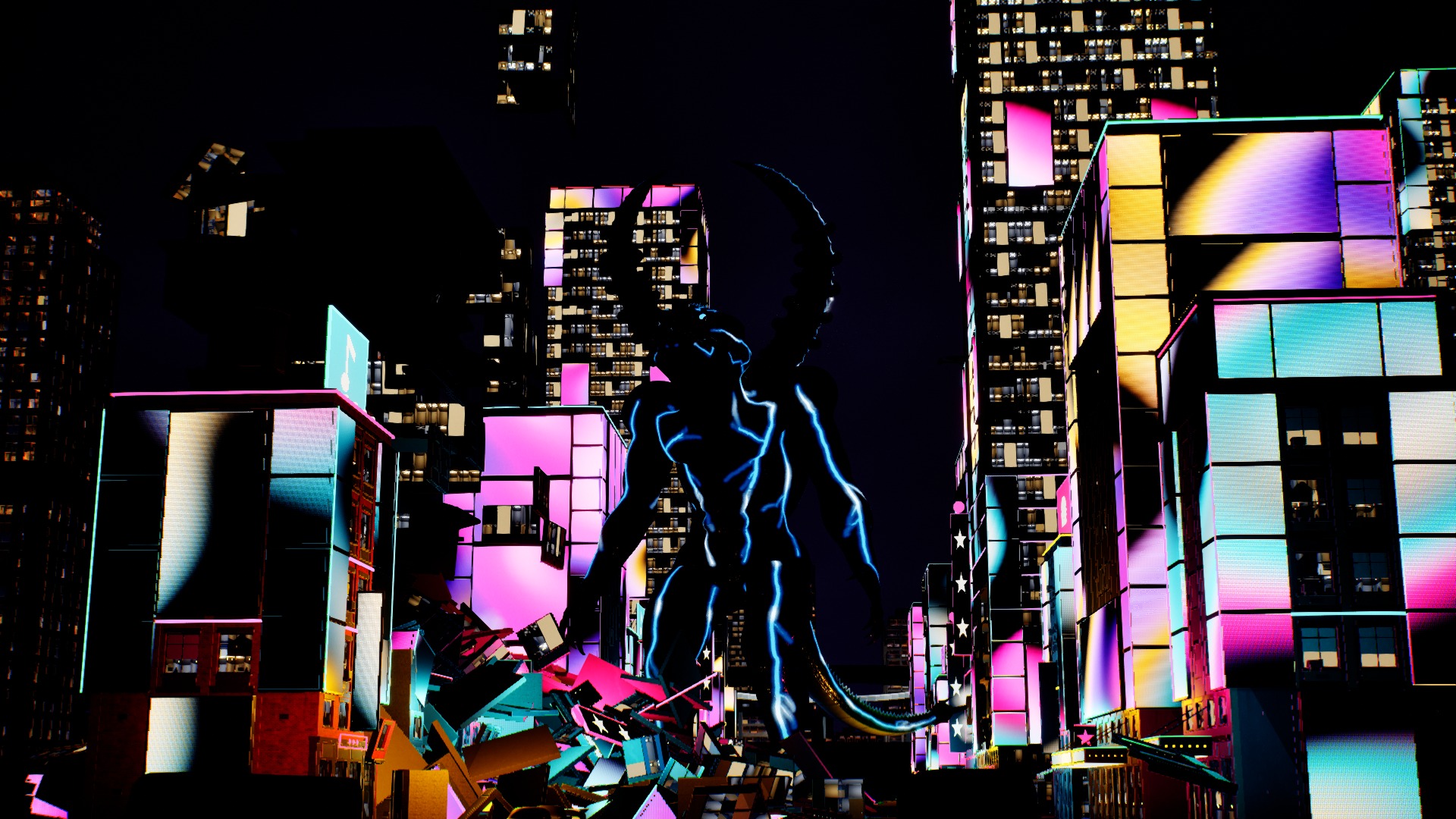
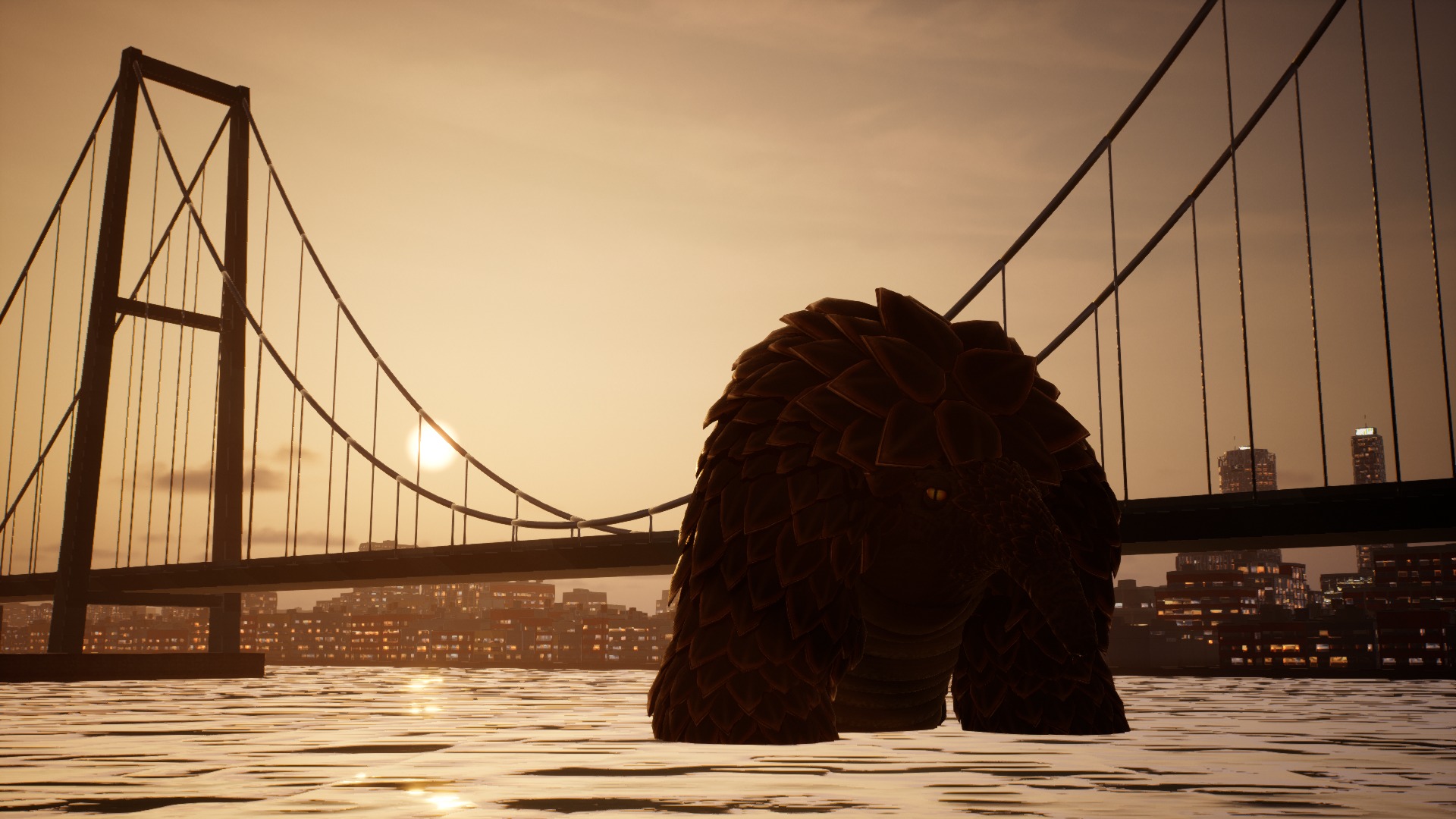
Smash Cut is a monster movie you shoot, then edit.
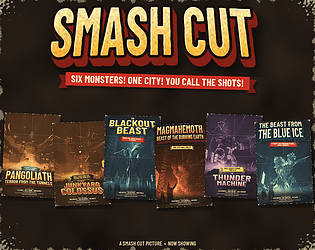
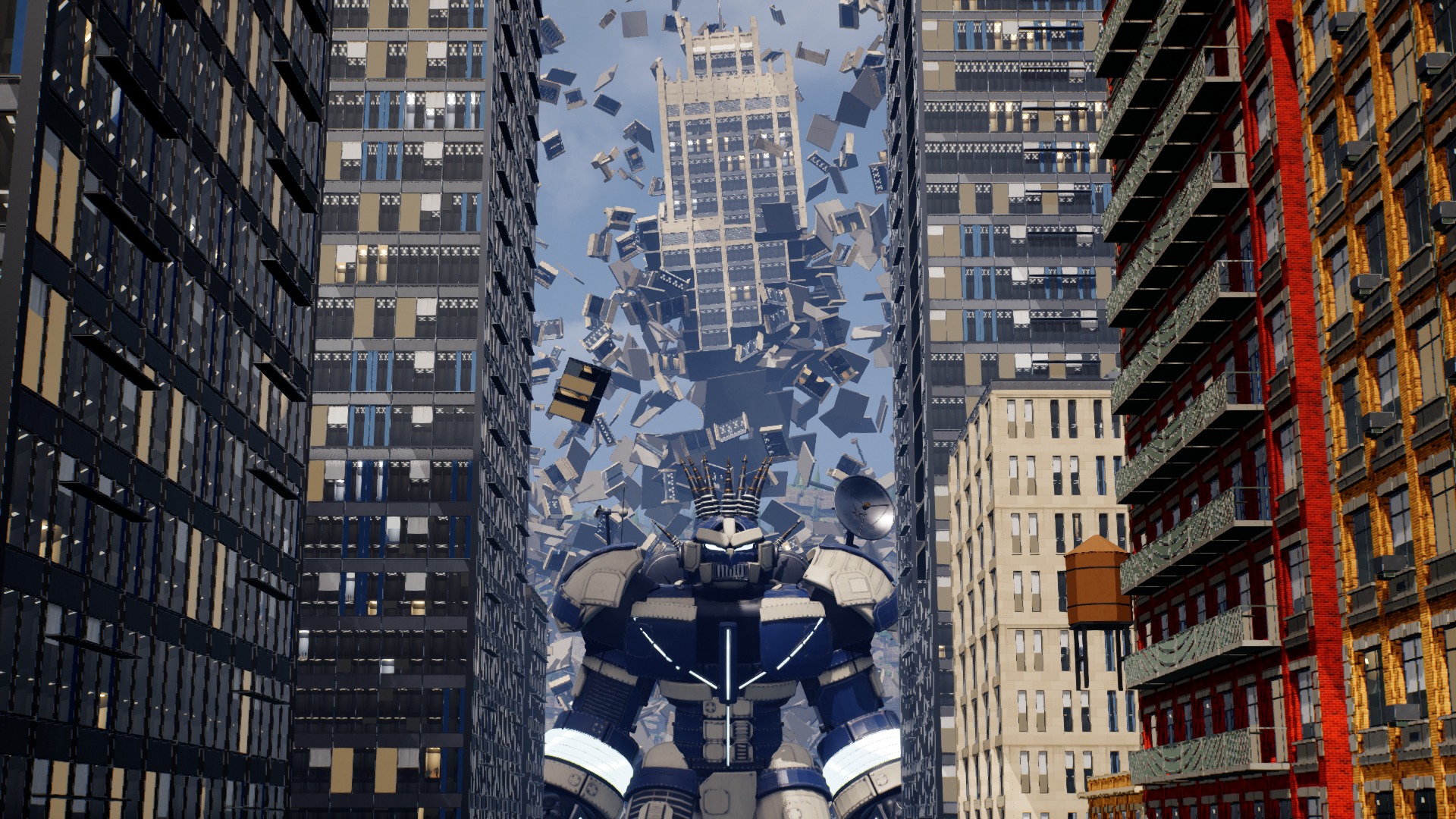
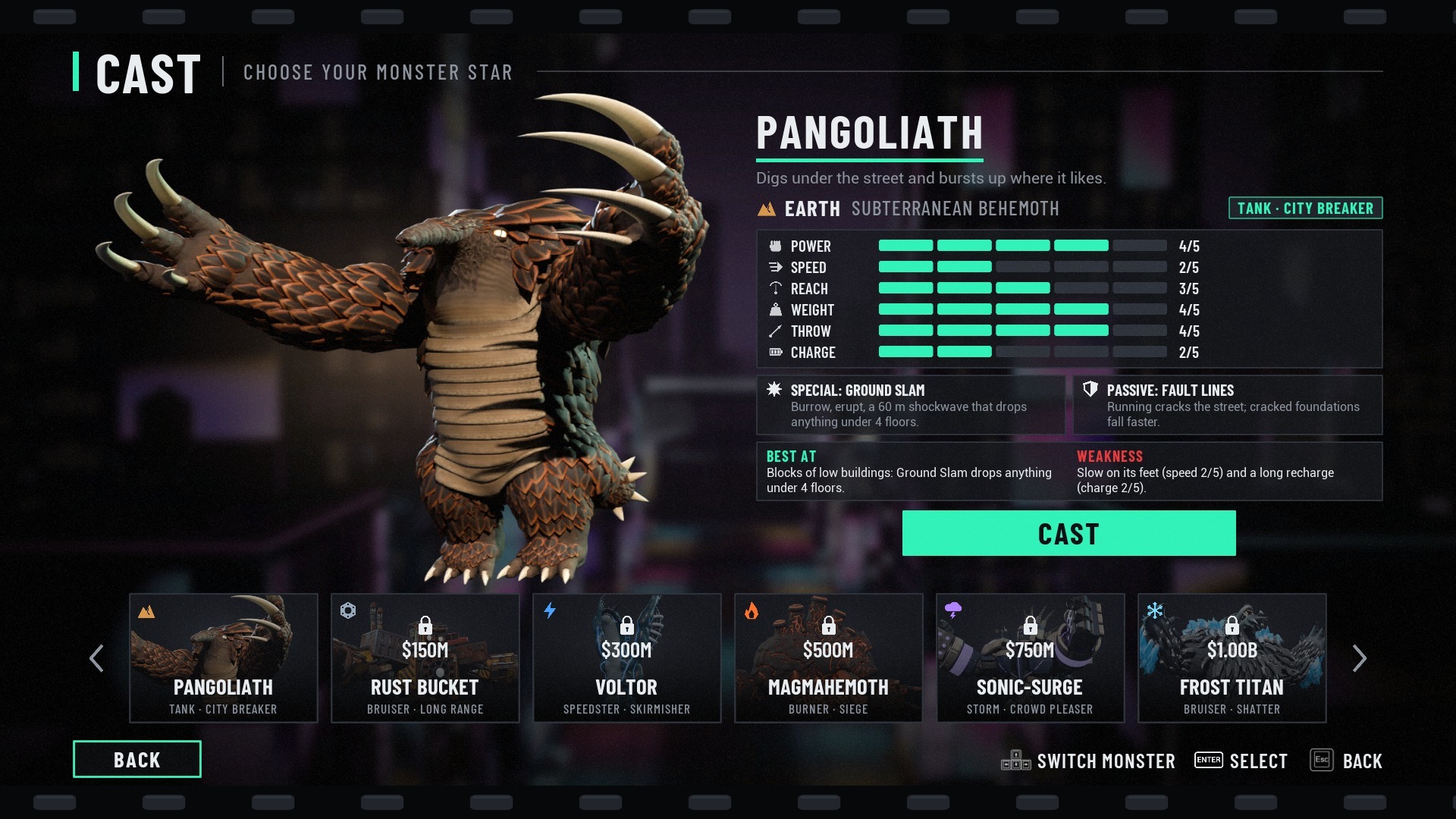
1. Cast a monster (Pangoliath, Rust Bucket, Voltor, Magmahemoth, Sonic-Surge or Frost Titan) and a district (Downtown, Waterfront or Neon), read the brief with your shot list, then start the take. Each monster opens with its own short entrance scene (skippable).
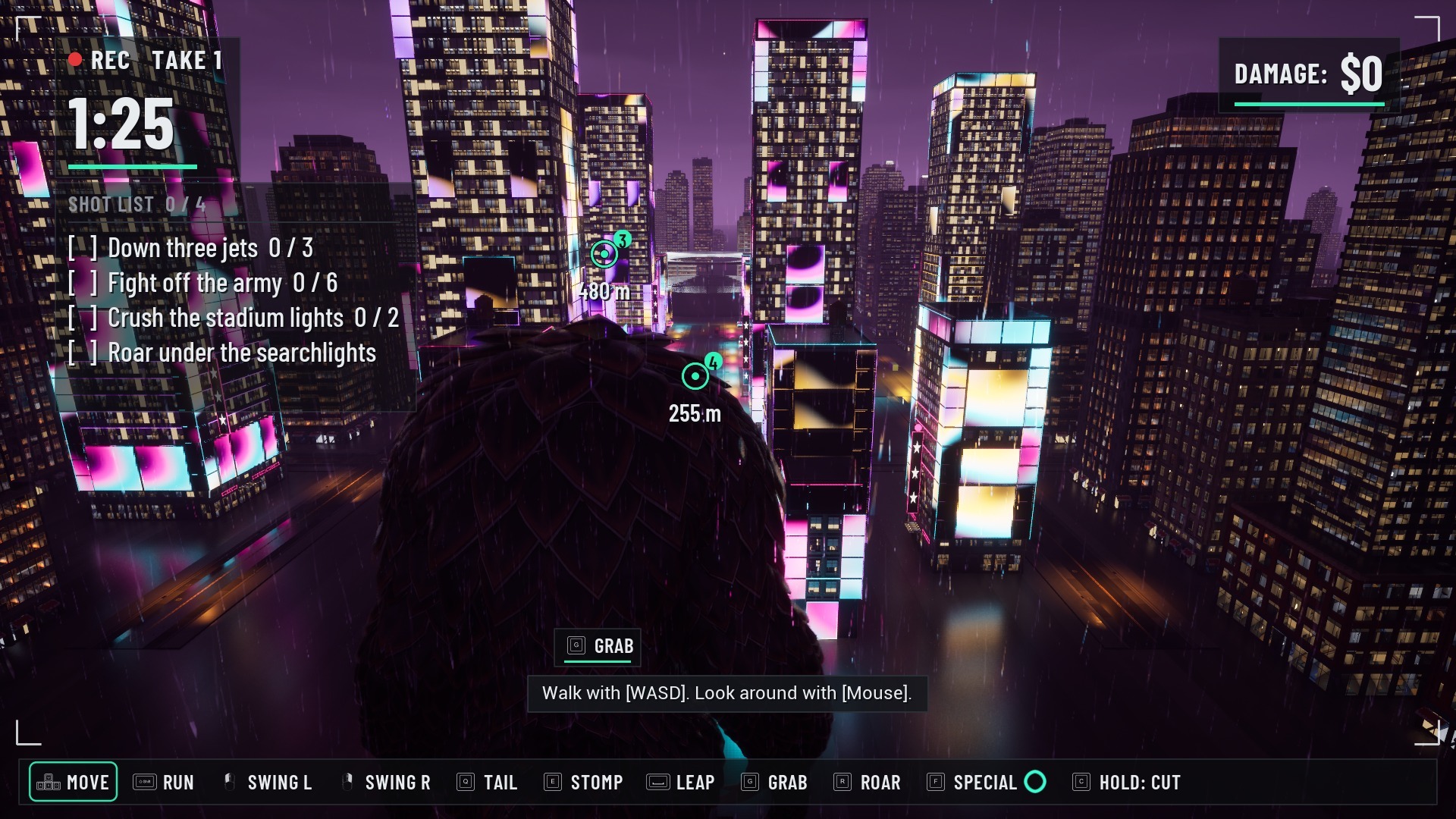
2. The take: 90 seconds to wreck the city while the cameras roll. Hit the shots on your shot list; the world markers show the goals. Keep hitting things to fill the combo ring around the multiplier (up to x5); it drains when you stop. Hold CUT to end the take early. Swing, tail sweep, stomp, leap, grab and throw cars, roar for the camera.
3. The director's chair: the cameras' footage is yours to edit. Click a clip to preview it, drag it down onto your cut (on a gamepad, press A on a focused clip). Trim clips, reorder them, add slow motion, a film look and a soundtrack, then upload it for the premiere. The first visit shows step-by-step help.
4. The premiere: three critics watch your cut in a cinema hall and score it in half stars; the box office pays out. Spend the money in the shop on new monsters, cameras, lenses, film looks and special moves, then shoot again. Every monster gets its own B-movie poster.
A short "How It Works" board shows on your first visit (also in the menu), and the in-game Controls page lists every button for the device you are using.
MONSTER CONTROLS (keyboard and mouse / gamepad)
Move: WASD / left stick
Look: mouse / right stick
Zoom the camera: mouse wheel / hold R3 and push the right stick up or down
Run (hold): Left Shift / LB
Left swing, right swing: left mouse, right mouse / LT, RT
Tail sweep: Q / X
Stomp: E / B
Leap: Space / A
Grab, then throw: G, press again to throw (hold right mouse to aim) / hold Y, release to throw (aim with LT / RT)
Roar: R / D-pad up
Emotes: 1 Wave, 2 Flex, 3 Chest pound / D-pad down, left, right
Special move (Pangoliath starts with Ground Slam; the others are bought in the shop): F / RB
Burrow (Pangoliath, hold): Ctrl / L3
CUT (hold 1 second): C / Menu
Pause: Esc / View
DIRECTOR'S CHAIR (keyboard)
Space plays or stops, Del removes a clip, Shift + Left/Right moves a clip, - and + trim, T slow motion, L film look, M soundtrack, Tab switches between Clips, Cut and Polish, F1 shows how to edit.
What platform is your game built for?
Windows 11
Leave a comment
Log in with itch.io to leave a comment.