

Cute and simple.
It was too heavy for an HTML submission though.
Keep developing!
1 day ago(+1)
Thanks, appreciate the feedback, I guess I did push the boundaries; what do they say, it's a limit, not a target... Although I hope the message about loading components is visible - as the game plays well once the bundles have downloaded: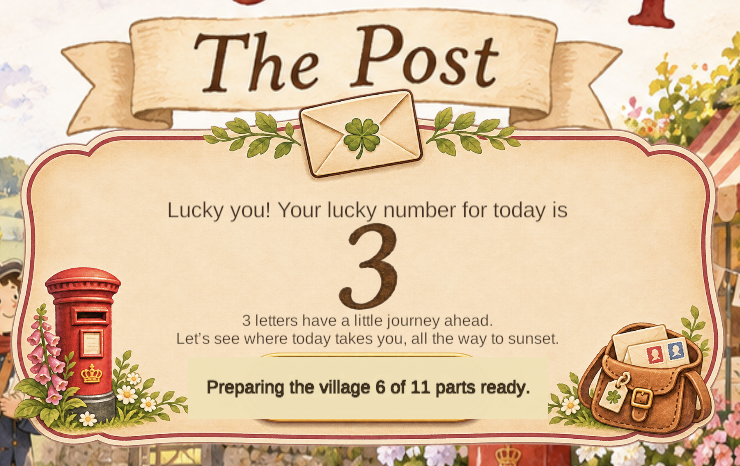
Thanks again :)
Just circling back, I've been looking at how I can optimise the game graphics whilst keeping the honesty and clarity within the current setup - for those not aware, you can apply image changes that don't impact the FBX file itself:
In the Inspector:
- Select the extracted Texture files in your Project panel.
- Set Max Size to 1024 (or 512 for background assets). For stylised assets, a 1024x1024 map looks virtually identical to higher resolution assets like 2k.
- Enable texture compression: ASTC / DXT5 / BC7.
- Ensure Generate Mip Maps is checked.
Hopefully this will improve the overall file size/start-up speed when I push the latest version after the judging.
I've applied this to the sheep/lamb bundle, which has dropped the file size from 83Mb to 4.1Mb.