Indie game storeFree gamesFun gamesHorror games
Game developmentAssetsComics
SalesBundles
Jobs
TagsGame Engines

The Big Ralsei thing is in the doc. Add "DisableBigRalsei: true" to the settings.txt for the skin to disable the big copy of Ralsei on the right. You'd probably also want to disable Kris' one too, with "DisableBigKris: true"

So yeah you could just put Ralsei on top of the background sprite in the right place. It might be a bit fiddly to get it aligned properly for all the sprites, but it should be possible. The stage sprite is 339x260 pixels (but the sprite does have some empty space around it, with no empty space it's 320x207).
(5 edits)

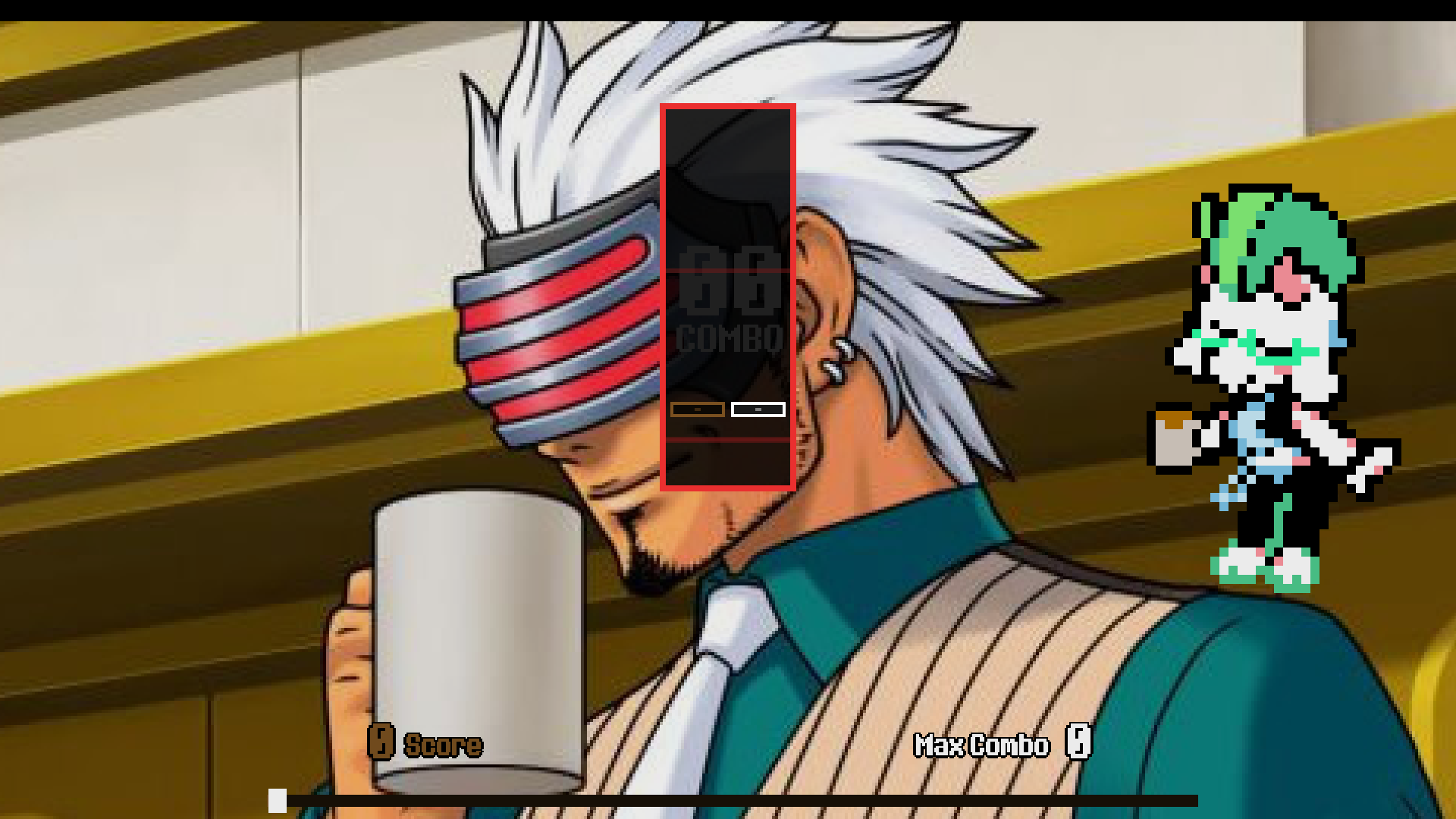
Now i'm taking over Kris's sprite instead of Ralsei's (I'll add Kris's animations soon).  Also, is there a way to make the sprites at the bottom in the foreground? (so this won't cover them up).  
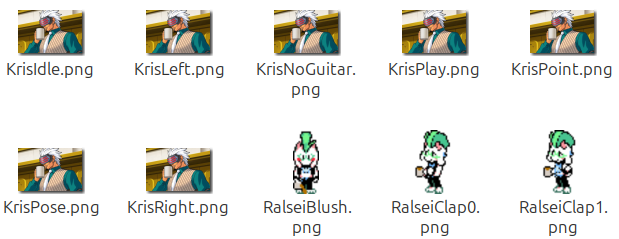
Wait, I want it to be the normal lightners live Kris skin, but the template is second sanctuary; how do I get the regular sprites to paste onto this? (For the Ralsei sprite I took the template and manually recolored it, and no way in heck am i doing that again.)

Also, instead of just the coffee, should Ralsei have Godot's visor? (Should be obvious, but Godot is the guy in the picture.)

And in your expert opinion, does the background look horrible?

(1 edit)

Hmm you can't change the order of the sprites, Ralsei's is the furthest back in the draw order, so you'd have to change Ralsei's sprites, not Kris'. But I can probably add a settings.txt setting to change it (wow I've got a lot of little things to add in 1.7.2 lol, it'll be a pretty big quality of life update at this point).
To get the original sprites, it's probably easiest to just get them from Spriters Resource, since all the ones in D:LLP (for the default skin) are just directly from Deltarune, unmodified (well, IIRC I slightly adjusted the spacing around them to match the recreations of the sprites I originally used before the Ch3&4 released, but that won't matter for just putting them on the background). Here's the Ch3 Kris page, which has all of them: https://www.spriters-resource.com/pc_computer/deltarune/asset/274915/

(1 edit)

It's too much to add 2 Krises and a Susie to every animation frame (not only is it a ton of work, it also just looks crowded). do you think it's fine with just the big Ralsei on his shoulder? Also, is there a way to offset him a few pixels down?

Big Ralsei is an exact copy of (normal) Ralsei, it takes whatever skin Ralsei has, so you can't really just have Big Ralsei. You can't shift just Big Ralsei's position either, although it will be affected by the offsets you apply to (normal) Ralsei. Same for Big Kris and (normal) Kris

So the best way to do it (if you don't want to wait until I just put proper custom background support in the game, since then it'll be easier, but tbf it probably will be a while so fair enough) is to use Ralsei for the background. So put Ralsei's sprites on the background in the right positions. You'll probably need to give the individual sprites offsets to ensure the background doesn't move around when Ralsei changes frames/animations. Since Ralsei already renders behind Kris and Susie, you don't need to put them on those sprites, you can just do their skins as usual. You'll definitely need to disable Big Ralsei for it since it's 3x bigger, it would just cover the screen when you're using Ralsei for a full background.

Note: I haven't actually done this (using skins to make a custom background) for any maps, the closest I got was with the big tree in Weak Flowers, which is big but not a full stage replacement. So it's possible there's some problems with it that I'm not thinking about, but I'm pretty sure that should work.

I think this will be way too complicated. Do you think just Ralsei on Godot's shoulder will be fine? (Most recent picture)

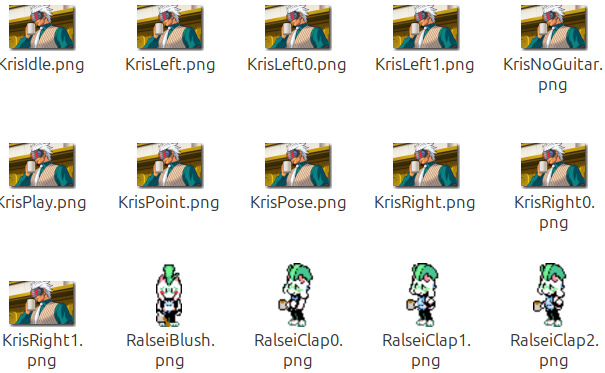
For some reason, the background goes back to normal when you aren't actively playing a note. So you see Godot while you're playing a note, but when you let go of the button, it goes back to normal. did I miss a sprite? I thought that these were all of Kris's animation names (don't pay attention to the Ralseis).

Ahh yeah you'll need to do it for both sprites of the animations, so KrisLeft0, KrisLeft1, KrisRight0, KrisRight1, KrisPose0 and KrisPose1. 0 is when then you're playing a note, 1 is when you're not. Guess I should make that a bit more clear in the doc.

(1 edit)

                                                                                              Thanks. Also, I don't really care about big kris as long as Ralsei has his coffee. But if someone fufills my request for a Pheonix Wright skin for Kris in time, I'll definitely put Kris in. but it still sometimes reverts to normal (it's inconsistent and seems to have something to do with hold notes.)

You just need KrisPos0 and KrisPose1 as well, it should work then

Yeah that looks good. But if you want Kris to show up too, you would need to do basically the same thing as I said for Ralsei's (putting Kris' sprites on top of the background in the right place).

Also, since Susie doesn't have a Big version, she won't show over the background, so you can't have her (You'd need to make Ralsei be the background for that, or just wait till I implement proper custom backgrounds that are separate from the character sprites, probably in 1.7.2).

Well, you could put her sprites on Kris' background too, but then she'd be controlled by the players Inputs too (since she'd be on the same sprite as Kris).