
On Sale: GamesAssetsToolsTabletopComics
Indie game storeFree gamesFun gamesHorror games
Game developmentAssetsComics
SalesBundles
Jobs
TagsGame Engines

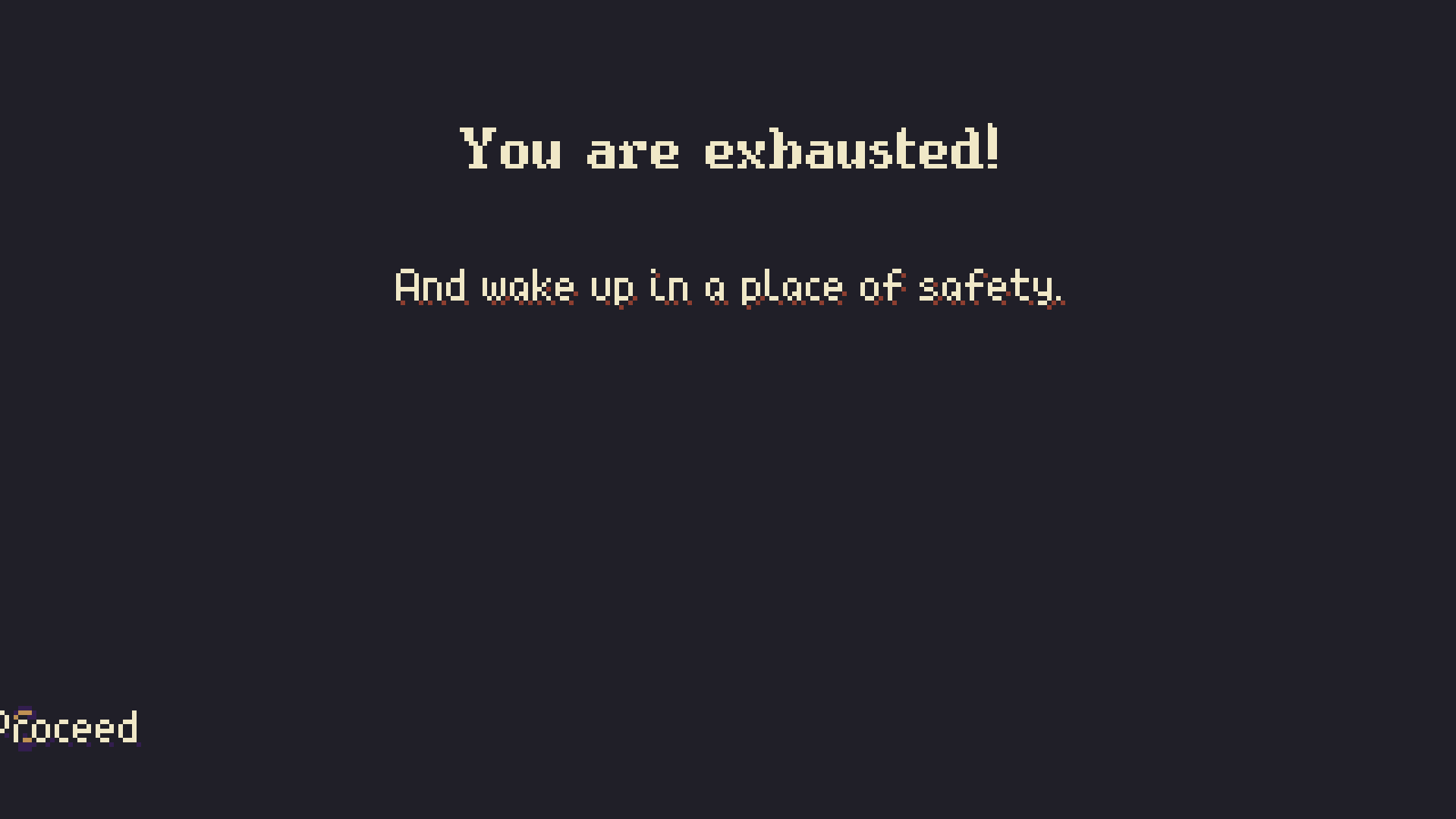
small thing that just came up, in the exhaustion screen, the button prompt for Proceed overlaps with it's own text (should be with default settings, only thing i might have changed, but have no way of confirming which one it's on, is the window scale option, despite me being in fullscreen)

for extra context this is on a 1920x1080 monitor
(+1)

thanks for letting me know! I just forgot to set the correct horizontal alignment for the string and for some reason that still displayed correctly for the Gamepad prompt, but not for the Keyboard controls. 

By the way: Window scale does nothing if you're playing in fullscreen. I might make the menu itself completely inaccessible if you are in fullscreen to make it even clearer that this isn't something worth paying attention to, unless you have the game in windowed mode.