Indie game storeFree gamesFun gamesHorror games
Game developmentAssetsComics
SalesBundles
Jobs
TagsGame Engines

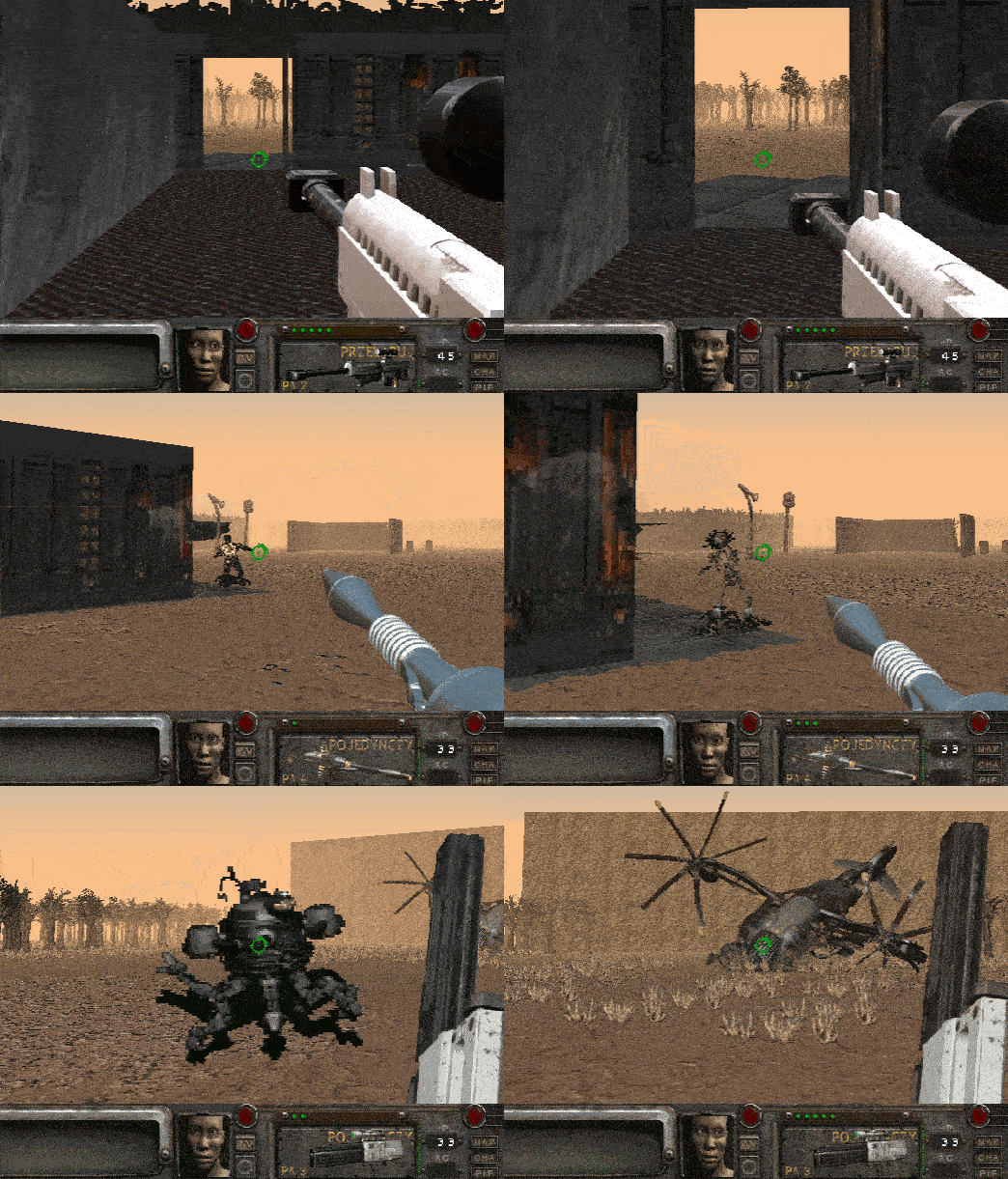
Fallout 2 Remake 3D

Fallout 2 Remake 3D FPS Boomer Shooter RPG · By Jonasz O.

YOUR SUGGESTIONS / IDEAS

A topic by Jonasz O. created Dec 17, 2022 Views: 2,672 Replies: 47
Viewing posts 1 to 20 of 23 · Next page · Last page
Developer

if You have any suggestion please type here

(2 edits) (+1)

Hi,
It's not possible to move with arrows, it's the basics, guys xD !!!!
Also, since q and w are not used, you can set them to be per default left and walk forward, very useful for west-european/african/asian countries.

Developer

i will add arrows control

(-1)

can you add of Ukrainian localization

(-1)

Hi! Can u add ukrainian localization?

Developer

you mean translation in game?

Yep

Developer

Is somewhere Ukrainian version of Original Fallout 2? I need all this graphics boards / perks/ User Interface

(1 edit)

Hey, I was wondering if having someone translate stuff is enough. There are a couple ways to go about it, one of them is finding someone. But you can also set up a public spreadsheet using Google Docs, I'm not sure what's the ways to implement translation in Construct 3. But Google Docs support .csv export format. And from my knowledge, many engines use it as their translation table. This way, anyone can just come in, and translate the game for you. And all you would have to do is import this spreadsheet into Construct once in a while. There might be some issues with people coming in and “raiding” the translation doc, but Google Docs has a rollback system (File > Version History > See Version History), so you can roll back anytime.

Edit: Just stumbled upon this mod on nexus, it adds a Ukrainian translation to the game. And by the looks of it, I personally think it's really well-made
Hello!
I should have probably asked this before I purchased....is macOS download compatible with apple silicon or only intel machines? 

Developer

this version support both Intel and Apple Silicon devices

Thanks for your reply Jonasz!
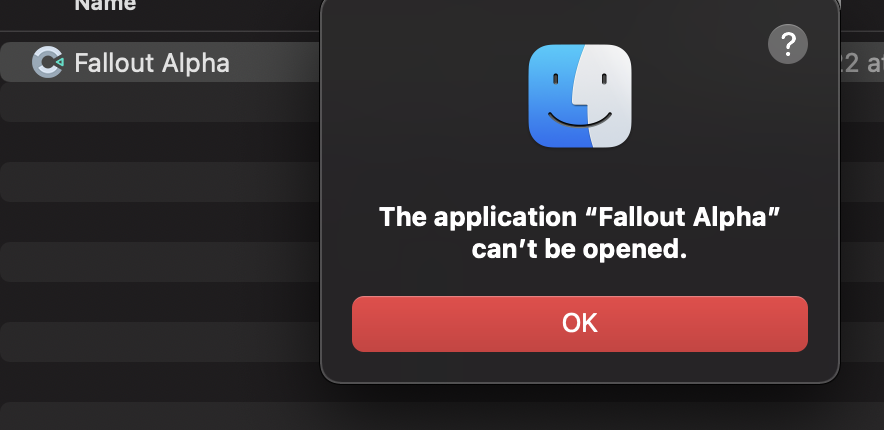
This could be a dumb question...what do I need to execute the application once downloaded. I'm getting this error message when trying to open it. 

Running 2022 Macbook Pro M1 Max


Developer

i upload now few new versions, please check them

(1 edit)

Hello! It would be very helpful if the LMB prompts were labeled in some way so I could know what each one does. Keep up the great work!

Developer

now its visible on start of game

Hello !

I'd be glad to play more than 2 minutes, but as it's qwzerty bindings, it's really painful...

Could you add a button to switch to azerty controls please ? z to go forward, q to go left. And if you could add an invert Y mouse switch, that'll be great too... ^^

Very complicated to play, as is. ;)

Congrats for the job, seem good looking !

Developer

What is Your proposition, i never play with azerty keys

Z : forward
S : backward
Q : strafe left
D : strafe right
On AZERTY keyboard, A and Q are switched, so is Z with W.
Also, many players play with Y-mouse inverted (mouse forward for look down). So do I, but I'm not the only one ;)

Keep up the good work ! :)

(-1)

Any possibility of this having a mobile Android port? I can't play any of my Fallout games on my laptop as I am always at work, so having a mobile version of this is a good thing for us on the move and can't carry a heavy laptop just for gaming.

Developer

Im not planning export to android but i have in plan make GAME PAD controls so if You run this game on Your phone and plug in Game Pad this should work, but soon

is there a readme?  It is not displaying in english language.  I seen the english language pack but dont know how to configure it.  Thanks,

Developer

open 'Opcje' on Your game main menu and there click on English

(+1)(-1)

what if you made an android port

(+1)

When using interactions that fail, it'd be great if the console log would tell us what's going on, so we know we're using the game correctly (or not).

For example, if you chose "talk" but weren't near anything:

"no target for TALK action"

When using a character:

"you cannot USE [charactername]"

When healing a table

"you cannot use MEDICAL on TABLE"

And the most common one, talking to somebody but not getting a reaction:

"[charactername] doesn't want to talk to you"

This is actually a really good idea.

Would it be possible to put the talking head on here and can we edit the images to upscale the sprites to high quality?

Developer

You can download destkop version and try edit images

Just gave this a go and I just want to say it's a really fun idea and I'm looking forward to the completed project someday. That said, controling the game is pretty difficult at times, at least in the browser version. I've download the executable version as well and plan to give it a try sometime soon, so maybe it will have less issues then, but with the browser version at least a bunch of the mouse-based commands are really hit and miss as to whether or not they will work. I died when trying to place the bomb at the door in the trial because I couldn't drop the thing because the right-click menu refused to cooperate in time.

after fallout 2 can you do fallout 1 just when you get ready for it 

Developer

prabably yes

id like to be able to download and play older builds and the browser version too because since the last update the other versions like 31 bit windows and browser options are gone

Developer

ok i upload browser version too

Add a portuguese-Brazil Translation, thanks.

Developer

im working on it

(2 edits)

I would love to see a mouselook sensitivity scaler added to increase speed in line with other era FPS. Any chance of an options menu that allows rebinding keys and further adjustments (resolution, sound, etc.)?

Developer(+1)

yes, key configuration will be added but not now,, thanks for message

(1 edit)

Is there a way to increase the sensitivity of mouselook? My character starts to move very slowly and takes a long time to look around.

Developer

now you can try set mouse speed on your system or change DPI on mouse button ?

(+1)

Add a way so that I can rest and recharge my health

Developer(+1)

soon

The game took a while to load (im on the windows version) but eventually it loaded

ive just started playing and this remake is already really fun however its really slow (i am running it on a 2010 imac running windows 10 so that might explain it) and i believe an optimisation setting would be a good implementation for the game it doesnt need to be immediate (or at all) because i still really appreciate that you put in the effort to create this remake at all

ill probably try it on a different computer later but i really appreciate the effort you are putting into this and the fact that its free as well shows that you really care about this project

keep up the good work i know everyone here appreciates it

Viewing posts 1 to 20 of 23 · Next page · Last page