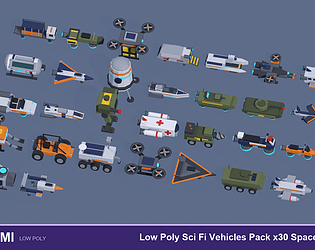
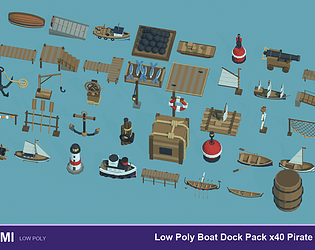
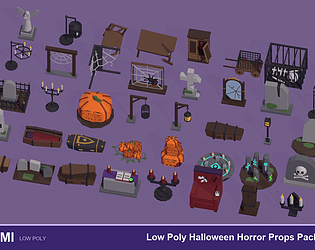
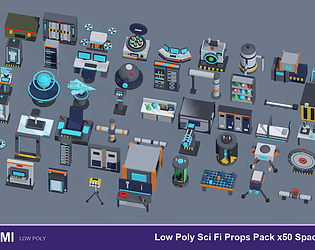
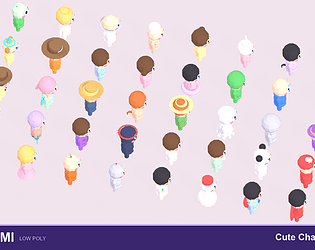
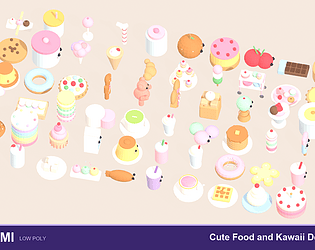
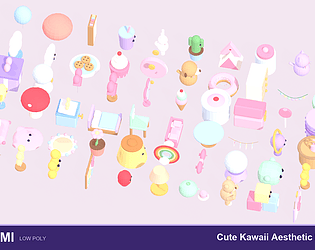
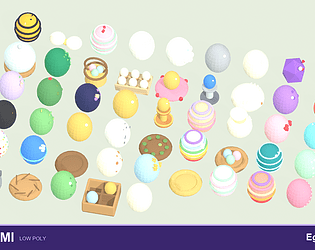
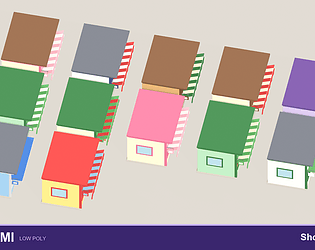
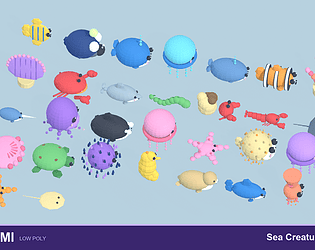
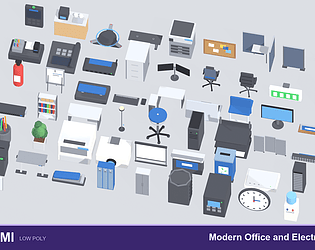
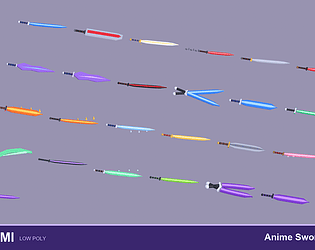
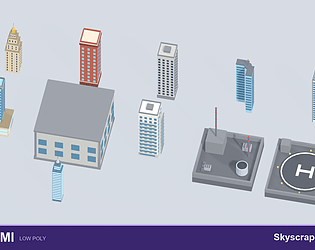
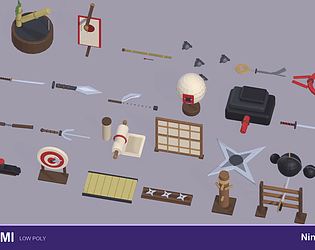
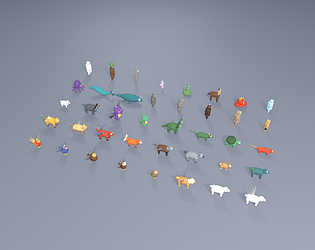
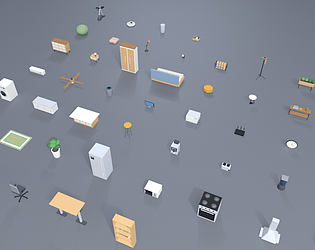
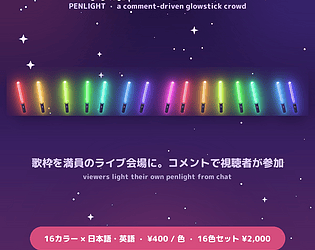
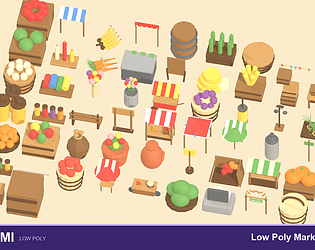
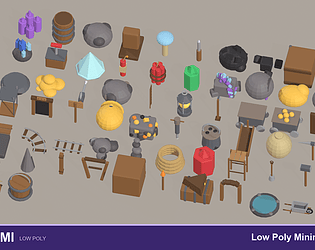
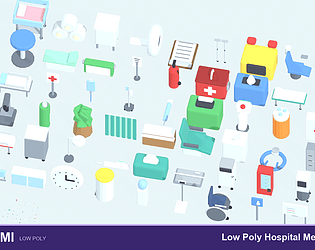
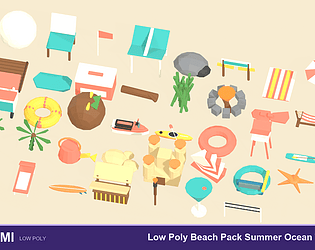
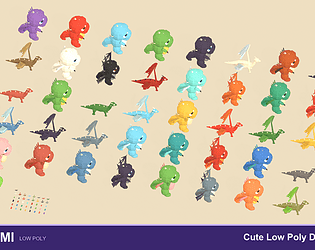
Hi! Thanks for asking 🙂 No — these are static models: no bones/rig and no animations are included, just the textured meshes (FBX, GLB and OBJ). If you need them animated, you'd have to rig them yourself (for example in Blender). Please check the screenshots for each model's pose before buying.
Hi! Thanks for asking 🙂 No — these are static models: no bones/rig and no animations are included, just the textured meshes (FBX, GLB and OBJ). If you need them animated, you'd have to rig them yourself (for example in Blender). Please check the screenshots for each model's pose before buying.
You're right to call this out, and I'm sorry. "Hand-authored" was the wrong word - these aren't hand-modeled - so I've removed that wording from the listing. To answer your question honestly: the process is procedural - each model is built by a Blender Python script that constructs the geometry from primitives (boxes, cylinders, etc.) at set coordinates, not a generative tool. But you're also right about quality - some of these don't hold up and I missed them in QC. I'm going back through the pack to fix or pull the ones that don't make sense. Thanks for keeping me honest.
Hi again Vịt! Quick update — I've now added an official smooth-shaded version to the pack, right alongside the faceted one (in the /Smooth folder, FBX + GLB, ready to use), so no manual normal-clearing needed anymore. All my other low-poly packs got the same update too. Thanks again for the nudge — enjoy! 🙂
Yes, you can switch them to smooth shading on your end. The faceted low-poly look is baked in as custom split normals, so a plain "Shade Smooth" won't change it by itself. Here's what actually works:
Blender: select the mesh, then Object Data Properties (green triangle) > Geometry Data > "Clear Custom Split Normals Data". It goes smooth right away (the faces are already set to smooth underneath).
Unity: select the imported model > Model tab > set Normals = Calculate, Smoothing Angle around 60, then Apply.
Unreal: on import set Normal Import Method = Compute Normals.
Heads-up that they're designed faceted, so smoothing rounds the silhouette and some animals read softer than others, but it works fine. If a few people want it I might add an official smooth-shaded version too. Let me know if you hit any snags!