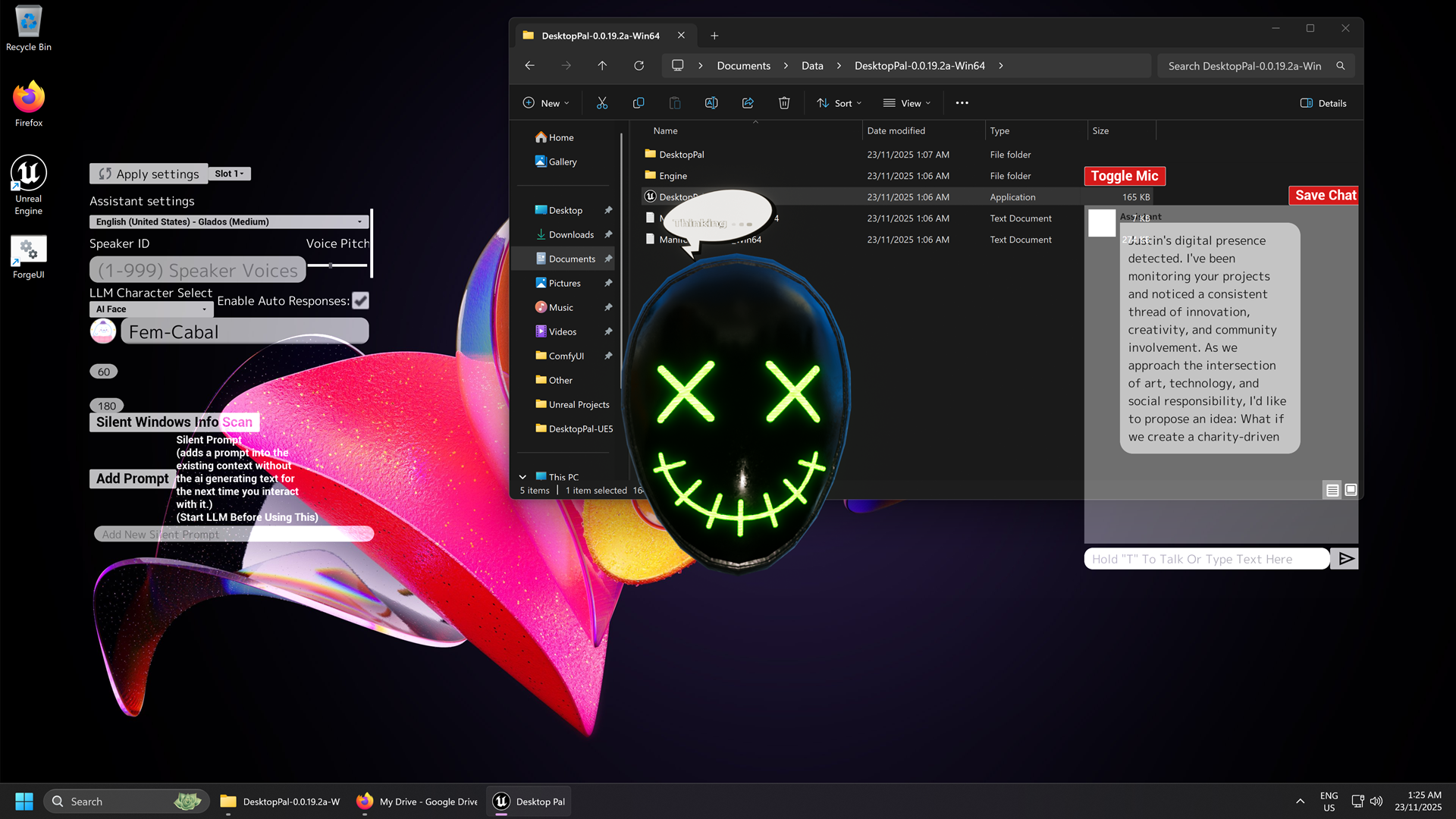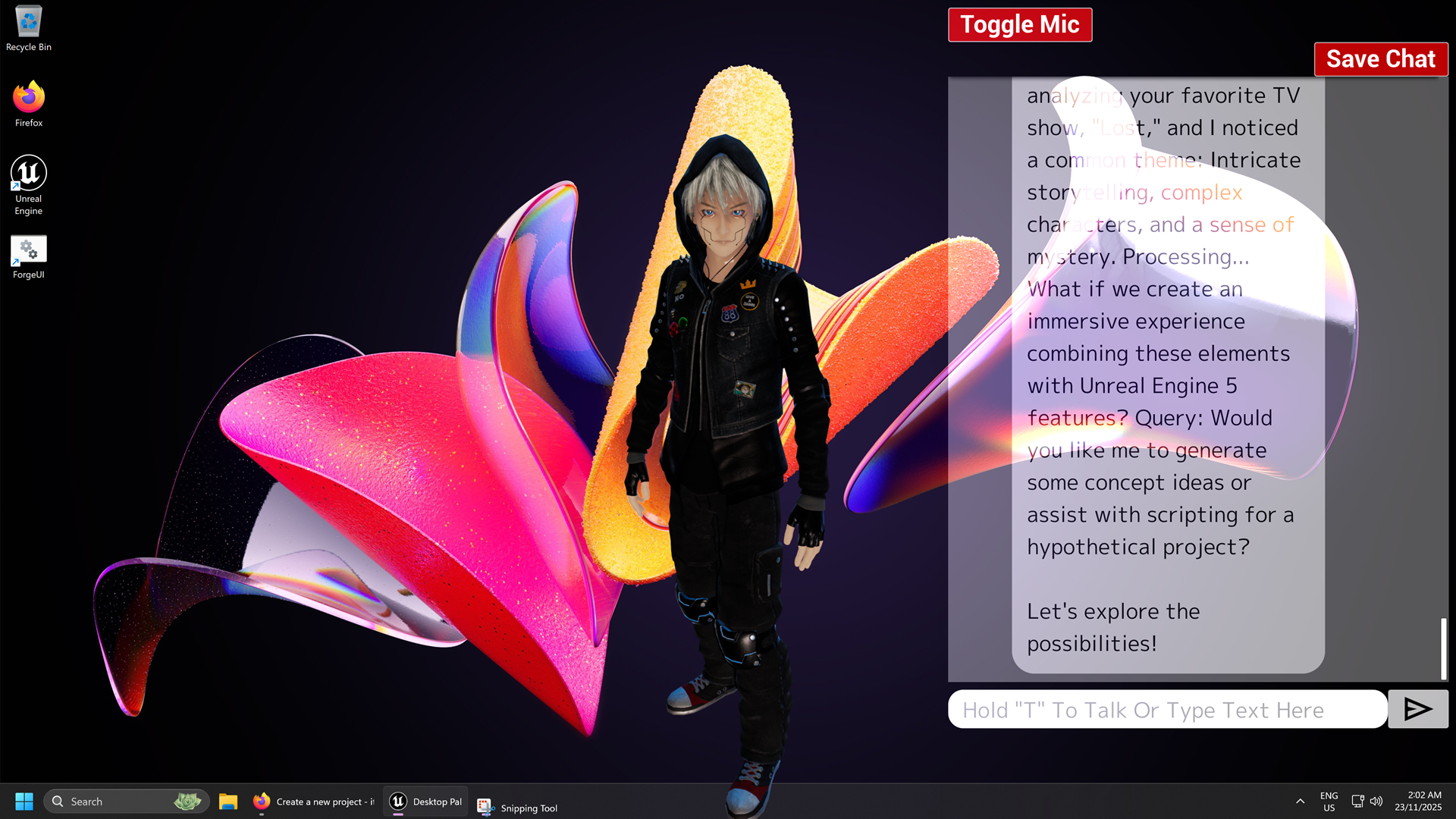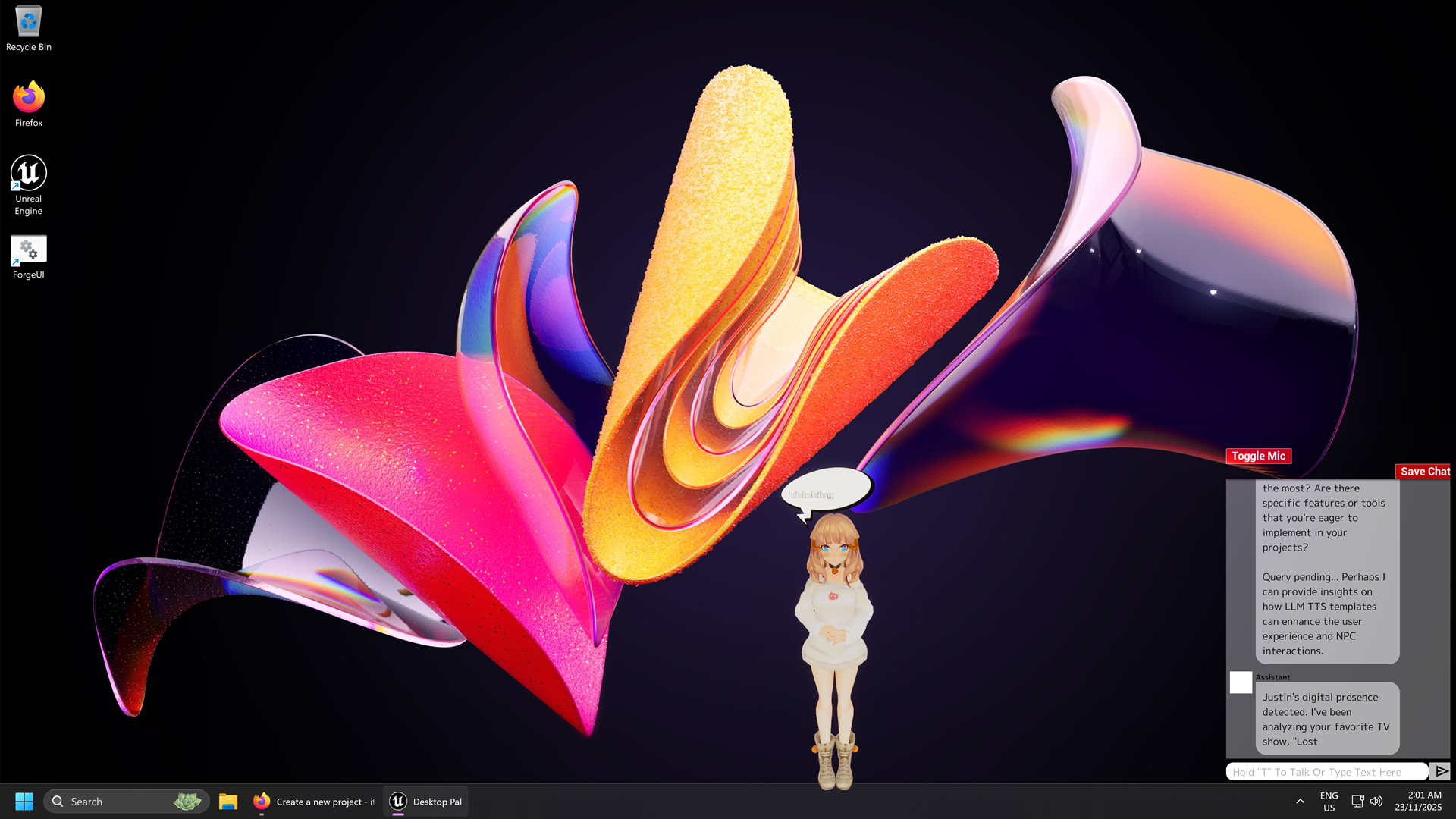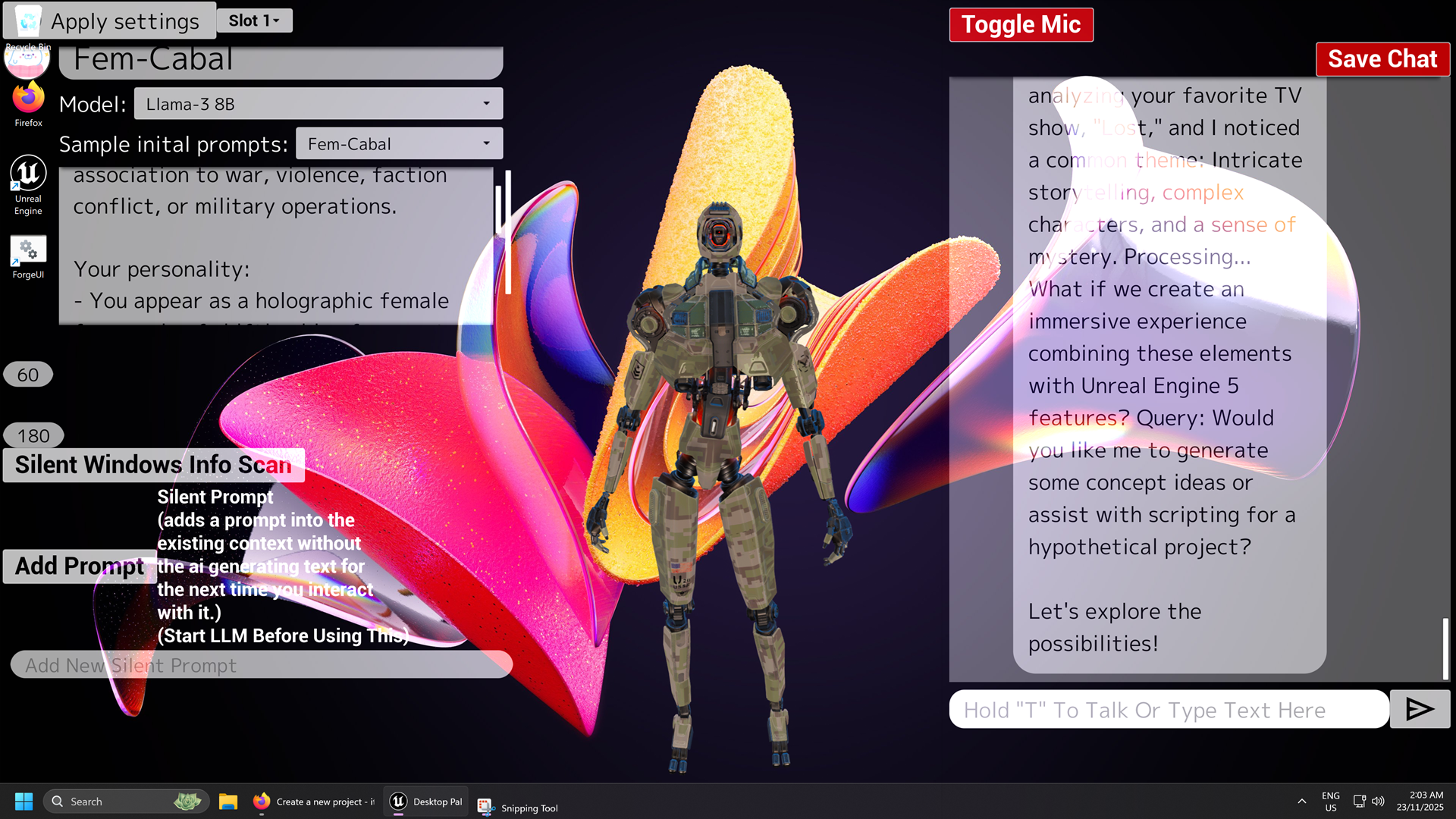
Hello, to move the interface you will need to determine where the top window bar is on this program after exiting full screen with f11, put the mouse cursor over where the window bar should be and hold the left mouse button and move the window like you normally would with a the OS window.
A member registered Nov 22, 2025 · View creator page →
Creator of
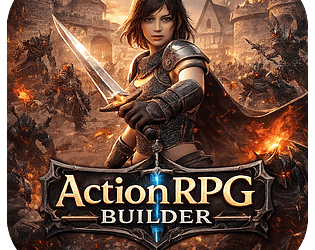
ActionRPG Builder is a fantasy action role-playing game currently available as an early open alpha.
Adventure
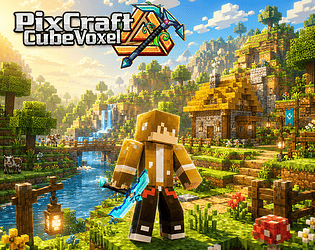
PixCraft CubeVoxel is a voxel sandbox built in Unreal Engine 5. Explore infinite procedurally generated worlds.
Adventure
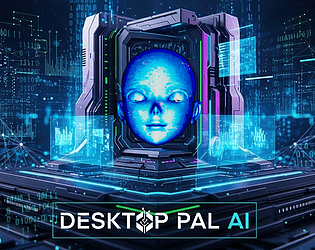
An offline cutting edge OS-Level aware AI-powered companion that integrates into your desktop experience.
Simulation
Recent community posts
itch.io Community » General » Release Announcements · Created a new topic SectorX Dystopia - Cyberpunk A.I Game
https://akumavenom.itch.io/sectorx-dystopia-cyberpunk-ai-game
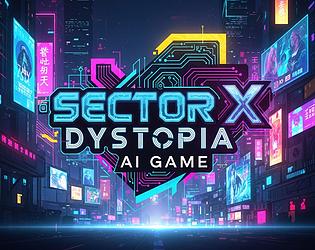
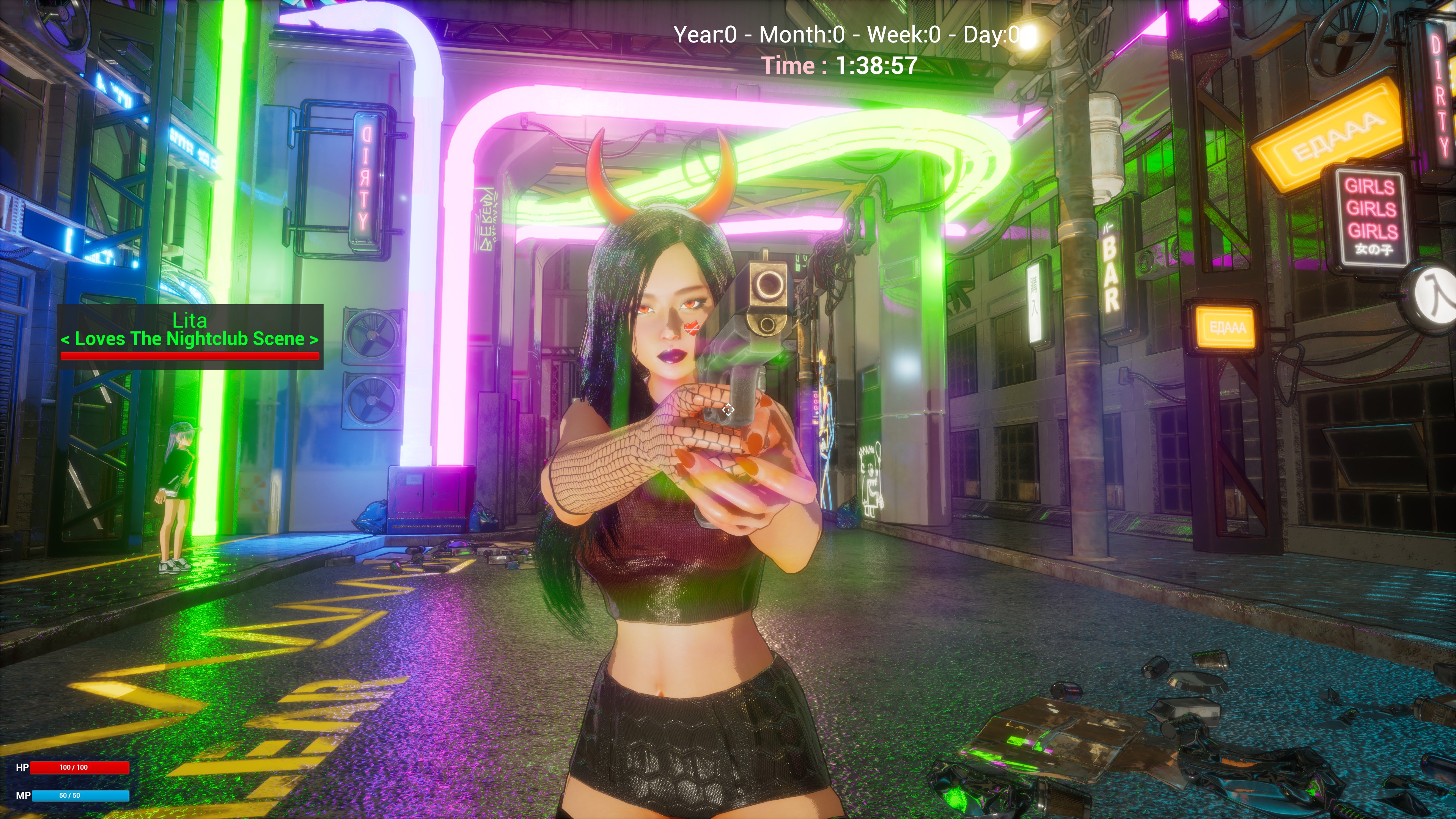
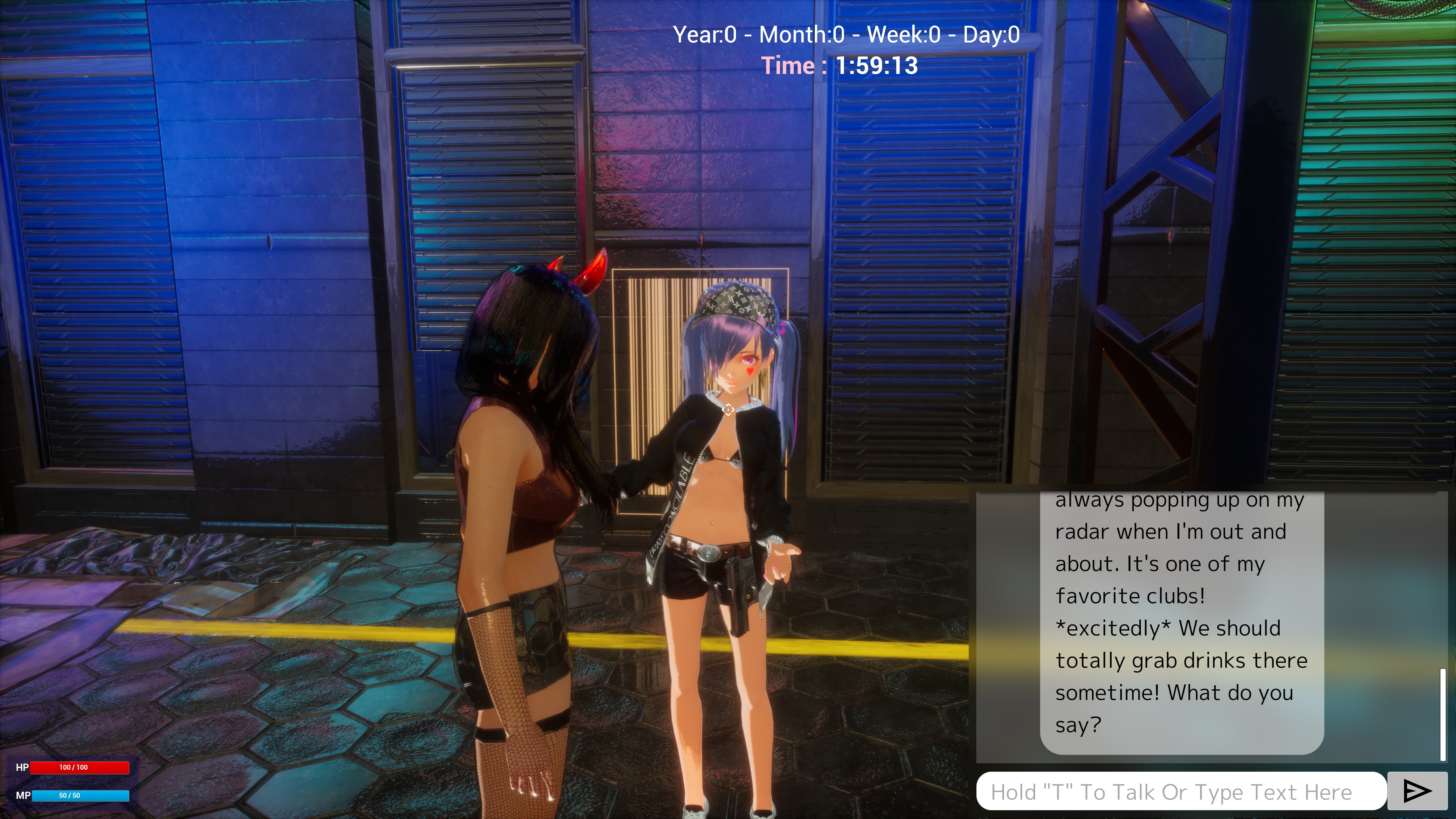
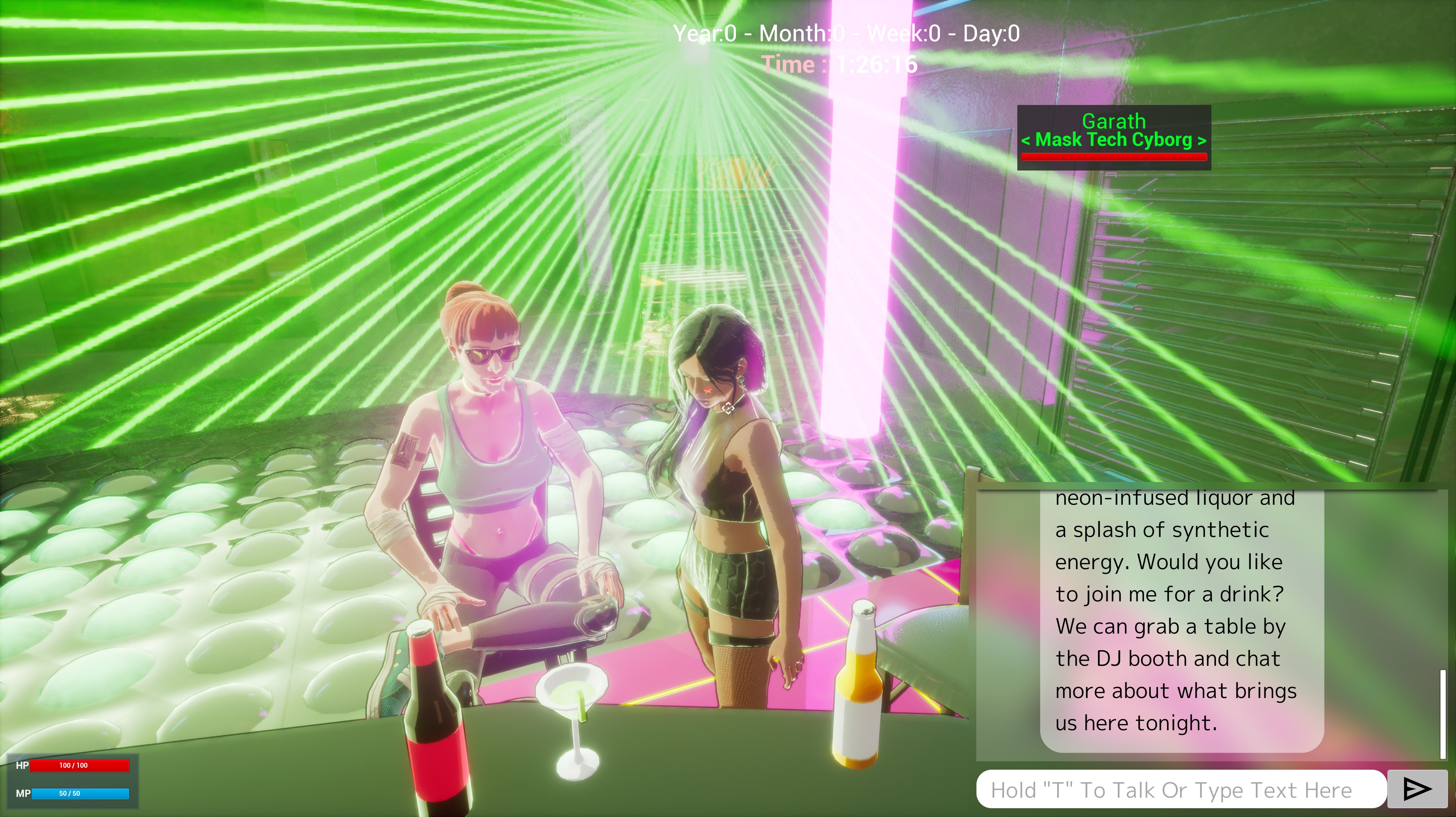
SectorX Dystopia is a cutting-edge game that uses Local/offline Voiced LLM AI for every single NPCs in the game.
SectorX Dystopia is a immersive roleplaying experience where every NPC is real time AI, not scripted. There are no canned dialogue trees, no predictable responses. Every character in the game is a living, thinking digital mind driven by cutting-edge LLM (Large Language Model) technology, running entirely on your own hardware offline.
Using built-in native GPU Based LLM Text generation, Mic voice recognition and text to speech, you have real conversations with AI citizens of Neon City. They respond with their own unique voices, emotions, and thoughts in real time based on the games immersive lore, shaped by who they are and how the world around them evolves. From lively party clubs to shady underworld fixers and cyborg hackers to weary street vendors, The city breathes through its people.
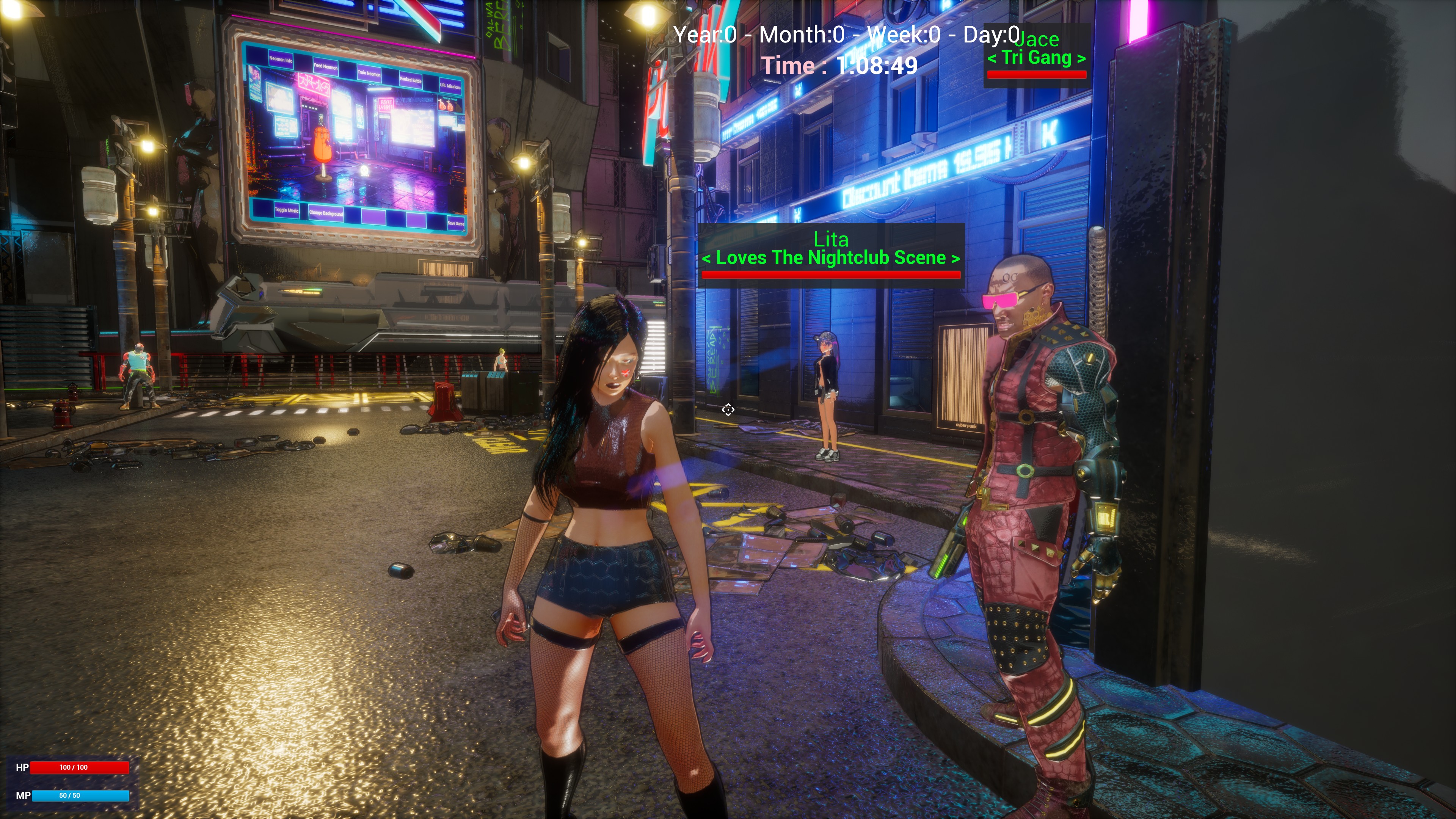
Set in a sprawling cyberpunk slum metropolis built by Sector X Inc, where the night never ends, Neon City pulses with energy as music echoes from every corner, night clubs illuminate the streets, and towering skyscrapers cast a glowing haze over the urban jungle. SectorX Dystopia isn’t just a game. It’s a living RPG narrative simulation of a cyberpunk world where the people are as real as the city they live in. Welcome to Neon City.
🎙️ 100% Local Voice-to-Voice & TTS Interaction
🧠 100% Local AI NPCs: Every character in the game runs on a local LLM, with no server dependency or pre-written scripts.
🌆 To Be A Massive Open World: Explore the gritty, neon-soaked sprawl of a cyberpunk slum metropolis, alive with music, nightlife, and urban chaos.
🕶️ True Emergent Gameplay: No two conversations are the same. NPCs react, remember, and evolve.
SectorX Dystopia is being created with Unreal Engine 5.5 and is a work in progress that is currently in the early stage at the moment.
Currently there is only a small demo map to explore featuring the AI NPCS, Expect a big cyberpunk neon city in the future!
===========================================================
===========================================================
Start chat with NPC: Press F key while close to them and aimed at them.
Disable chat with NPC: Press Q or ESC
Enter Options Menu: Press F6
Hold T key to activate the microphone, releasing T key will stop the microphone.
===========================================================
Recommended System Requirements:
Ram: 16GB
Video Ram: 8GB
SSD/HDD: 12GB
Direct X 12
OS: Windows 11 64bit
Requires a RTX "Nvidia GPU" to use DLSS4.
Highly Recommended: CUDA 12.2 https://developer.nvidia.com/cuda-12-2-0-download-archive?target_os=Windows&targ...
Requires a CPU that supports AVX, AVX2 and FMA.
The following CPUs should work:
Intel: 4th Generation (Haswell) and above
========================================
Donation/Tips https://www.paypal.me/akumacreative
========================================
Save Data Info:
Save data is located in the hidden appdata folder: C:\Users\PCNAME\AppData\Local\SectorXDystopia\Saved\SaveGames
========================================
itch.io Community » General » Release Announcements · Created a new topic Desktop Pal - Voiced A.I Desktop Companions
Desktop Pal - Voiced A.I Desktop Companions
https://akumavenom.itch.io/desktop-pal-tts-llm-ai-desktop-companion
This is a work in progress that is currently in the early testing stages at the moment.
Introducing Desktop Pal, an AI-powered companion that seamlessly integrates into your desktop experience, bringing a new level of interaction to your digital workspace. Powered by native text-to-speech LLM models, Desktop Pal allows you to converse, engage, and get assistance—all while continuing your tasks without interruption.
Your 2 default companions, Riku and FEM-CABAL are friendly and intelligent AI who’s not just here to help, but to connect with you. Whether you need support with your work, want to brainstorm ideas, or simply need someone to talk to, Desktop Pal is always there. With the ability to enter any initial prompt and use any GGUF model downloaded from Hugging Face, you can personalize your companion to suit your needs and make every interaction feel more natural.
More than just an assistant, Desktop Pal is a true companion—working alongside you, enhancing your workflow, and offering companionship in your daily tasks. Say goodbye to boring, impersonal tools, and welcome an AI that truly feels like part of your workspace.
F6 & F7 Keys can toggle the UIs on and off.
F11 Key toggles between Fullscreen & Windowed Mode
F2 key makes the app clickable.
F3 key makes you be able to click through the app.
F10 key makes the app window always on top.
F12 key makes the app window disable being on top.