

AI-assisted desktop browser check of the opening: reached the first glowing-helmet pickup objective after the blacksmith dialogue and the browser-preview explanation. I stopped before completing the pickup or HTML lesson, so these notes concern the introduction, not the educational difficulty.
The persistent objective is useful: it says to aim at the glowing helmet and hold the left mouse button, rather than only saying “find the helmet.” A couple of small clarity improvements: label the current tutorial language on the itch page/English feedback post (this opening is in Portuguese), and show a compact controls reminder when the conversation changes from F to E, with Tab opening/closing the preview. The early preview is a completely white page; a short “empty until your first construction” label, if that is the intended state, would distinguish a clean starting canvas from a loading problem.
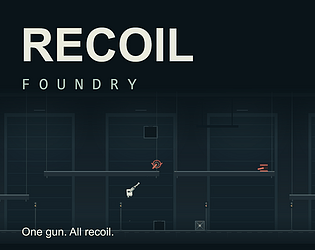
Would you be interested in a reciprocal opening check? My Recoil Foundry playtest is free in a desktop browser. I’m looking for up to ten minutes of first-run feedback: does firing to move become clear, and where would you first stop or want to retry? Earlier stopping points help too. The Feedback menu has the questions and discussion link; no download or game account is required.