

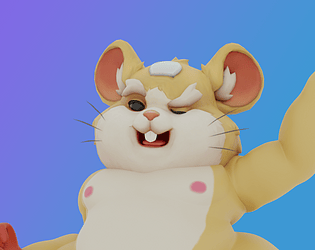
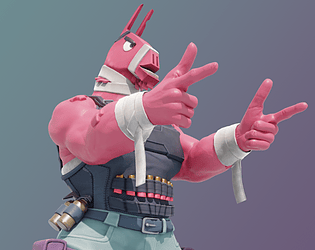
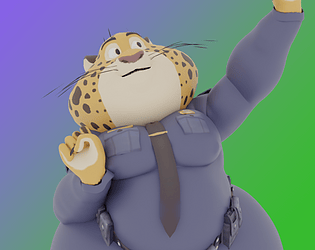
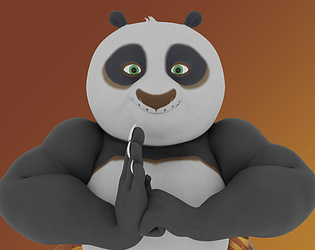
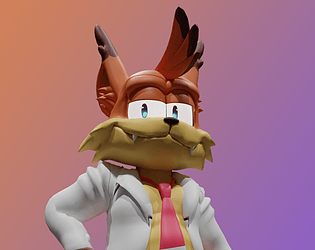
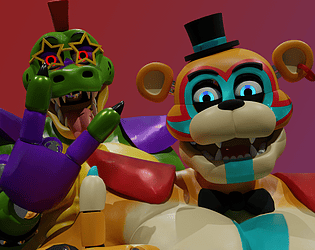
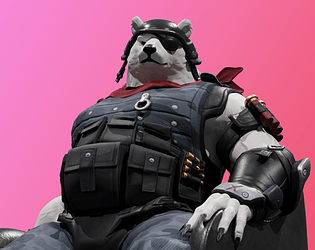
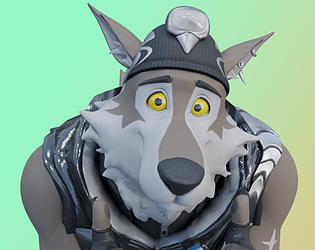
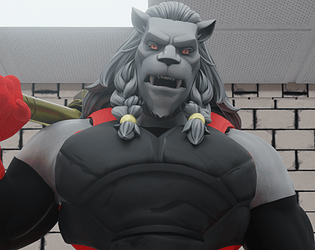
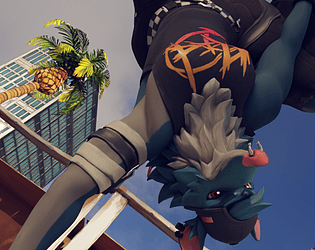
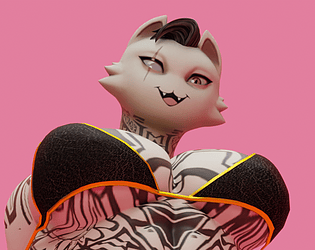
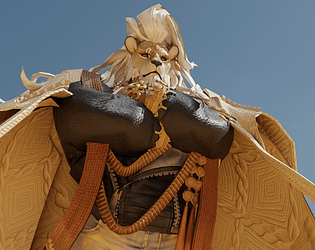
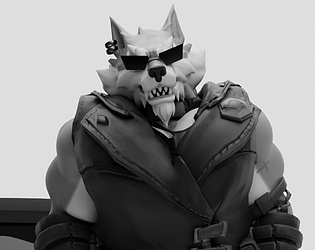
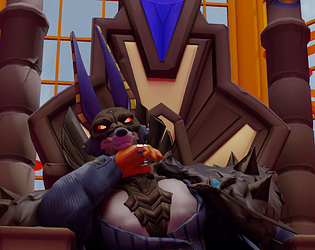
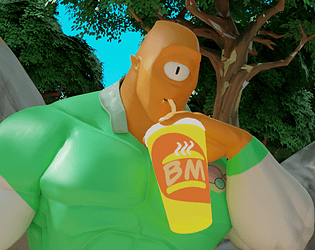
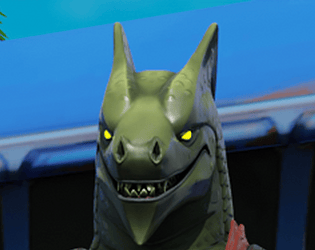
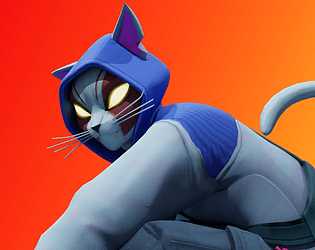
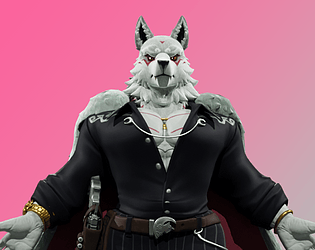
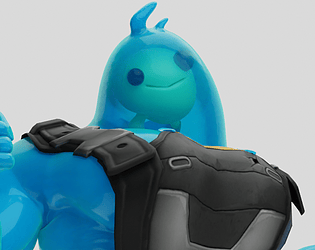
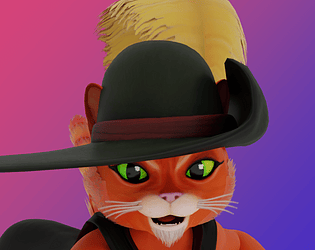
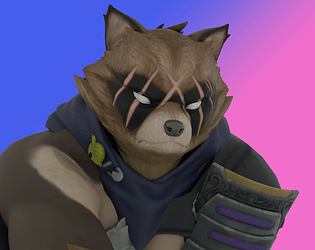
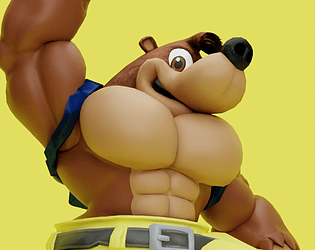
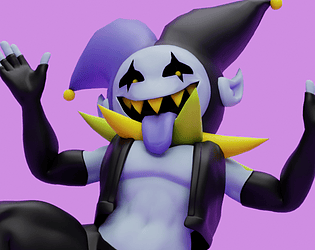
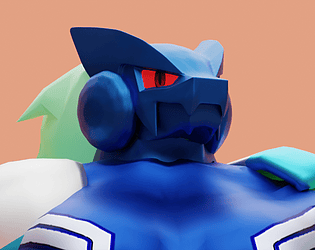
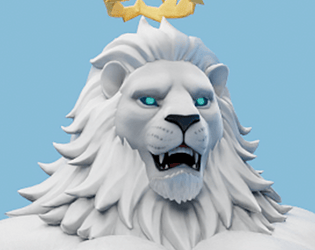
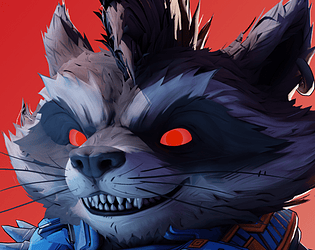
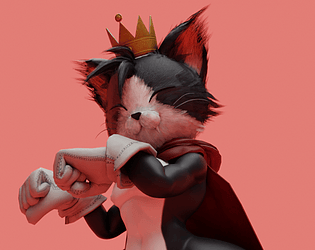
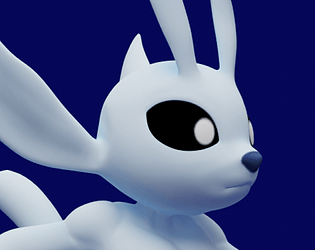
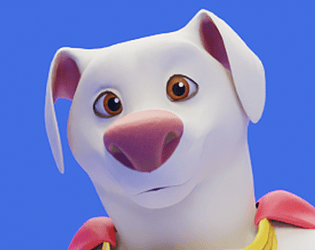
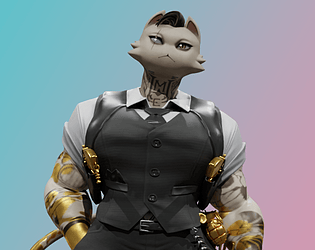
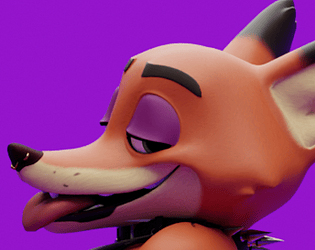
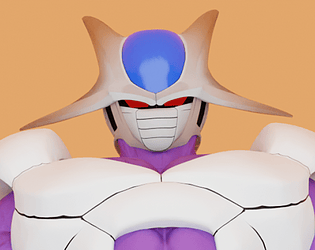
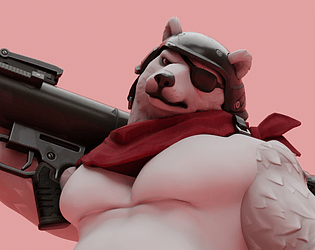
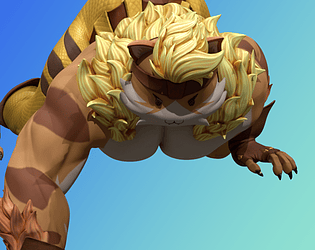
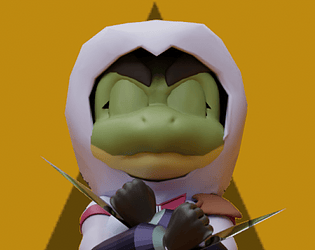
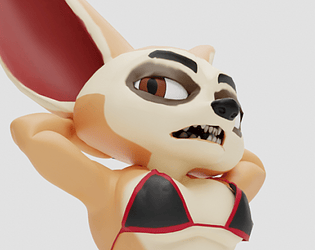
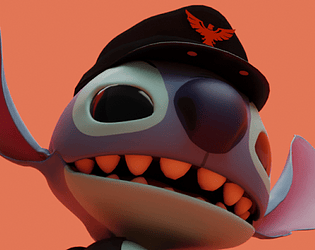
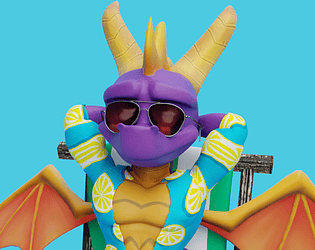
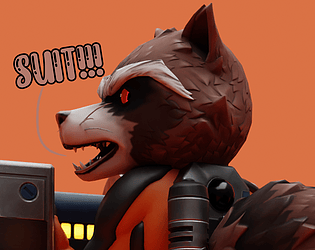
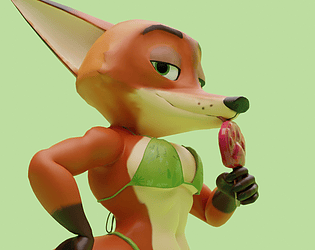
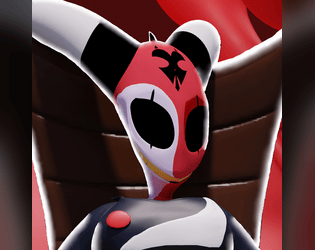
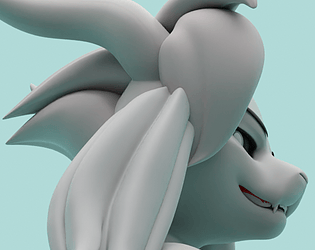
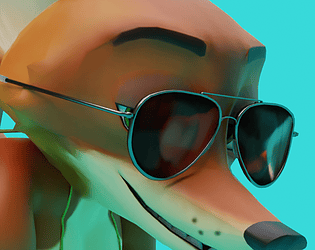
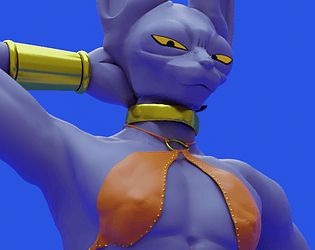
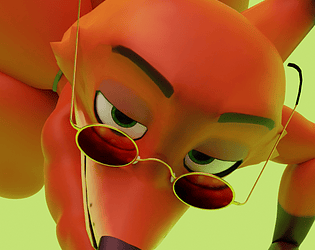
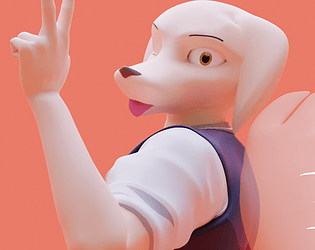
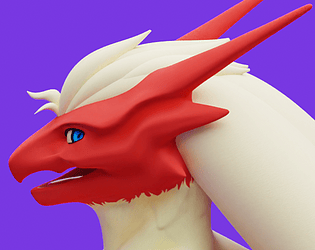
It's in the shader editer. You find that in the materials section by clicking on the red globe icon. You then click the material labeled "MI_GoldCat_Claw_Head". You'll find the node "Face Value" and play around with the mouth expressions. Since the shader editor is already visible it shouldn't be too hard to find.
A member registered Mar 17, 2024 · View creator page →
Creator of
Beware of small mammals.
Never send an alpaca to do a llama's job.
"You have the app too? Ohhhhh, Chief...!"
"Skadoosh"
"Say, hey there! Young one! Up top! Above you!"
"I have not thrown my life away. I have merely gambled it."
"I smell... something... filthy..."
Woo! Shake 'em up!
WHAT COULD PAWSIBLY GO WRONG?
SHOW TIME!!!
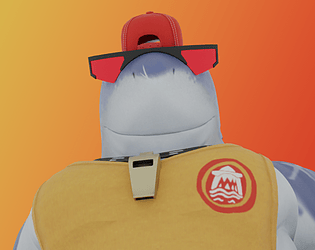
Don't make him blow the whistle.
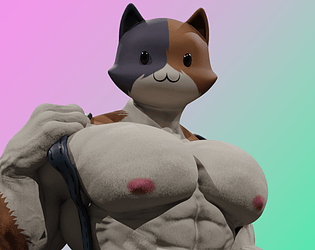
He's one swole cat.
A loyal mountaineer with quite the bite.
"Yes! Yes!! THIS is what I've been waiting for!
Skate with rattitude.
Nothing's gonna change his stripes.
Captain... Get ready to howl!
I will avenge Scar...take his place in the Pride Lands.
Respect the vision.
Ka ka ka ka ka. (I'll take you on.)
He's a man... bird... something?
What's Your Favorite Scary Movie?
Are you stupid!? I am the Nine-Tails!
Unleash the beast.
Three fearless, ruthless, very good boys.
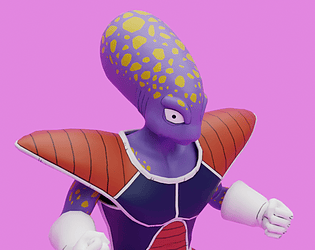
Alien cronie twink built for buff fat assed tyranical rulers
Howl into the Unknown.
"Ah, good. I see you have managed to open the door."
"Don't mind us, we're just robbing this place."
"I don't just infect you... I control you. In other words, I BECOME you!"
"Hmm... It's time to attend today's matters."
"I'm kind of a math nerd, but that doesn't stop me from beating on some thugs."
"Dispel the gloom!"
"Let me organize that afternoon tea."
"Weaklings deserve to be smashed."
"You want to work with me? Bring something to the table?"
Is your planet ready for evaluation?
Become the dragon.
Two-tailed trickster.
"I'm fast as fuck!" (SeeReax reference)
What's yours is his.
"I'll get an adult toy, then!"
Drippy and dangerous.
"Who is your favorite fearless hero?~"
The beginning of the tanuki warrior dynasty.
"I CAN DO ANYTHING!!!"
"We don't need some crazy long hour tutorial!!"
Fight to reach your dream.
"Hey team, enjoy the amplifier!"
I'm Cait Sith, fortune teller extraordinaire!
"Your ears are too floppy."
Super Pets, activate!
"You are permitted... to hug me."
"None can be my equal!!"
He's not your typical bear 🐻
On the hunt for Peelverine, when he isn't napping in the sun.
"Yes I'm a frog alright >:("
"You kiss me tomorrow, I'll bite your face off! Ciao."
"Isa Dajuli Jigi Bomgo Meega Soog?"
Thank you for releasing me!
"It's called a hustle, sweetheart."
Sweet dreams, boss.~
College be tough huh?
The Vibes that started it all
Bikini Bingus Vibes!
Mini Bikini Fox Vibes!
Who doesn't love a good boi?
"Death comes for us all."
Should be a synch for the material IMP
A fox gettin' a gud stretchin'
MATERIAL IMP
Hawt Chicken on the Menu
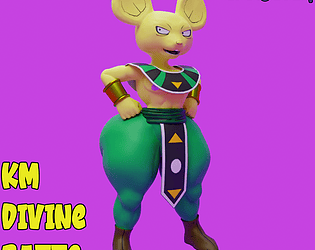
A divine lil rascal