





目前沒有,工具使用上還蠻直覺簡單的每個效果都可以在工具面板直接預覽,並直接新增到當前遊戲畫面.
可以參考看看前面幾篇教學應該就能理解了
Hi everyone!
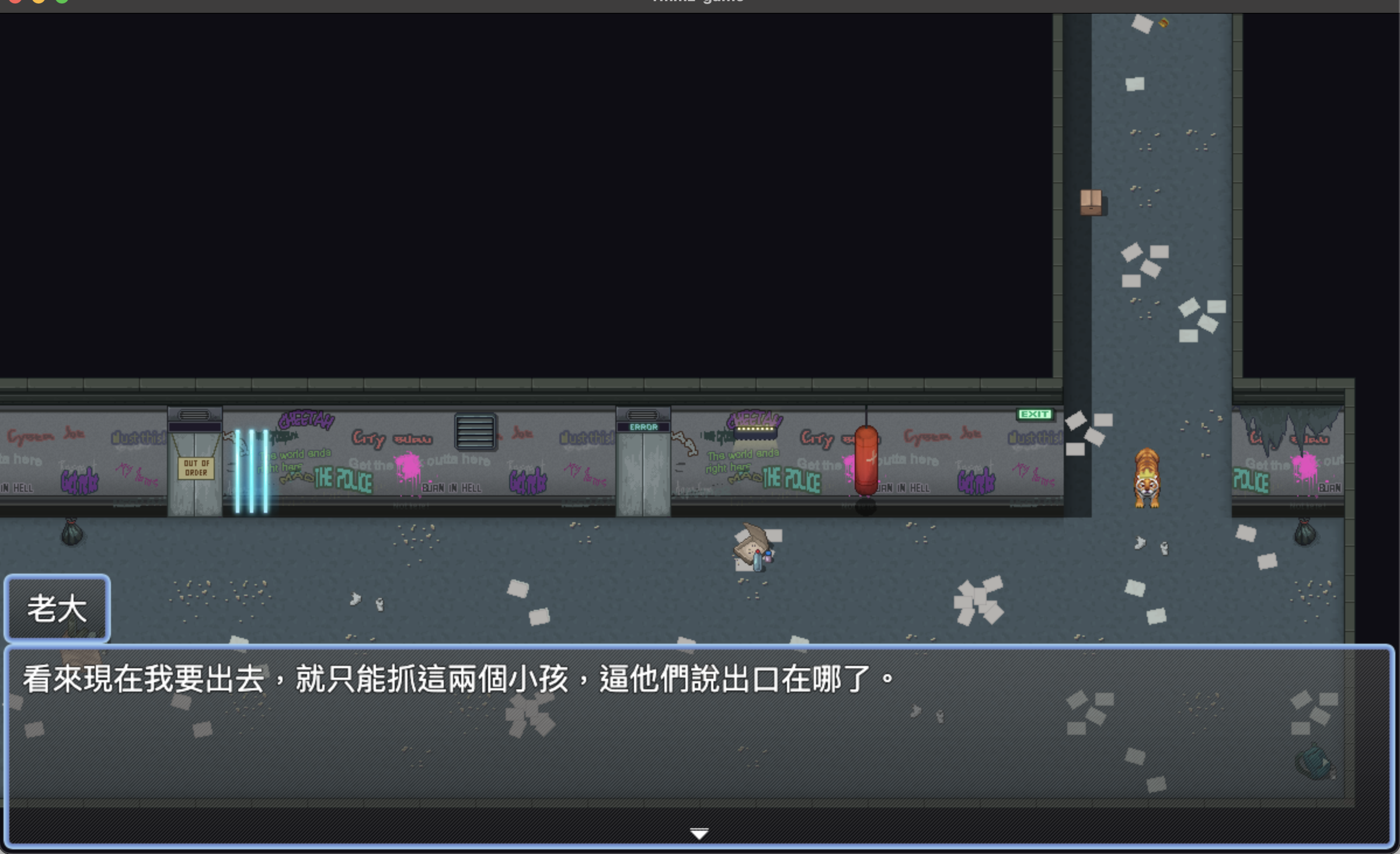
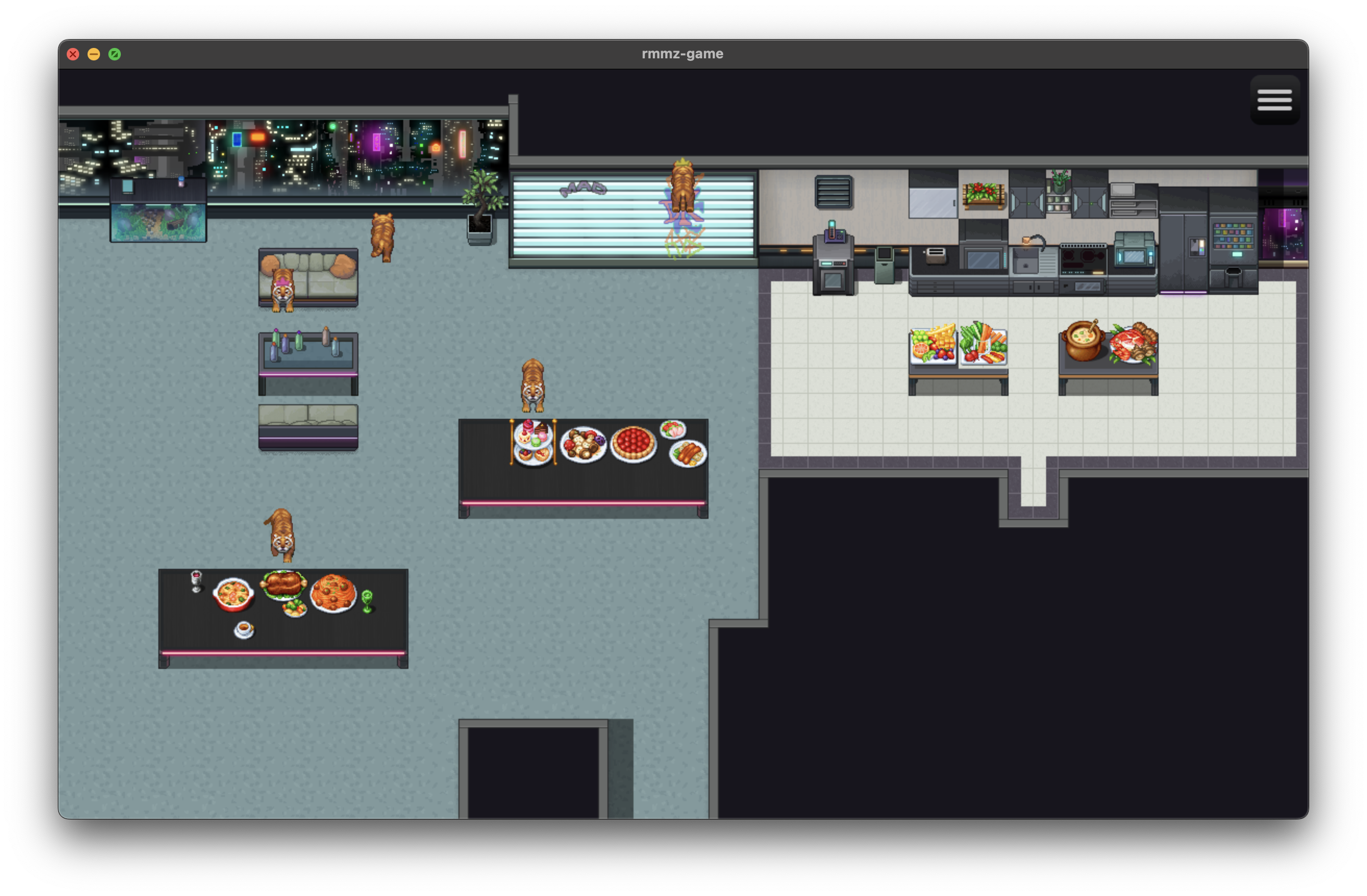
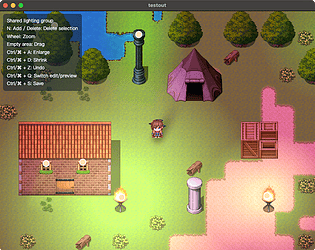
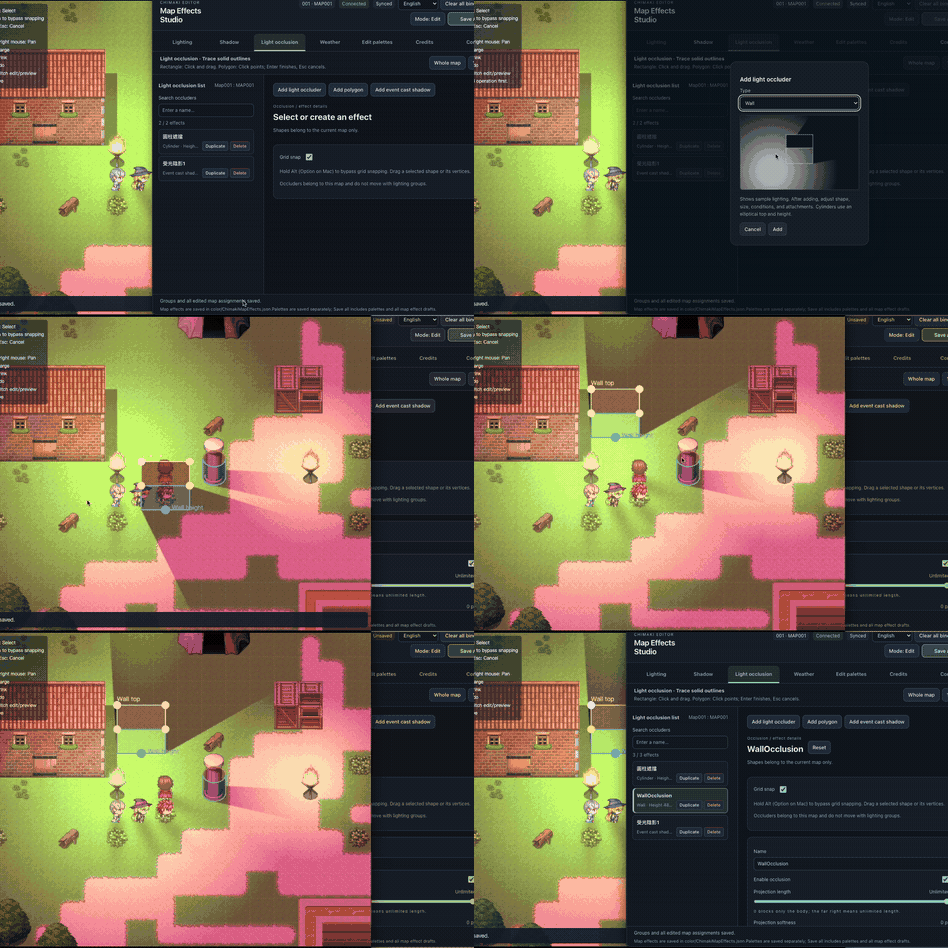
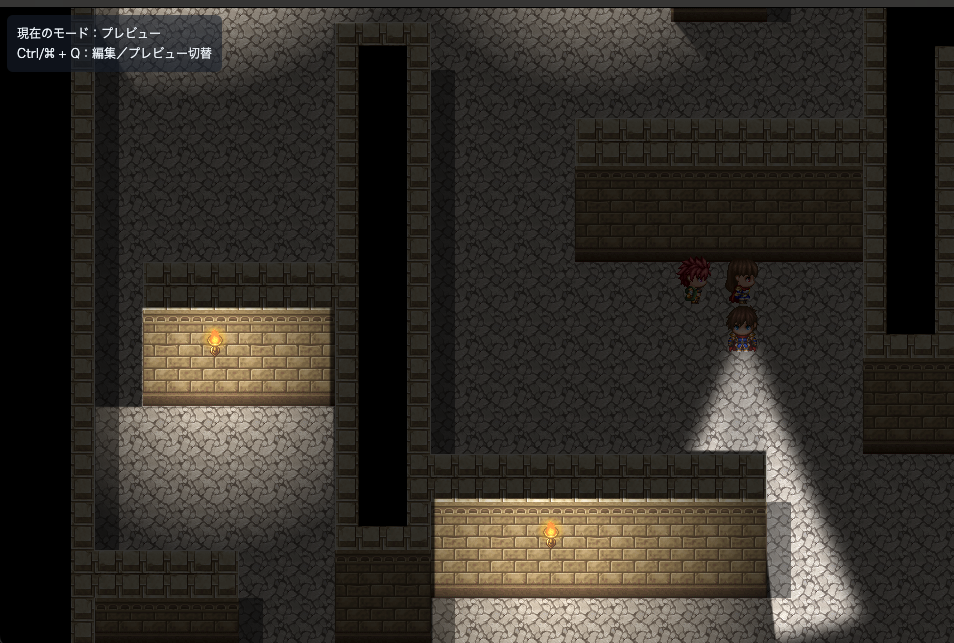
Adding lighting to improve game visuals in RPG Maker MV / MZ used to take complex setups and endless back-and-forth testing. I created this tool to fix that exact pain point—now you can edit and apply lighting and weather effects directly in real time!
I designed this tool to be effortless for everyone, whether you have an art background or not. Beyond standard art software shortcuts (like Ctrl + Z, Ctrl + S, etc.), it comes with a wide range of presets. You can easily add, move, duplicate, and fine-tune lighting effects right inside the editor!
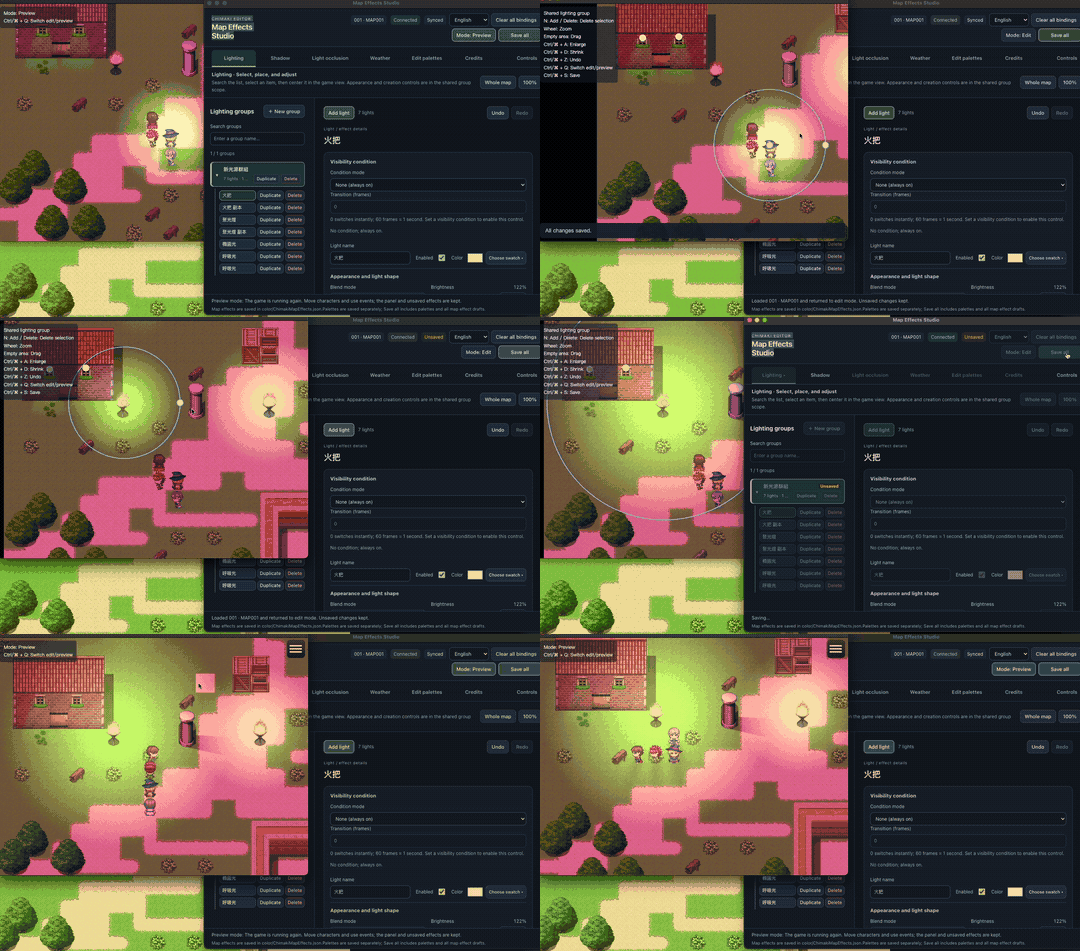
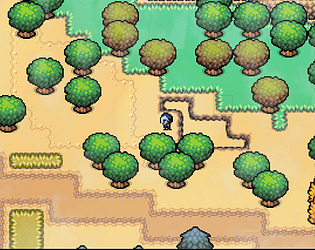
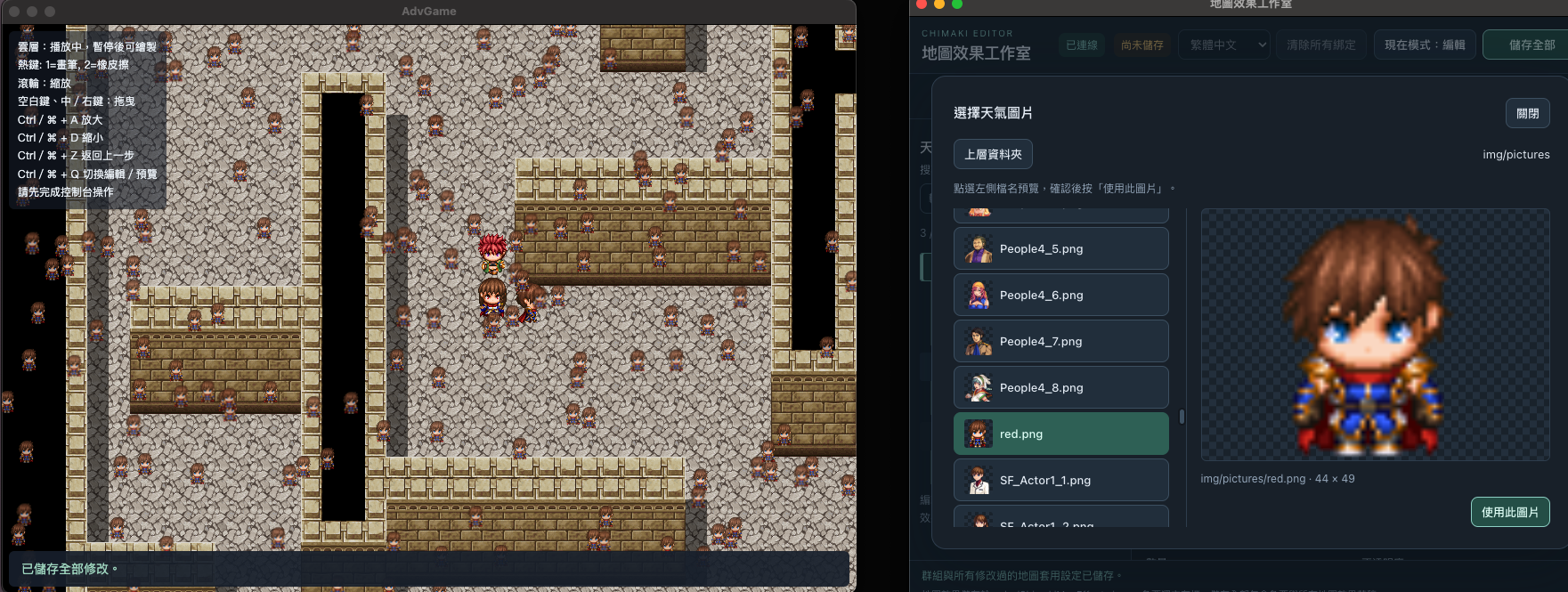
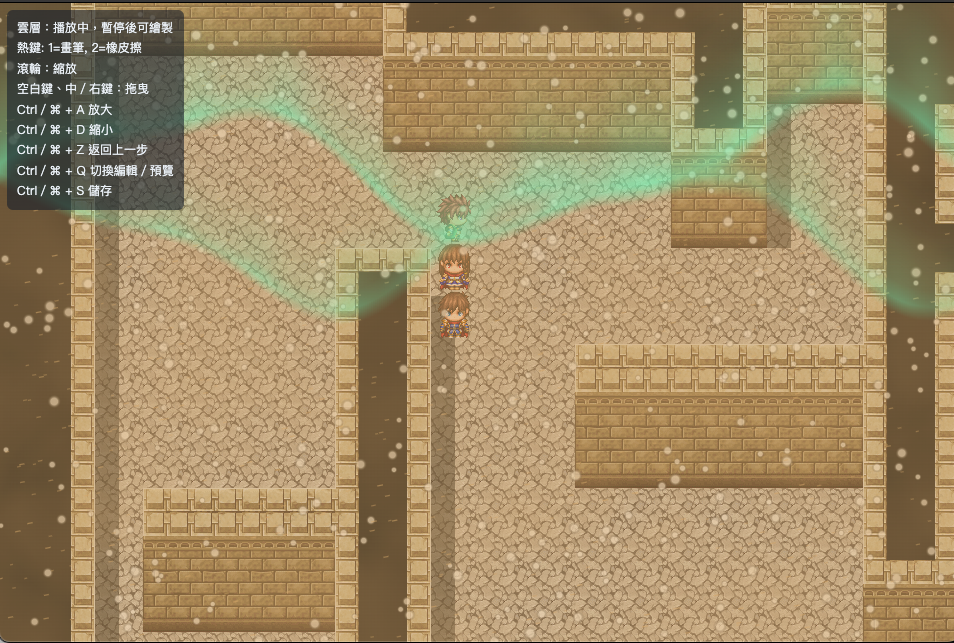
On top of that, the tool includes customizable weather effects—and you can even run weather systems using your own custom images!
I hope this tool makes creating and editing effects a breeze for you!
Check it out here (currently 10% OFF!):