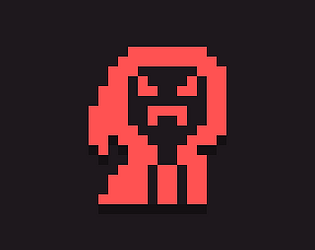
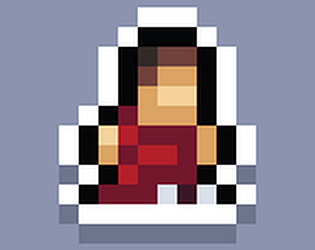
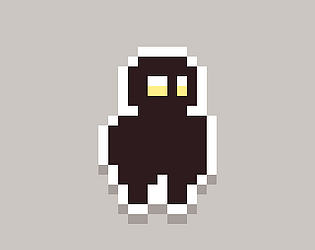
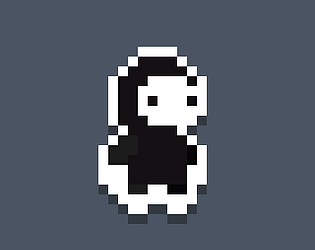
Uh oh! Did you happen to press the left/right arrow keys? I realized I forgot to remove that debugging feature when I uploaded originally. Hopefully it's fixed in this patch!
Hi everyone! Thank y'all so much for your help over the last few days! I require aid once more. I'm trying to use a deck-level script to do various things (for example, make dice rolls based on an attribute on a contraction within the current card)
I tried using card.widgets.widget_name.attribute_name, but it seems to only work with specific_card_name.widgets.widget_name.attribute_name. Is there any way for me to access the widget on the current card?
For more details, I have a contraption that represents the game's UI and stores a few pieces of data (stats, HP, etc.) and I need to reference that stuff on each card. (I found this post that I think will help me moving the UI between cards, but I'm not sure how to reference the contraption per card)
Hi everyone! (getting tired of me yet?) Been banging my head against what I feel like should be a simple problem but I can't figure it out.
Basically, I'm trying to make it so that when the player clicks on a coin, it gets destroyed and adds one to their coin counter. As of right now, I have a contraption that has an image and a field to hold this data (this part works as intended). When I use the listener to change the value, it works as intended, but not when called by the deck script. I have another contraption send a "coin_pickup" event to the deck, and the deck catches it and opens a dialogue box (this part works). But it is not changing the value of the coin counter after.
What's the way that I should be doing this?
Hopefully that made sense. Here's the deck code:
on coin_pickup do
 dd.open[deck ddstyle]
 dd.say["you found a coin."]
 dd.close[deck]
 coins.value:coins.value+1
end
Thank you! I did try this earlier but I didn't know how to reference it ( was putting deck.ddstyle). It can handle the position! but it seems like it can't handle the size from calling dialoguewindow.size. (but I can just set the size manually since I have the measurements). Thank you so much!
Hi everyone, me again. I'm trying to make a style for my game using dialogueizer, and I got it working as intended when the dictionary is defined in the widget I'm calling dd.open from, but if I try to store it elsewhere and reference it (closest I've gotten is a grid), it doesn't seem to be able to pass all the data. Is it possible for me to be able to store the style once and reuse it without copy-pasting code?
namely, I've having trouble with size (I can make it work if I manually set the numbers, but I'd like to use the other widget's size if possible) and position (no idea how to make that one work).
My calling code:
on click do
 dd.open[deck style.value]
 dd.say["test"]
 dd.close[deck]
end
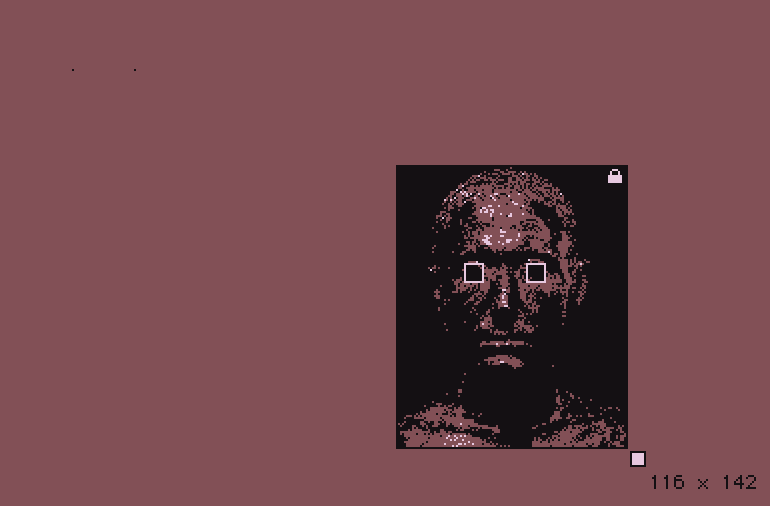
Weird, every time I click edit I can see the images but clicking save doesn't upload them. it's a bit hard to see, but I copied the eye contraptions and placed them where they should go, but the pupils appear way off to the top left.
Hey everyone, I'm trying to get the Eyes contraption to work within a prototype contraption but the offset puts the pupils way off in the corner. I'm not sure exactly what I need to edit to change the offset to work with the prototype.
Screenshots below of the contraption code and the issue.
On windowss, go to your downloads folder and find Sorcerer Shootout.zip. Open the file, click on Sorcerer Shootout.exe, extract all and you should be good to go :)
Neither, if you don’t want to. A theme will be announced on October 1st and you have to make a game around that theme. It’s just an optional challenge to make it spooky or October/Halloween based. :)
Fun game! I love the pixel art and the game play was fun. I did encounter a glitch, however. The game's hp bar was empty but nothing happened? I stayed there for a while but nothing happened. I enjoyed my experience but I wish i could've seen what was at the end.